



Baroket
-
Joined
-
Last visited
About Me
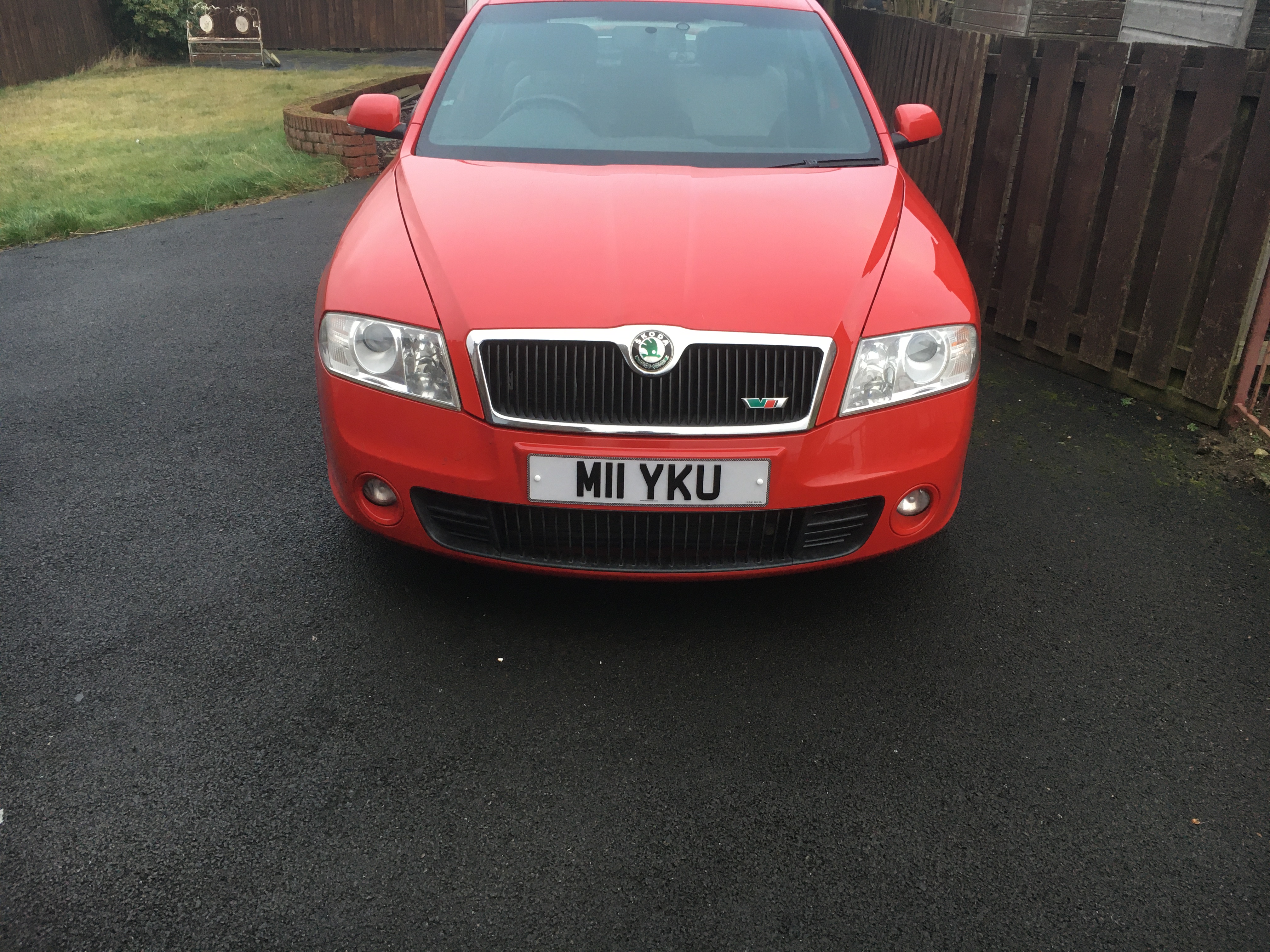
E0A: No special edition
1D0: Without trailer hitch
6UB: Left exterior mirror, power-adjustable, convex
6TC: Right exterior mirror, power-adjustable,aspherical
1KP: Disk brakes in rear
6FB: Body-colored exterior mirror housings
1AT: Electronic stability control (ESC)
3FA: Without roof insert (standard roof)
1N3: Speed-related variable steering assist (Servotronic)
1NL: Trims for alloy wheels
H7D: Tires 225/40 R18 92Y xl
4UF: Driver and front passenger airbag with front passenger airbag deactivation
4R4: Power windows with comfort operation andcircuit breaker
3NW: Rear seat bench/backrest, split folding with center armrest
3QT: 3-point seat belts in front, with pretensioner and height adjustment
4X1: Side airbag in front
4A0: Without seat heater
8L3: Roof antenna
J1L: Battery 280 A (60 Ah)
7AH: Electronic engine immobilizer with anti-theft alarm system, interior monitoring, and backup horn
8GU: Alternator 140 A
6Y0: Without cruise control warning system
9AK: Climatronic with impact pressure control, CFC-free
8RM: 8 speakers (passive)
7Q0: Without navigation device
8YH: Radio, version 1
8QL: Key for locking system with remote control
8X0: Without headlamp washer system
4K3: Radio remote controlled central locking operated from inside and SAFELOCK
B09: Type approval country Great Britain and Northern Ireland
G07: Shock absorption in front
QN1: Drawer under left front seat
3L3: Manual height adjustment for front seats
9P1: Seat belt reminder, electric contact in buckle
7X0: Without park distance control
9W0: Without car phone preparation/ installation
8WR: Front fog lamps
7A2: CD changer
3GA: Without cargo area
QG1: Service interval prolongation
0GG: Emission standard EU4
L55: Suspension range 55 installation control only, no requirement forecast
7P4: Manually adjustable lumbar support in front seats
F0A: No special purpose vehicle, standard equipment
3S4: Preparation for roof load rack
2UC: Sports version