golf2
Members
-
Joined
-
Last visited
Everything posted by golf2
-
Hi all, One of my rear door tweeters is dead in my mk3 octavia and I'm looking for a replacement. The part number on the rear of the tweeter is 5E0 035 411 B. Does anyone know where I can source one? I haven't seen any on eBay but was wondering if anyone on here has upgraded theirs and have the original ones laying around. Thanks.
-
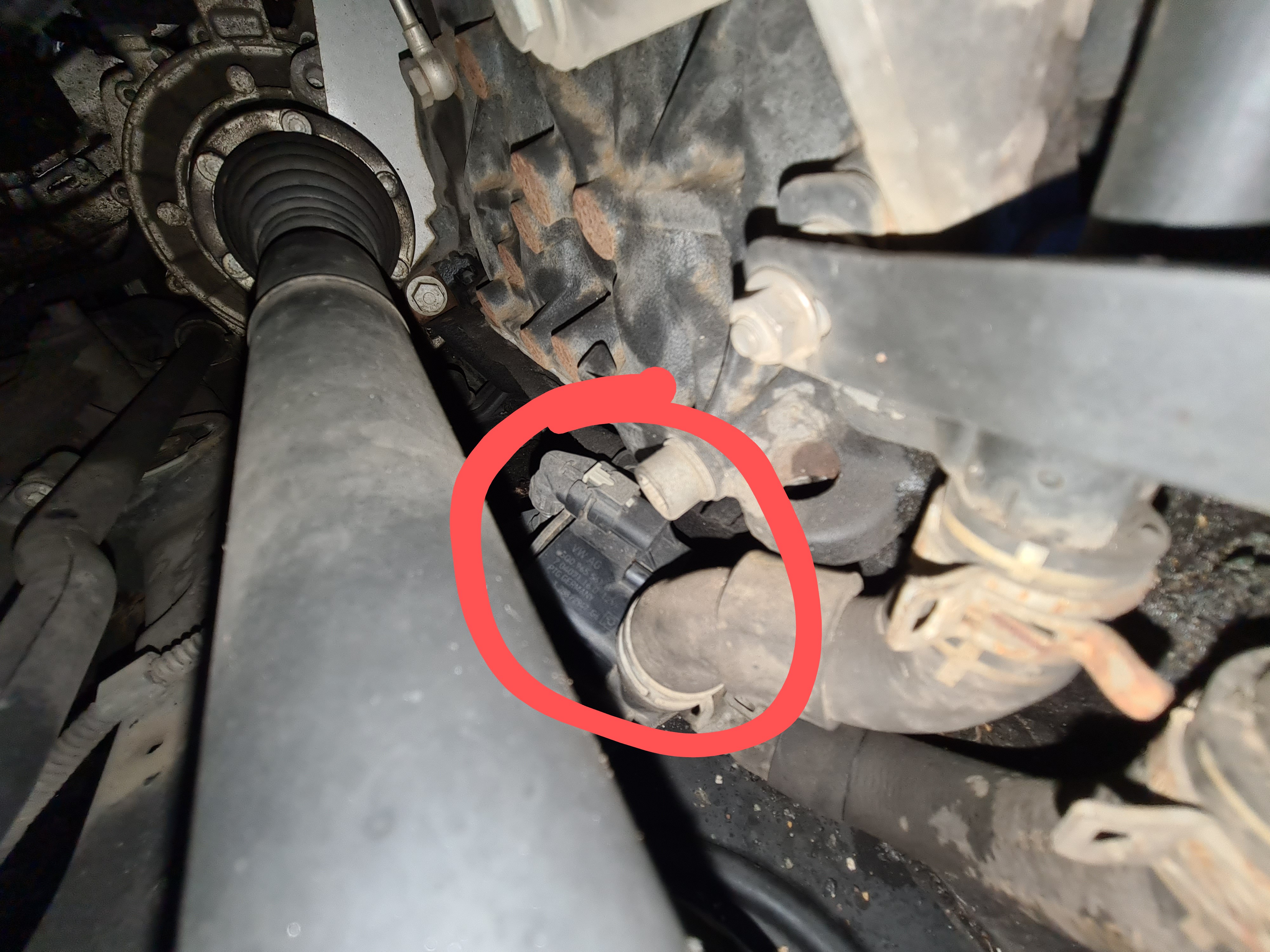
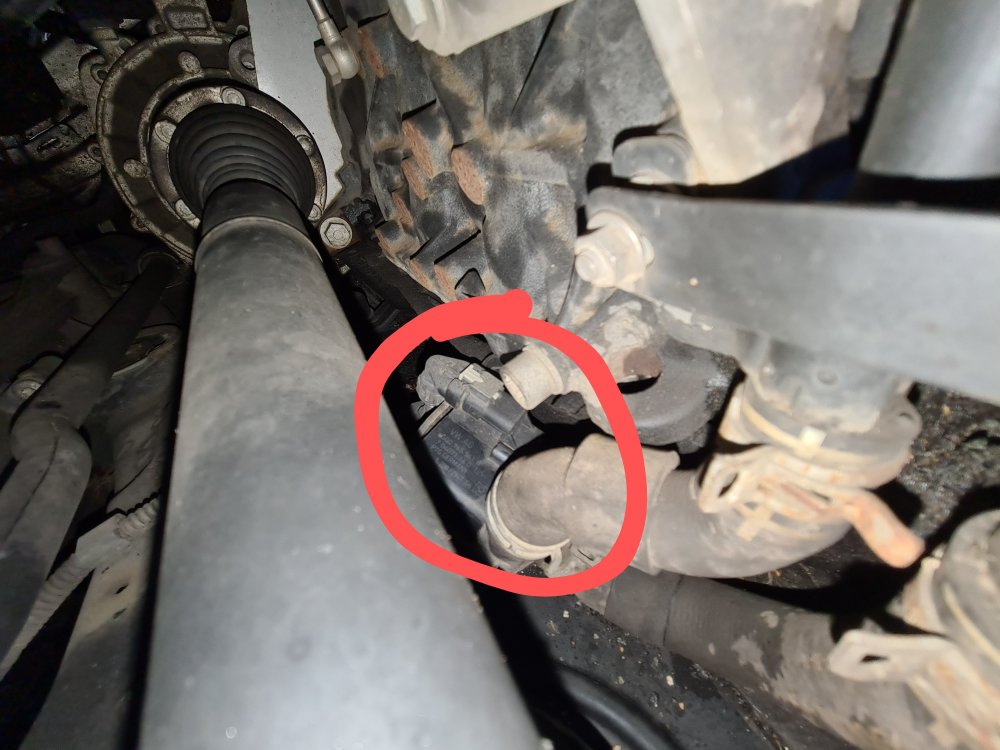
Just for future reference if anyone else does this job, the part number for my car was 5Q0965561B and it cost £200 from Skoda I'd also recommend leaving the arch liner in place and remove the engine under tray instead. Access is too limited from the wheel arch.
-
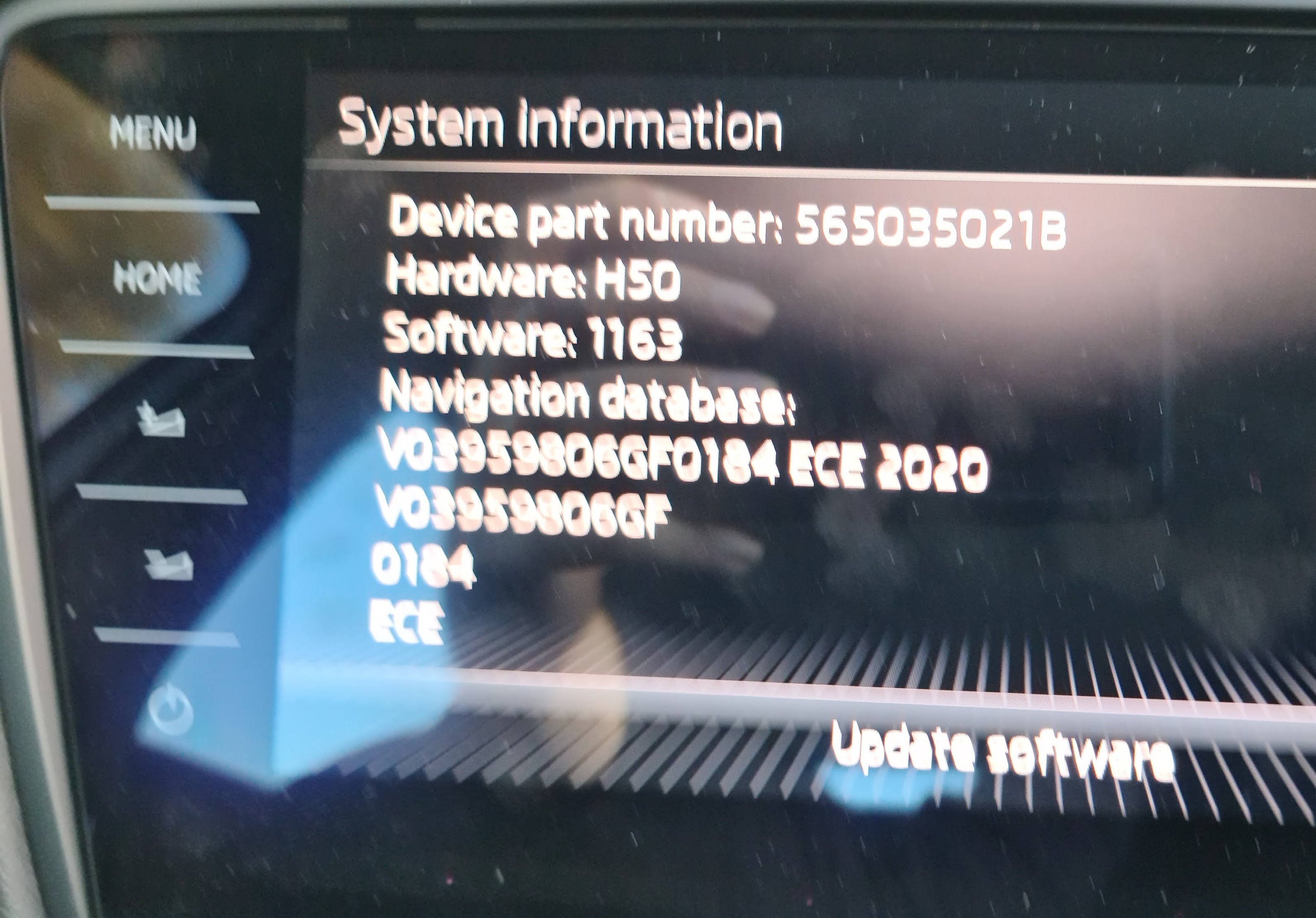
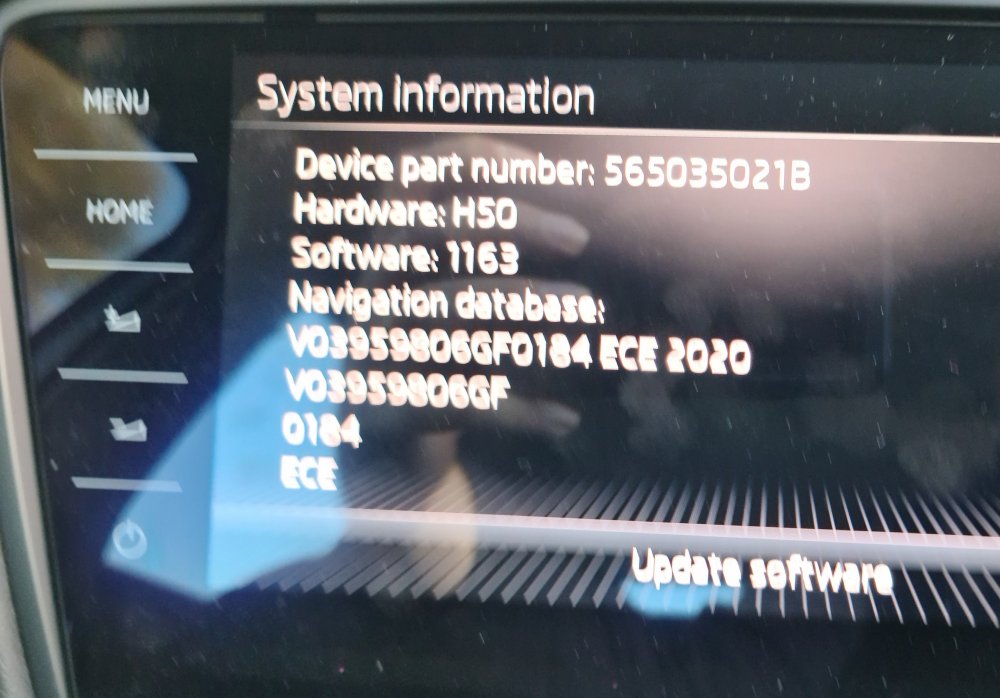
Thank you for the link! I already tried getting maps from the update portal but I wasn't sure if they would be the correct ones as my head unit is upgraded and different to what is linked to my VIN number. Are the maps the same for all head units (Amudsen, Columbus etc)? Thanks again! Really appreciate all your help on this forum.
-
Do you please have a link to the latest firmware and maps for my MIB 2.5? Thanks in advance.
-
That's great, thanks! Exactly the information I was after. Good idea to access it through the wheel arch liner
-
Thanks, that's good to know.
-
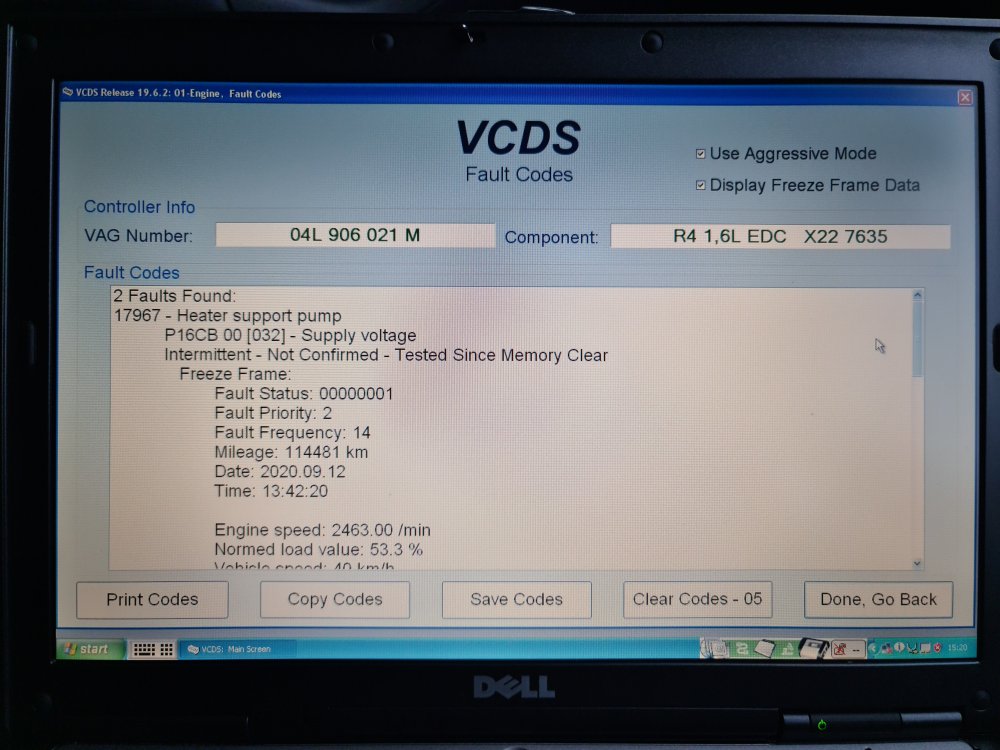
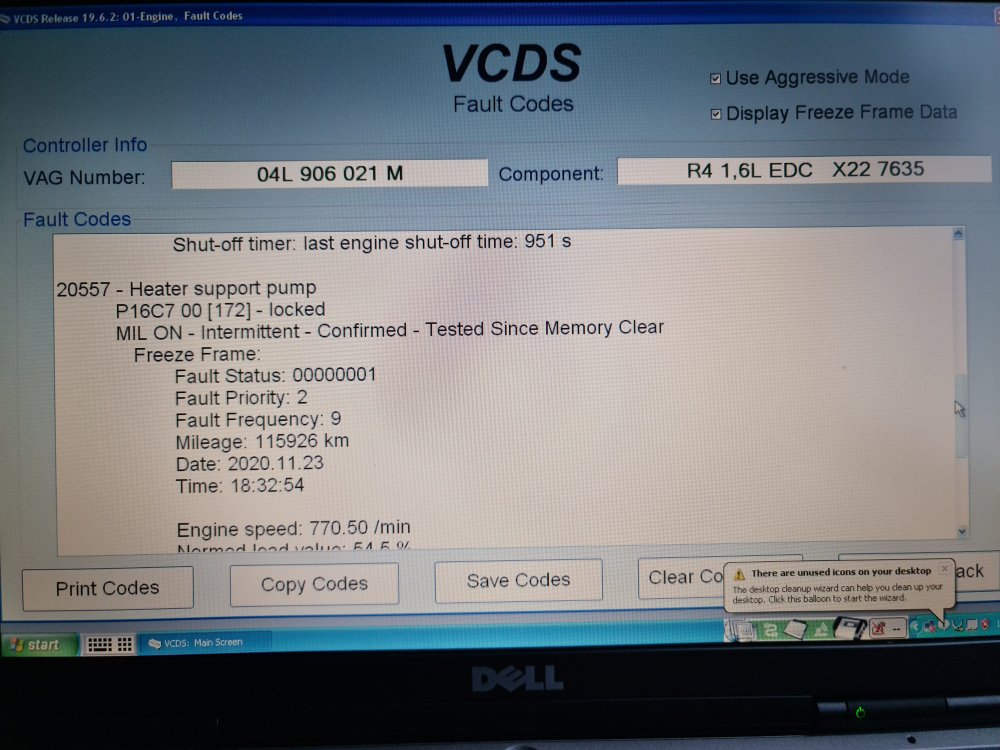
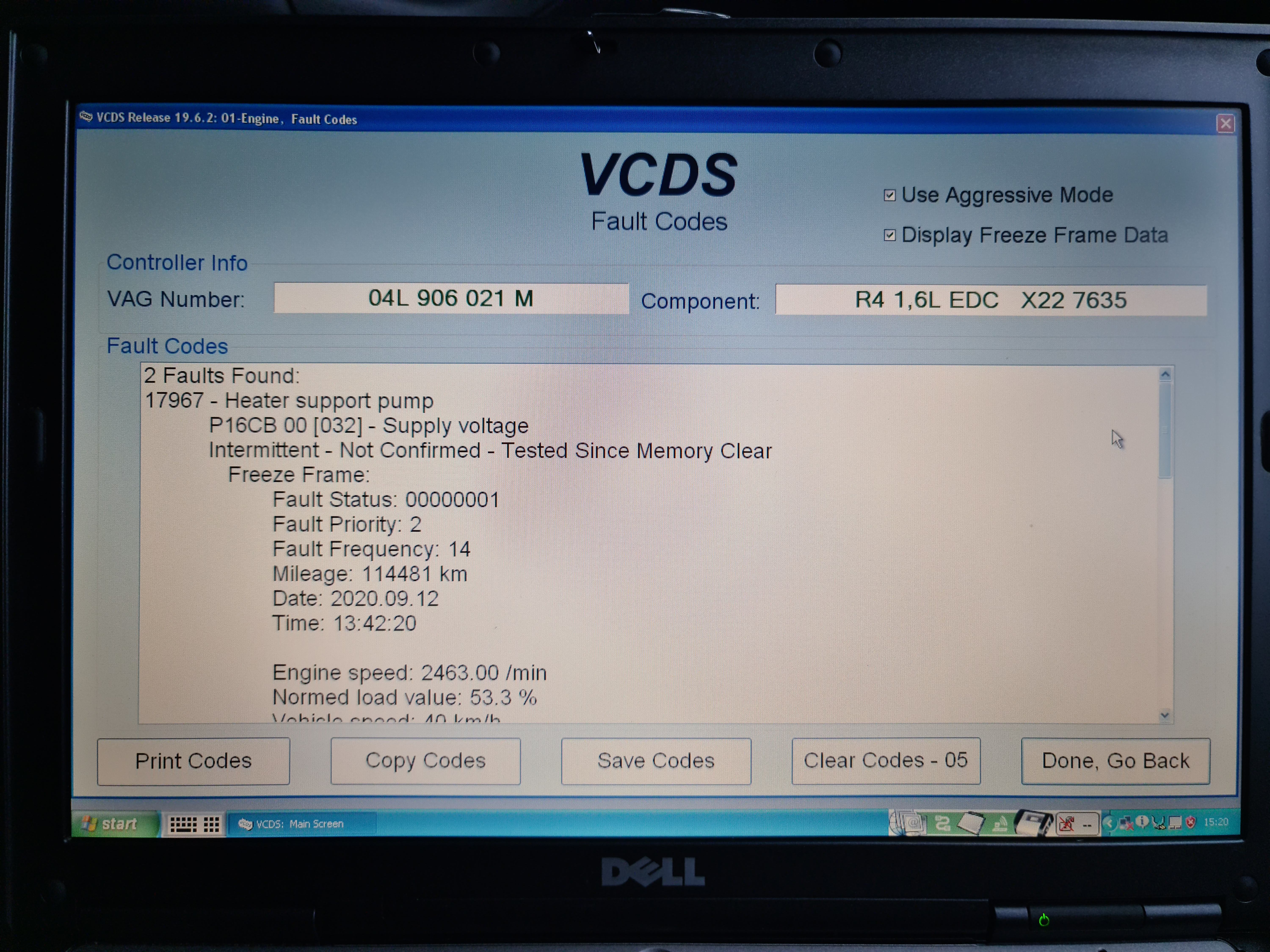
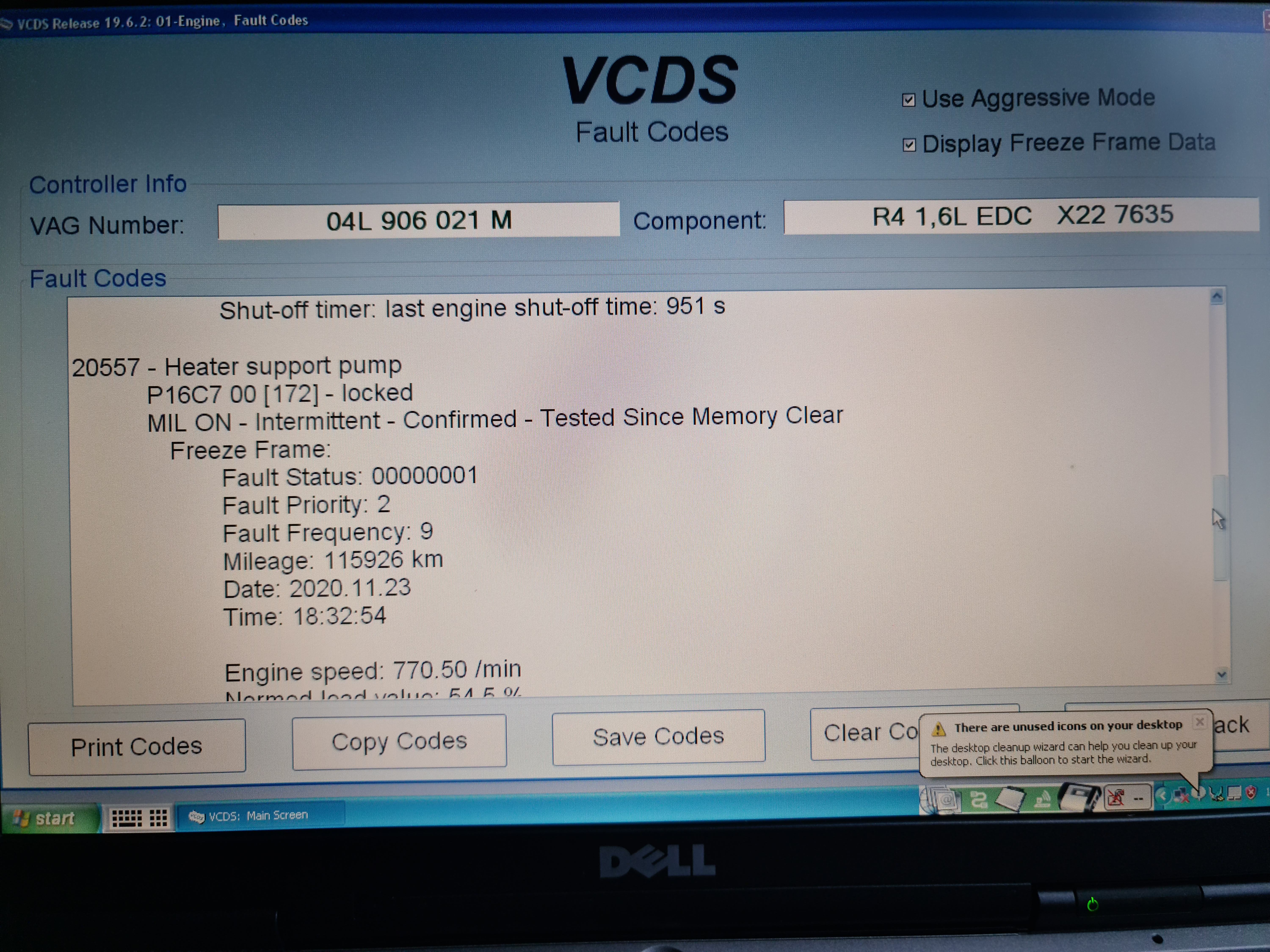
Hi, I recently had the check engine light come on, which stays on permanently. Using VCDS, I can see this is due to a faulty Heater Support Pump. As far as I can tell, this part is also known as the Auxiliary Water Pump or Addition Water Pump which circulates coolant for a period of time after switching off the engine. Before ordering a replacement, I just wanted to ask on here if anyone has had this problem and if anyone knows the correct part number or approximate cost? Thanks in advance.