s88urd
Members
-
Joined
-
Last visited
-
Hi all, is there anyone who could possibly help me get the correct OE part number for replacement front coil springs please. Can provide VIN number etc :)
-
No dash warning, however an error when scanning with VCDS and the automatic recirc no longer functions correctly. Fault Found: 263425 - Air Quality Sensor B10AF 04 [008] - Internal System Fault Intermittent - Confirmed - Tested Since Memory Clear Freeze Frame: Fault Status: 00000001 Fault Priority: 3 Fault Frequency: 26 Reset counter: 35 Mileage: 78332 km Date: 2025.07.16 Time: 15:45:19 Outside air temperature: 29.0 °C Voltage terminal 30: 13.2 V System run time-Engine running time: 253 s System run time-Terminal 15 on: 253 s Air quality status: Clean air System run time-Engine running time: 253 s System run time-Te rminal 15 on: 253 s
-
Yes looking at different options as £88+vat seems quite a lot. Just wanted to be sure if part number so I can cross reference:)
-
Awesome, thankyou as always @Breezy_Pete
-
Would it be possible for someone with etka (or similar software) to provide me with the correct part number for the air quality sensors on my 2018 superb please. I can see there are multiple revisions and not sure which one is correct. Vin is TMBDE7NP5J7575222
-
much appreciated as always :) thankyou
-
@pab567 my VIN is TMBDE7NP5J7575222 :)
-
I have the same fault code to. DAB seems ok, however signal strength is patchy in certain areas (but same areas as with a different brand DAB radio in an previous vehicle) @pab567 if I provide you my vin can you advise of the antenna replacement required please?
-
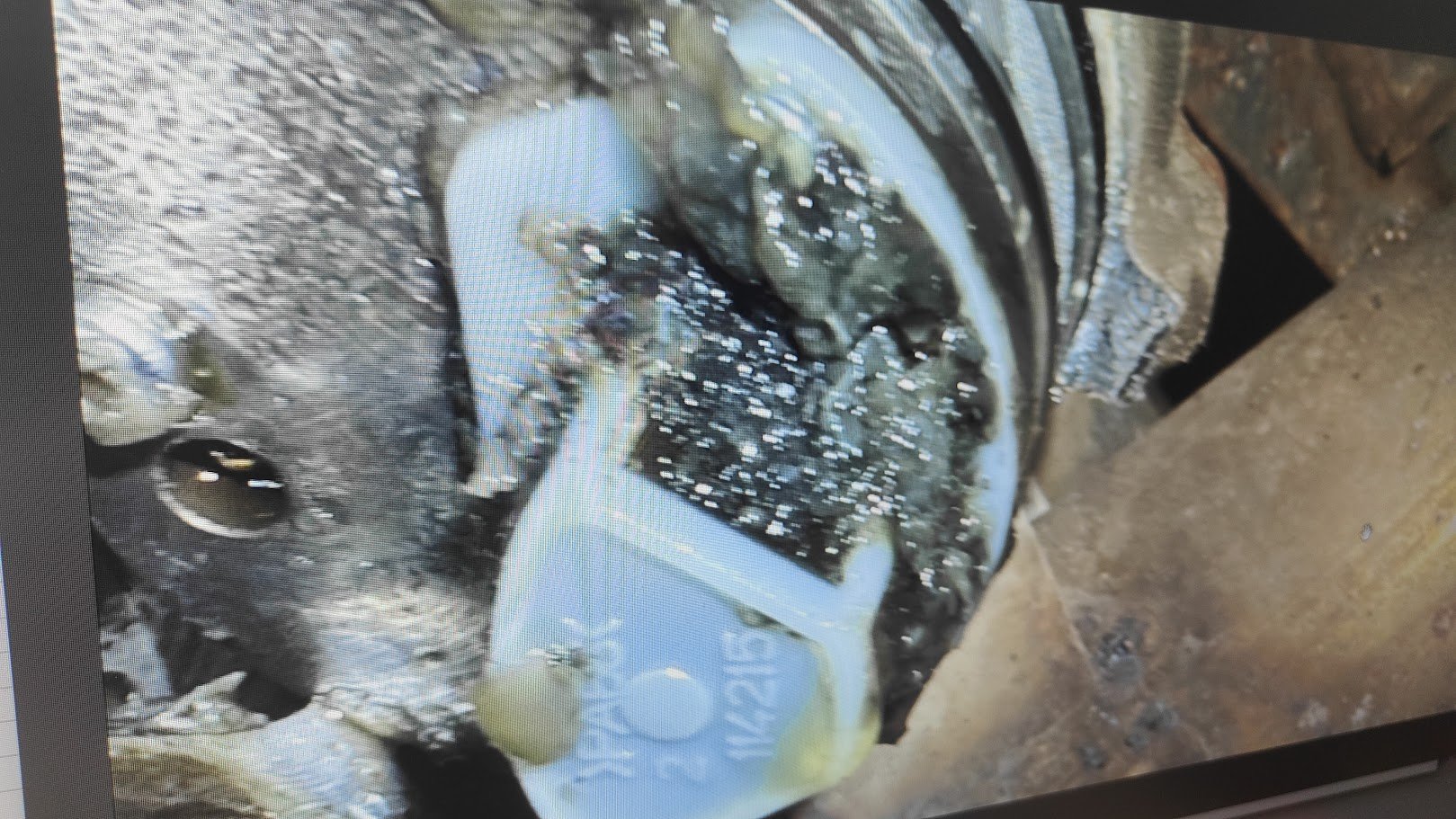
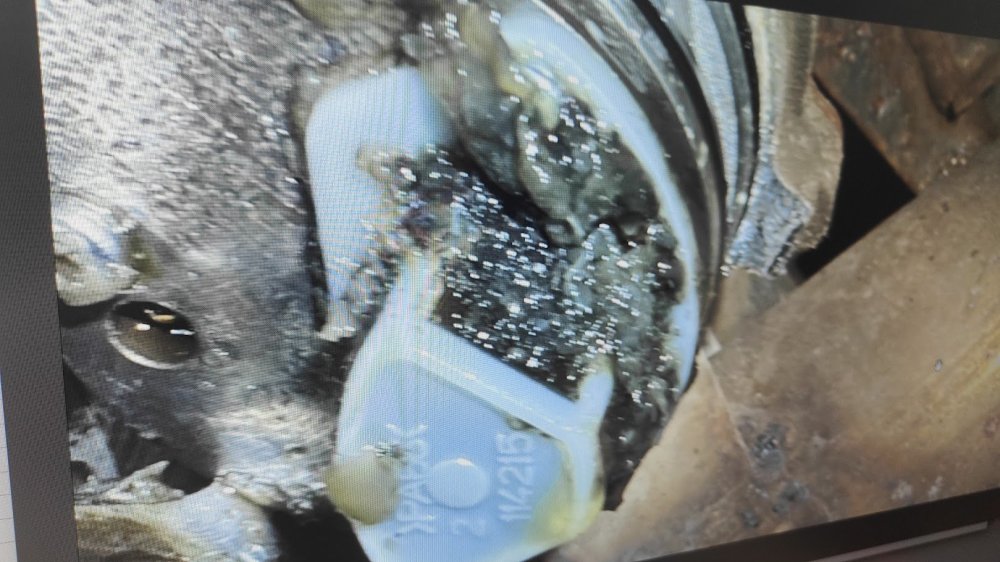
Excuse the poor picture quality, but this was mine after 48k miles and having 2 haldex services performed in that period at a main dealer.
-
Hi all, Bit of a random (and maybe pointless) post but just wanted to stop my mind from worrying. I recently had the battery on my 280 changed by halfords. They replaced it with a Yuasa YBX7096 but left one of the red 'bungs' in the positive side vent hole. Looking at the battery itself, it looks like there isnt one present in the negative side of the lid. I cant seem to find/see any sort of vent tube for the battery so I am confused if both vent holes need to be unplugged or just the one. I tried looking at pictures of the old battery (as halfords took it to dispose of) but I cant clearly make out if the positive side of the lid has the bung/plug present. Can anyone advise or check if thier battery has a vent tube fitted and if they have a bung present in the vent hole of the positive side of the battery? I realise this may differ from battery to battery but appreciate any response :) Much appreciated.
-
The previous owner of my Superb had it maintained by main dealer only, and it had 2 haldex services in this period. Not once was the filter/gauze cleaned, so when I had the first service done I took it to an indy and took photos of the pump...it was in a horrid state. I called the skoda dealer and they basically said as above (its not detailed in the workshop manual) they even refused to clean the filter/gauze with me offering to pay the extra in labour. My advice would be to get it done by a trusted indy who take the pump out and give it a good clean.
-
Where are you based?
-
BTW part number works at VW, Skoda, Audi and Seat. So if you have a VAG dealer closer than your local Skoda dealer they should still be able to help.
-
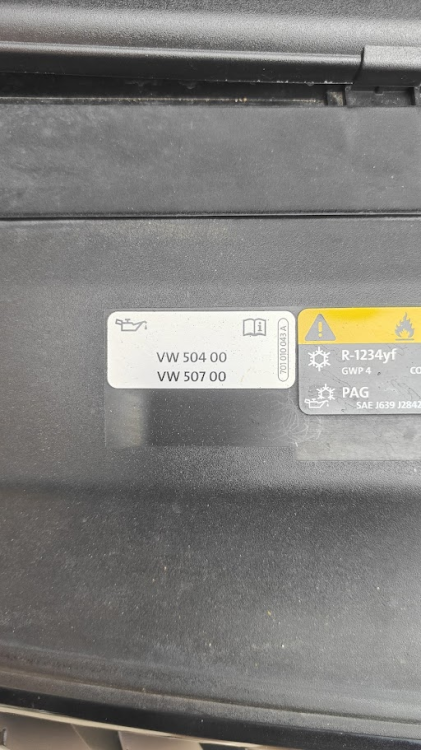
Just near the bonnet catch
-
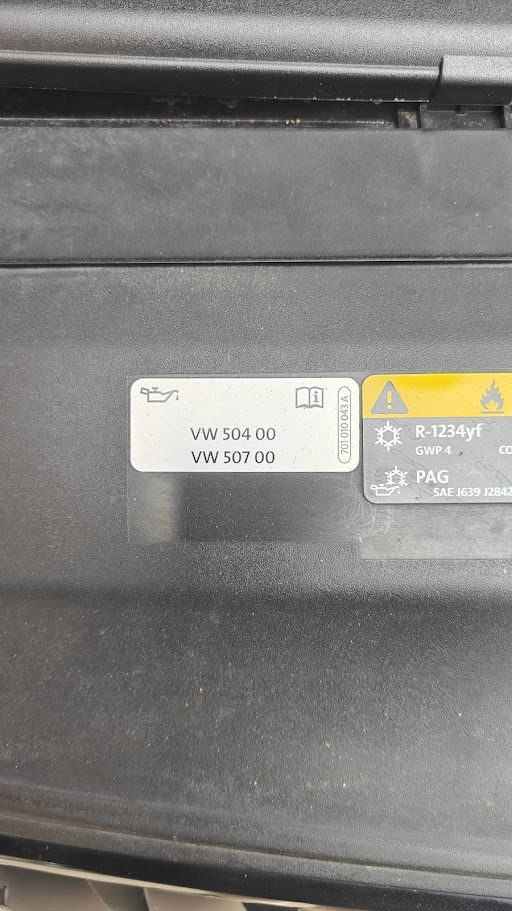
My 2018 TSI 280 (CJXA) has a sticker for 504 00/507 00. Recently had a service at a indy and they used 5w30 Castrol Edge LL