Skip to content

Rizzoed

Finding my way
  • Joined

  • Last visited

Everything posted by Rizzoed

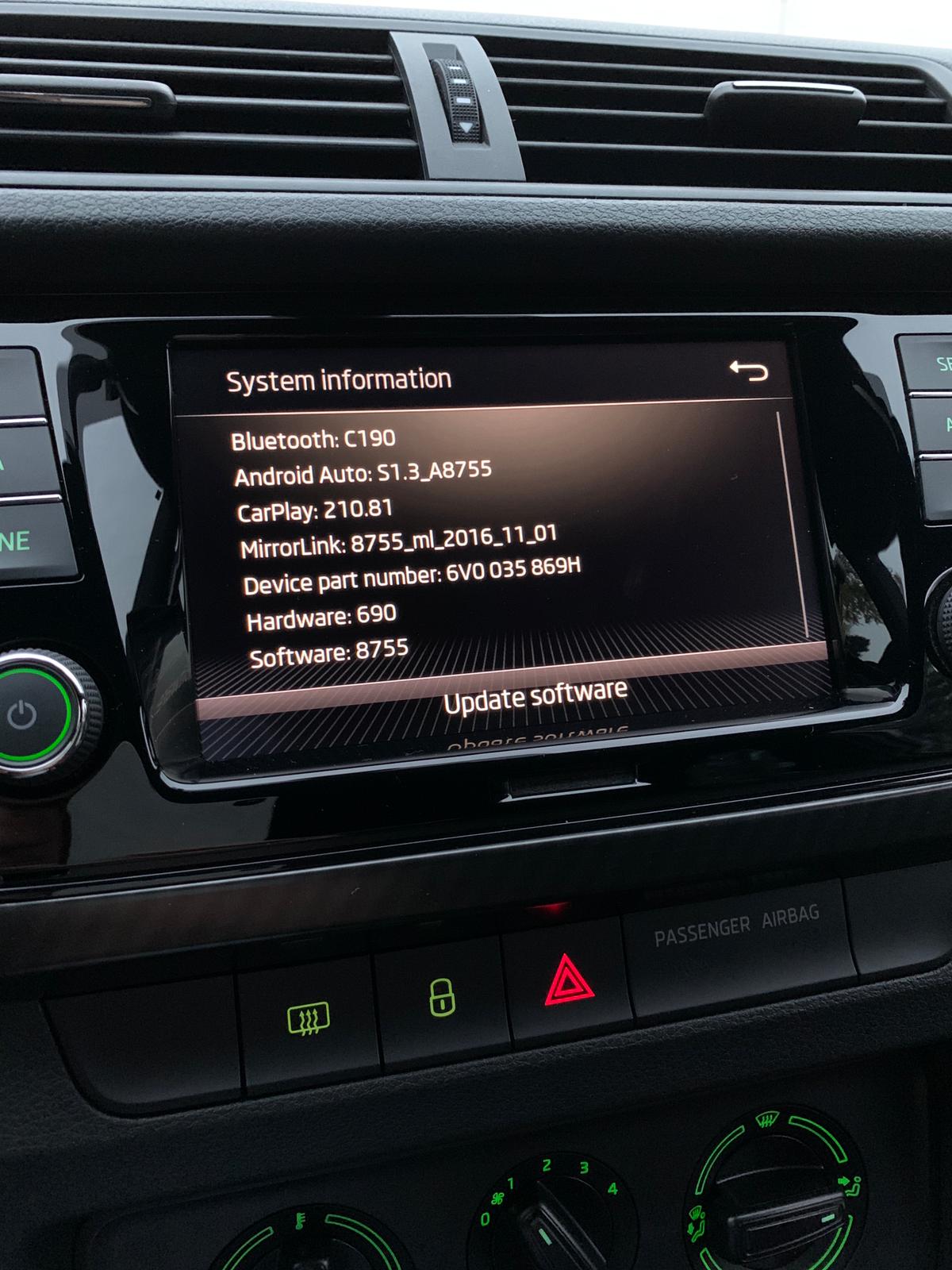
  1. I was at the dealer for about 1h30m. Haven't used it much, about 500km in these past 2 months but yes the playback seems to have been fixed, can't say much about the call quality. In the end i decided to sell and now i'm searching for an S3. My VIN never showed up on those websites, and the dealer never contacted me even though i was on their back for over a year trying to fix the issue. I had to physically go there and demand a fix. Overall a pretty poor experience. I can attach my current software.
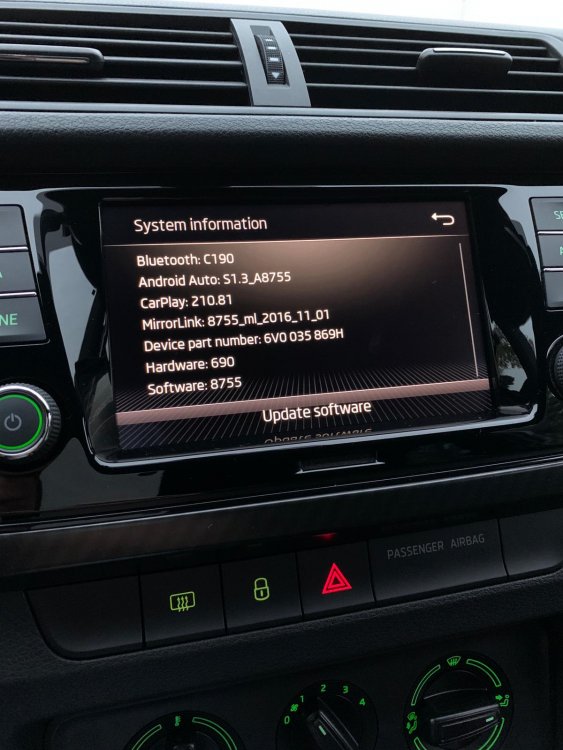
  2. Update: On Friday 18/09 i went to my local Škoda dealer to complain that I've had this issue since they first delivered my car back in August 2019. I was livid as my previous attempts to fix this issue went ignored for over a year now. I arrived with no intention of leaving until they fixed my issue whether that was changing the USB port or the entire head unit. They told me there was a software update available for my HU (released 31/08/20, why did i have to show up to know this instead of being notified via email or something IDK) and they said it should fix my issues with the echo whenever someone talks to me via CarPlay and the stuttering except Spotify, that may still have stutters... which is what i mainly use. I've done about 100km since the update and so far no issues with stuttering... but i tried calling my mum and said that sometimes she can hear her echo still... I'm getting real tired of your **** Škoda, i might just sell the thing and buy a 2008 S3...

Important Information

Welcome to BRISKODA. Please note the following important links Terms of Use. We have a comprehensive Privacy Policy. We have placed cookies on your device to help make this website better. You can adjust your cookie settings, otherwise we'll assume you're okay to continue.

Account

Navigation

Configure browser push notifications

Chrome (Android)
  1. Tap the lock icon next to the address bar.
  2. Tap Permissions → Notifications.
  3. Adjust your preference.
Chrome (Desktop)
  1. Click the padlock icon in the address bar.
  2. Select Site settings.
  3. Find Notifications and adjust your preference.