




Rantzzz
Finding my way
-
Joined
-
Last visited
-
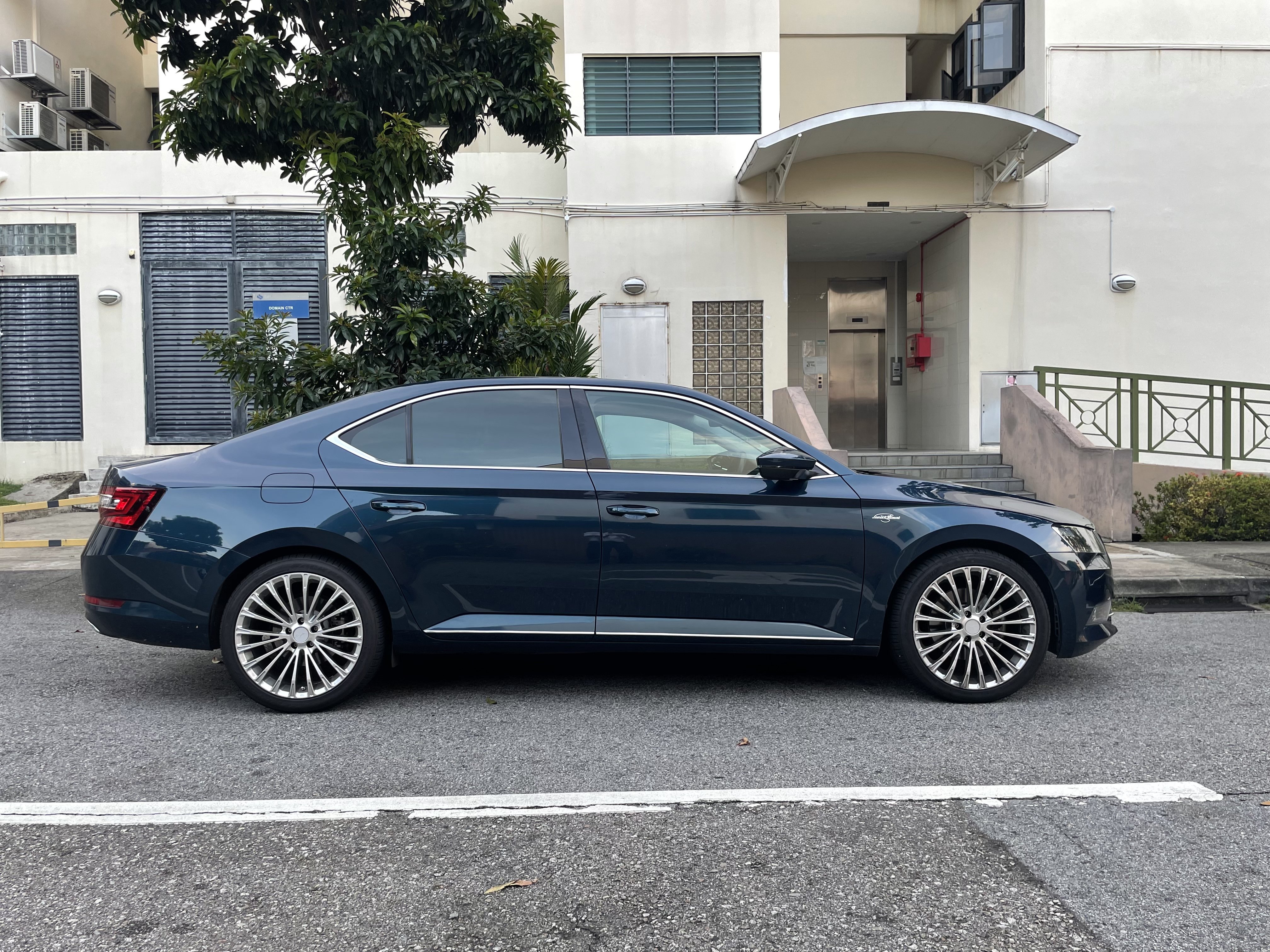
Yes 19” breyton LS2 they give the car such a muscular look, it’s great!
-
thanks for your recommendation I have fitted the chrome strips and they look perfect! they have some problem with remaining stick onto the body though so may I ask did you apply glue to the surface for it to stick hard?Very lovely! mind sharing which specific chrome trim with the L shape lip you got on AliExpress? The ones I found so far are u shaped tight fitting onesHi mate how did you get the chrome bits in on the doors and the tail lights! Amazing!I’m looking for the 19” anthracite Vega wheels. Superskoda sells the Aero Vega wheels, not nice looking IMO they do sell 20” Anthracite Vega wheels but.. 20” too bigI’ve been searching online for a parts seller that will ship to Asia (specifically Singapore) the Vega 19” rims but most only does deliveries around UK Really love those rims but unfortunately Sportline trim is not sold in Singapore Anyone knows a shop that will be able to ship to Singapore?Hi, I’ve tried in vain to solve this annoying whistling sound on my 1 year old Superb since day 1. It always happens at 1800rpm range regardless of stationary or car moving. It’s rather loud. SKODA has maintained that this is a result of the turbo spool, but do turbos spool when there is no load? The whistle peaks at 1800 rpm regardless of whether the car is moving or not. It has happened since day 1, and there is no boost loss whatsoever. Can it be just one of those unlucky purchases where I get a faulty turbo but no error codes are present until it goes bust???


Important Information
Welcome to BRISKODA. Please note the following important links Terms of Use. We have a comprehensive Privacy Policy. We have placed cookies on your device to help make this website better. You can adjust your cookie settings, otherwise we'll assume you're okay to continue.