keef690
Finding my way
-
Joined
-
Last visited
-
Hi all. My Octavia ii 2011 Scout door airbag sensor wire broke. I have fixed it but my local garage want £25 just to hook up and reset the warning light on the dash. Is there anywhere I can go that is cheaper?
-
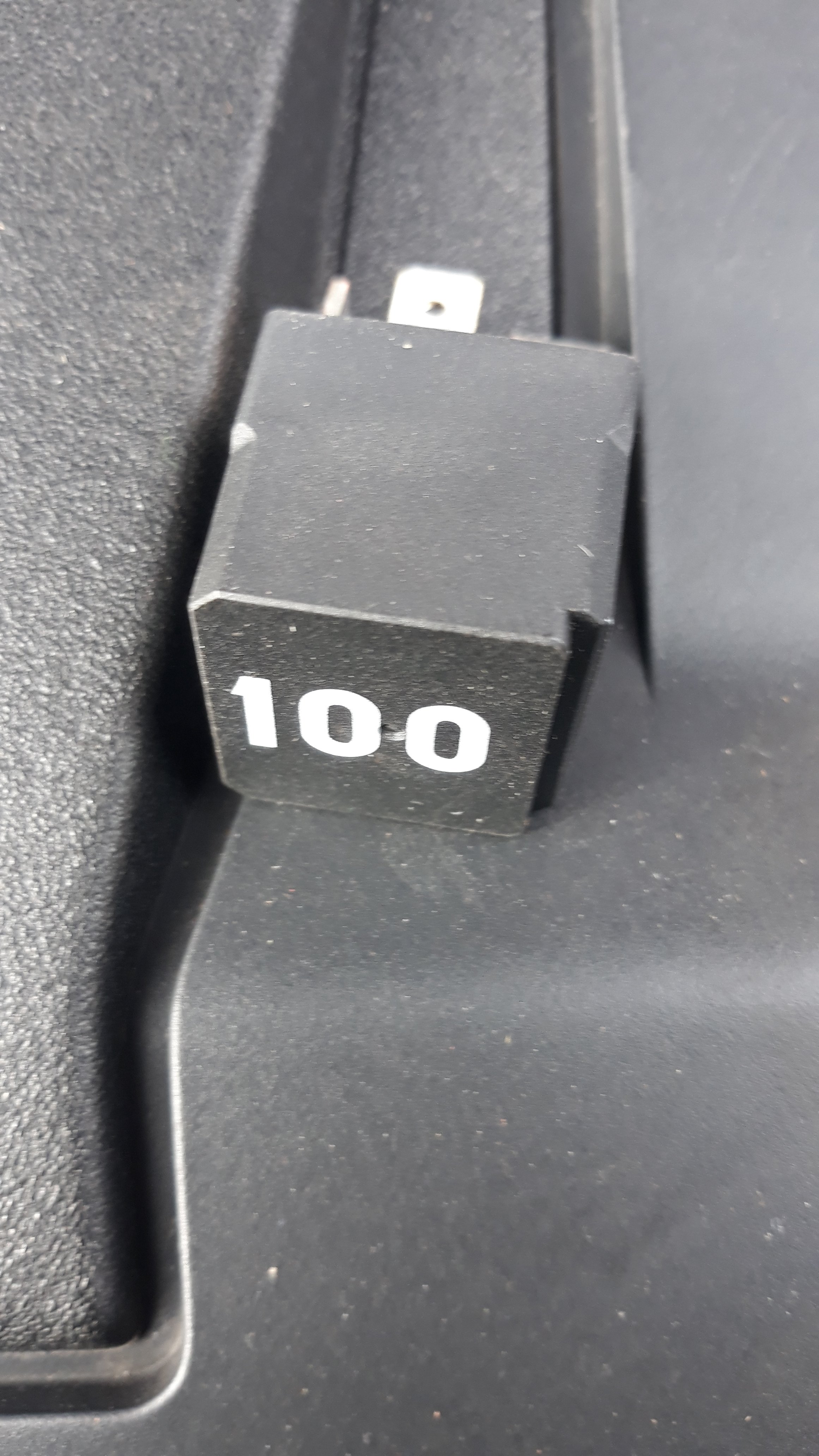
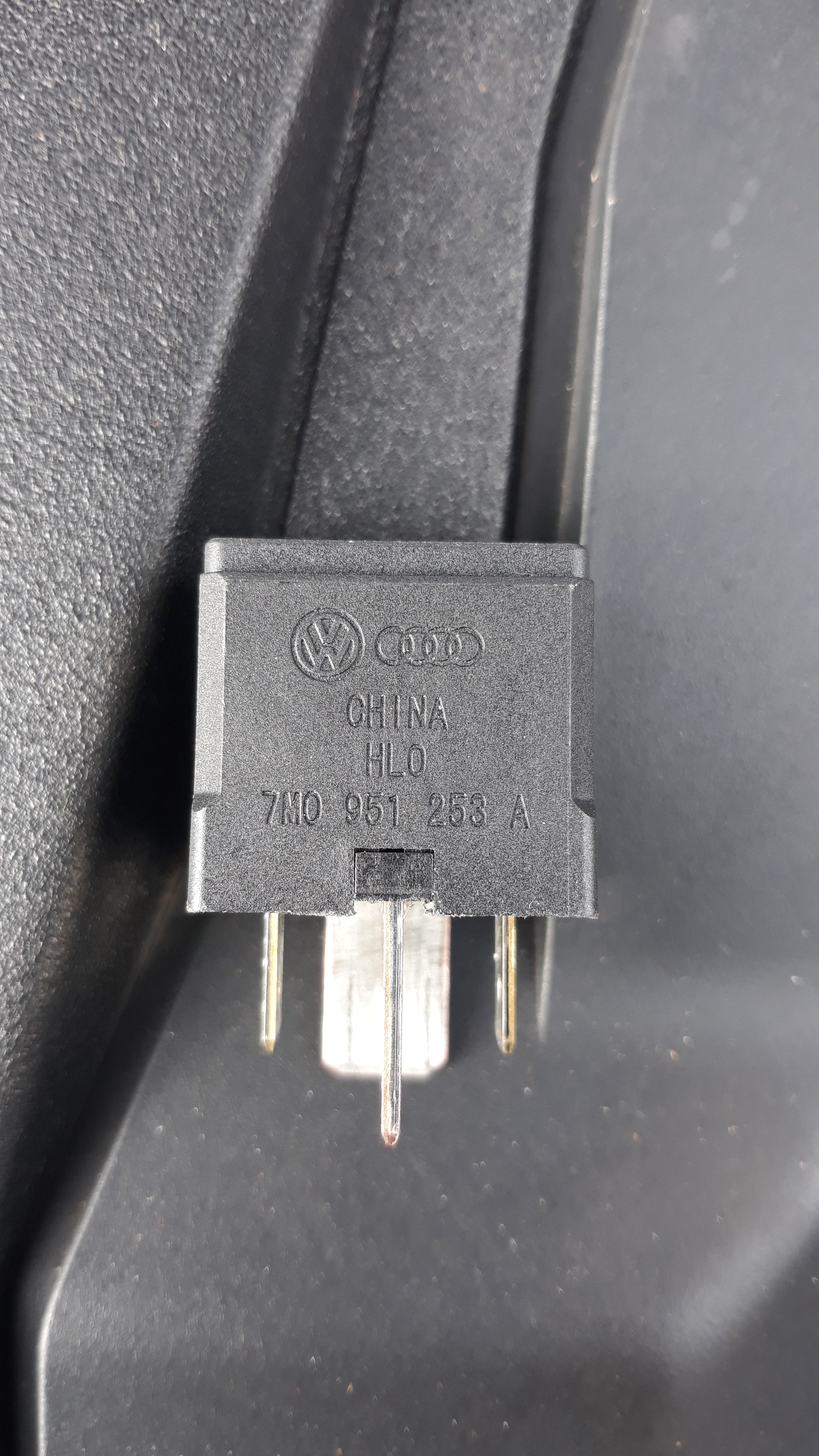
Just thought I would post that changing the relay worked for me. Has started every time for 2 months now. The relay in question is the big square one in with the fuses under the bonnet, marked 100 on mine. Not to be confused with the control unit under the battery, I did not change that. Hope this helps someone and maybe Whizzkid you can edit the title to say solved?
-
Just a quick FYI. The window reset only requires each window to have the button held up for one second. You do not have to open, hold down, then close, hold up as per the first post. Can be useful to know if it is hissing down with rain!
-
Thanks. Will post if I get anywhere with it.
-
CFH
-
2011 Octavia Scout. As I understand it the relay works with the control unit and either could be the cause of the intermittent starting. Of course it could be the sensor, ecu, ignition etc etc. I am just starting with the easiest ones, as nobody on here or any VW forum seems to have cured it yet.
-
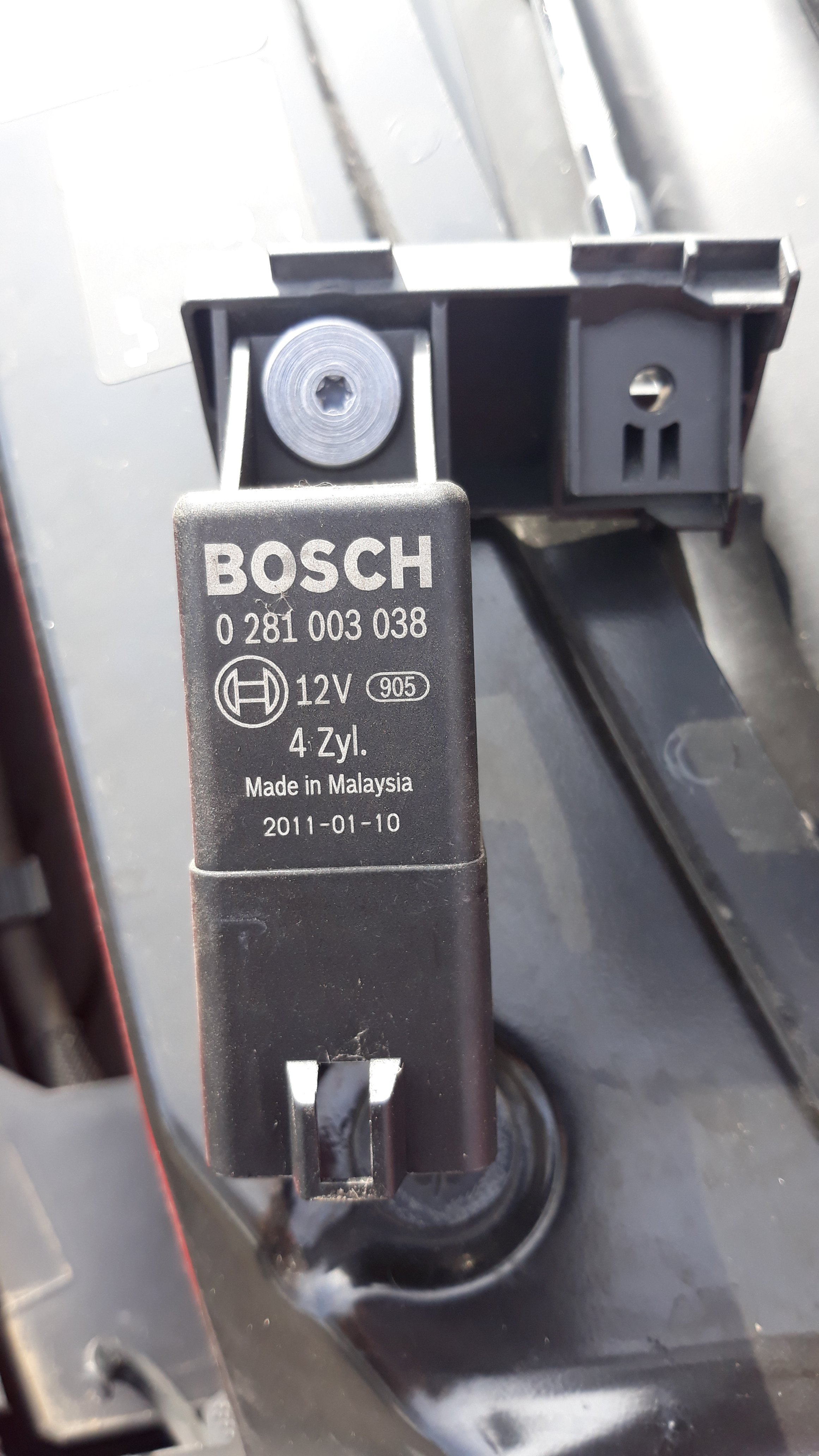
Actually this is incorrect I believe. The relay is the big square one in with the fuses under the bonnet. Mine is marked 100. The control unit is under the fuses and you slide it out after removing the battery for access. Two very different items with different part numbers. I have noticed a lot of people on here think the relay is the one underneath the fuses. Pics attached for anyone's reference.
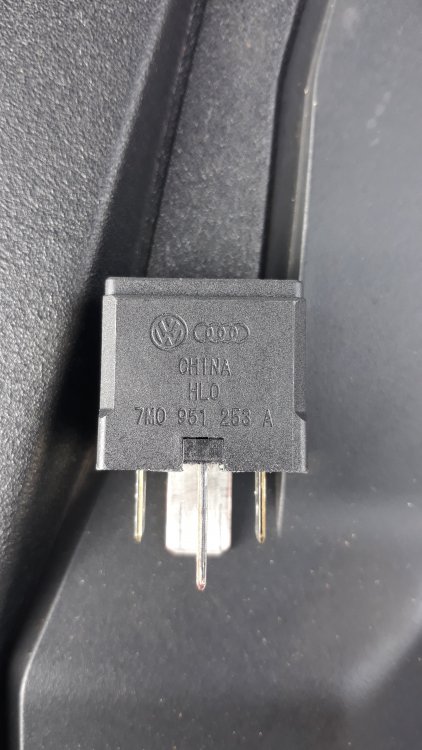
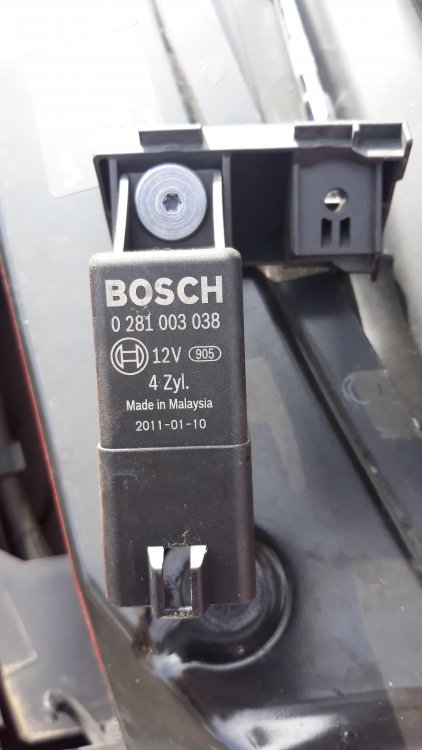
-
Thanks for coming back. I will try the fuse, then the relay and then the control unit. If I ever solve it, I will post here for you. Cheers
-
Hi. I see you got little help with this! Did you find out the problem? Relay, control unit, fuse maybe. Mine is doing the same, if the glowplug light lights up for a while it starts fine, but if there is no glow plug light, then it will not start. Thanks for anything you can tell me.