zzeroo
Finding my way
-
Joined
-
Last visited
Everything posted by zzeroo
-
Cheers, hope the garage have the decency to fix the gear lever message and not try to bat it off. Will update once I know more. Thank you
-
Thansk for the response. Could have this been caused while calibrating the radar unit? It didn't have this fault when when the car went in for the initial repairs. I'm going to press the garage to fix this since it happend while the car was in their care while under an insurance claim.
-
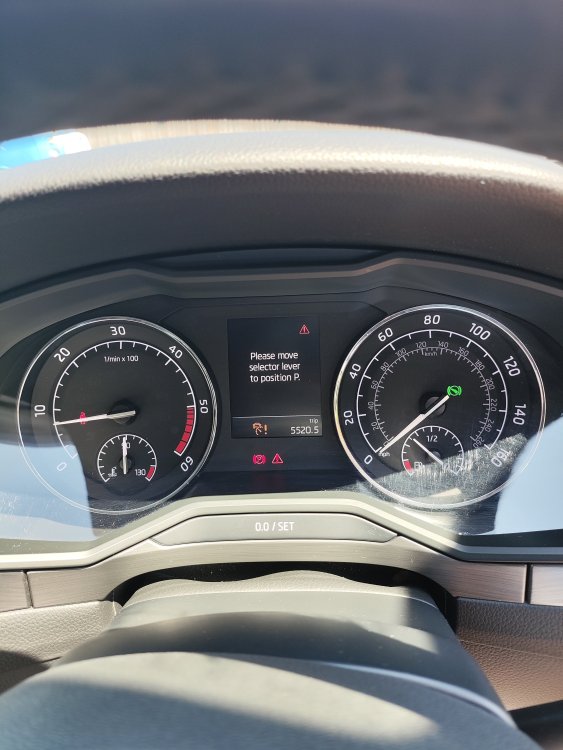
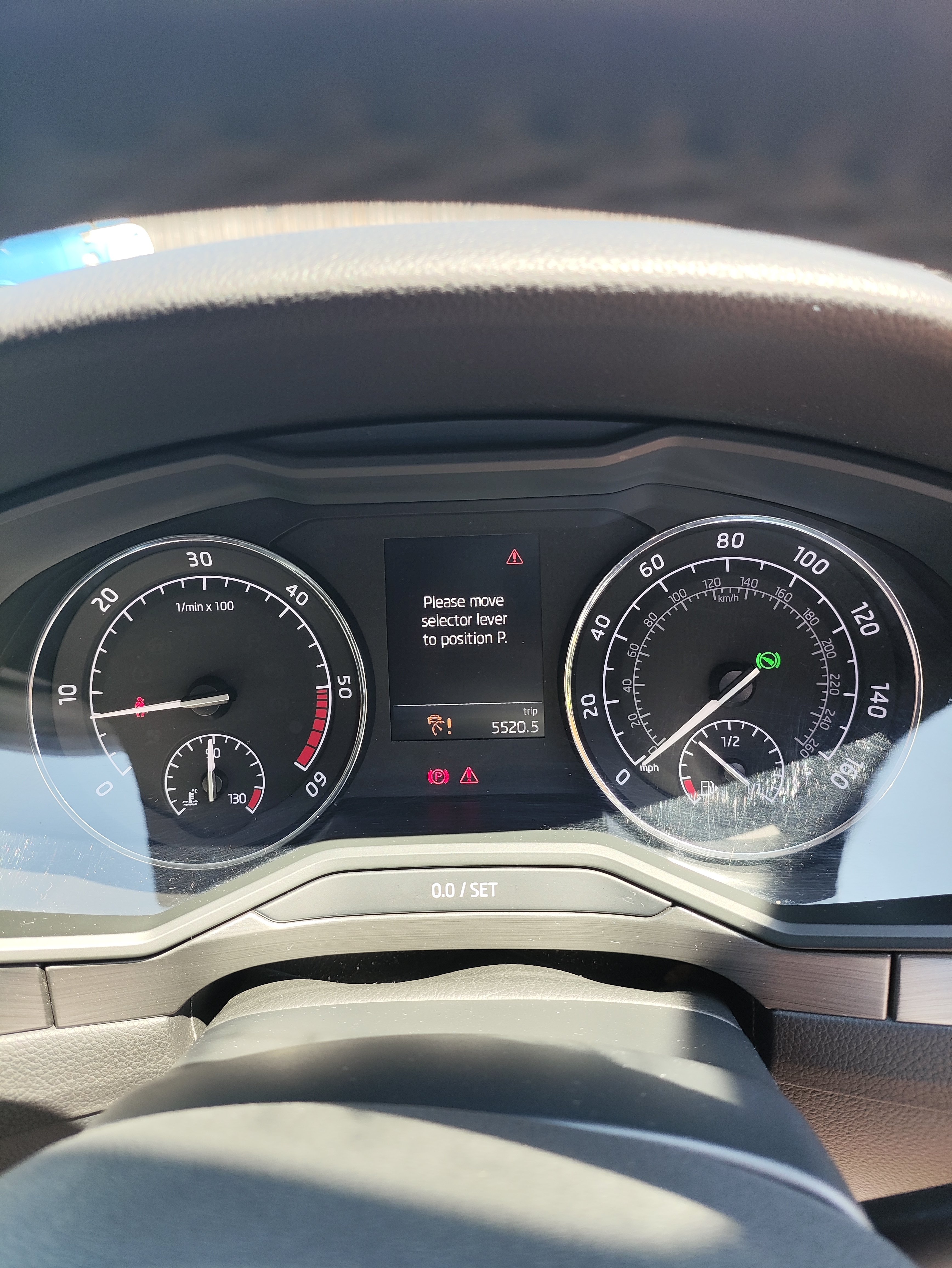
Hi all. I have a 2018 skoda superb estate, 2.0 tdi 150hp. Last month someone reversed into the front of my car and hit the radar unit. Then the Front Assist became unavailable. Car went to garage following insurance claim, Motofix in High Wycombe. Today the car came back but the same message was on the screen so it has gone back to the garage. During the 20 mins while the car was here with their delivery driver I noticed the following happening. With the gear lever in P when I pressed the button on the gear leaver a message popped up on the dash saying to move the selector lever to position P. When I released the button the message disappeared. I am 100% this message did not appear before the car went to the garage for the radar issue repair. The only times I would see this message was when I stopped the engine and forgot the gear lever into D or R My question is, if this is normal - I don't think so as the car did not do that before going into the garage. Has anyone had a similar occurrence? Is it an issue? I didn't drive the car as I had to tell them to take it back and resolve the initial issue with the Radar / front assist. Could they have botched something6up while coding/ calibrating the radar bit? Thank you