Bigmack75
New here
-
Joined
-
Last visited
-
Hello Well the gear box from the b.5b passat 2005 fitted my 08 superb with no problems.and cured my problem.no more noise at low speeds .driving perfectly now. Thanks for all the info and help.
-
Hi Big John Thanks for your help and information My mistake on mk2 My skoda is same model as 02 superb to 08 same as pd engine 115bhp classic. Same engine setup as b.5b passat. Engine cade BPZ 1.9tdi
-
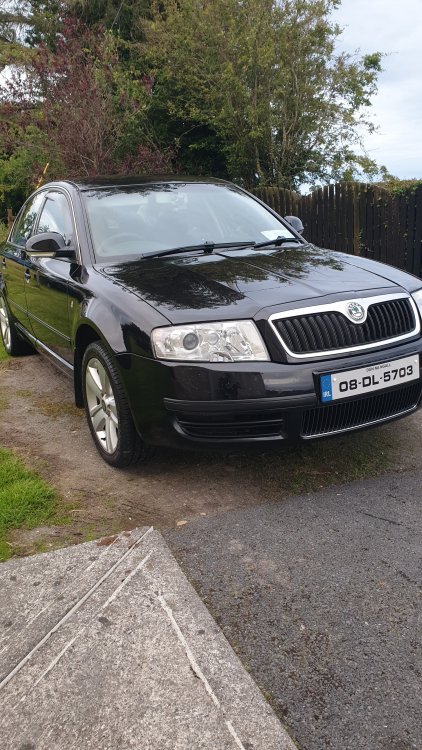
Hello all A question about the manual gearbox.has anyone else had any problems with the five speed box. My 2008 superb has developed a rotten whine noise very noticeable at 40mph low speeds.have replaced the clutch and flywheel with a sachs dual mass flywheel and new clutch New tyres.new discs and pads all round.checked wheel bearings all good.so it all down to gear box I think? I have a passat b.5b five speed box with very low miles on engine it came off. Will this gearbox fit my skoda superb? Are they the same fitment Any help with this please 🙏
-
Hi all. New here.having problem with steering in my 08 superb. I have replaced all front arms.track rod end's. Antiroll bar bushes. Got car tracked twice.it spot on both times. When driving steering feels very light and giddy at some times.have jacked up car and can't find any play on either side.checked tyres and pressure 2.5bar all round.there is no leak or noise coming from power steering pump or rack. 225/45/17 tyres all round. Has anyone else had same problem? Is there problems with rack in these superb model.im no mechanic but know my way around cars. And know when something is not right. Any help anyone? Thanks Mike.