Yorkyni
Finding my way
-
Joined
-
Last visited
-
Hi all, chimaera, the green 12 pin plug has 4 wire’s from it 2 are the microphone they go to the bt unit under the drivers seat, the other 2 must be to do with the Air bag yes?, it’s these 2 wire’s that I am asking about and whether I can take these out and put them into the new green block that has the mic wires going to it ?.. sorry if I’m not clear, think I will take photo of the two green blocks original and replacement ok might be easier to understand yeh. Thanks mate.
-
Hi all, chimaera I did plug in original mic, but it only allows for phone voice control!, the top right button on the rns510 allows for full control with another min installed but on doing that yes I have full voice control, but the Air bag warning light stays on won’t reset. Hence my first question re cables. Cheers.
-
Hi, I have VCDS-Mobile, the issue is on the original green block there are 4 wires from it, the new one has 2!, and the air bag light won’t reset, put the original green back in and airbag resets. So if I take out the 2 other cables and add them to the new green block will this sort the issue.??. Thanks in advance.
-
Hi I have a 2014 superb estate 1.6tdi Business edition. I did the swap from rns315 to rns510, my BT module in under the drivers seat ok, all working well, wanted to use the voice contole for nav etc so bought another mic (green block) and fitted it and set it up ok, the voice control seems to work ok but I now have a airbag warning light on that won’t reset, now the original green block connector has four wires to it , 1and 7 must be the original mic ones, are pins 2 and 8 to do with the airbag. On replacing to the original green block the airbag light resets, can I swap the other two cables to the new green block ?? Will that sort the reset airbag problem. Hope this is easy for you all to understand. Many thanks in advance..
-
Hi, log book says Superb Business edition III, but will put it into superb II, group. Cheers.
-
Hi I have a 2014 superb estate 1.6tdi Business edition. I did the swap from rns315 to rns510, my BT module in under the drivers seat ok, all working well, wanted to use the voice contole for nav etc so bought another mic (green block) and fitted it and set it up ok, the voice control seems to work ok but I now have a airbag warning light on that won’t reset, now the original green block connector has four wires to it , 1and 7 must be the original mic ones, are pins 2 and 8 to do with the airbag. On replacing to the original green block the airbag light resets, can I swap the other two cables to the new green block ?? Will that sort the reset airbag problem. Hope this is easy for you all to understand. Many thanks in advance..
-
Hi, thank you for your reply, did a scan, no faults, fitted the rns510, entered code and bingo up and running, did another scan and high lighted the Nav unit, cleared codes, re scan no faults great job. Only thing I will miss is the DAB part that was on the rns315, .
-
Hi, I have a 2014 superb estate 1.6tdi business edition. It has a RNS315 fritted with Nav, Bluetooth, I purchased an RNS510, NAV,PHONE etc , is it a straight swap my car has the bt Bluetooth unit under ther driver's seat. Any help great fully appreciated. Thank you
-
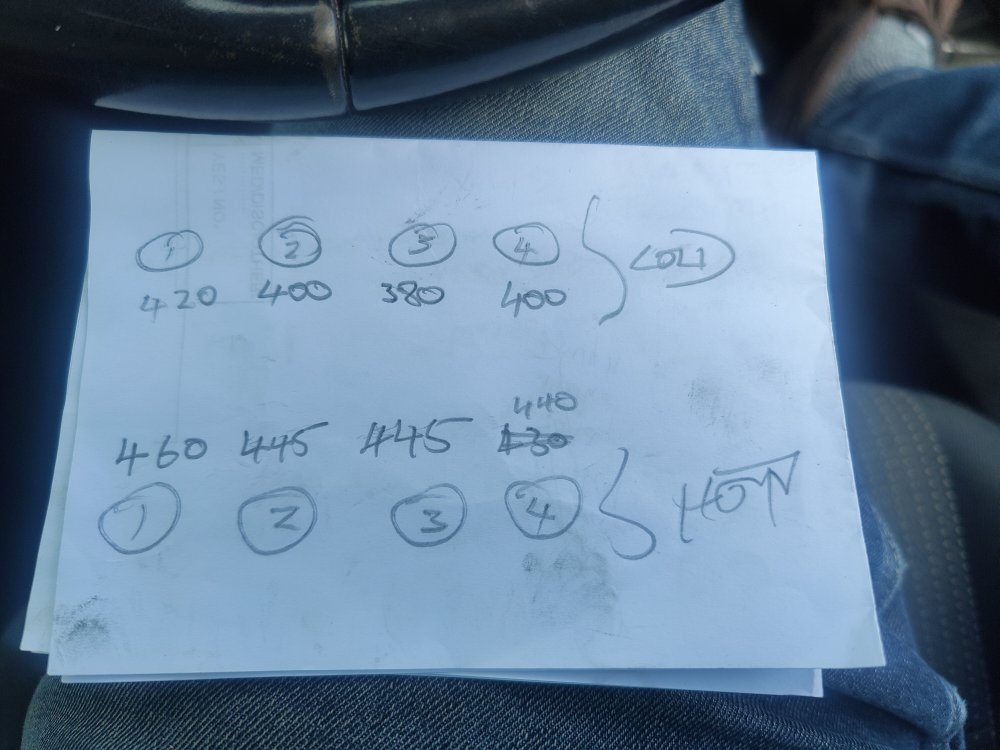
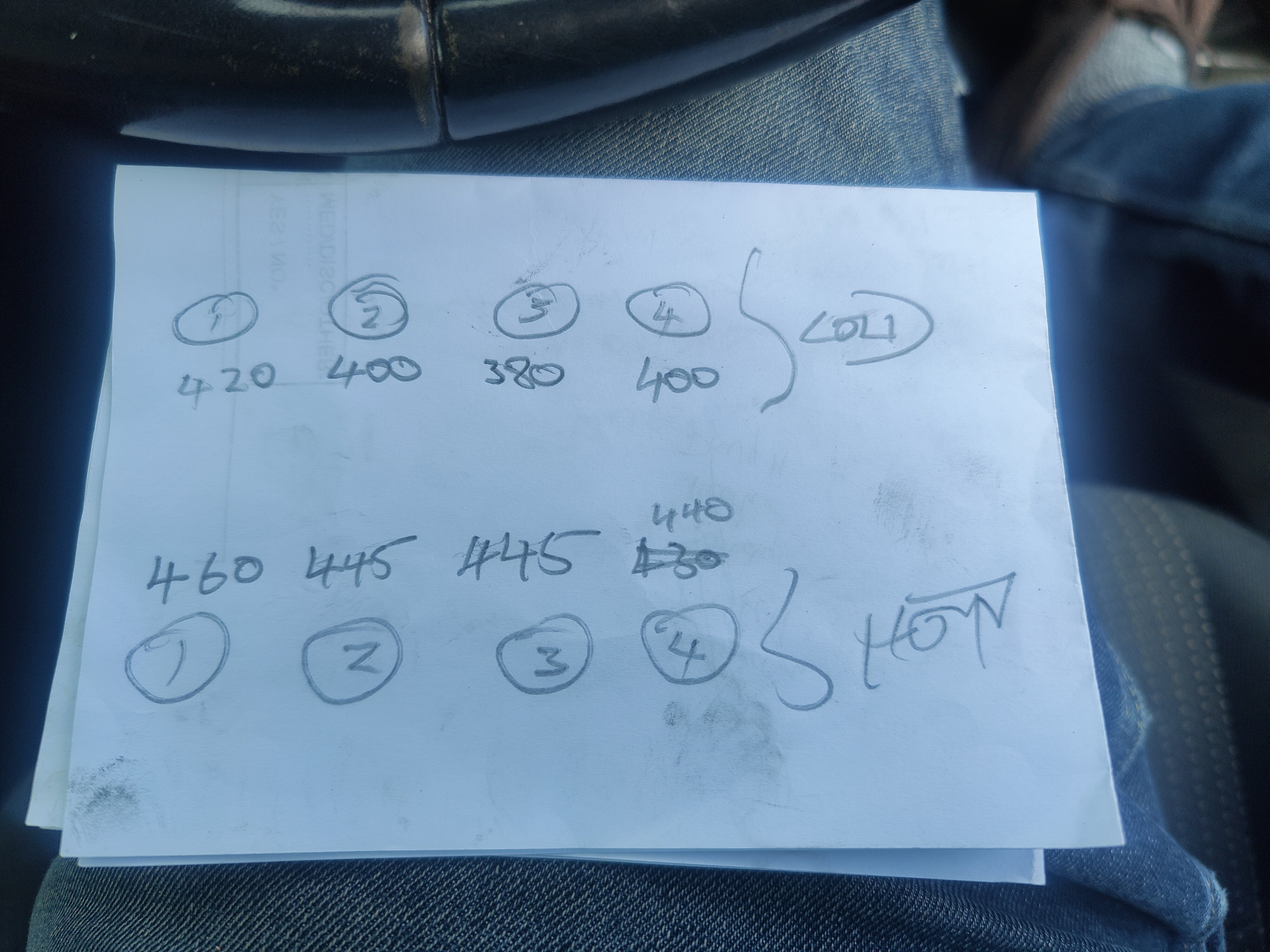
Hi &Help 2010 superb 3t5, 1.9tdi BXE. Car developed misfire especially under load, changed injectors, injector cable, did egr clean, done compression test.(see pic). 226k. Cylinders 1&2 showing over fueling on vcds. Any ideas plz, Turbo???.