Trekker3000
Finding my way
-
Joined
-
Last visited
Everything posted by Trekker3000
-
If there is no way to have them dim with the headlights like before, is there a way to change the brightness of the DRL's all of the time?
-
I did it through Adaptations.
-
Hi, I recently bought OBDeleven and have performed several successful mods. The only one I am having trouble with is getting the front DRL's to dim when using headlights after I have activated the rear DRL option. They dim if I deactivate it but I would really like to use the rear ones as well. Does anyone know of any coding that would allow it? They are a bit bright when on full power at night.
-
I still haven’t worked it out. I’ve tried various combinations of things but hasn’t come up again.
-
Its the cruise control. I was just using it before I stopped. I use it a lot so it something gets left on.
-
Everything else is ok. I haven't noticed the message come up again.
-
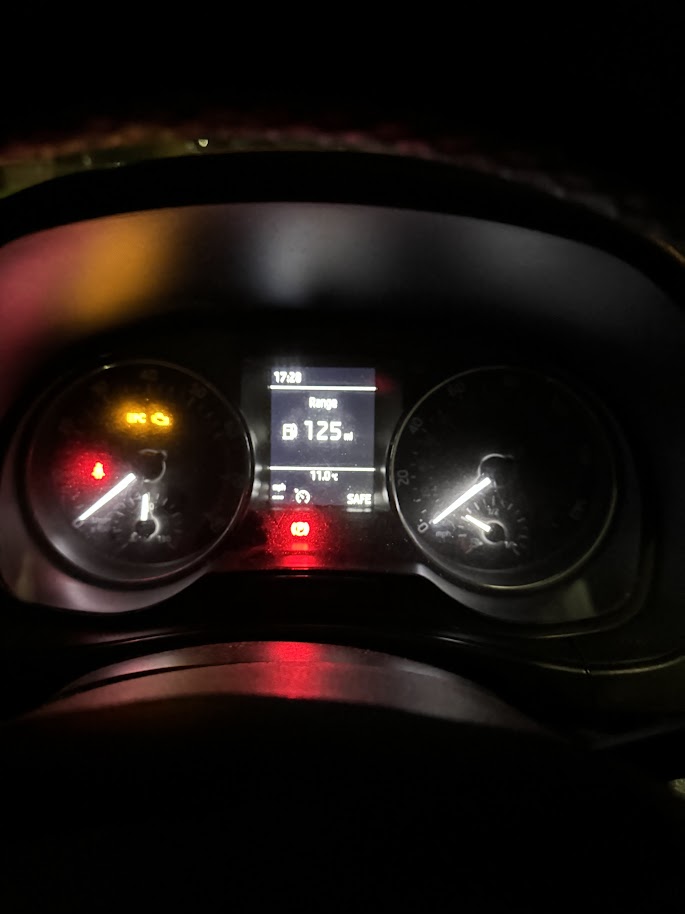
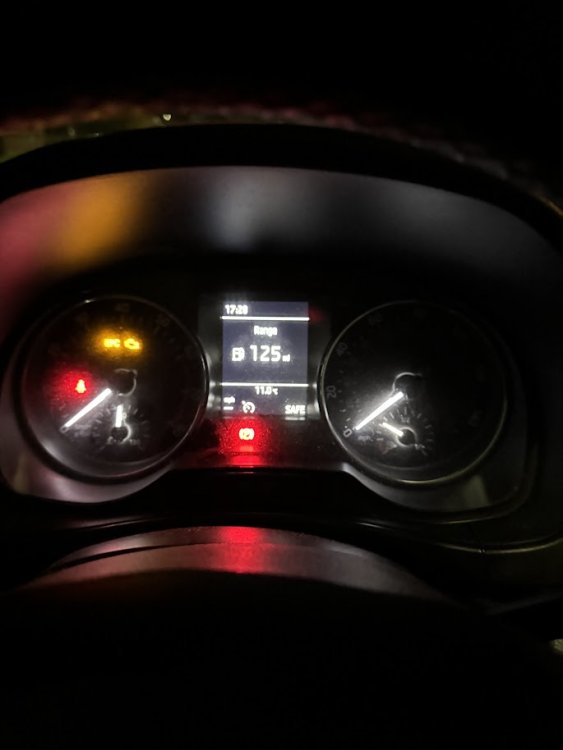
Hi, Last night for the first time since I bought the car just over a year ago I noticed that it said SAFE on the Maxidot screen where it would normally show the trip miles. Does anyone know what it means?
-
Hi, It is still working perfectly. I've had very few issues with it. The only issue I have had is the the iPhone not connecting but I have never found out of it is the unit or the iPhone. This is a very rare occurrence. As long as the phone is within range it will connect and automatically switch from the cars display to Carplay within 10 to 20 seconds. Car headunit will need to be on the aux (3.5mm) input to hear anything but if all your using is Carplay then it can stay on this. The headunit buttons will operate the normal display behind Carplay so pressing the radio button will switch it from aux to radio even if Carplay is on. You switch between the car headunit and Carplay unit buy holding down the menu button. I am very happy with it and would not want to go back to standard Bluetooth. The only bad thing is routing the wiring from the unit in the glovebox. After that its fairly easy. Any other questions just ask. I can take pictures as well.
-
After much money it is now fixed. They also updated the software that fixed a light fault message.
-
Well, turns out it's the cheaper option as the motor is the one they have in stock. Should be done tomorrow. Got a brand new Fabia DSG as a courtesy car so i'm not in a rush. 😀
-
Well, I finally got a quote. £470 to replace the flap motor. I guess its quite a lot of disassembly to get access to it. I was also told that Skoda used two different types of motor and they won't know what one is in my car until they take it apart. Also only one type of motor is currently in stock. Why did they have to make it so difficult? 😕
-
-
It’s booked in for a service on the 22 September so i might just get them to do it if I can’t get to it. Thanks for the help. 👍
-
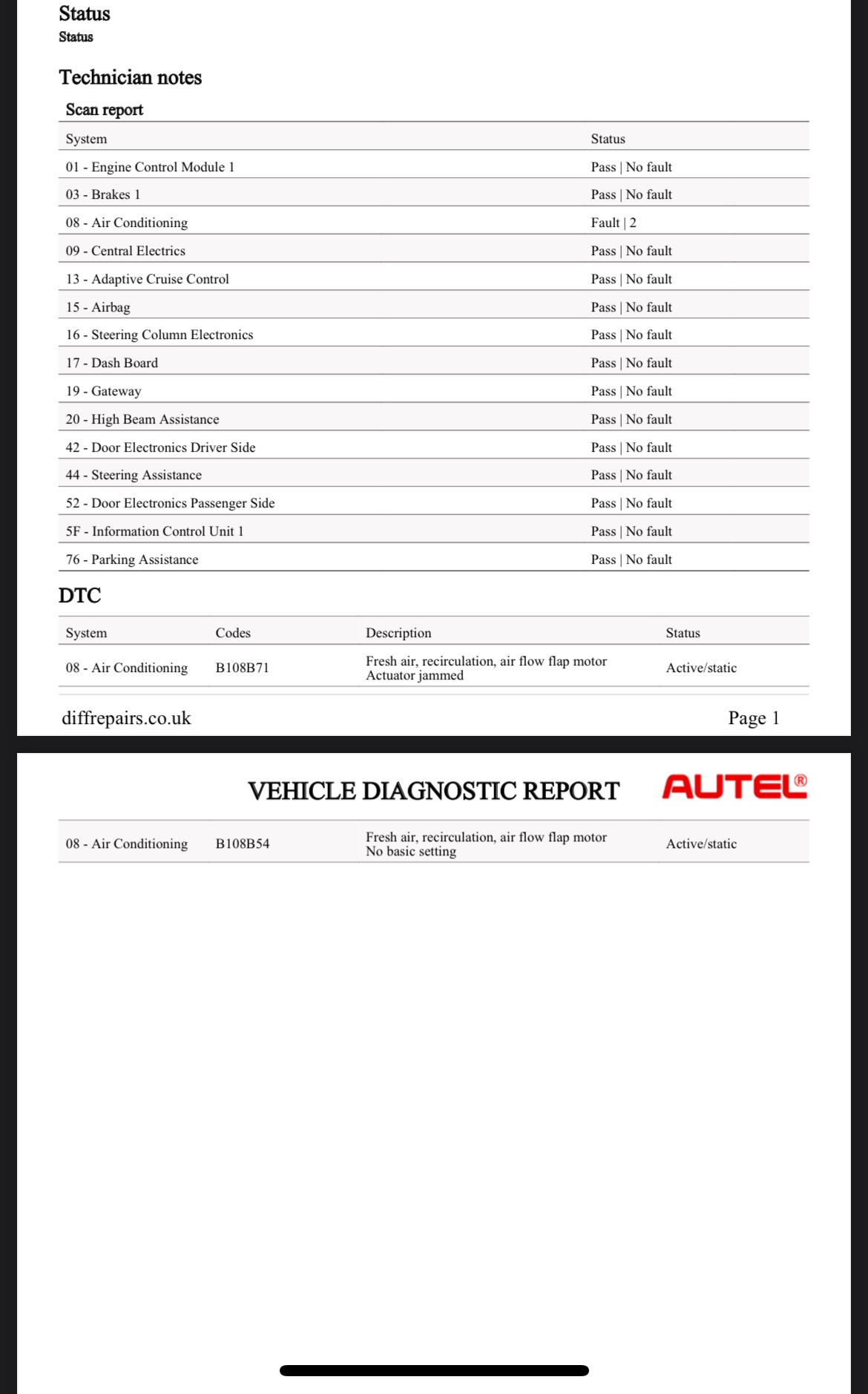
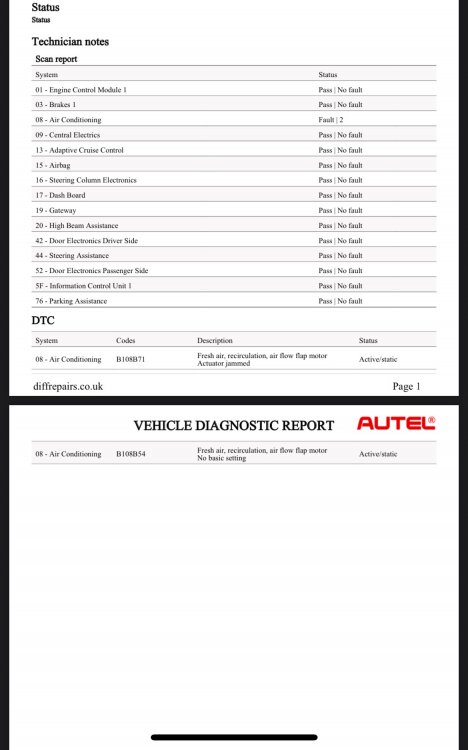
Ok, I was able to find someone with a fancy code reader. It would seem there were a number of fault codes related to the air flaps. After resetting them all, this is what’s left. Looks like it is possibly a motor fault?
-
Just did it around 20 to 30 times and still nothing. Its still happy to close by itself but not open.
-
Just ran it through a couple of resets and it didn't move at all.
-
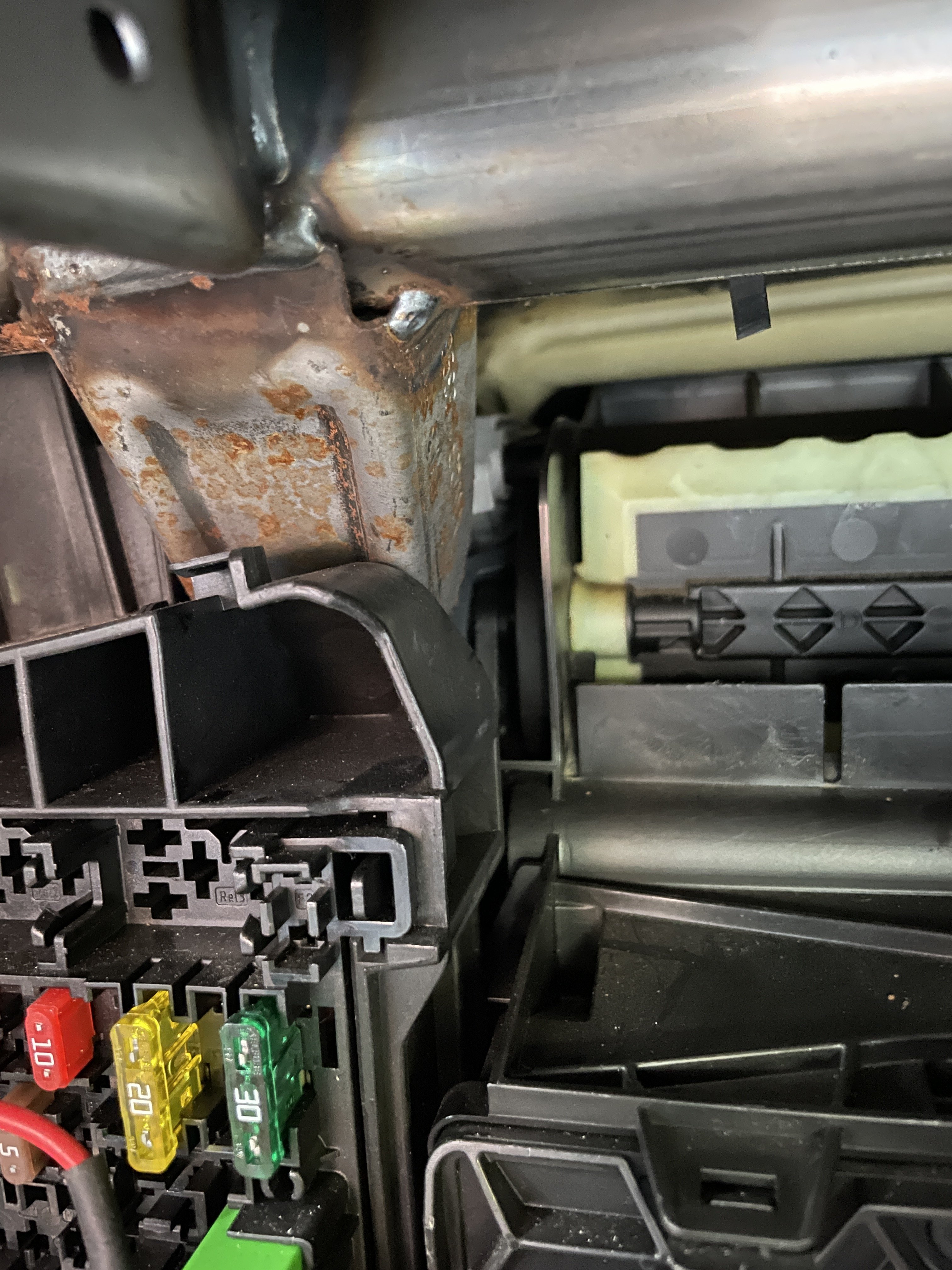
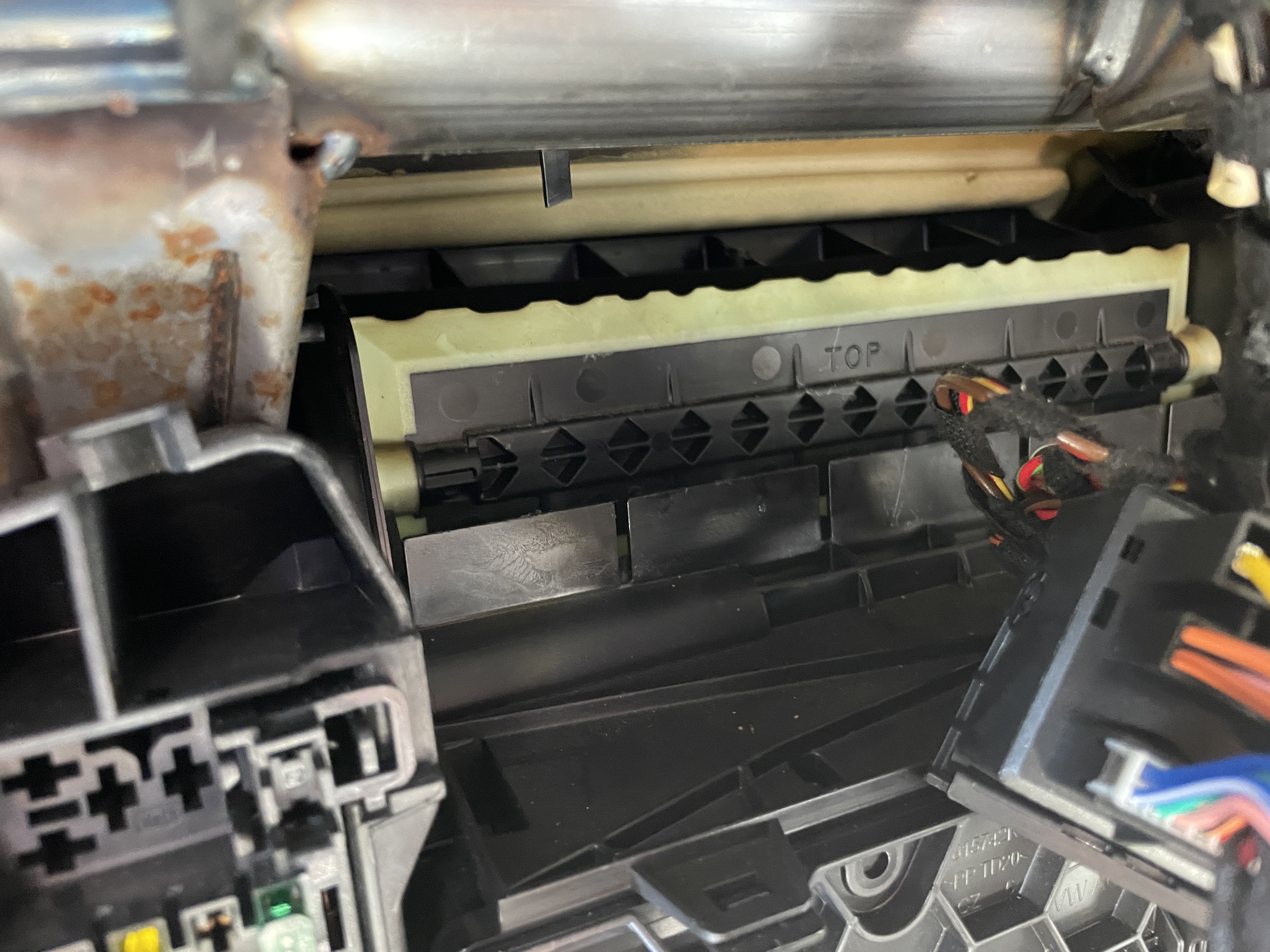
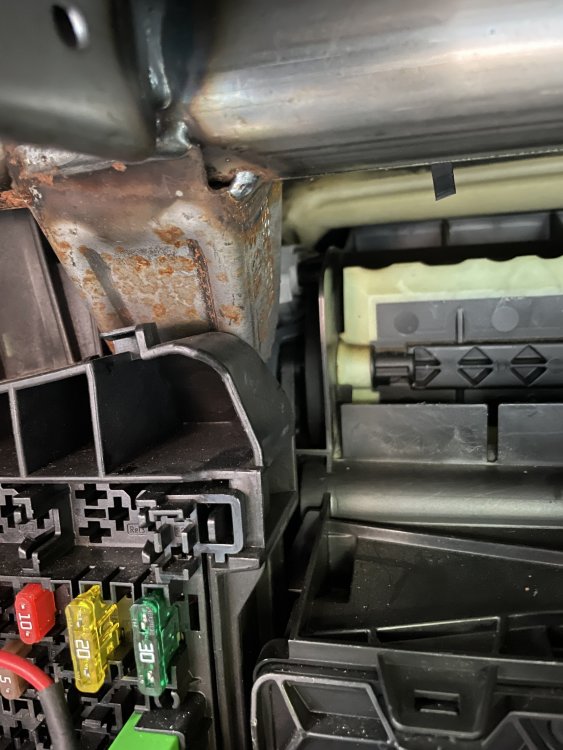
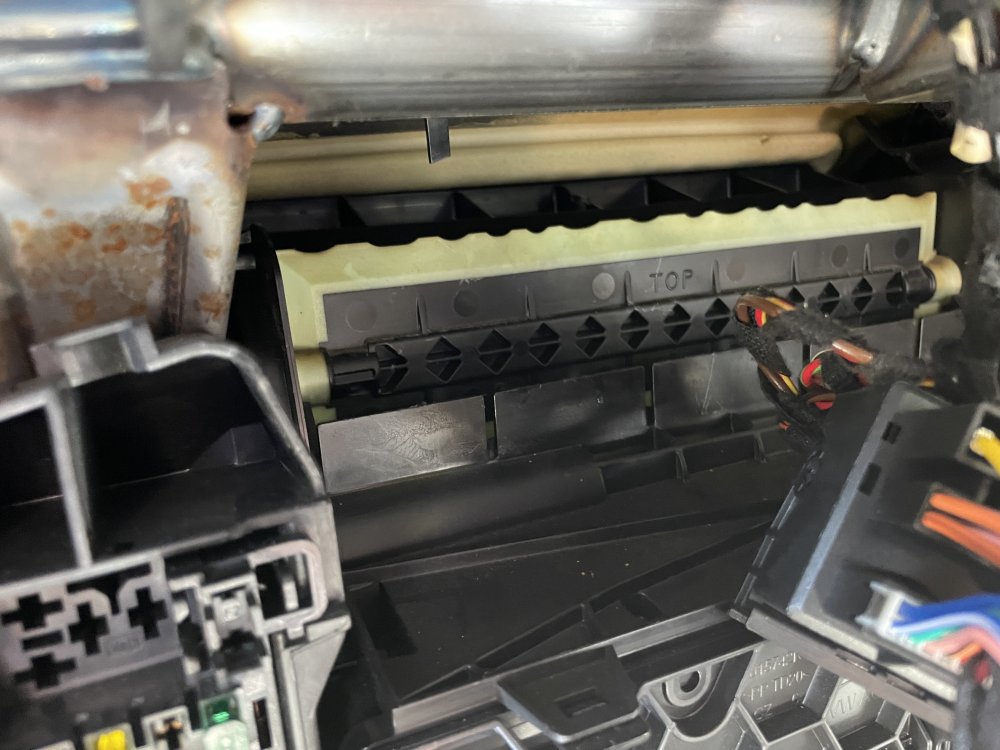
Hi everyone, Within the last month I have noticed that when the aircon kicks in, the flow from the vents goes very weak after a few seconds. I have just found out that the flap behind the glovebox will not open up automatically. I can open and close it by hand when the aircon is on but if the aircon is turned off it will close itself and can't be opened by hand until the aircon is turned on again. Would this be a fault with the motor? I don't mind replacing it myself but I cannot see how to get to it. Untitled Project.mp4
-
-
-
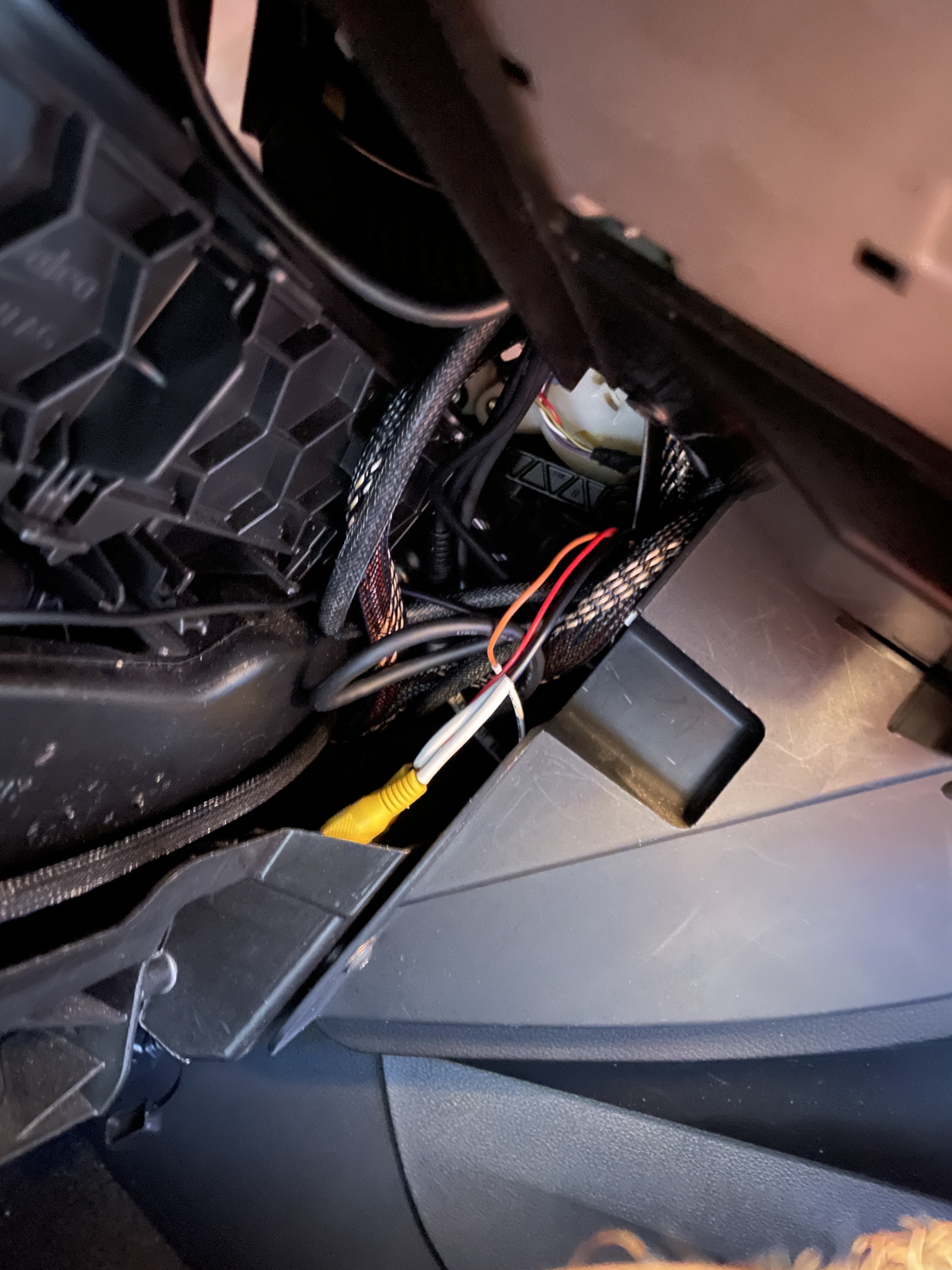
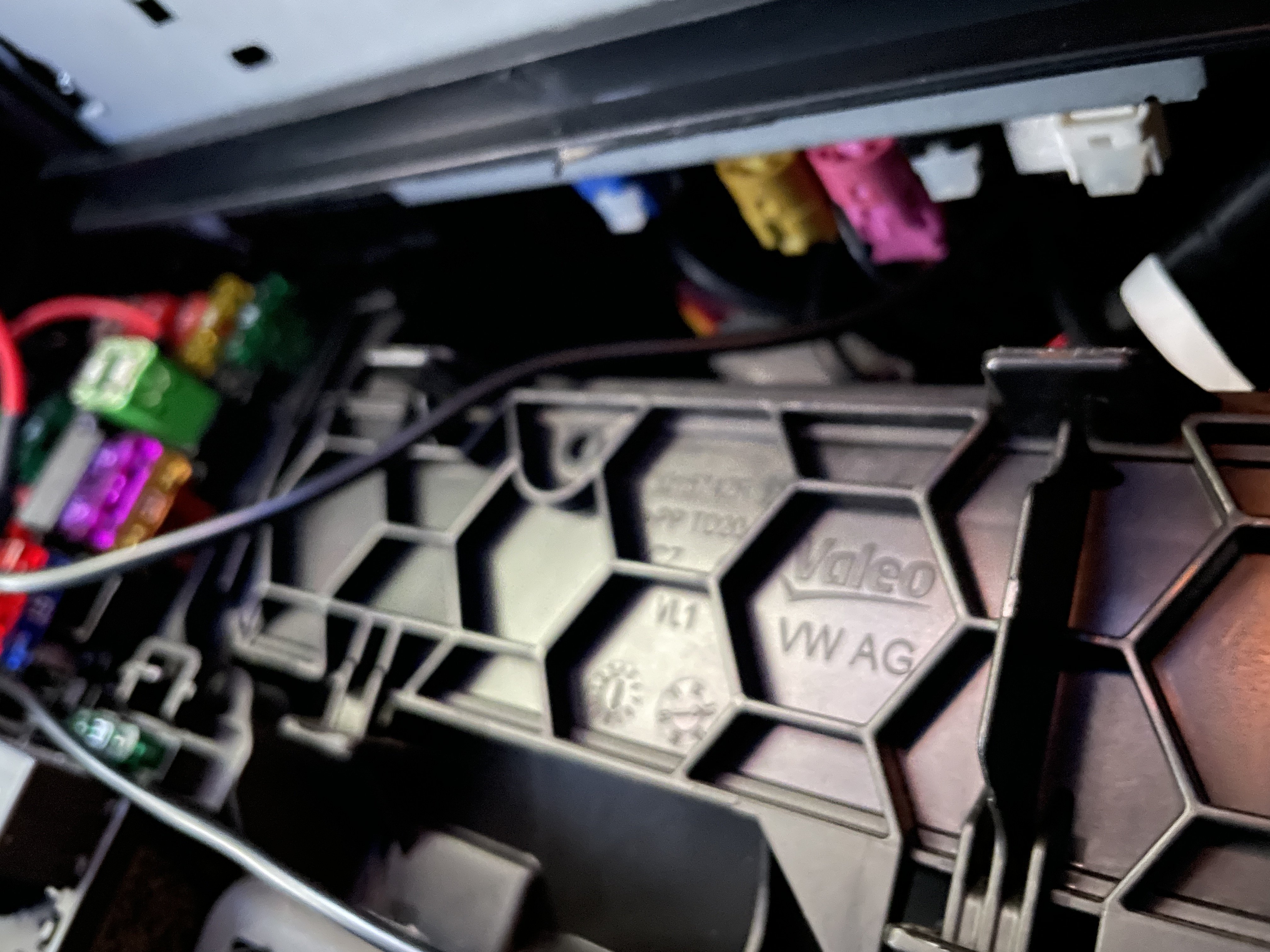
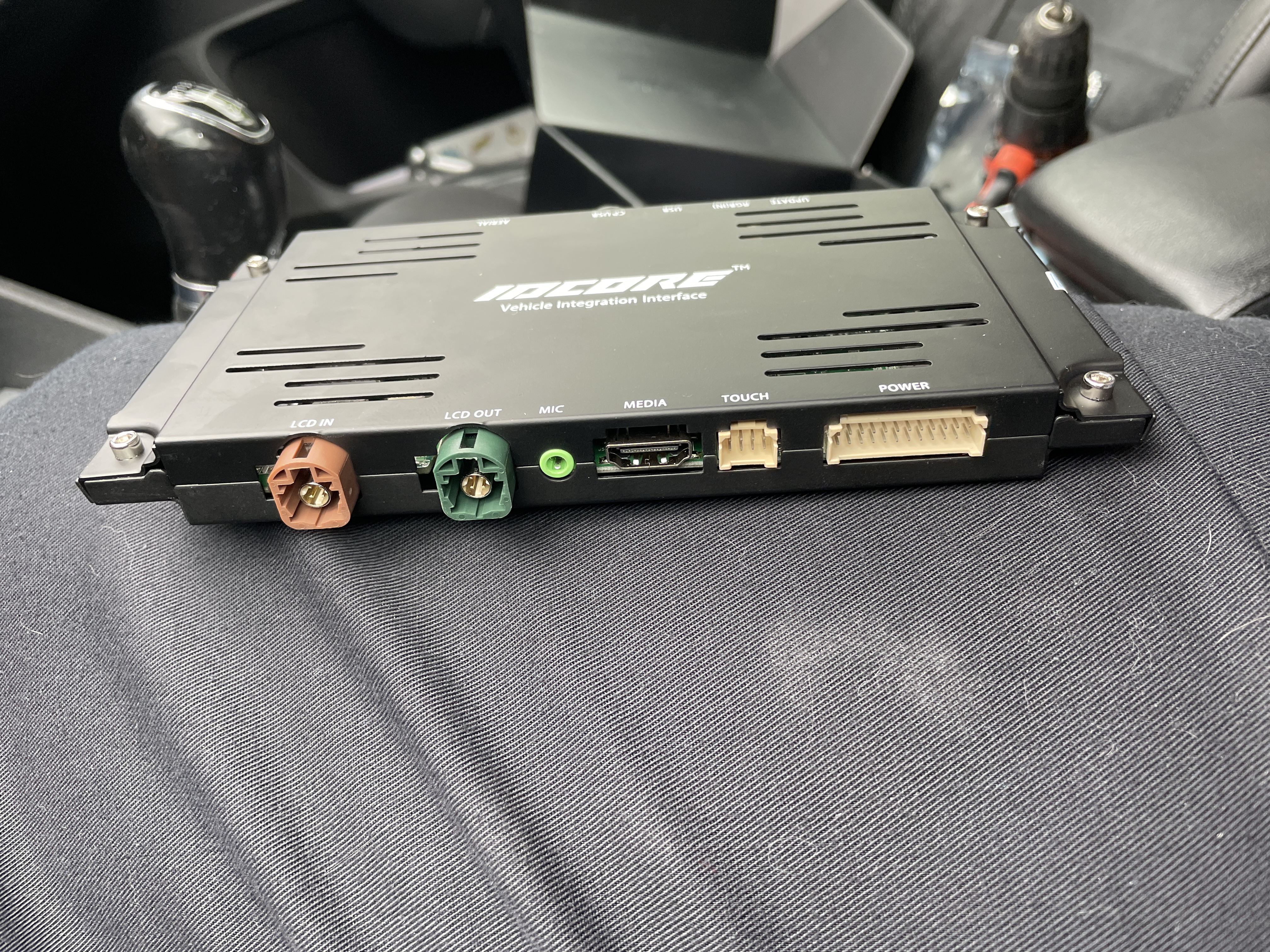
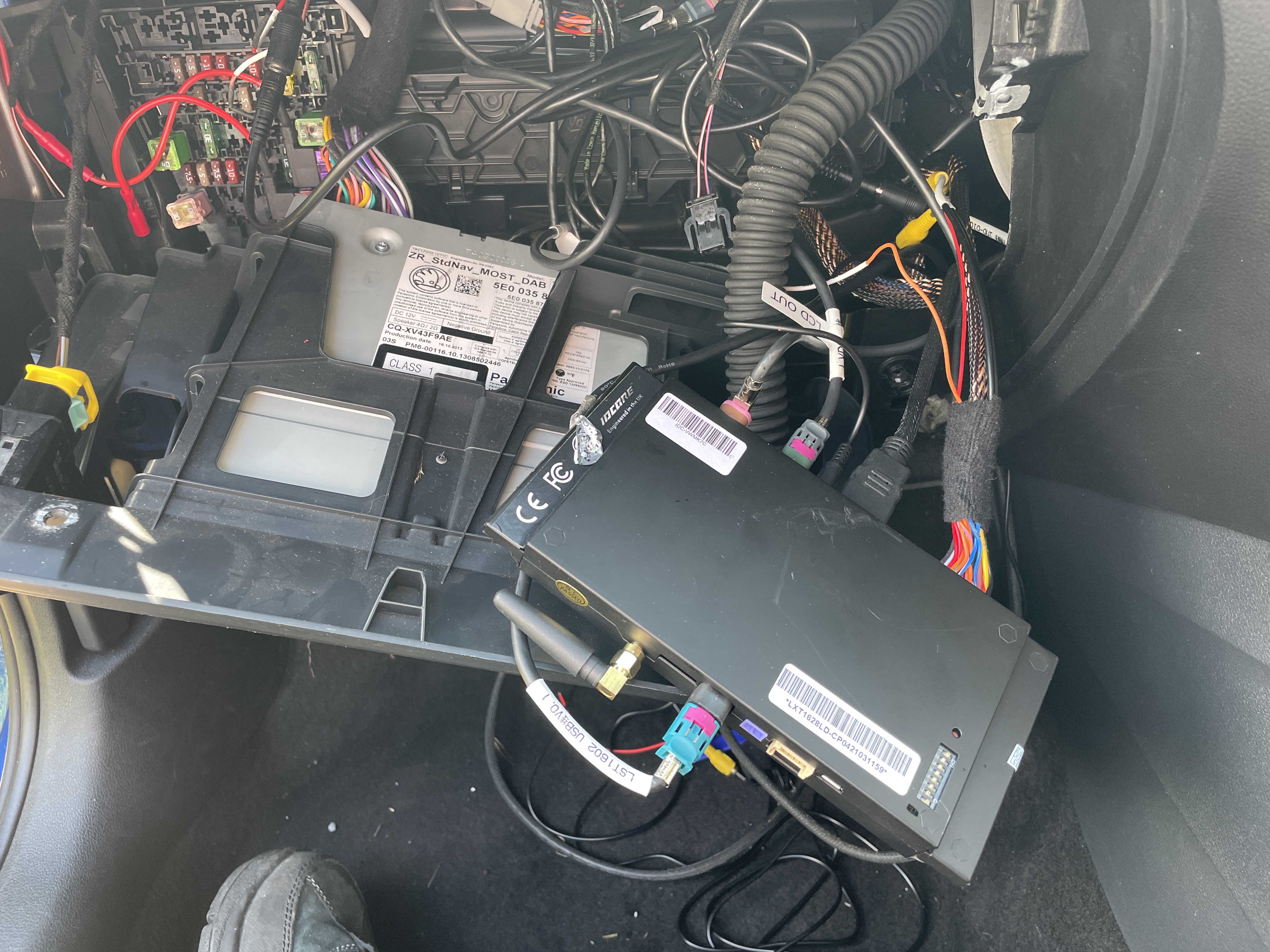
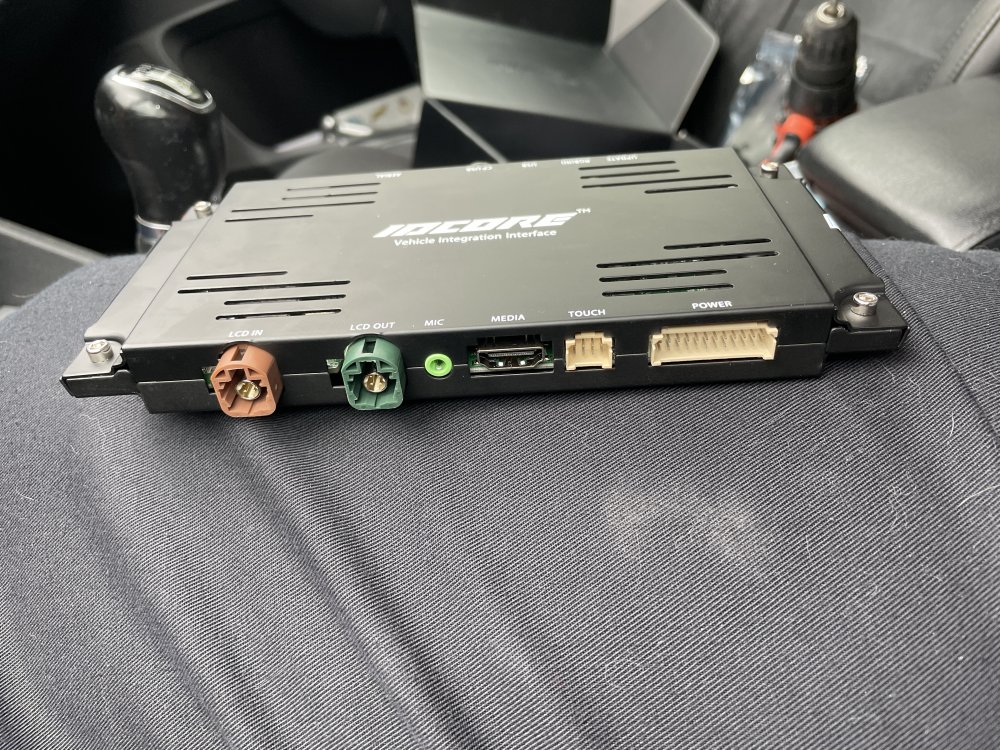
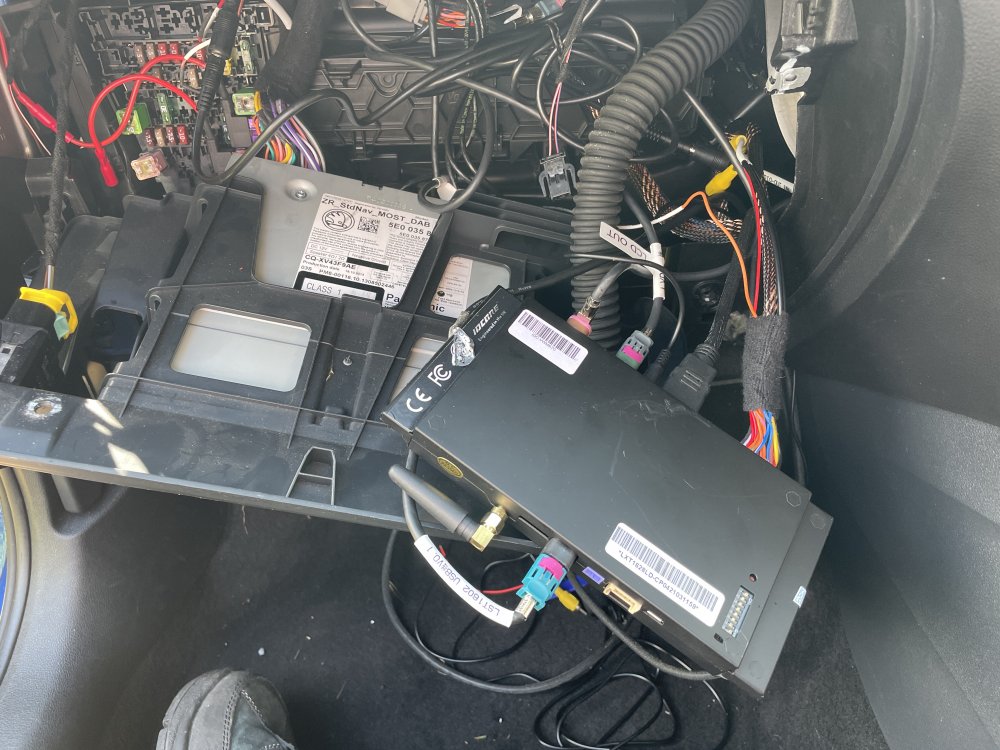
I fitted this to my Ocatavia 2013 MIB1 last month. Works surprisingly well. The hardest bit is cramming all the wires and box somewhere. I wedged it behind the centre console at the side. It plugs into the back of the glovebox unit and then the wires plug in to it. Works wired or wirelessly with Carplay and Android Auto. Also has options for normal Bluetooth and a front and rear camera and an HDMI input that i haven't got working yet. You hold down the menu button on the headunit to switch between the normal head unit and the box. Not cheap but worth it in my opinion. If you have any questions or would like some more picture just ask. https://unique-ad.co.uk/product/wireless-carplay-interface-for-seat-skoda-mib-1-mib-2-octavia-rapid-superb/
-
Hi everyone, I have had a 2013 Octavia for just over a year now. Its been fine up until the last couple of days when I have noticed the clutch pedal is starting to creak when it pushed or released. It makes it tricky to smoothly move off as it feels like it feels like it is sticking as it is released, although it does come up fully just fine. It feels like it is worse when the engine is running although it could just be my imagination. I seem to remember having the same issue on my Fabia a couple of years ago but I can't remember what happened with it. Thanks in advanced for any help you can give.