richard12345
Finding my way
-
Joined
-
Last visited
-
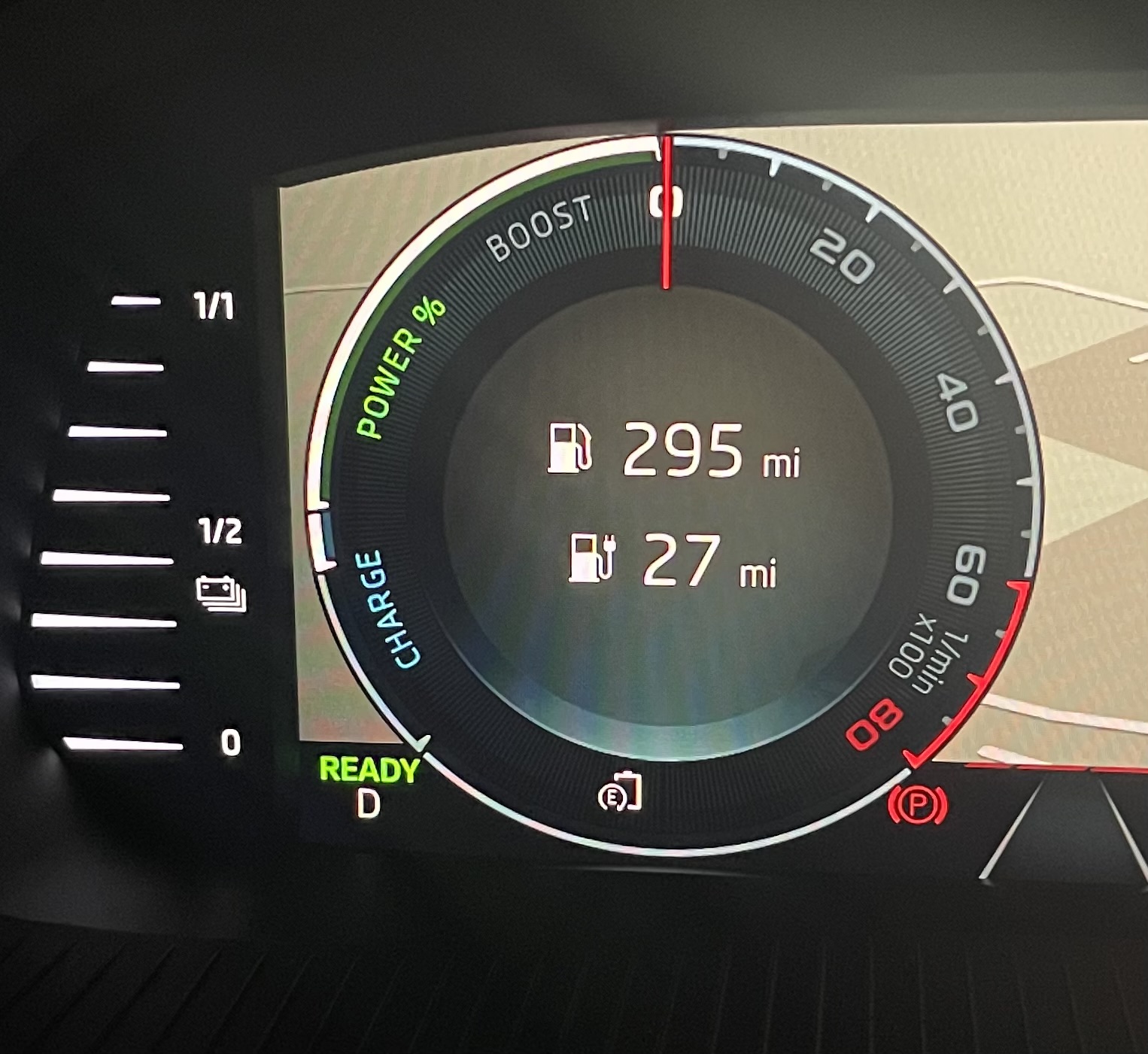
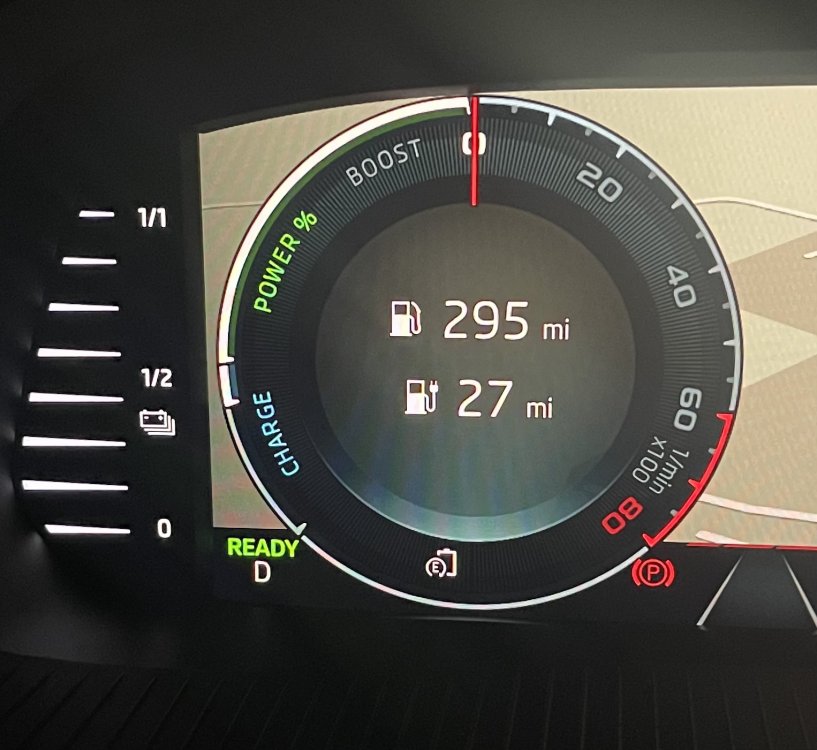
Can anyone tell me what the white line represents, occasionally it runs all the way from Charge-Power-Boost other times it stops short of boost Is it anything to do with the charge in the battery?
-
Noooo something isn't right there
-
Oh wow Glad I didn't go to the dealer it was the lack of wires in the screen and no obvious button {thank god I didn't ask my 22yr old son or Id never live it down)
-
Hmmm looks like I better contact the dealer FFS
-
I have a question on the winter pack... I thought it was to include a heated front windscreen, like I had on my 67 plate VRS - but my new VRS iV doesn't have one 😞
-
Been told my VRS iV [Ordered Sep 2021] is confirmed for build week 38 (w/c 18/9) Delivery Mid October 2023 Lets see whether its true Fingers crossed here
-
I have done some of that 🤣
-
I feel the same annoyance, frustration and anger as I ordered exactly the same car in Sept 2021 and still don't have a build date - Just lots of annoying adverts on all their new models 🤬🤬
-
Still waiting here Ordered Sept 2021 VRS iv hatch 😞
-
Looks good Fingers crossed mine is getting built......
-
I'm forgetting who I've moaned to lol
-
Which model did you order? I'm guessing it wasn't an iV ??
-
Snap other than I was Sept 2021 I'd be interested to know if you have the same lease company sourcing the car [Zenith]
-
I really shouldn't type on my phone If you can send a Skoda customer service email that responds it would be great I have messaged skodacustomer services at skoda co uk - but so far have just been passed around and back to the dealer
-
It you can sent an email that responds it would be great