BMJ040
Finding my way
-
Joined
-
Last visited
-
So do you reach in and unplug the connectors please?
-
Can anyone help me please. Am fitting dedicated towing electrics and need to remove the BCM. I have managed to drop it out of it’s housing but the cables seem too short for it to be lowered into the footwell?
-
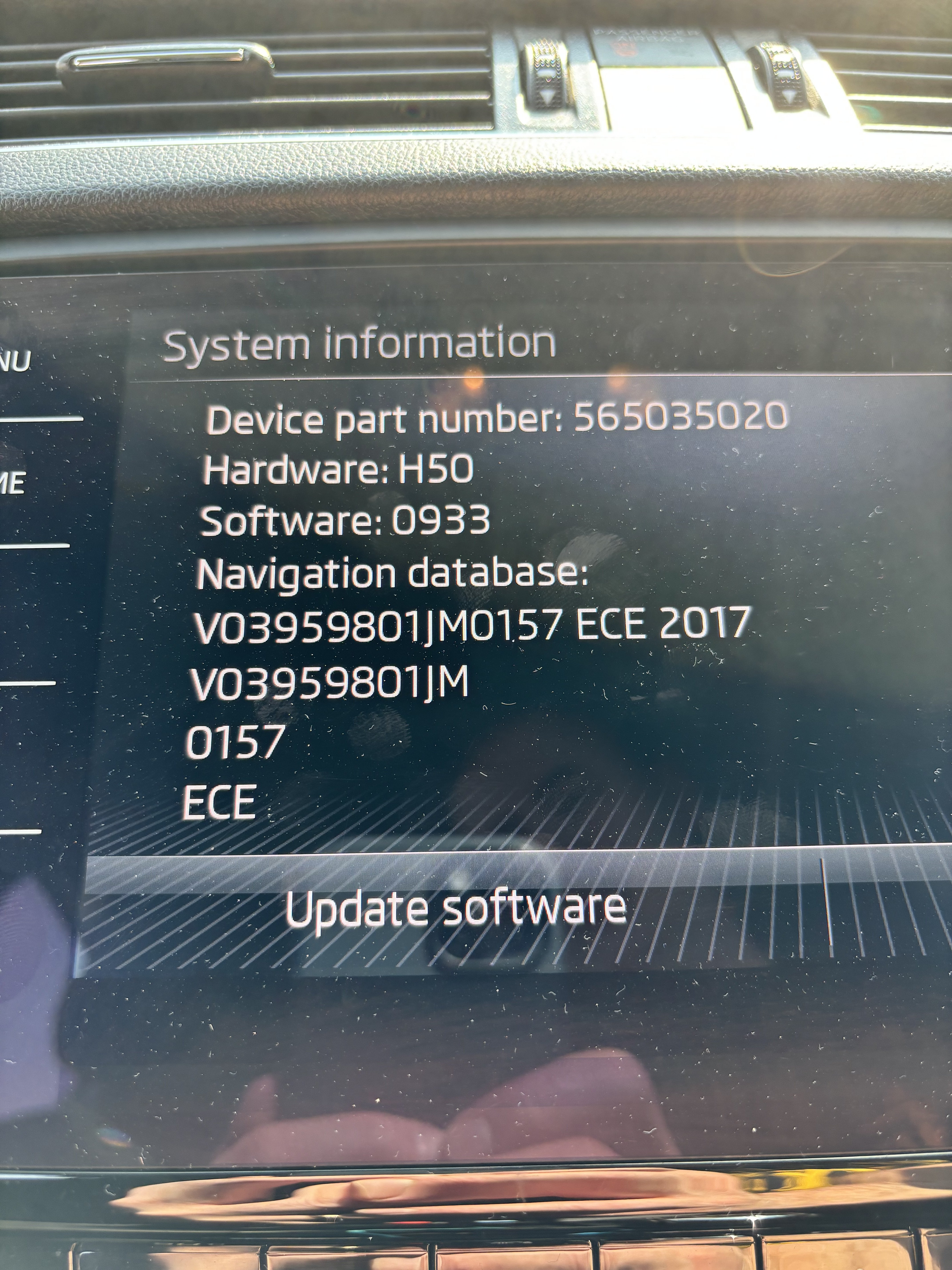
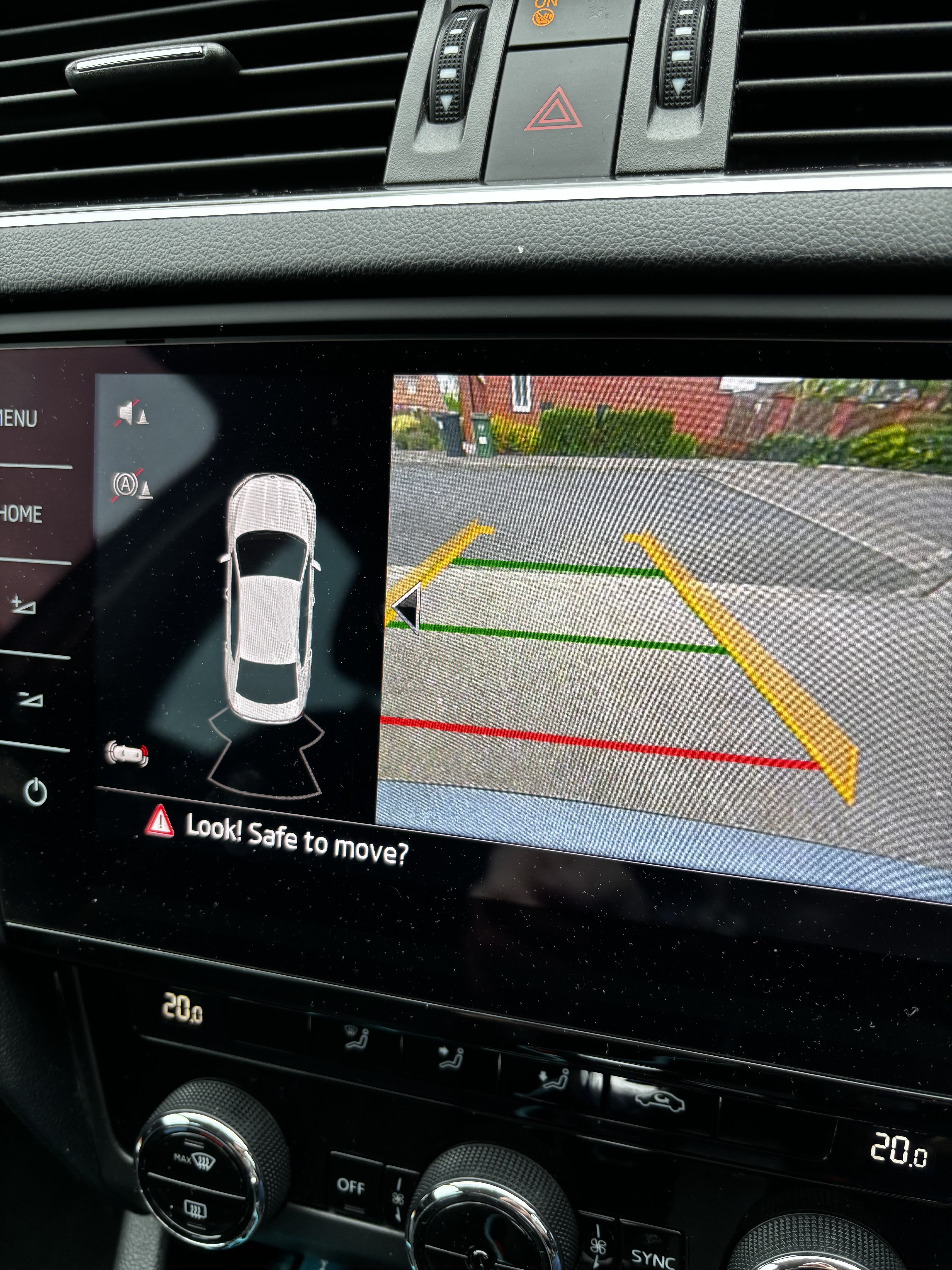
Awesome, software update was successful, black box covering half the camera view is now transparent/ opaque!! Pint owed to @pab567
-
Legend! Thanks.
-
Thanks for taking the time. Mine can also show the car outline with a transparent background, but chooses not to 🤔 looks like a different software version I reckon. Appreciate your time.
-
Sorry, would have included but was out at work. Any advice appreciated.
-
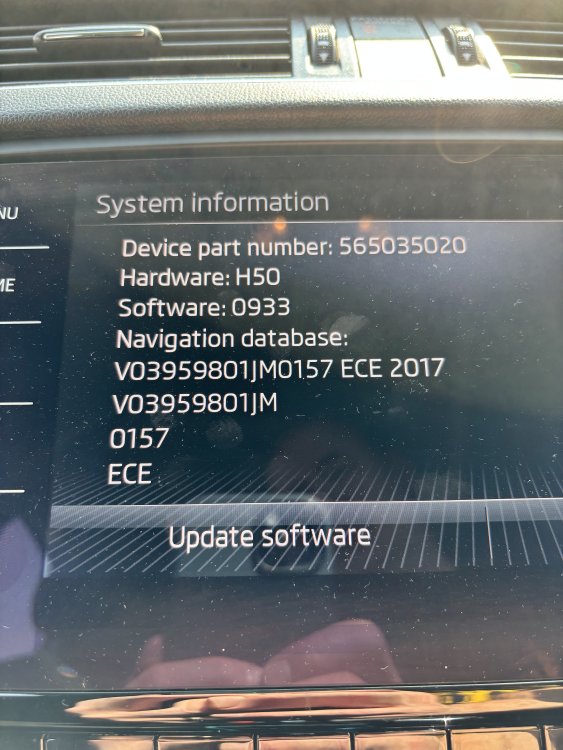
@pab567 any chance there is a software update that addresses this issue please 🙏🤞
-
Factory Thanks. Yes, if I hit the triangle it collapses to the left then is transparent.
-
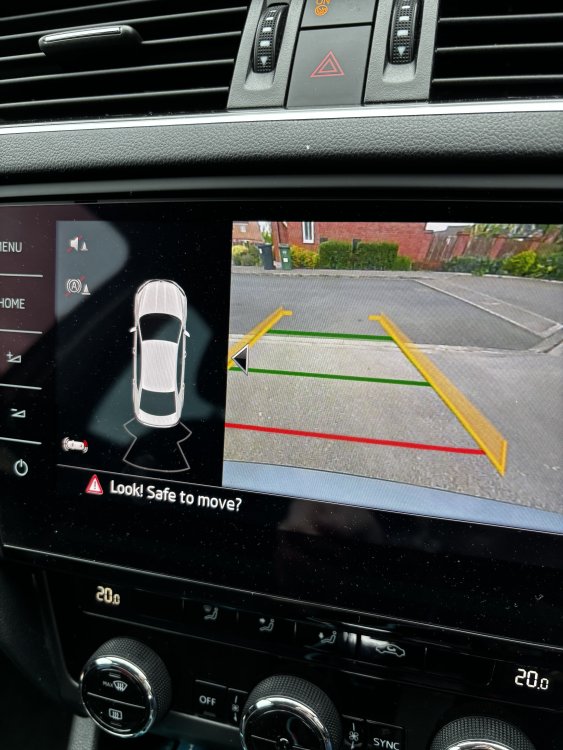
Anyone help please, why does the software keep covering up half my reversing camera with black. I suspect it’s supposed to happen on proximity of hand to screen but randomly happens all the time. It seems to serve no purpose whatsoever, other than covering up half the reversing camera!!
-
Same issue here, mkiii crunchy handbrake, not sure where to start to resolve..
-
There is a wind / whistle / siren noise, that can be heard in the cabin, sound like normal turbo noise or something else please, thoughts appreciated. 1.4 TSI 17 plate Turbo or not.m4a
-
Still getting used to the noises the new car (17 plate 1.4 TSI DSG) makes. Can the turbo normally be heard inside the cabin please? Mine can, particularly when it's cold, normal?
-
Thanks 👍
-
Done above
-
Starter .m4a