gerstemann
Members
-
Joined
-
Last visited
Everything posted by gerstemann
-
@pab567 is there a newer vision that 0480 für a MST2_EU_SK_ZR available? I do have issues with my new iPhone/Carplay and bluetooth in general. Thanks in advance.
-
0480 is current.
-
The advatage of updating is only an advatage if you have issues. if you dont have Issler, updating might bring you into new ones. so: Never change a Running System if it is working.
-
Didnt know that you got an error. So try it in a row and you will see.
-
You can go directly to 369
-
0480 is now 2 years old and still current.
-
What Are the advatages and disadvantages to update from2xx to 4xx?
-
Yes.
-
@pab567 Can you help him?
-
No update available, not here, not at your dealer. This is current.
-
There is a K1550 available - but I dont have that one. Maybe pab567 can help you out.
-
369 is current. Please write PN if you want link. 253 is current for you. Please write PN for link.
-
0480 is current. no newer version since two years now.
-
If you want the file just write PN. No changelog available so its on your own risk to update to 369.
-
This is latest.
-
This is current. This part of the forum is just for updates. officially ask your dealer. have a look to https://github.com/olli991/mib-std2-pq-zr-toolbox If you dont know, what you do - dont do it. worst case is you have a peace of garbage in your car. current is 0480. use pn for a link.
-
0480 is the latest. write PN for link.
-
Nope, 480 is the latest and now approx. over 2 years old.
-
369 is current
-
This is a MIB2 and there is one available. still 0480
-
PN
-
Most important: Push the Menu Button for like 10 seconds and extract the content of the zip in the root of the sd card.
-
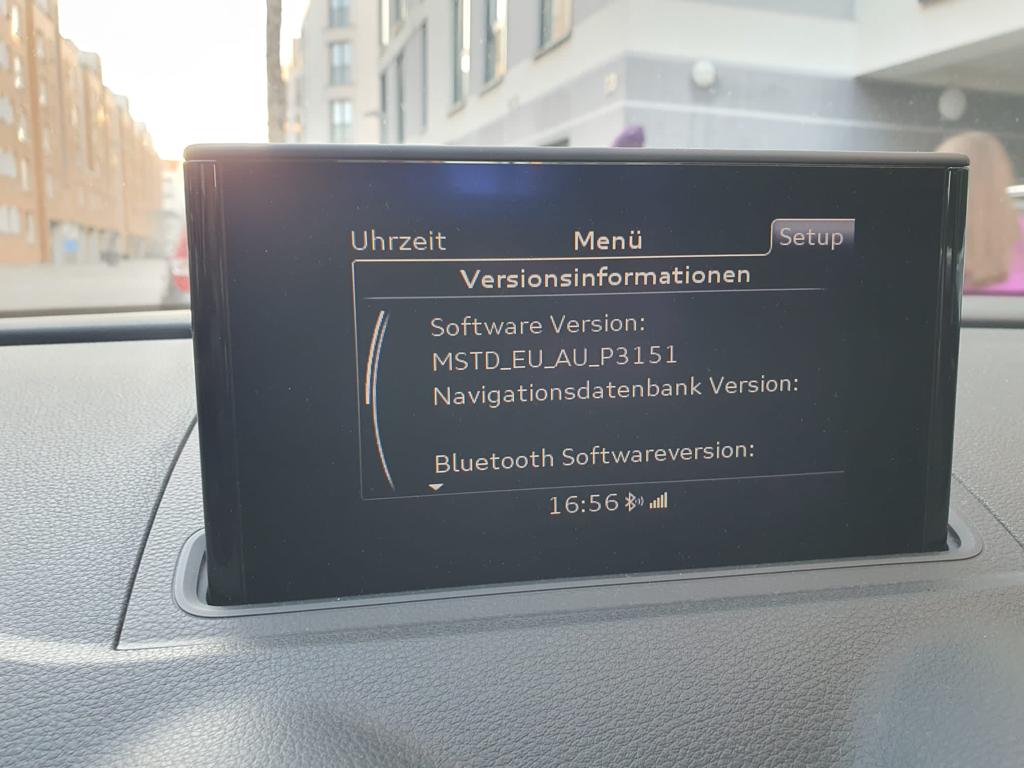
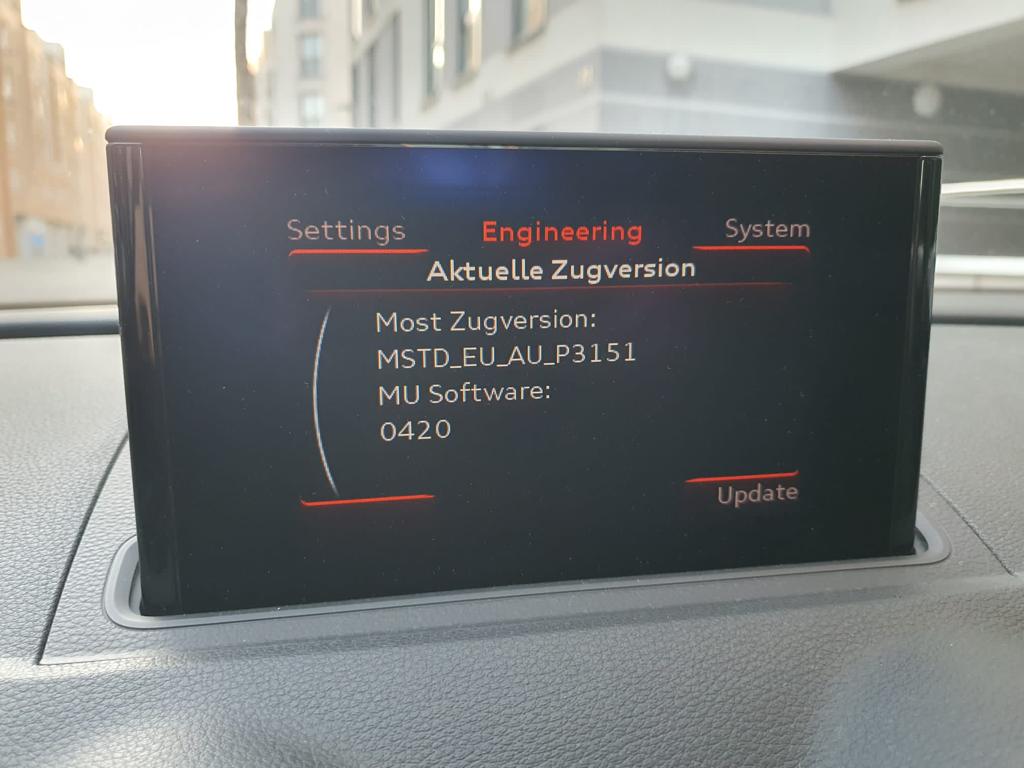
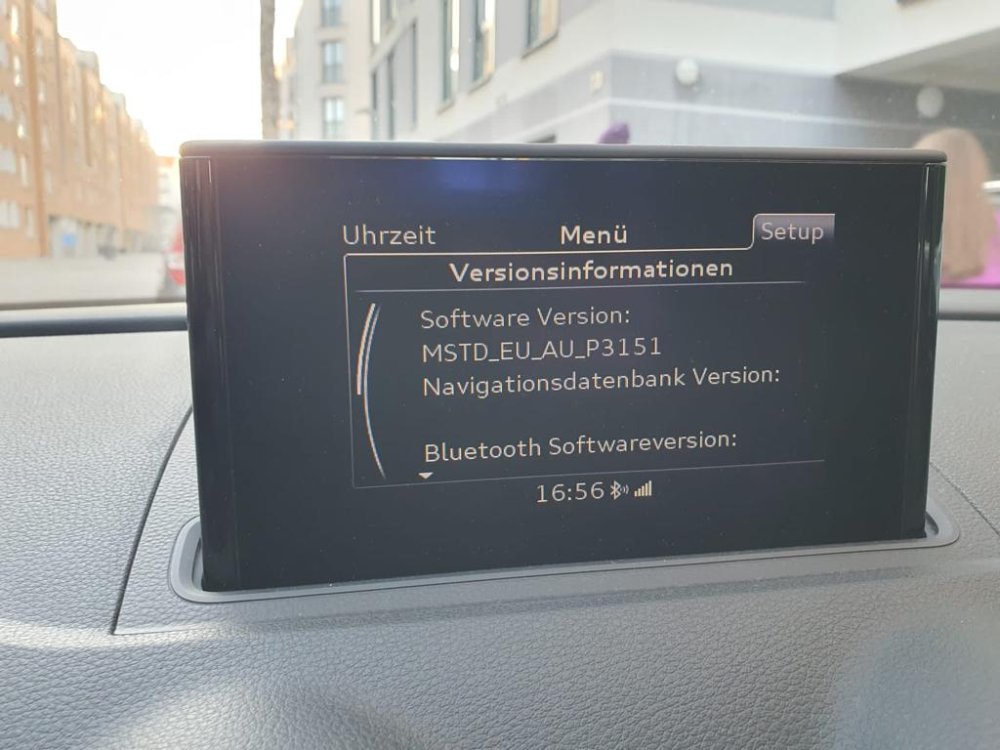
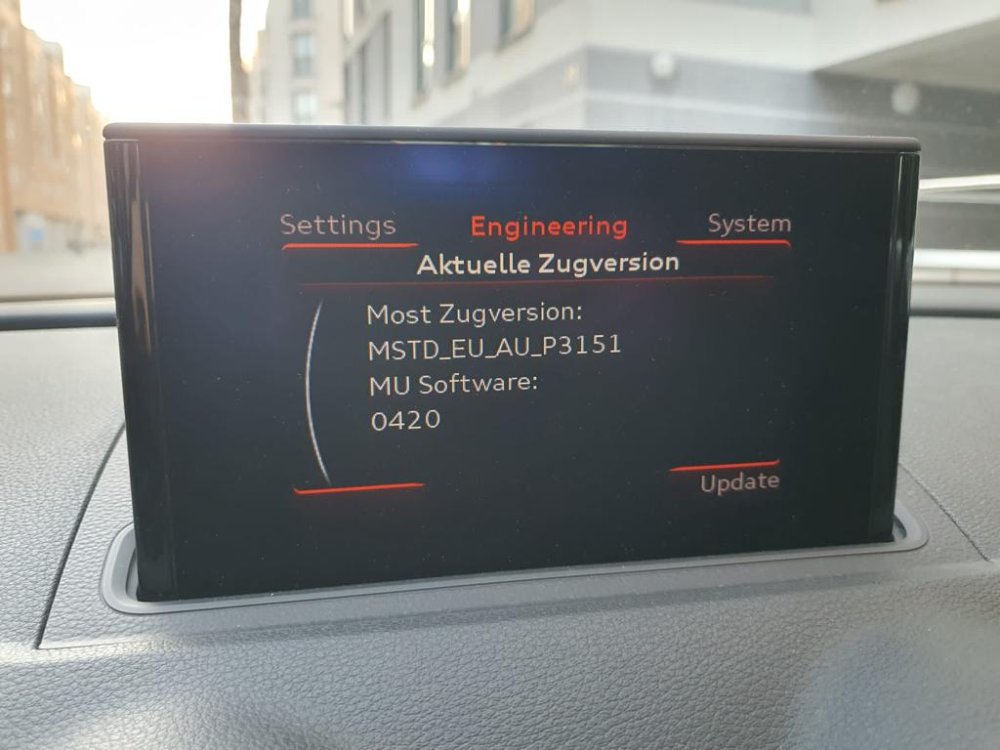
Hi all, anyone knows if there is an update available and if I can enable navigation?
-
PQ and ZR does not describe the region. ZR is a Unit which has a Screen an the unit in/obove glove Box. PQ is Screen and Unit all together.
-
Is the format FAT32. Maybe the SD Card is too lage, try a 8GB one.