




flickyspinny
Finding my way
-
Joined
-
Last visited
Everything posted by flickyspinny
-
And to update, yes it did work.
-
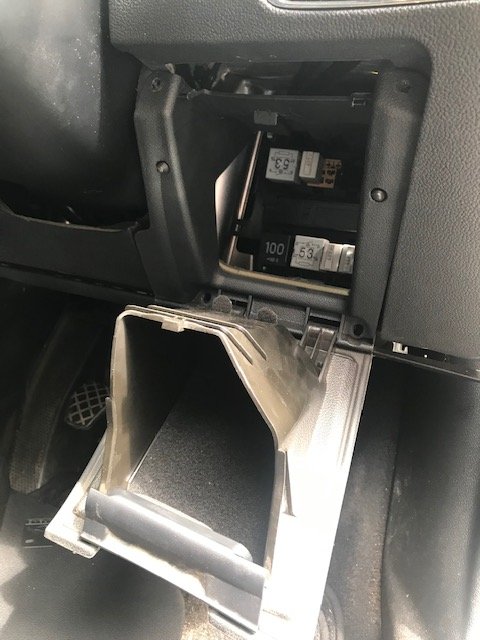
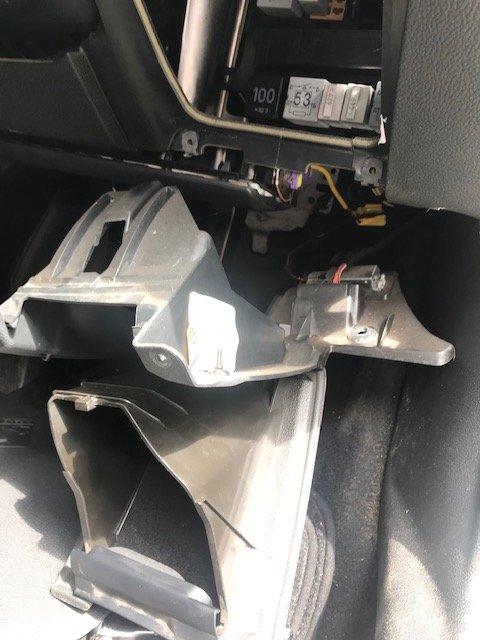
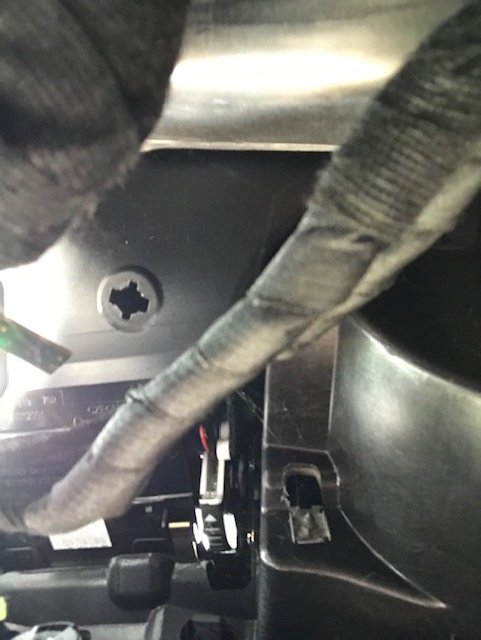
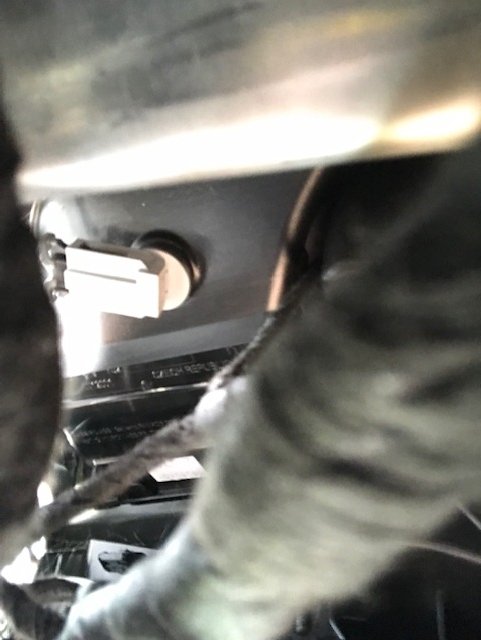
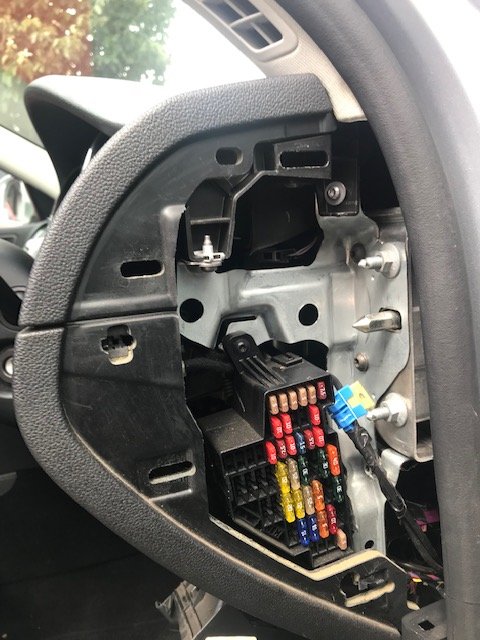
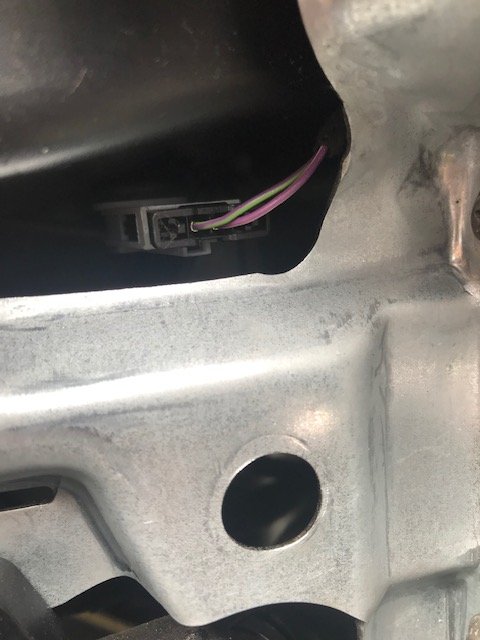
The replacement sensor arrived today. Don't know if it's worked yet because it's too warm to check. Anyway, a few photos on where the sensor is and how to access it. If you remove the fusebox cover from the drivers side, you can see the sensor tucked away in the dark space above the silver bracket. Photo of general area and close-up here: To get access to the area, open the cubby-hole by the driver's right knee. Using a screwdriver gently lever it so that it opens out completely. This gives you access to 4 torx screws that need to be undone to remove the whole assembly. There is one larger torx screw underneath the dash (not pictured) that also needs to be removed. It's pretty obvious which one, once you've undone the other four. Now you can look up and see the sensor. Simply turn it 90 degrees and it will drop out. Disconnect the connector, put the new one on, and replace it. Refitting is a reversal of dismantling. Next picture is of the cross-shaped hole where the sensor would sit. Photo after is the sensor in position. I really hope this works...
-
Finally got around to looking further at this, and courtesy of this I decided to check out the temperature sensor on the drivers side. The video below shows roughly what the temperature sensors look like. Of course, on the Skoda they're an actual PITA to access (particularly the left hand side) so I couldn't swap them over to test them. https://www.vwvortex.com/threads/right-temperature-flap-fault-code.9458984/ However, I did get check the resistivity and got a reading back of 1345 ohms. Based on the video above, that seems very low, which might mean that the sensor is reading a very high temperature which means that the heating doesn't do anything on the drivers side unless I ask it for full heat. Replacement sensor ordered, hopefully that'll solve the issue. If it does, I suspect that the error reported above about the error for the left temperature flap could be completely unrelated.
