Skip to content

Cherrydocs

Finding my way
  • Joined

  • Last visited

Everything posted by Cherrydocs

  1. Issue now resolved, programming of the steering control module gave me back access to the features available previously. Thanks all for your guidance.
  2. Thank you for this detail, I’ve printed off and will reference in the next steps, and post an update on the topic after coding.
  3. Thanks Langers, you’re spot on, the garage have told me that the replacement clock spring came with a steering control module, but this wasn’t programmed. I’m now booked in with a agent they use for coding.
  4. Thanks, for the replies. It does make sense to have a tick box under the set-up menu, but my options there seem very limited, nothing for driving data unfortunately. I seem to remember having options under set-up to dim the footwell lights and automatically trigger the boot blind when the tailgate is opened, but just noticed that these are no longer present? I did reload the firmware on the Columbus head unit to address a different issue about a year ago, so perhaps this could have reduced some of the functionality?
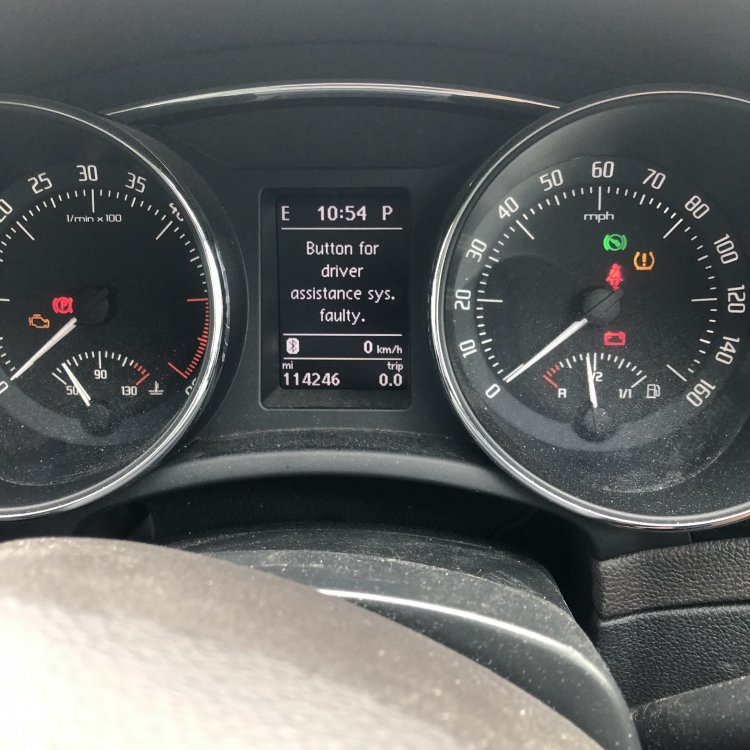
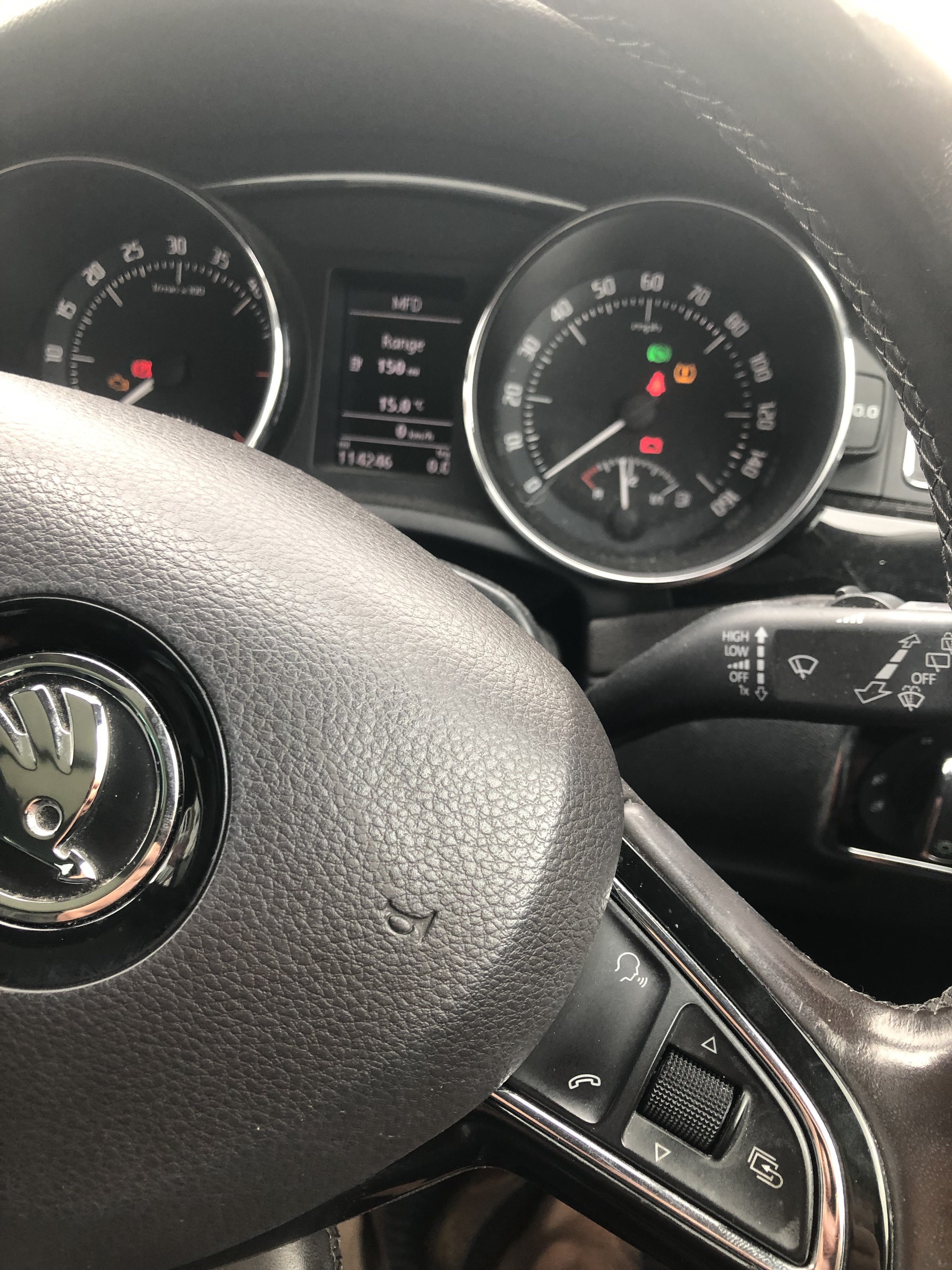
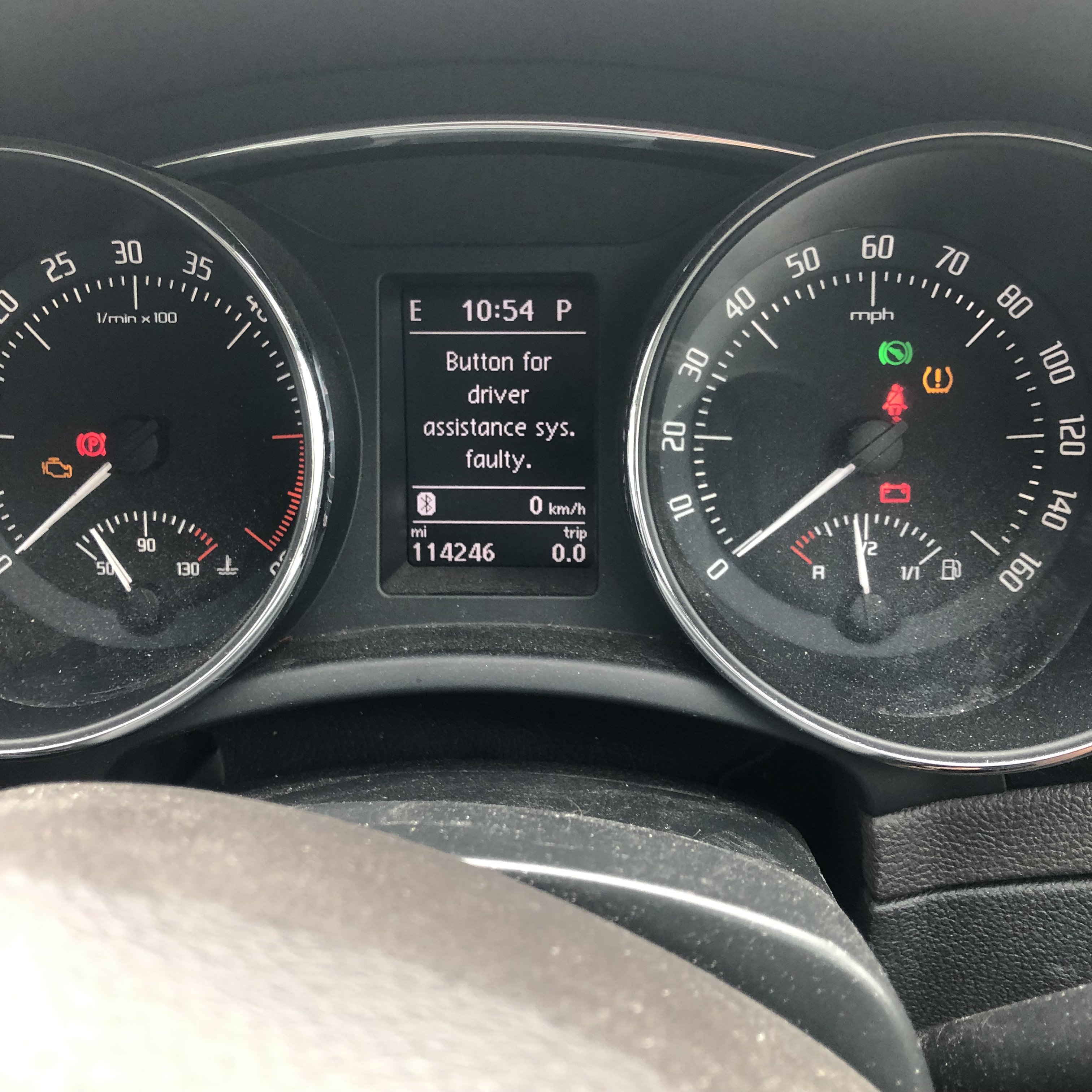
  5. Hi, I’ve been reading through my Skoda Superb owners manual (MK2 facelift) and I’m scratching my head on this one. On the vehicle multifunction display I can only see the range displayed as part of the driving data, and it if I want to use the buttons on the right hand side of the steering wheel to select a different profile (mpg, journey time etc), it won’t let me. The unusual thing is that both the select button and the thumb wheel function perfectly when used to navigate the telephone menus, rather than the driving data menu. I did have the steering wheel clock ring replaced last year to address an air bag warning light and noticed this problem after it came out of the garage. I have spoken to the guys that did the work and they agreed it sounds odd but suspect it’s something to do with the menu set up, rather than the clock ring or steering wheel controls. Does anybody have any ideas on this, I have also noticed that the cruise control is not working as it did before the clock ring change, and I get the error message ‘Button for driver assistance faulty’ but this is obviously on the left-hand indicator stalk rather than the right-hand steering wheel button cluster. Looking forward to your thoughts on this. Many thanks, Pat.
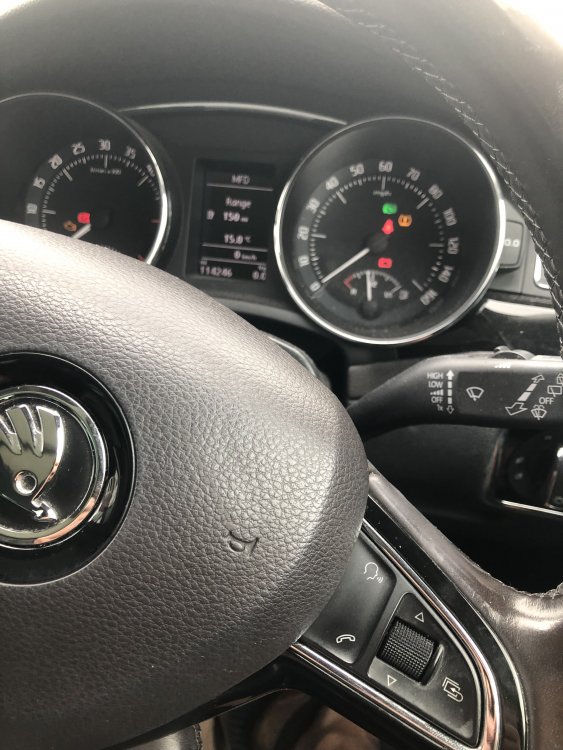
  6. Final update: thanks to the britskoda forum members, a week after posting this topic I now have the issue that’s been niggling me for over 2 years fixed! My local main dealer had recently quoted £140 to look at this defect, so in contrast the £10 subscription to become a Freedom member of this site and access the same level of know how and information represents fantastic value for money. All done from the comfort and convenience of home, and special thanks to @Rustynuts who gave me clear and unpatronising step by step instructions on what to do, and what to look out for during the process. From the look of the above, I just need to clean the screen now!
  7. Thank you langers2K for your reply. Sorry for being a bit dense, but how do you PM another member? I've looked under the Online Users tab, but you don't seem to be able to search that for rustynuts @rustynuts
  8. Apologies if I should be adding this request to previously listed topic as I can see this has been raised and resolved before. In my 2014 L&K I have a perfectly functioning Columbus Navigation, however when switching on the Skoda logo is split across the screen and not displayed centrally as a whole in the centre of the screen. This does not affect the functioning of the unit, but does niggle me and I'd like to get it sorted out. Reading previous threads it would appear to be a software issue, as it has not been resolved by me carrying out a reset of the unit. I'd like to get in touch with rustynuts who is someone I think may be able to help me. My hardware version is H23, software version is 6270, active map coverage is West Europe, map supplier Navteq, and map version HDD is 8048. Thanks in advance.

Important Information

Welcome to BRISKODA. Please note the following important links Terms of Use. We have a comprehensive Privacy Policy. We have placed cookies on your device to help make this website better. You can adjust your cookie settings, otherwise we'll assume you're okay to continue.

Account

Navigation

Configure browser push notifications

Chrome (Android)
  1. Tap the lock icon next to the address bar.
  2. Tap Permissions → Notifications.
  3. Adjust your preference.
Chrome (Desktop)
  1. Click the padlock icon in the address bar.
  2. Select Site settings.
  3. Find Notifications and adjust your preference.