Skip to content

trsoft

New here
  • Joined

  • Last visited

Everything posted by trsoft

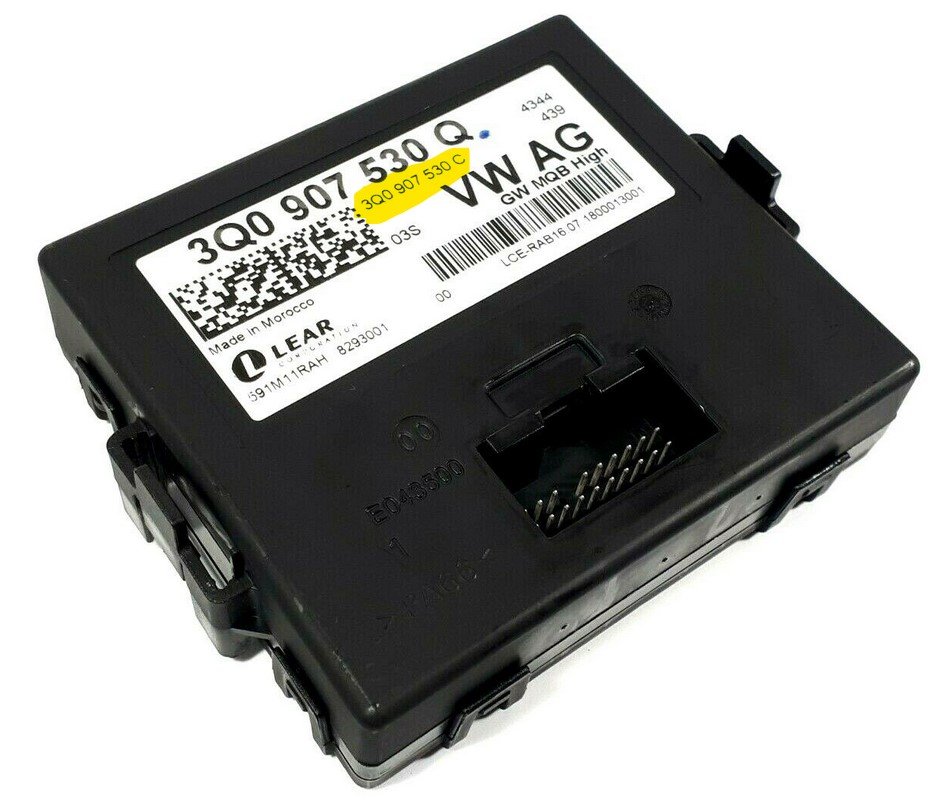
  1. Not now, I'm in prepare phase and gatering all informations and "problems"... my deductions from yellow marked description in screen (taken from your provided link). Ok, I'll try to replace camera, code and if this doesn't work, investigate GW. Last question - is it possible to only replace camera module in handle or is it needed to replace whole handle?
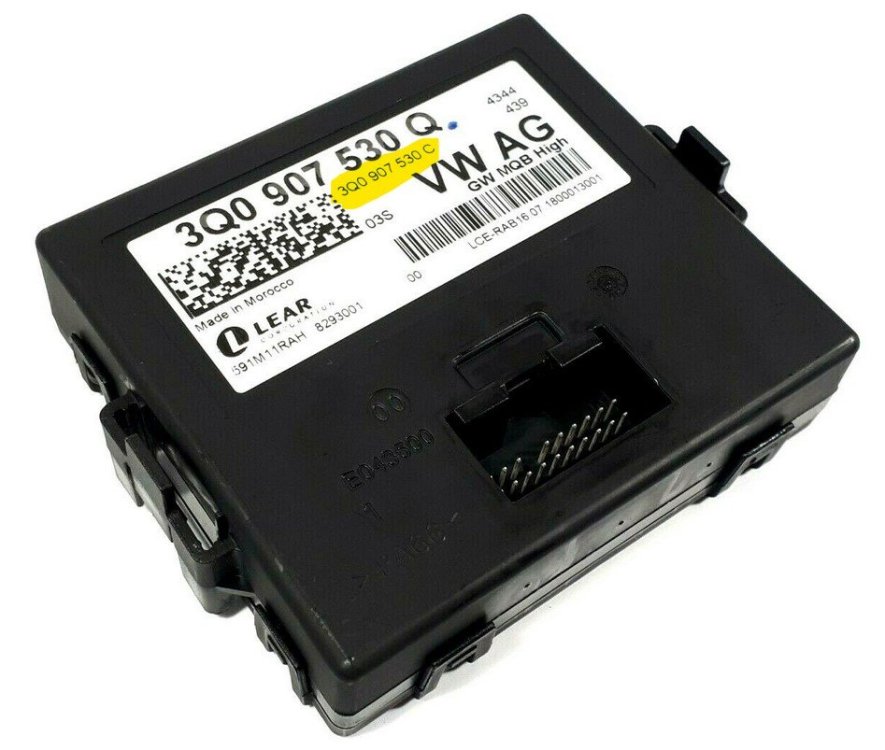
  2. From what I've found on photos for "Q" gateway, it looks that HW version is same (all "Q" I've found have 3Q0 907 530 C), you have different investigation? From ETKA I've found that "Q" variant was from 30.7.2018 to 26.11.2018, but "AA" variant is successor (26.11.2018 to 8.7.2019). Is there simple way to check what functions each gateway supports (for eg "AA" version support x,y,z...) from ETKA or Workshop manual etc.?
  3. From VCDS I've following information about gateway Adresa 19: CAN Gateway (J533) Labely:| SVO\3Q0-907-530-V1.clb Řídící jednotka SW: 3Q0 907 530 AA HW: 3Q0 907 530 C Díl: GW MQB High 521 5366
  4. Thanks for your information. For clarification, after camera replace, is calibration for RVC needed? (I think yes)

Important Information

Welcome to BRISKODA. Please note the following important links Terms of Use. We have a comprehensive Privacy Policy. We have placed cookies on your device to help make this website better. You can adjust your cookie settings, otherwise we'll assume you're okay to continue.

Account

Navigation

Configure browser push notifications

Chrome (Android)
  1. Tap the lock icon next to the address bar.
  2. Tap Permissions → Notifications.
  3. Adjust your preference.
Chrome (Desktop)
  1. Click the padlock icon in the address bar.
  2. Select Site settings.
  3. Find Notifications and adjust your preference.