Gleisner95
New here
-
Joined
-
Last visited
-
Not yet really, this weekend I'm planning on switching to summer tyres and if nothing else comes up I'll open the plastic in the roof and see if I can find the plugs and try to find differences between the struts using a multimeter, as well as if the fault-code moves to the other side if I swap the contacts around. But that's only my plans, if they get me anywhere is another question.
-
Hi! Do you have any photos of how you this? I was thinking of opening up the plastic to get to the controller and linking them together there in order not to need to pull a couple of wires from one strut to the other, but I would like to see how your solution looks before I start digging into it and getting in over my head.
-
Thanks a lot! This will be very helpful. It does seem like they are a lot easier to find for the Mk2 but I'll try looking, thanks! Right now it seems like the most viable option is to find a button assembly on AliExpress or something and maybe have someone 3d-print a cap with the right logo in a way that it lights up like the stock buttons! And if I understood some other threads right the easiest way to wire it is probably by programming an extra output from the Can-modules to feed the relay for the extralight. Thanks a lot guys!
-
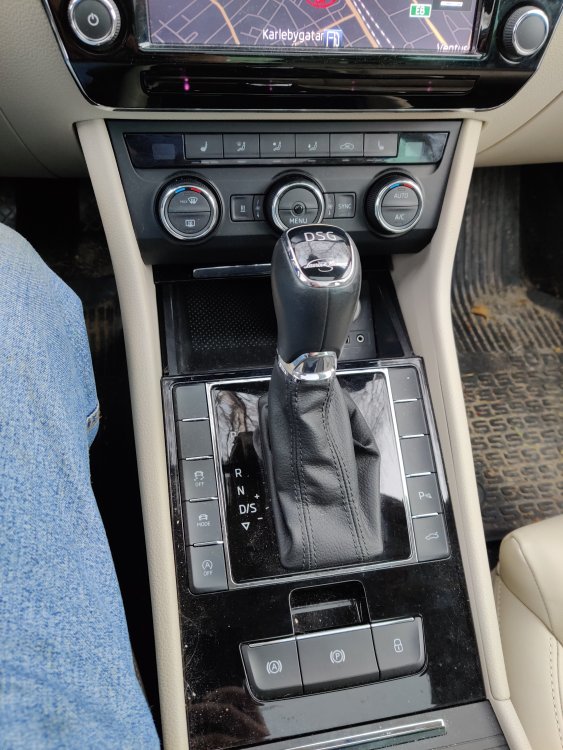
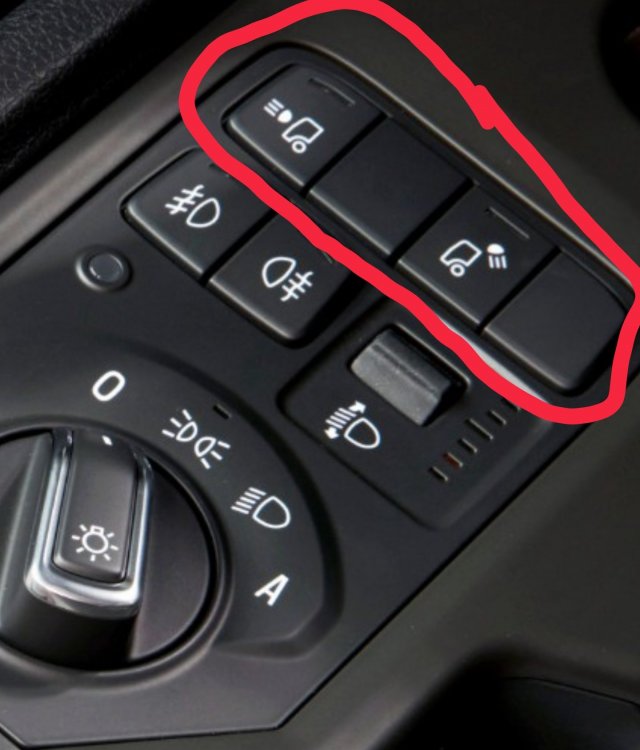
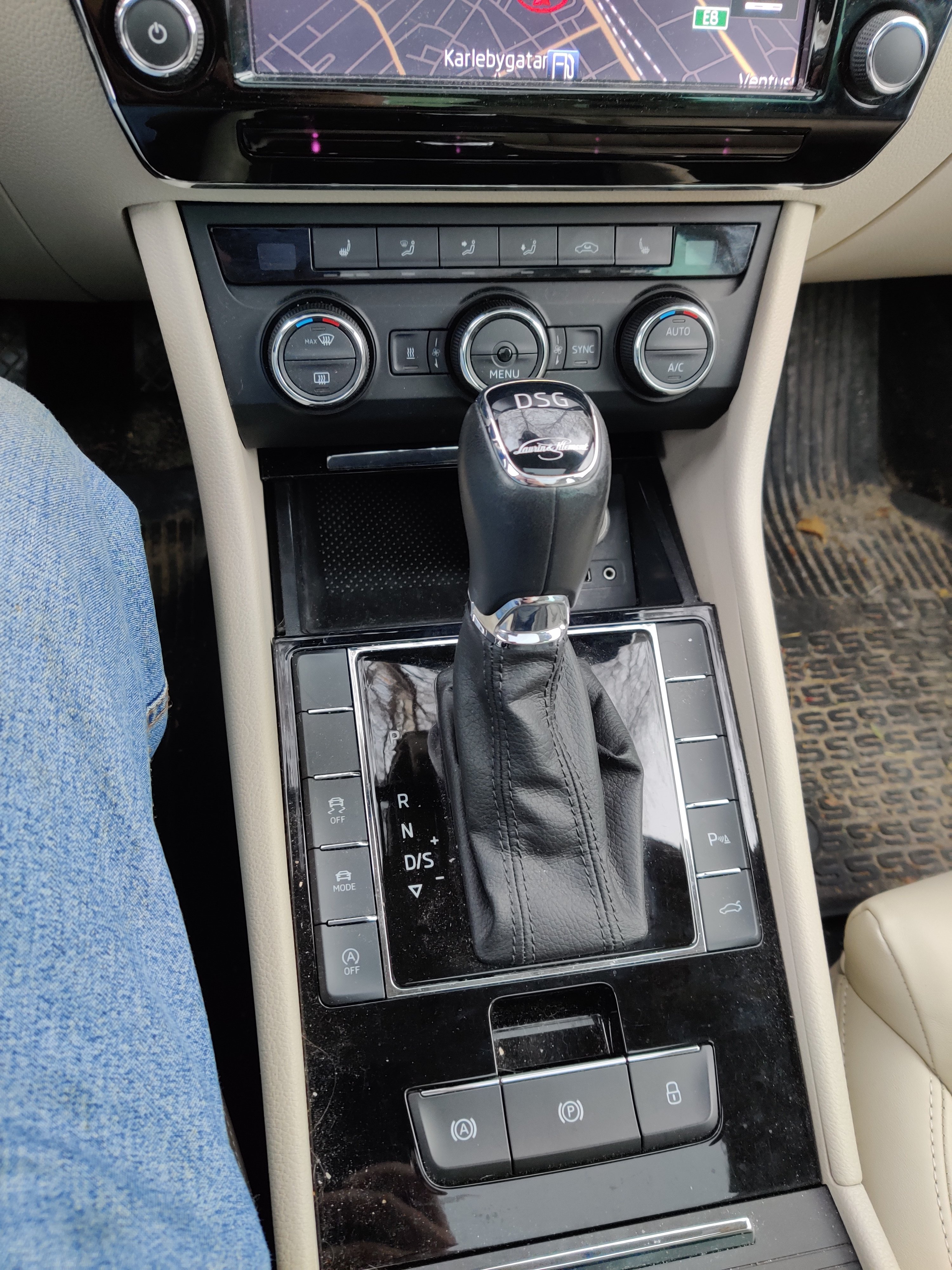
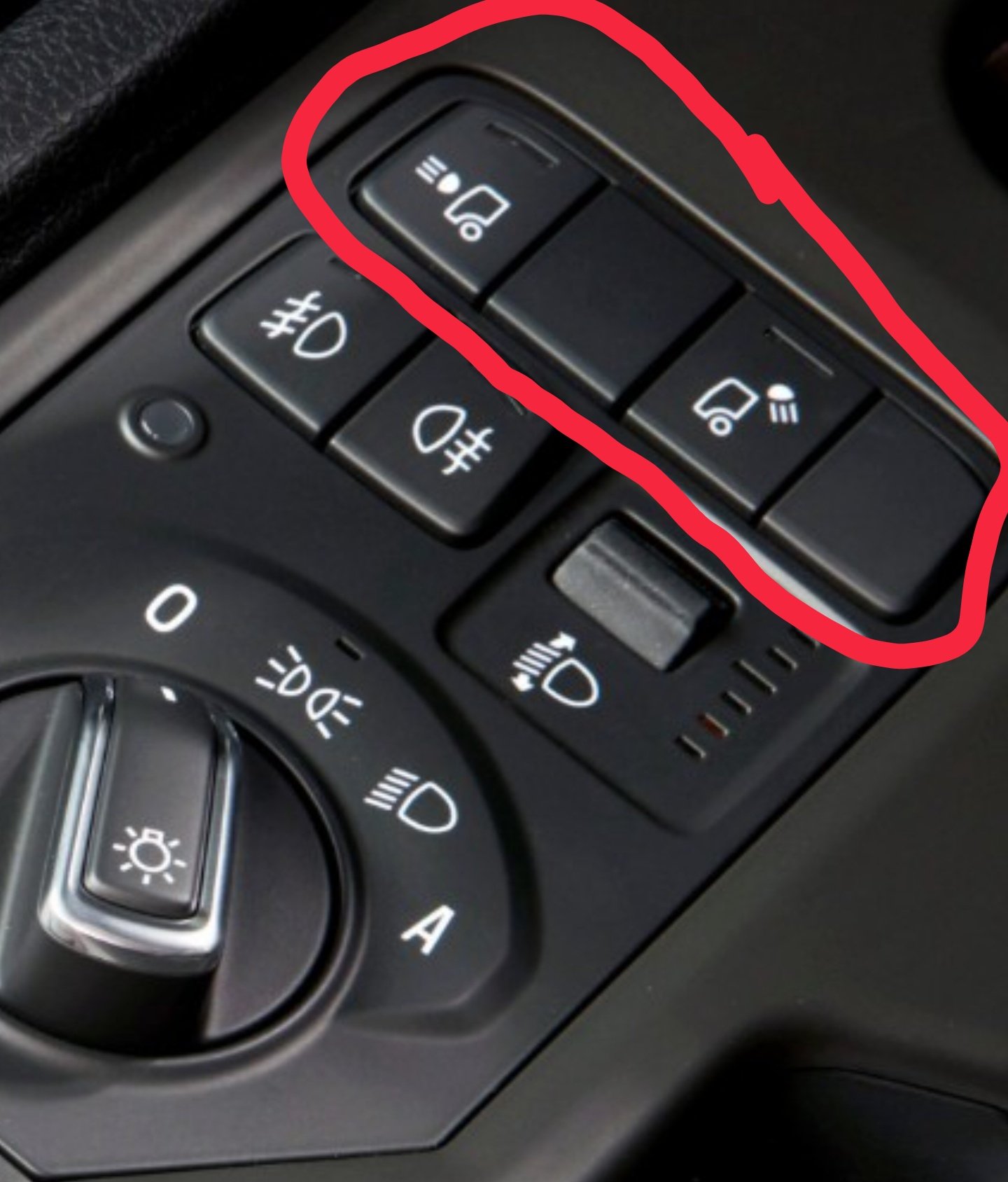
Where would I be able to get aftermarket buttons that fit in the empty places around the gear lever (picture 1), and how much is prepared for adding new functions. I am planning on adding a LED-bar and want to make a main breaker for it look like it belongs in the car. So what I want to know is if anyone else has done a similar operation and where I could find buttons that fit either with icons like in picture two or just blank ones that you can add the symbol on yourself.