




Myte128
Finding my way
-
Joined
-
Last visited
-
ok it’s fixed. Thankfully I didn’t need to remove the entire dash and I have a neighbour who is a mechanic from Europe. I pulled it to bits and sure enough it was the recirculating flap that wasn’t opening. The carplay box I installed had interfered with the flap and the knuckle in the slot of the mechanism had slipped so it could still close the flap but it didn’t have the drive to open it. A bit of brute force slotted it back in and she’s all good. Cleared codes, relearned limits etc and I have cold air again. Yay!
-
It got changed last year when we were having weird issues with the dash, stereo, ancillaries and wipers etc not working. That was a rigmarole… I’ve checked what I can see under the dash and I can see that the flap above the cabin filter doesn’t open but it must be more than that because surely that is just the recirculating air flap. I will keep testing and checking what I can reach.
-
Looks great in black. I do like black cars.
-
3 out of 7 people in my department at work are from the UK...😂 What's a few more...👍
-
I’m not very experienced with vcds but it does show a code saying flap is stuck. I will attempt to repair it myself as the Skoda dealer knows how to charge.
-
I've just tried the blower on hot and it works just fine so it must have a problem with the cold side flap motor I reckon. Summertime here so didn't think about using hot... As soon as I can get it into my garage I will pull some panels.
-
Well the hvac is not fixed… there’s something amiss. It sounds like it blowing but it isn’t. Recalibration sequence shows it can blow but ends the sequence not blowing. 😩
-
A couple more issues to add to the ever increasing list of issues. I think this car was a late Friday night build…😩 The hvac fan was blowing hard but the air was not coming out of the vents. Luckily there is a reset/recalibration procedure which I’ve done, we’ll see if that stays working. and The front doors weren’t unlocking along with the boot lid not operating properly and not closing. Plus the car wouldn’t stay started. It’s done this twice now recently and it did a similar thing about a year ago which ended up needing a replacement boot lock. So I’ve sprayed some wd40 in the lock and wiped codes to see if that helps.
-
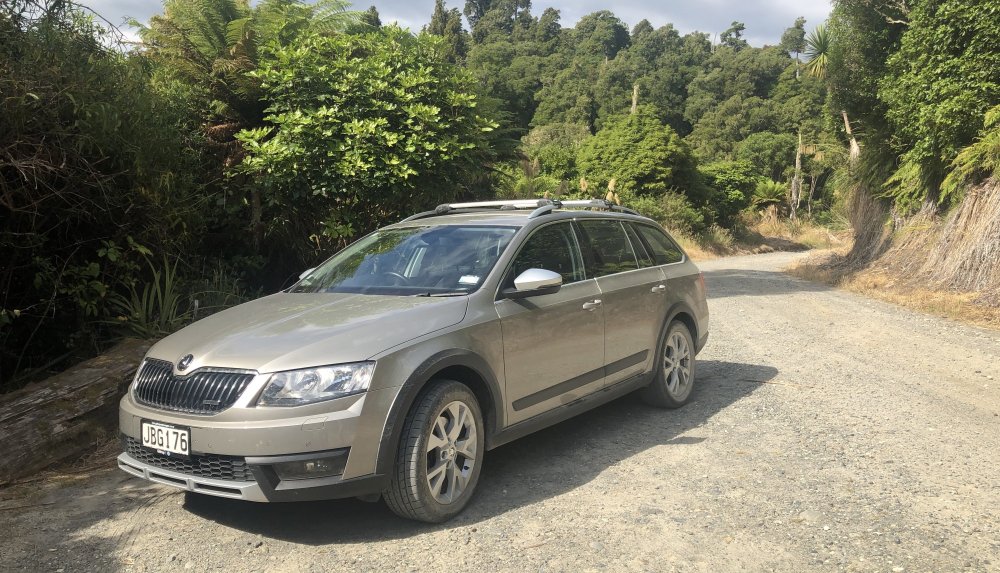
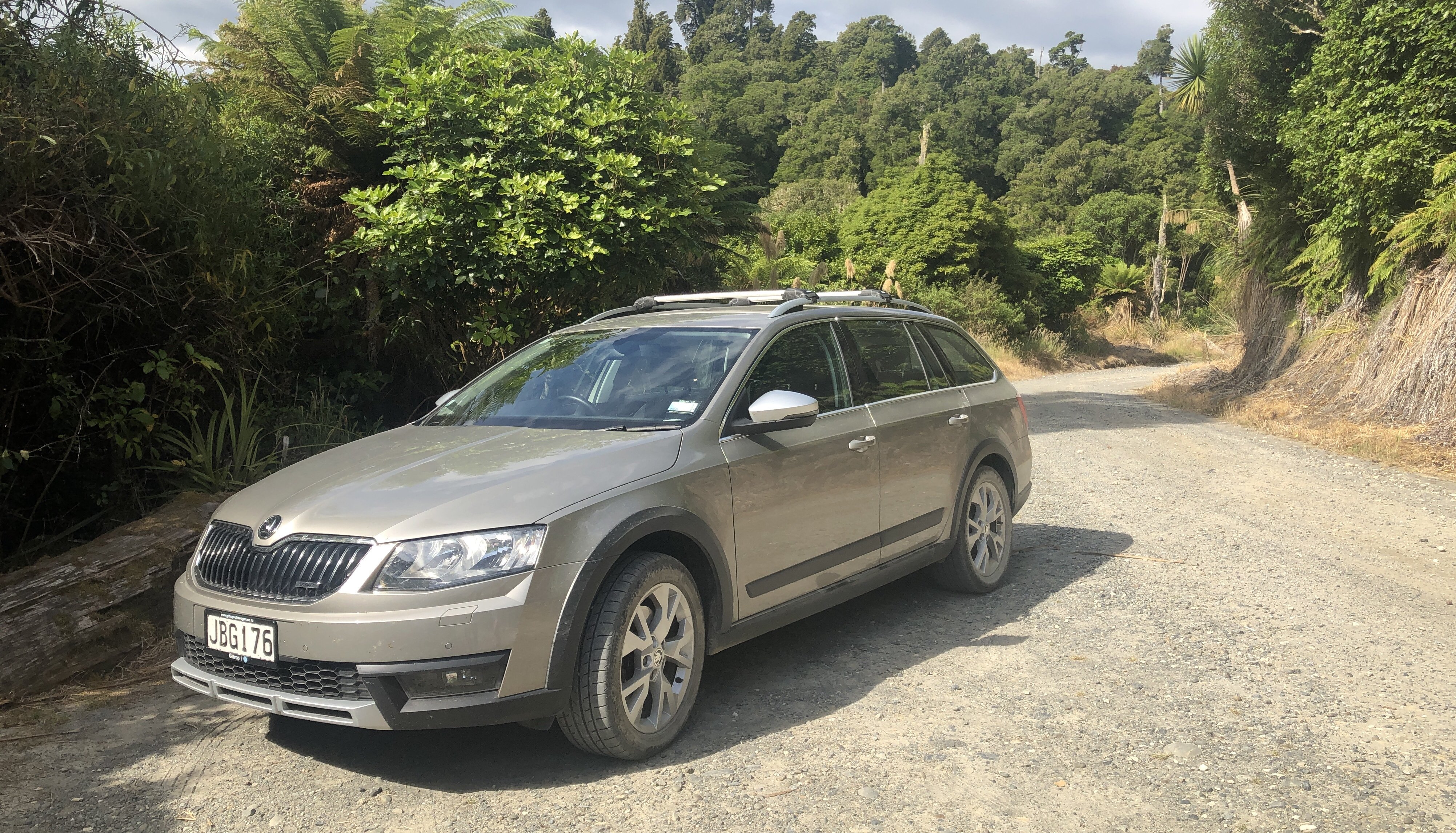
Another adventure out in the middle of nowhere. Very rough road which the scout just shrugged off.
-
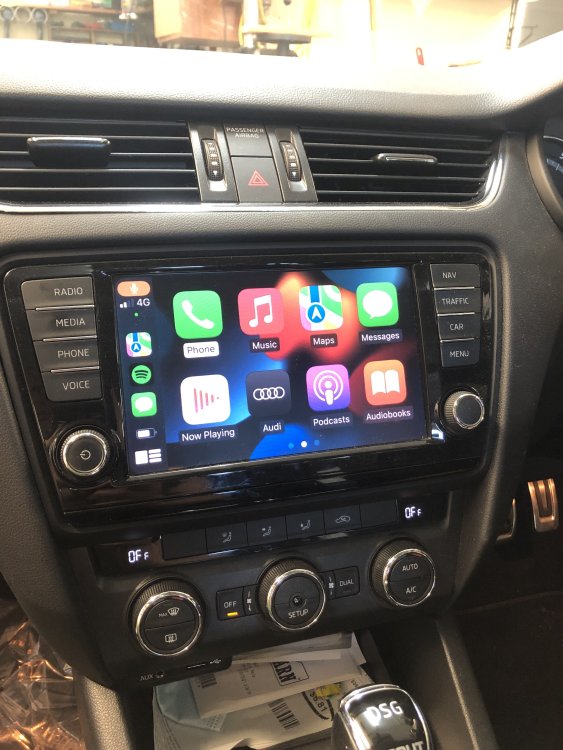
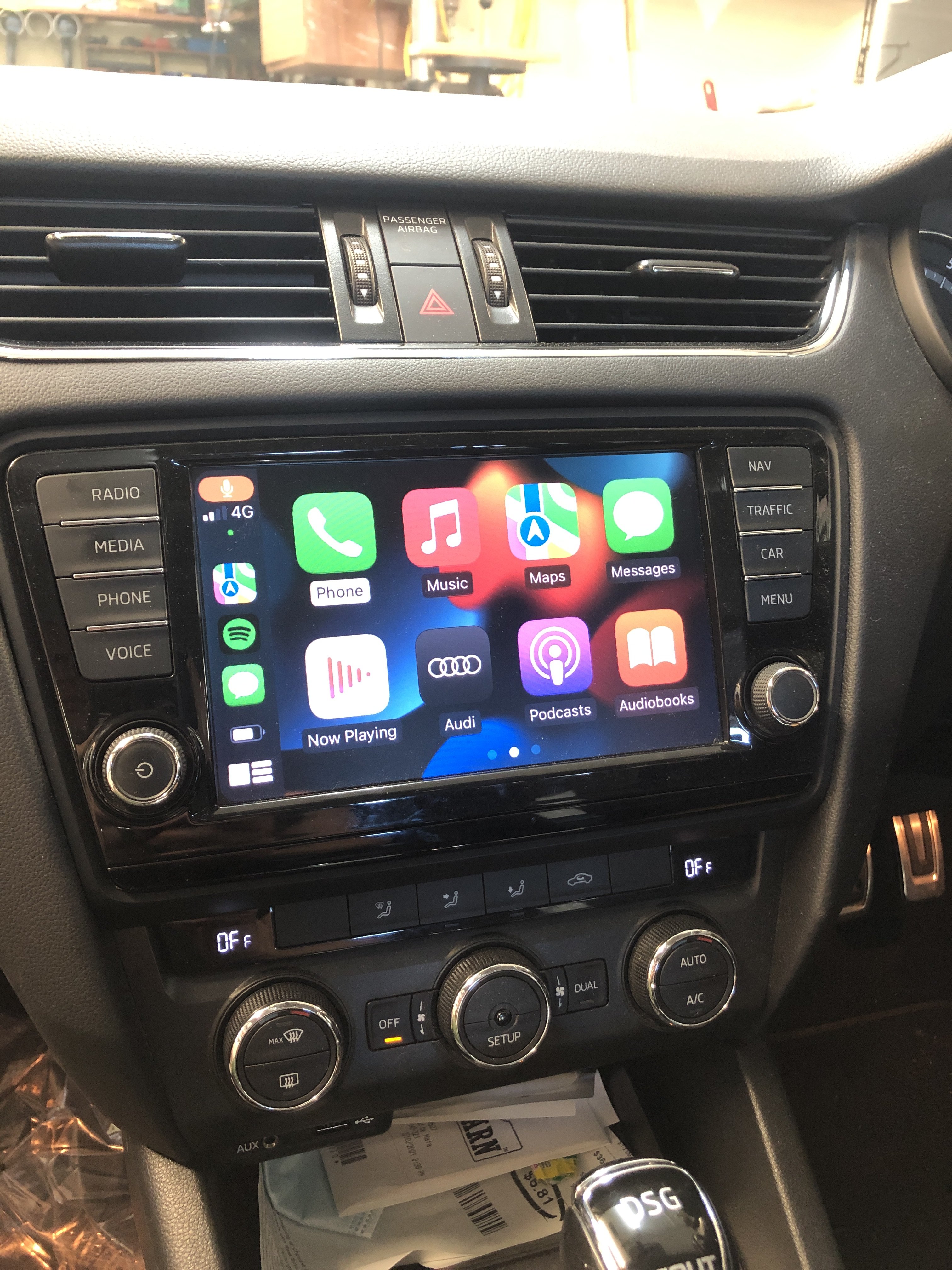
Hi there, in the instruction book for my MIB1 Columbus it says don't connect your iPhone to the USB and bluetooth at the same time as there may be a malfunction. It seems when you forget this and plug it in anyway the head unit really sweats. The fan cranks up and the screen gets laggy. Is there a chance that this can be 'fixed' so I can charge the phone at the same time as playing the musics? Maybe changing the USB socket for a different 'no data' socket perhaps? Or coding to turn the data off? Or should I snip off the data tabs in the USB cable? That's probably the cheapest way... Carplay! Yes I have bought a Chinese add on box for carplay and it works pretty well. Installation was a little tricky as there are a lot of cables to stuff in along with an extra box too but I managed. The only issues I have come across are; skipping tracks on the steering wheel controls don't work with the normal buttons but you can skip tracks using the maxidot display dial on the right... Blimmin' pain... And changing between the standard MIB1 system and the carplay system is a bit of a faff to get used to. I haven't quite worked it out yet so I just push buttons until I get there. It does auto connect wirelessly and auto play Spotify if you have the library downloaded. If it's not downloaded then you have to press play. The add on box comes with another USB socket which I am using to charge my phone when required but I'd like to be able to charge my owner's phone at the same time too.
-
Hi. I bought some stuff direct from Audi spares department. I have a friend there so that helped… the parts took about 3-4 weeks from the Czech Republic. I can’t see why you can’t buy online or from a dealer.
-
There we go. A picture.
.thumb.jpeg.4ca7e4a18f6a3ef72be2b93a80791959.jpeg)
-
I took the leap! I ordered a Chinese Carplay add-on box and it works on my MIB1 Columbus. I'm stoked it works but I had a backup plan (which would have cost more) as well just in case. My neighbour bought a 2016 Scout cheap to fix and sell, he said I can take bits and swap if I want. So I had the stereo bagsied. No need now though. This is the link https://www.aliexpress.com/item/1005002651696182.html?spm=a2g0s.9042311.0.0.3da24c4dF46T4e It's an Isudar carplay box for VAG MIB1/2. Delivery came in 9 days too which is amazing in these covid times. [img]https://drive.google.com/file/d/1-WGTiOP6IOeAE8_Mi6p0rsPR_niIeOG0/view?usp=sharing[/img]
-
My thumb dial broke too and looked exactly the same as pictured above. I used the vacuum cleaner as per and managed to get it looking new again with super glue. Thanks for the info, I was at a bit of a loss before reading this.
-
I ordered the USB parts from my friend who conveniently looks after Audi parts here in NZ. 😁 I think there is a thread on here which has the info already on which parts to order. The hardest part was attaching the wires to the accessories socket without pulling the centre console to pieces as the factory wires have no slack. Only took about an hour in total. I have the Columbus 8” screen MIB1 with gps already but will either keep a look out for a newer unit or buy a Chinese add on. I will keep looking and thinking.


.jpeg.156d10209bea7a90fca719023c5ec3b0.jpeg)