Skip to content

Donweather

Members
  • Joined

  • Last visited

  1. Thanks. I’ve done all of the above but how do I know if it’s actually working (downloading files from usb c and updating?)
  2. So 2Gb map files are loaded on the usb. Will put in the usb c slot when driving tomorrow. Anyone able to give me an indication how long a drive for that size file to transfer to MIB3?
  3. Question for a newb. How do I know if I have a MIB2.5 or MIB3? I have a MY21 Skoda Superb Sportline (280 - Aus). And is the procedure the same for either?
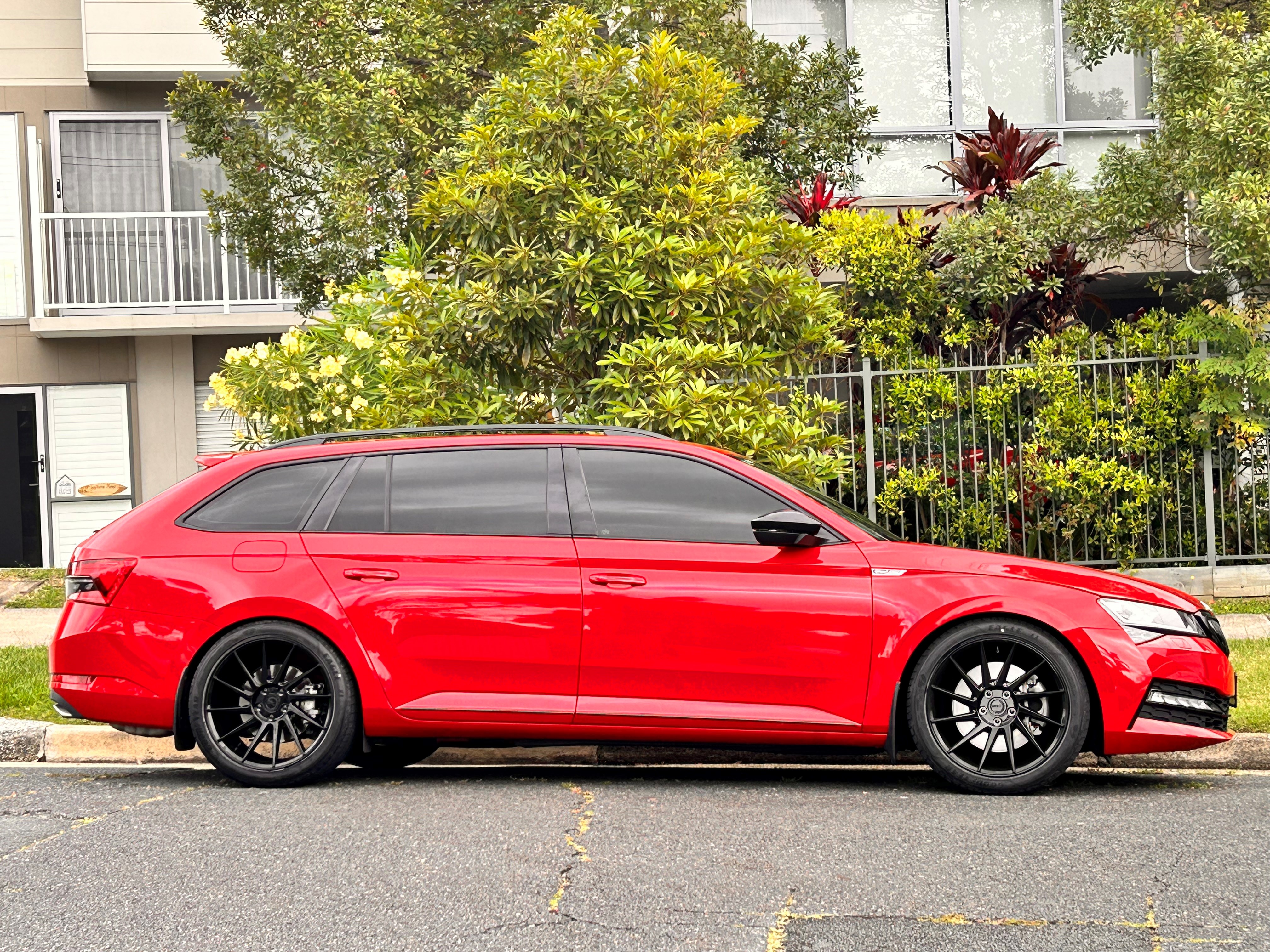
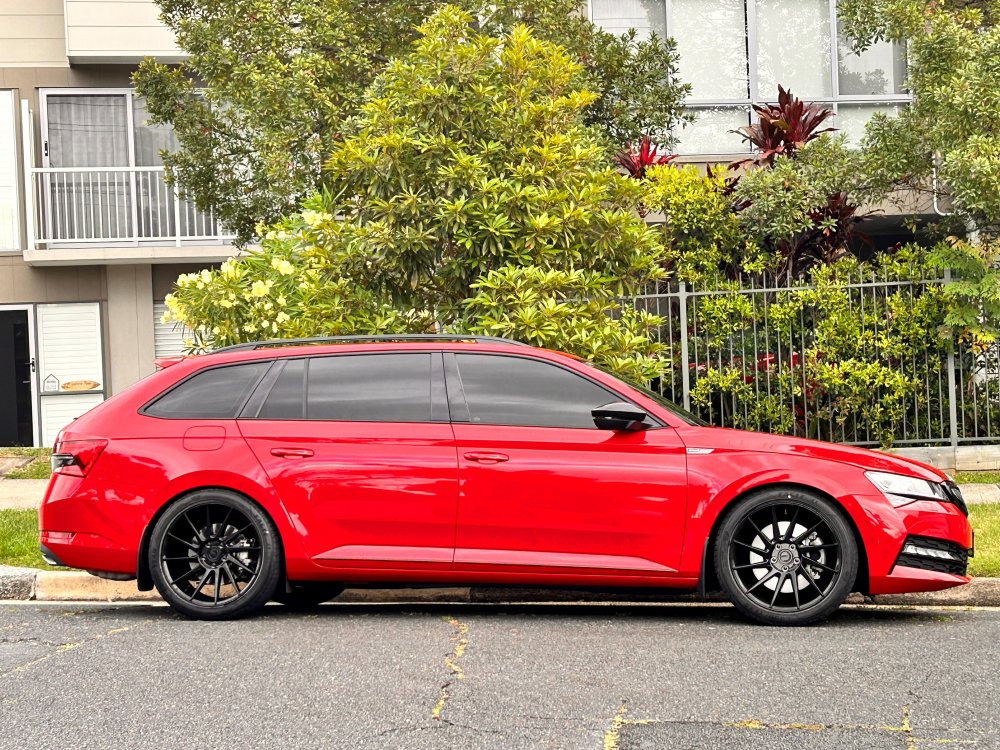
  4. Amazing amount of work and love gone into your car. Keep up the good work. just a question. What rear discs are these? And any reason why you didn’t put black discs on the fronts also? I do like the look of the black. But I’m biased as I have a red Sportline with black rims.
  5. Audi’s have it. Surprises me that if a 7R has it why the superb Sportline wouldn’t have it given it’s based on the 7R platform.
  6. What about post FL versions?
  7. There should be a usb slot in the centre console. This is the one I use to play music. I think all other usb’s in the car are for charging only.
  8. What makes you say this? Has someone launched their Skoda more than 200 times?
  9. I have read similar on Audi forums. 200 limit and once reached no more LC.
  10. What tune did you go with. ECU and TCU?
  11. This is exactly the setup I went with on my new rims. Still could have gone a little more aggressive, around the ET35-ET33 mark, but as I tow a jetski I didn't want rubbing issues (I'm on Eibachs) on the rears so stuck with the above. I might look at putting some 5mm spacers on the fronts.
  12. Is there any part of your car you haven't pulled apart JR?

Important Information

Welcome to BRISKODA. Please note the following important links Terms of Use. We have a comprehensive Privacy Policy. We have placed cookies on your device to help make this website better. You can adjust your cookie settings, otherwise we'll assume you're okay to continue.

Account

Navigation

Configure browser push notifications

Chrome (Android)
  1. Tap the lock icon next to the address bar.
  2. Tap Permissions → Notifications.
  3. Adjust your preference.
Chrome (Desktop)
  1. Click the padlock icon in the address bar.
  2. Select Site settings.
  3. Find Notifications and adjust your preference.