Hluhek
Finding my way
-
Joined
-
Last visited
Everything posted by Hluhek
-
Sorry, but i have them on my car. It is solid wheel.
-
Nope. If you buy aero vega it is solid wheel. But if you have vega you can buy this plastic cover to look like vega aero.
-
Lol smartass 😁 … i was writing regarding this post above about useless paddles. Not so useless obviously.
-
Option to change gears manually is a must. It saved me a few times when driving offroad and on some muddy roads. In D i was not moving at all .. wheels was just turning in mud. When i selected M1 i was driving out normally.
-
I was following the instructions in MTL video which you already posted.
-
I used Handbrake to convert videos, because some were playing without sound.
-
Jup.
-
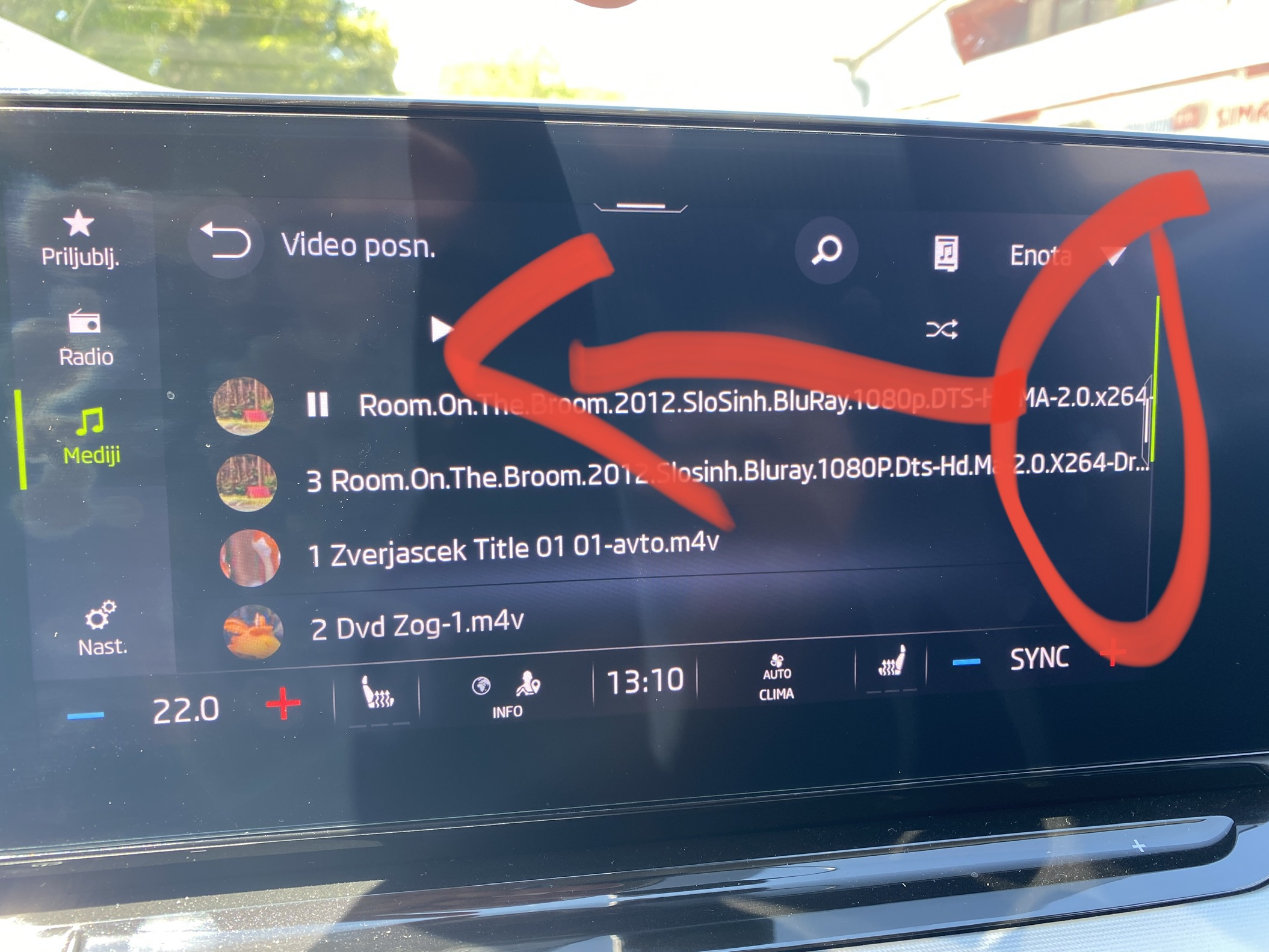
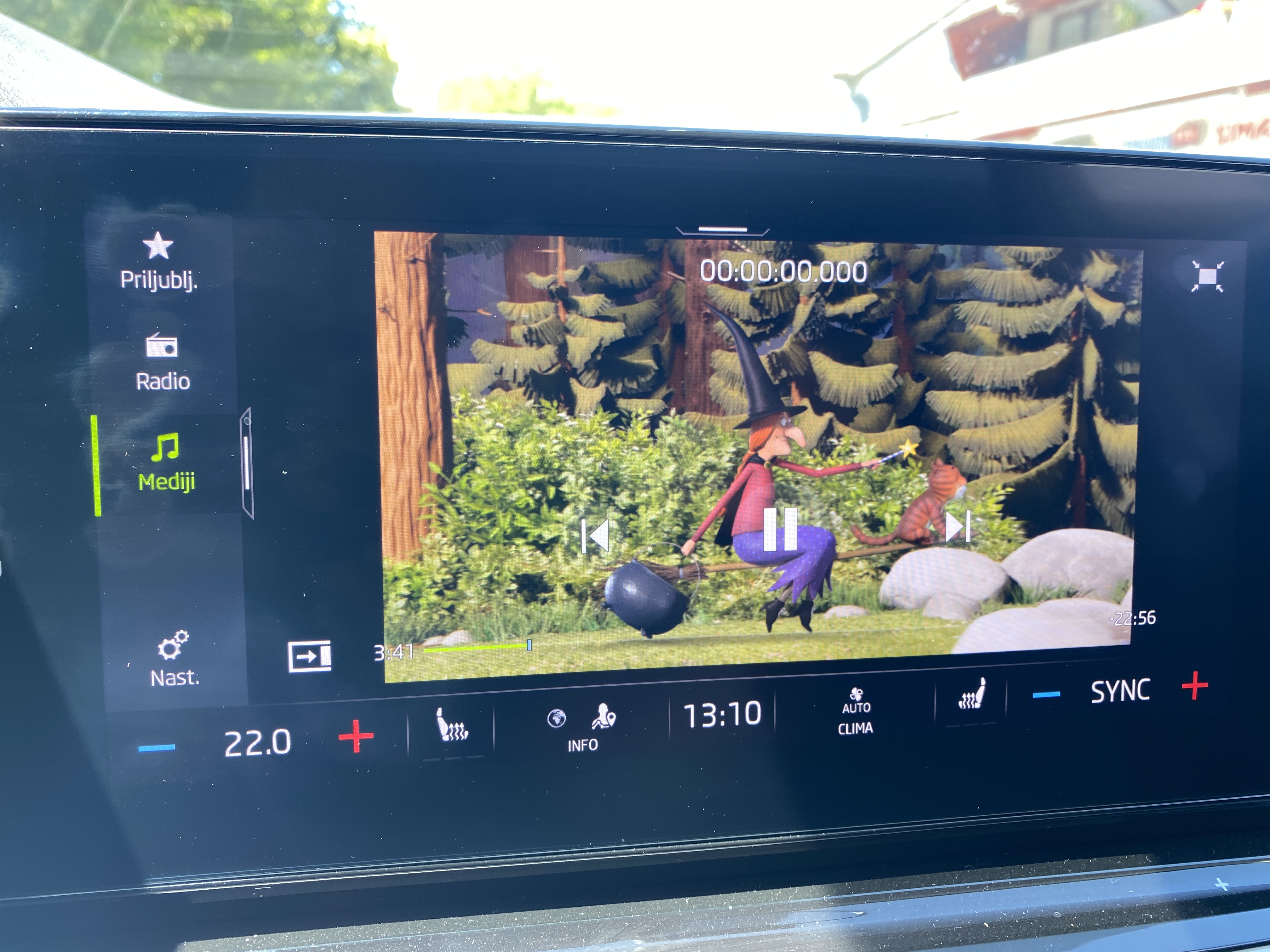
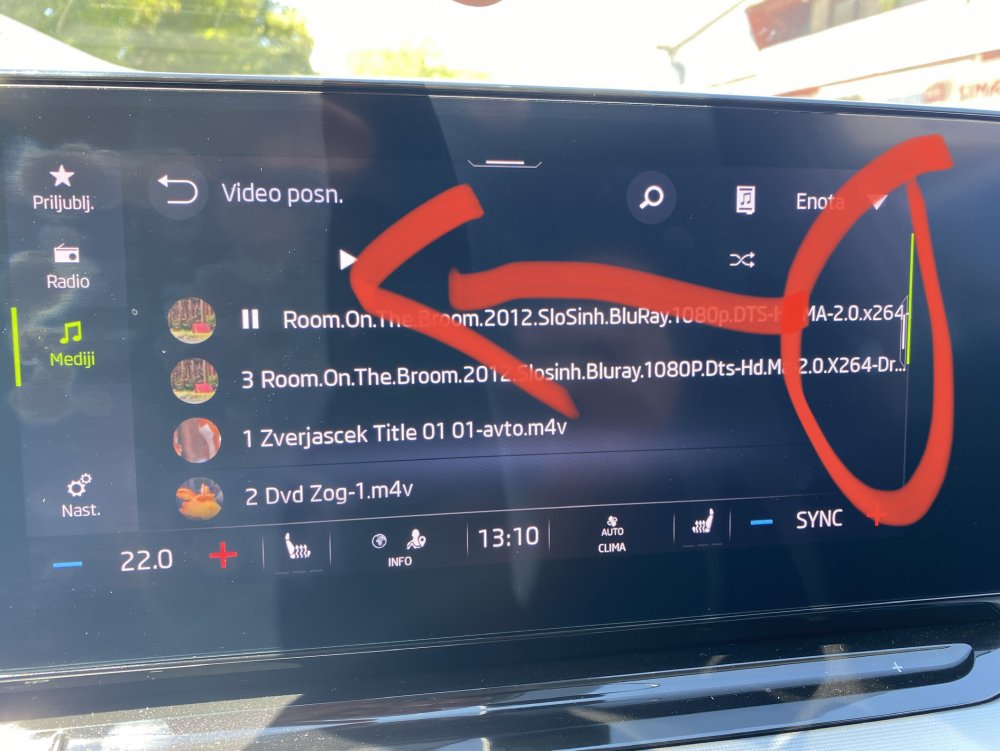
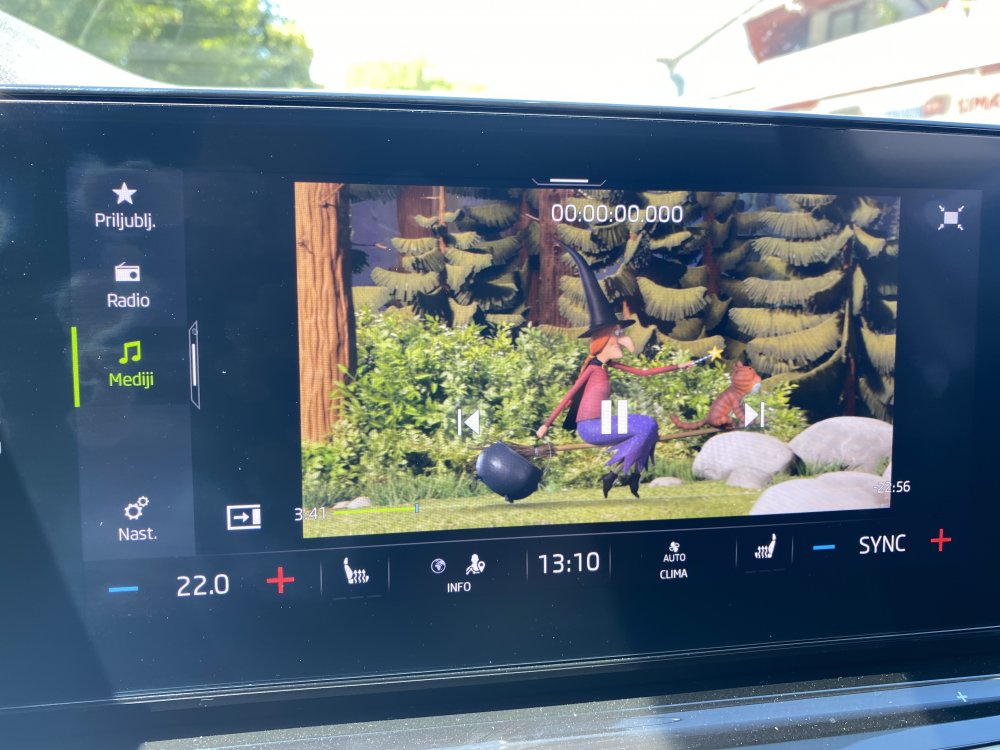
It is working for me. But video is a bit hiden. You need to swipe left after you click play. Igor from MTL was not able to unlock video in motion in my car.
-
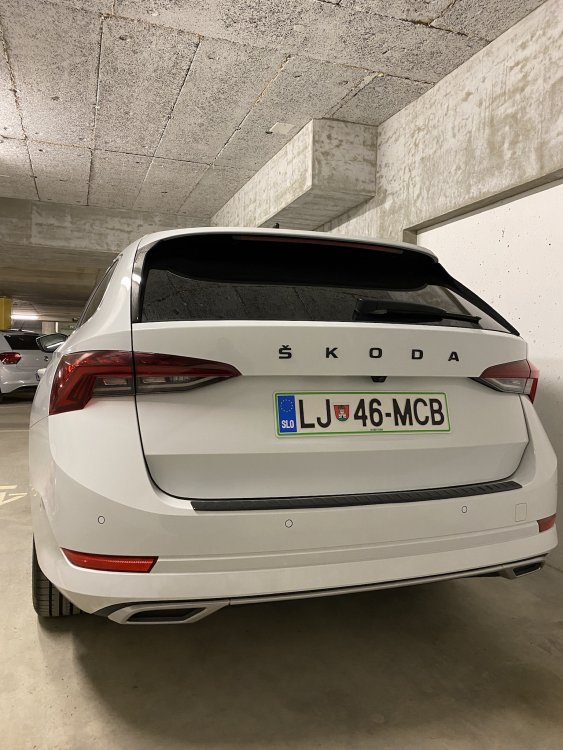
Nice. Where did you find them? I got mine from milotec.
-
No icon in my car.
-
Where did you get the colored one for mkIV. I would like to have one in moon shine white, but i can only find mkIII version.
-
Has anyone noticed anything similar? I think it is DSG related. At the dealer they have no clue yet. They are writing to Skoda technical service if they have any idea. (Its 2.0tdi 150hp dsg) https://drive.google.com/drive/folders/1lEQloyG5ohsrUxoe3gIHLOad6yXYRybu
-
How did you found out about the updates? Did you report a problem and then they contacted you or what? I would also like to have updated software :P
-
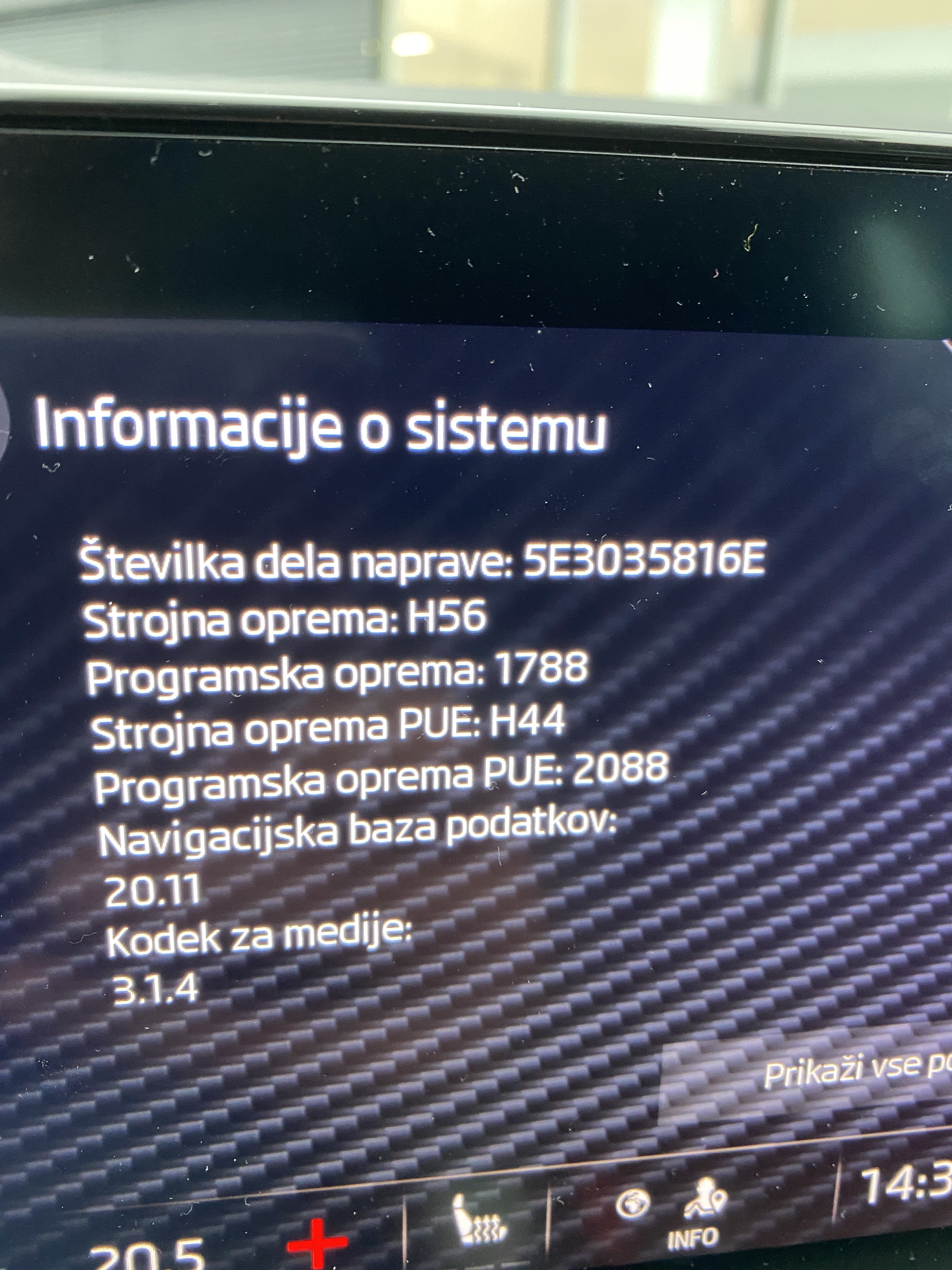
I also received one three days ago. But yeah version remained same after both updates.
-
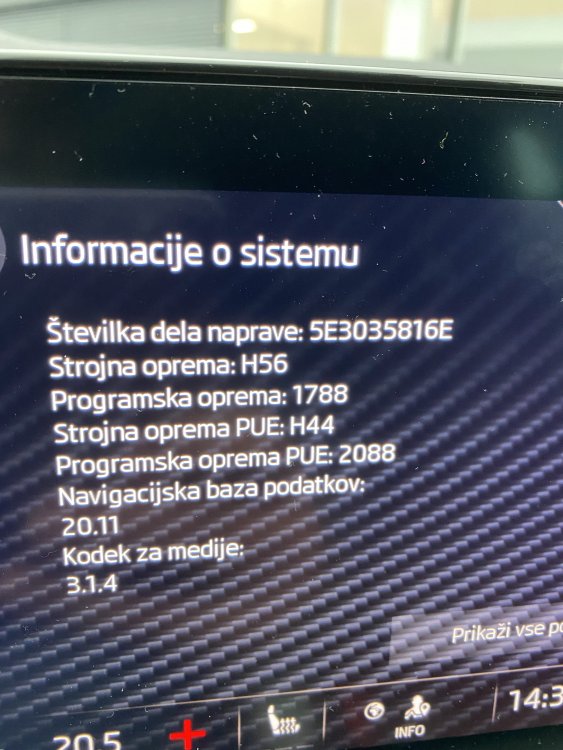
Another update today. Still same version 1788. Didn’t notice any mentioned problem so far.
-
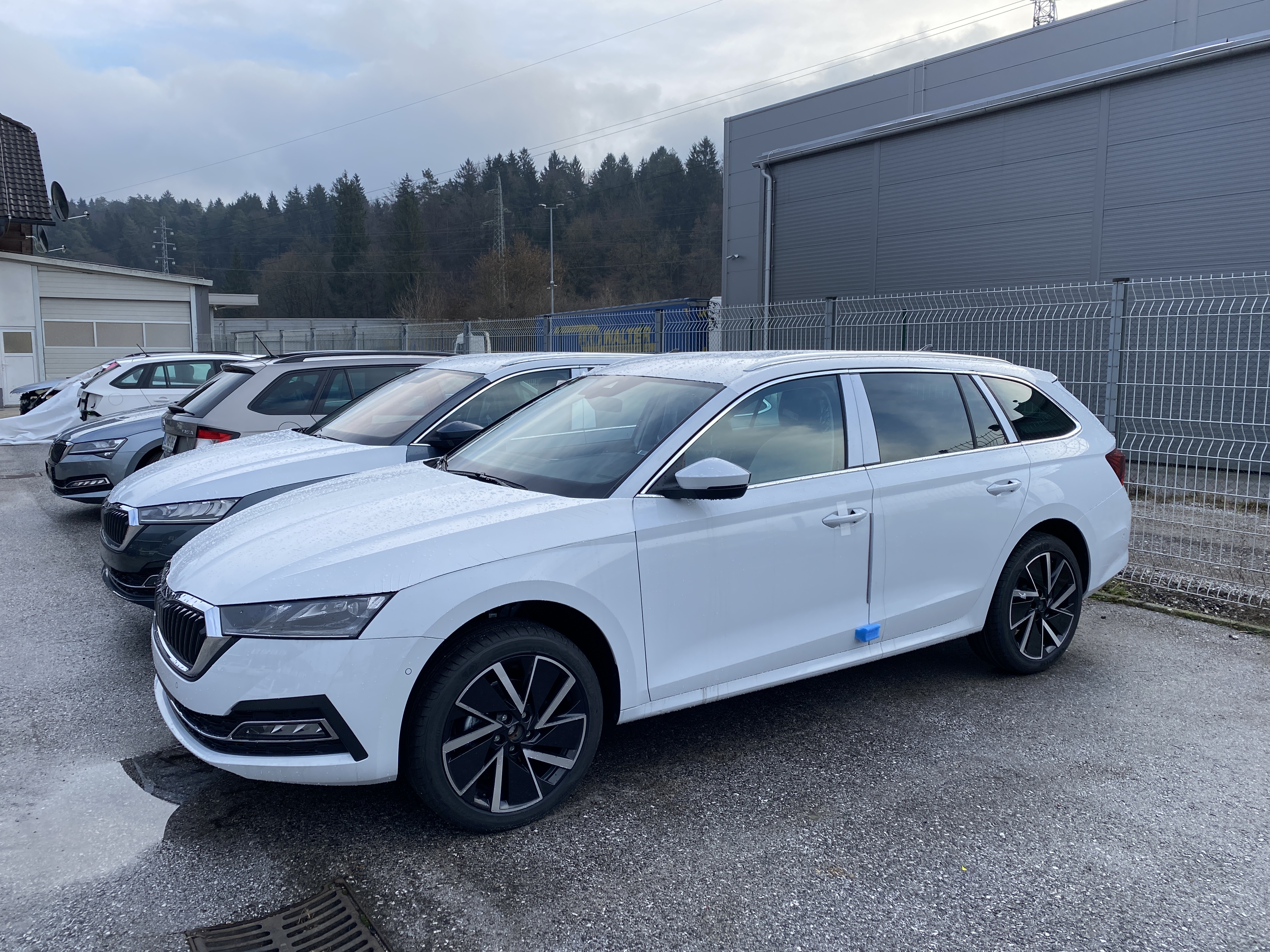
Awesome! I am still waiting to pickup mine. Papers still not ready .. getting a bit angry 🤬
-
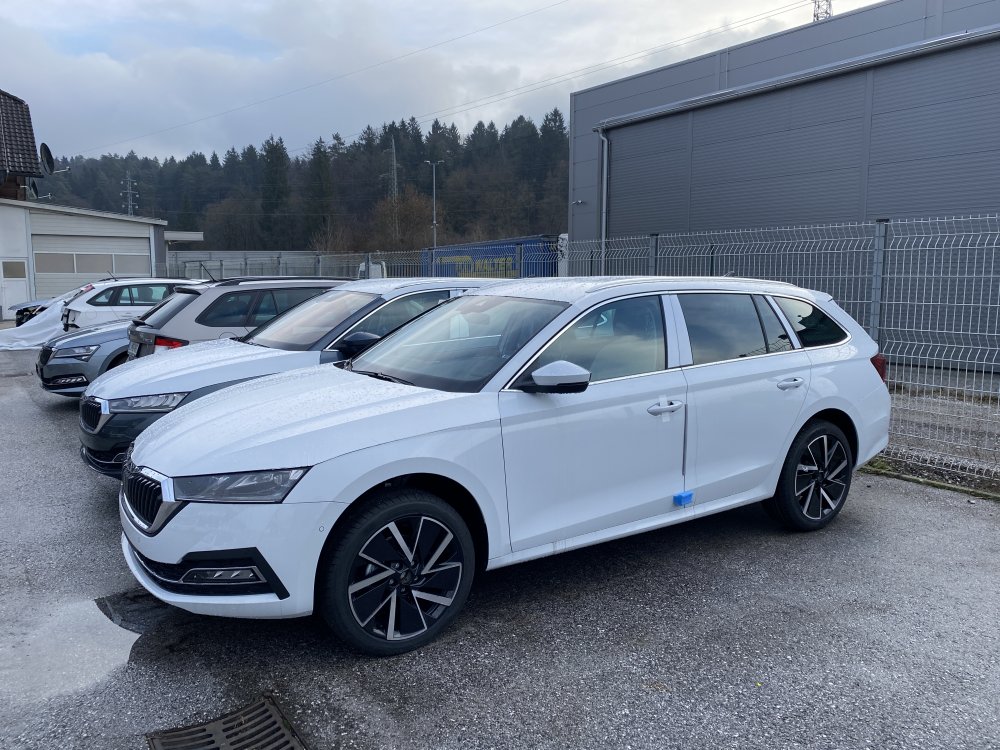
And mine, waiting in same parking lot 😁