sdolenec
Members
-
Joined
-
Last visited
-
It is strange that on same spot other car brands do not have any problem with AA disconnect.. So maybe some stupid setting in Škoda car for WiFi or BT?
-
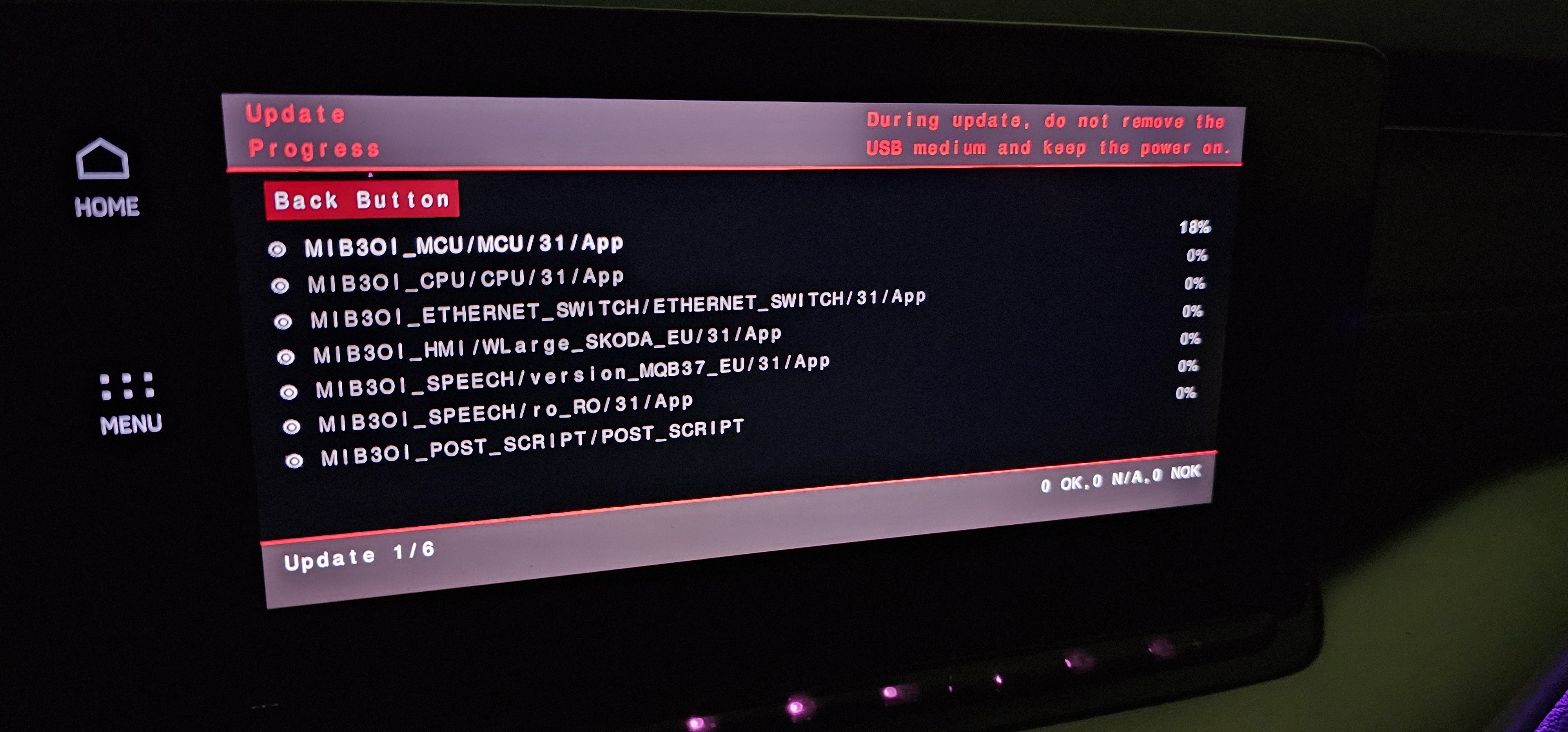
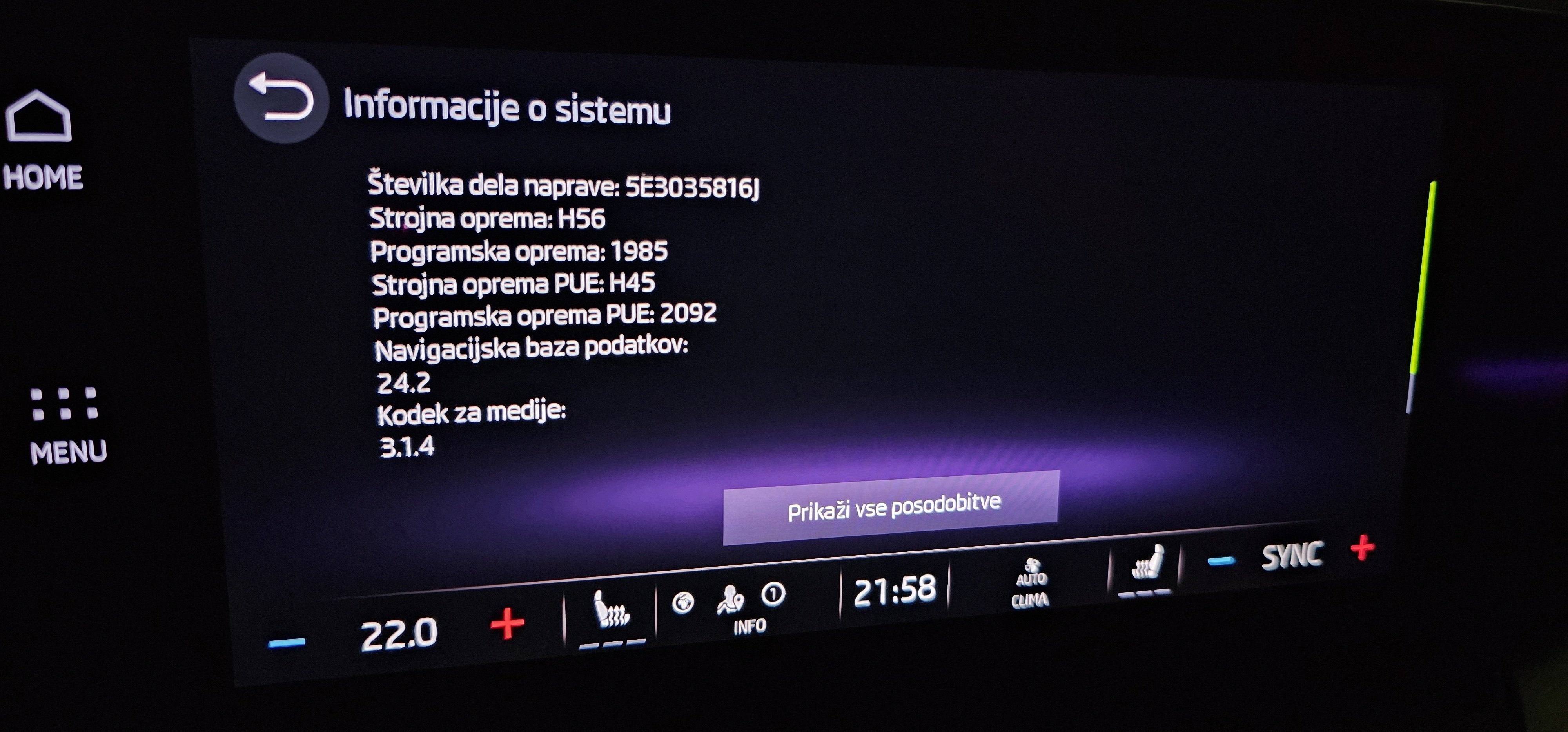
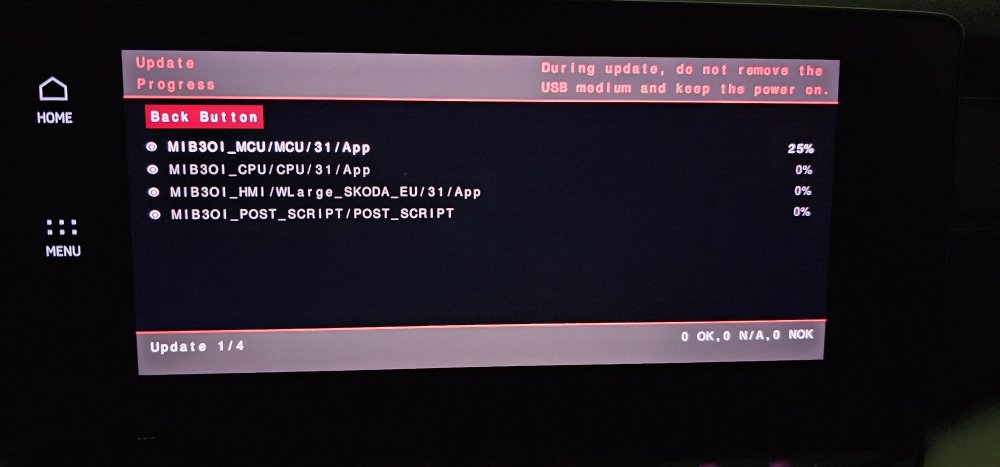
So update is fine and safe to do it.. at own risk as every time..
-
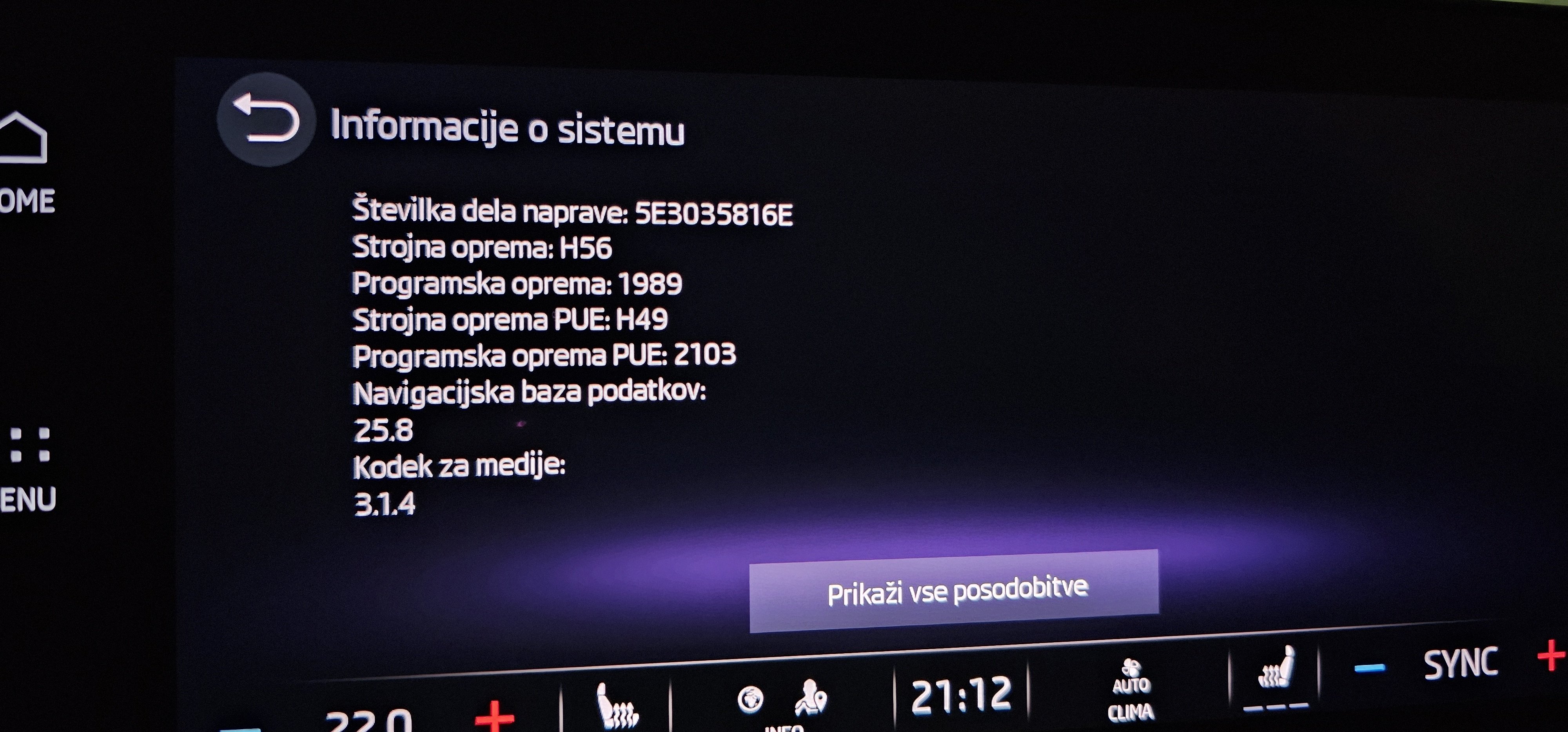
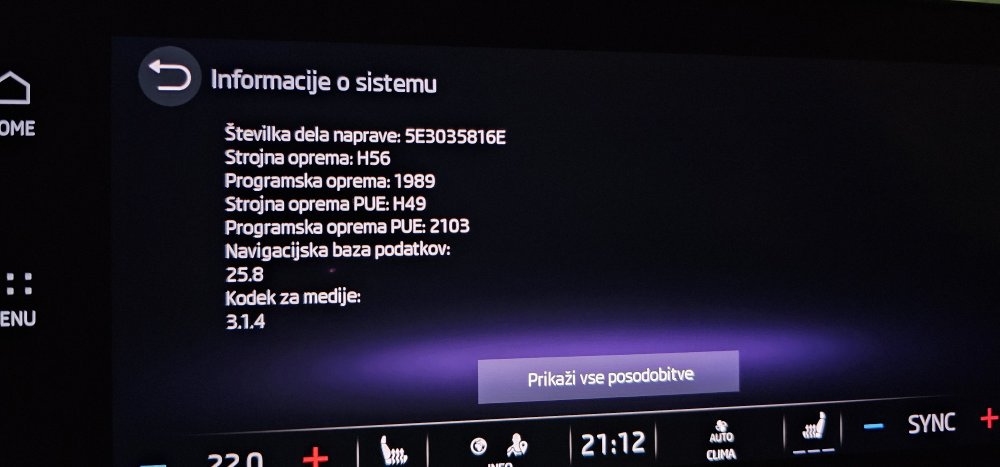
I have exact same problem.. it's not the phone as other car on same spots work fine for AA via WiFi.. Using same s23 Ultra phone.. 1989 do not resolve this.. and yes.. FW is stable and PDC etc... activate much faster.. Why AA drops every time on same spots is mistery for me.. Maybe has anybody any idea..
-
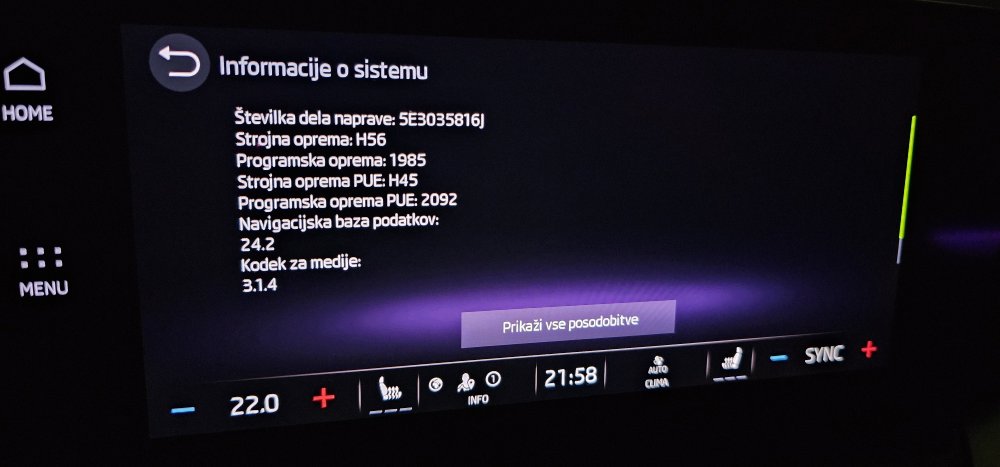
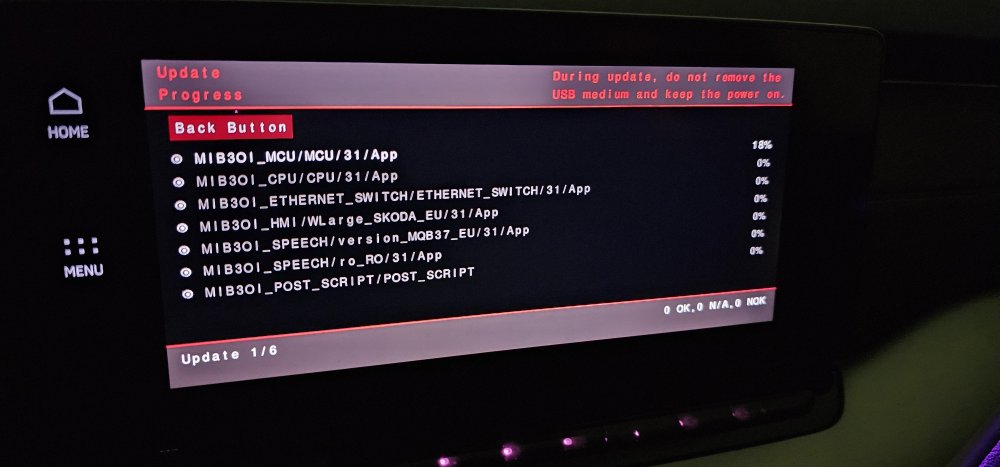
No problem as usual..
-
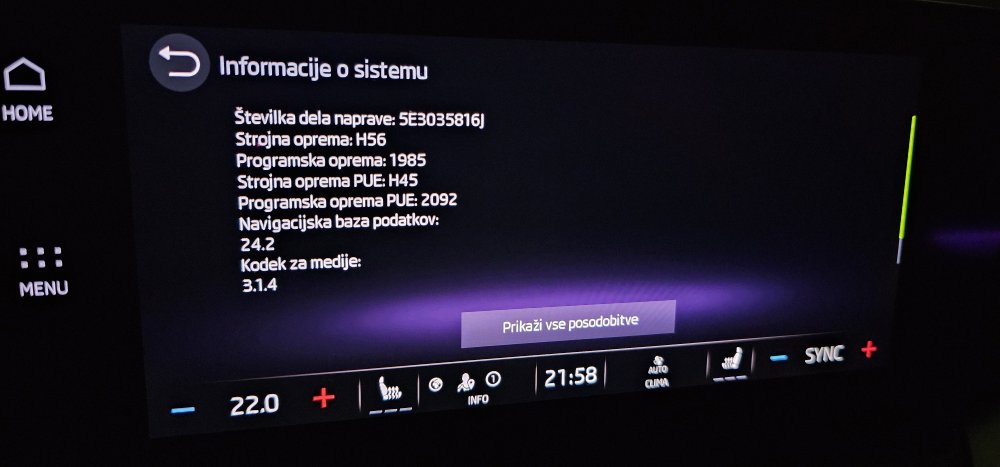
No problem.. all fine
-
I saw also Downloading it... today will udpate it...
-
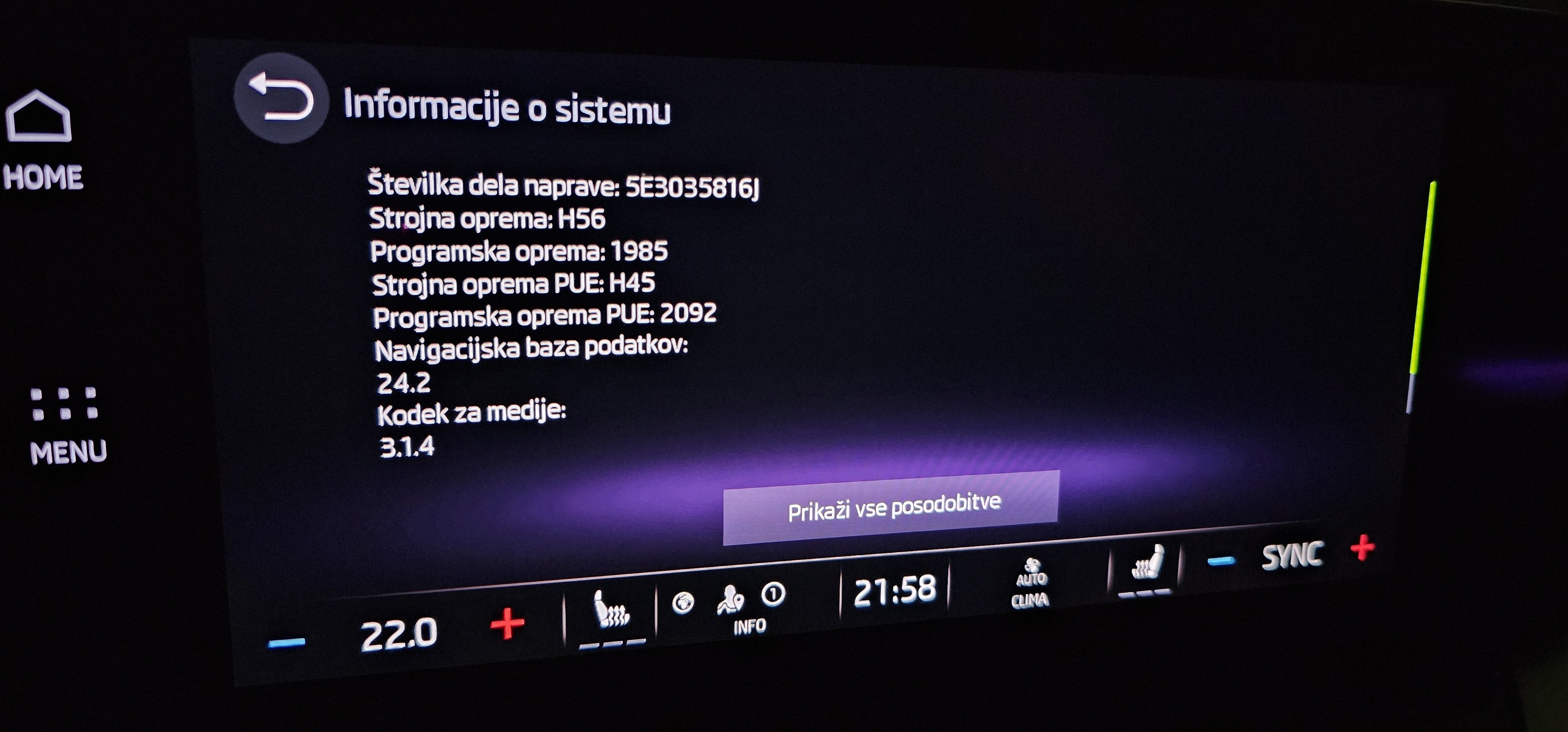
Any download link for 1985? Maybe to open new topic..
-
I will prepeare link for download.. In the end of the week.. when it will rain and snow 😄
-
Probably the day after you sell it 😁
-
Never received system OS update via OTA in 3 years.. allways manual update.. in other words.. if new update is ON why then nobody receive new system OS update via OTA, only small fixes..?
-
A much faster.. almost instant.. 1941 is dinosaur regarding speed compare to 1969..
-
Never had that kind problem ever.. As I understand working of car infortaiment OS this can not be the Skoda or any other VAG group problem but problem only on the phone on which AA is running.. Infortaiment do not control how graphics rendering is working and if apps is running correctly under AA which is completly other independent OS. Infortaiment only supply audio/video passthrue to itself.. all other is guilty of AA..
-
Didn't mean that you need to buy it.. I meant that I bought it / only that..
-
Don't know for any "Andoid Auto media app bug " ... using Galaxy S23 Ultra.. allways using Android Auto.. So.. how to test if this is resolved?
-
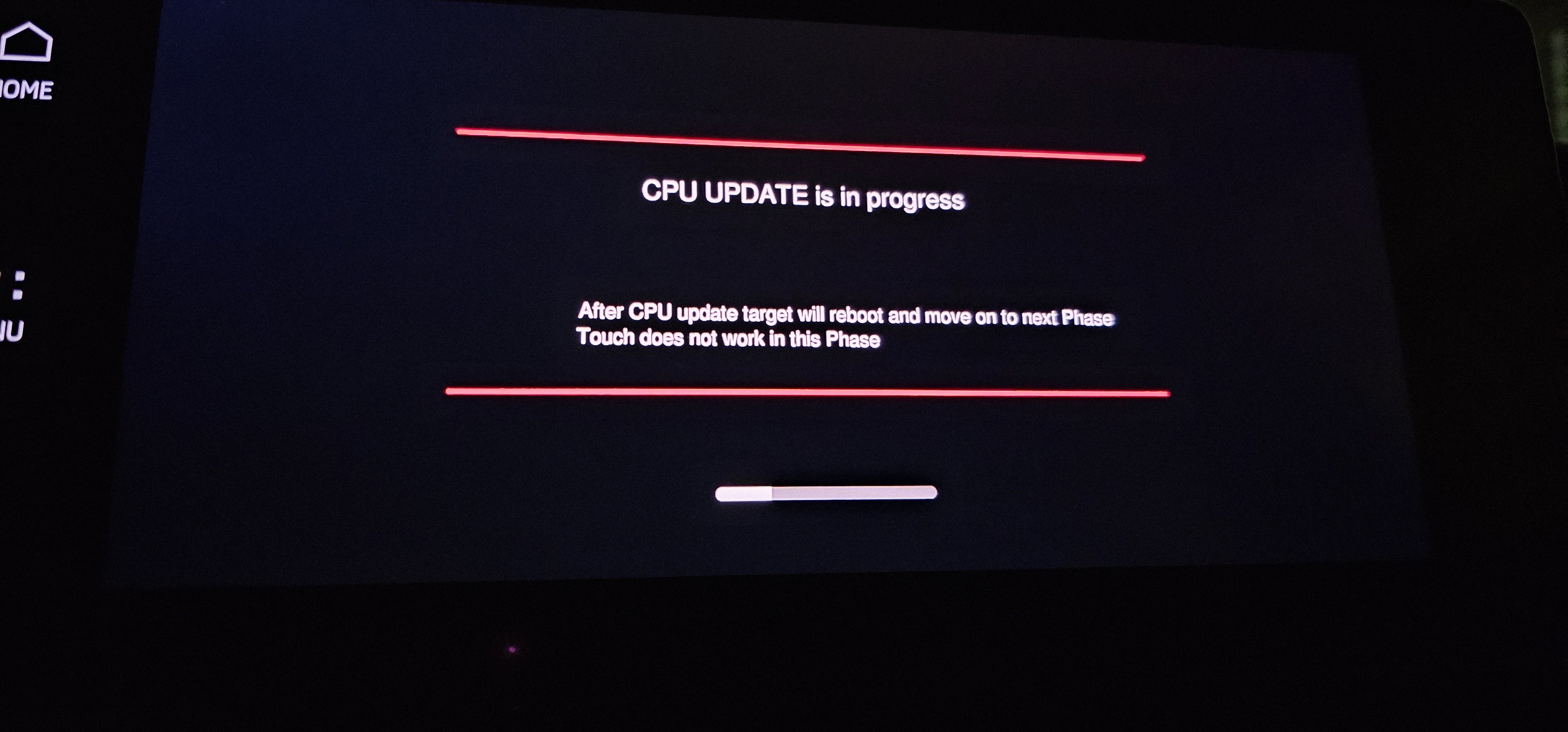
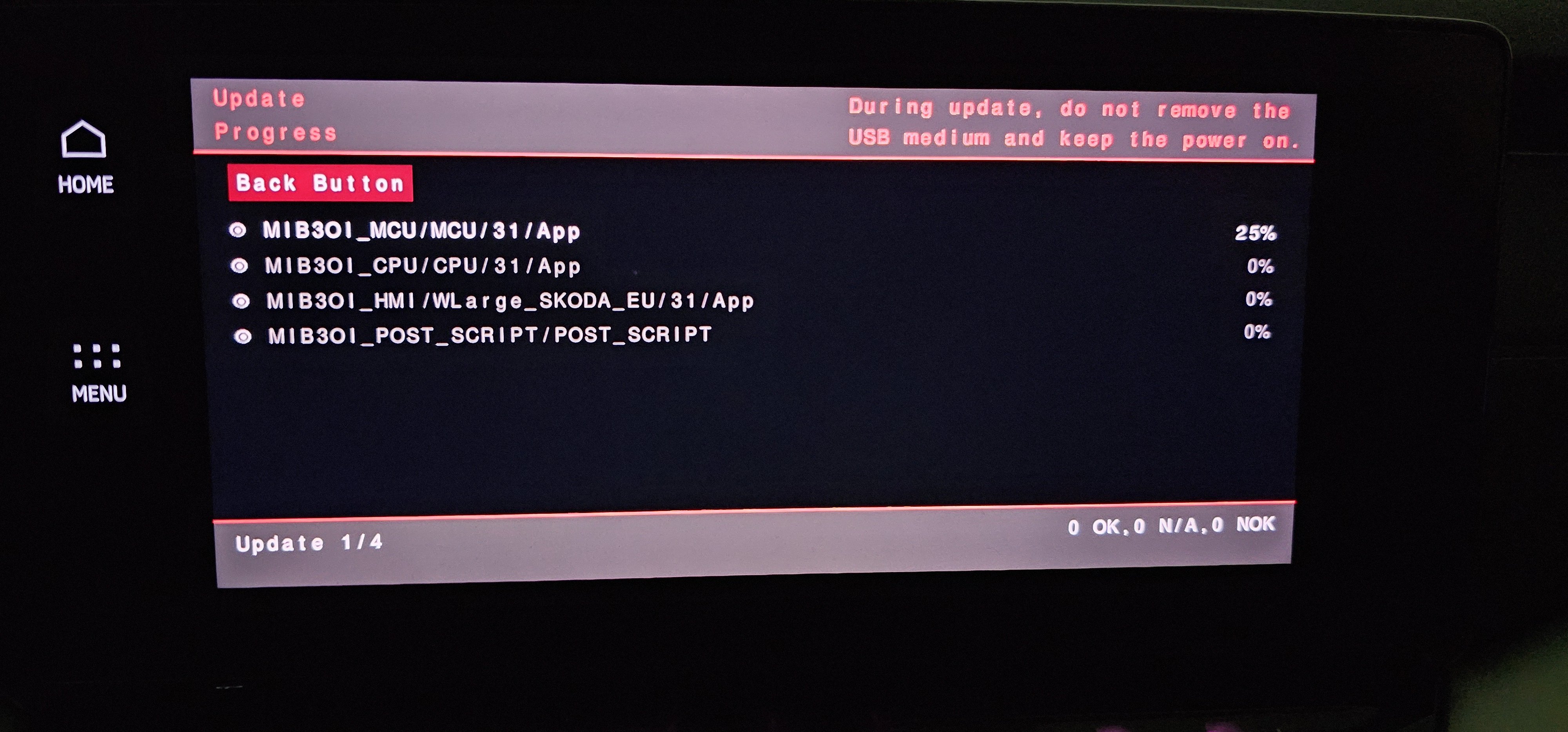
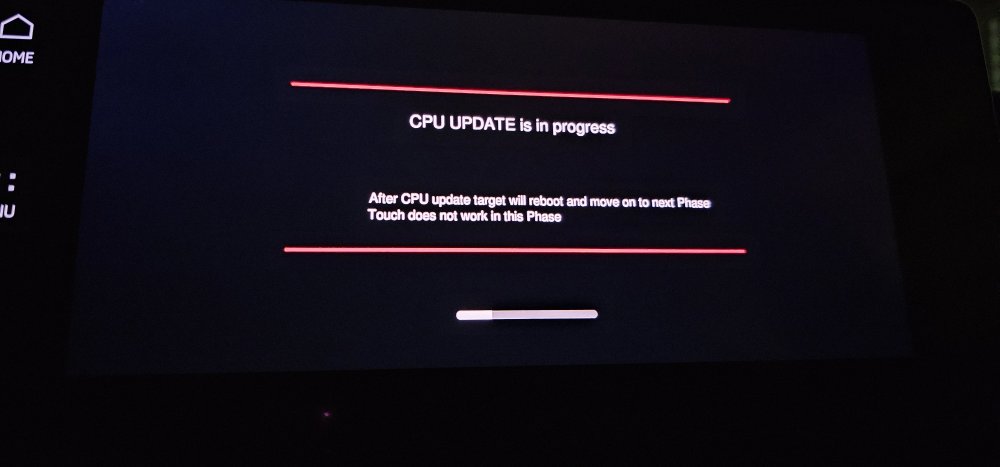
Bought it.. Before install I change Climate to OFF and Auto Start-Stop to OFF.. Then all went smoth.. it takes about 25min.. After update my phone connect and give hotspot to my car and minor updates were automatically found - almost instant.. PS. Infortaiment is compared to 1941 super smooth and fast..