




Teeesaye
Finding my way
-
Joined
-
Last visited
-
Intercooler and a fresh map?
-
I've drove many many quick 4wd cars and they bore me,I like a car you need to drive,not just point and go.
-
A pair of new pirelli p zeros for the front yesterday,traction has greatly improved already,even with the naff weather up here in Scotland. Beggers the question though,with out the traction of four wheel drive how much power do you need through one axle? Still spins up if you run out the house with your lead boots on but definately better. To stage 2 or not🤔
-
Agree,good choice,get some pics up and let's see it.
-
Welcome.
-
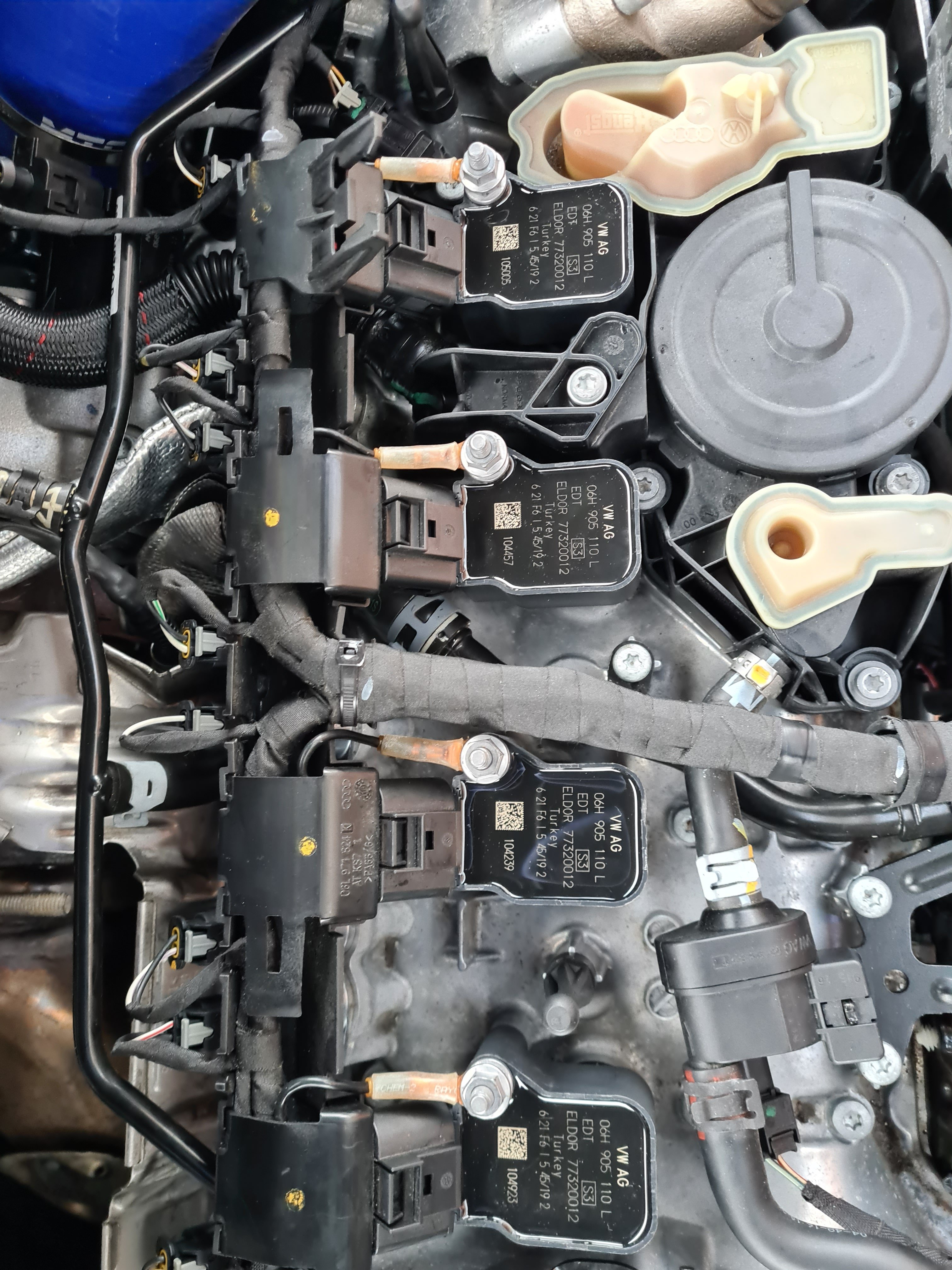
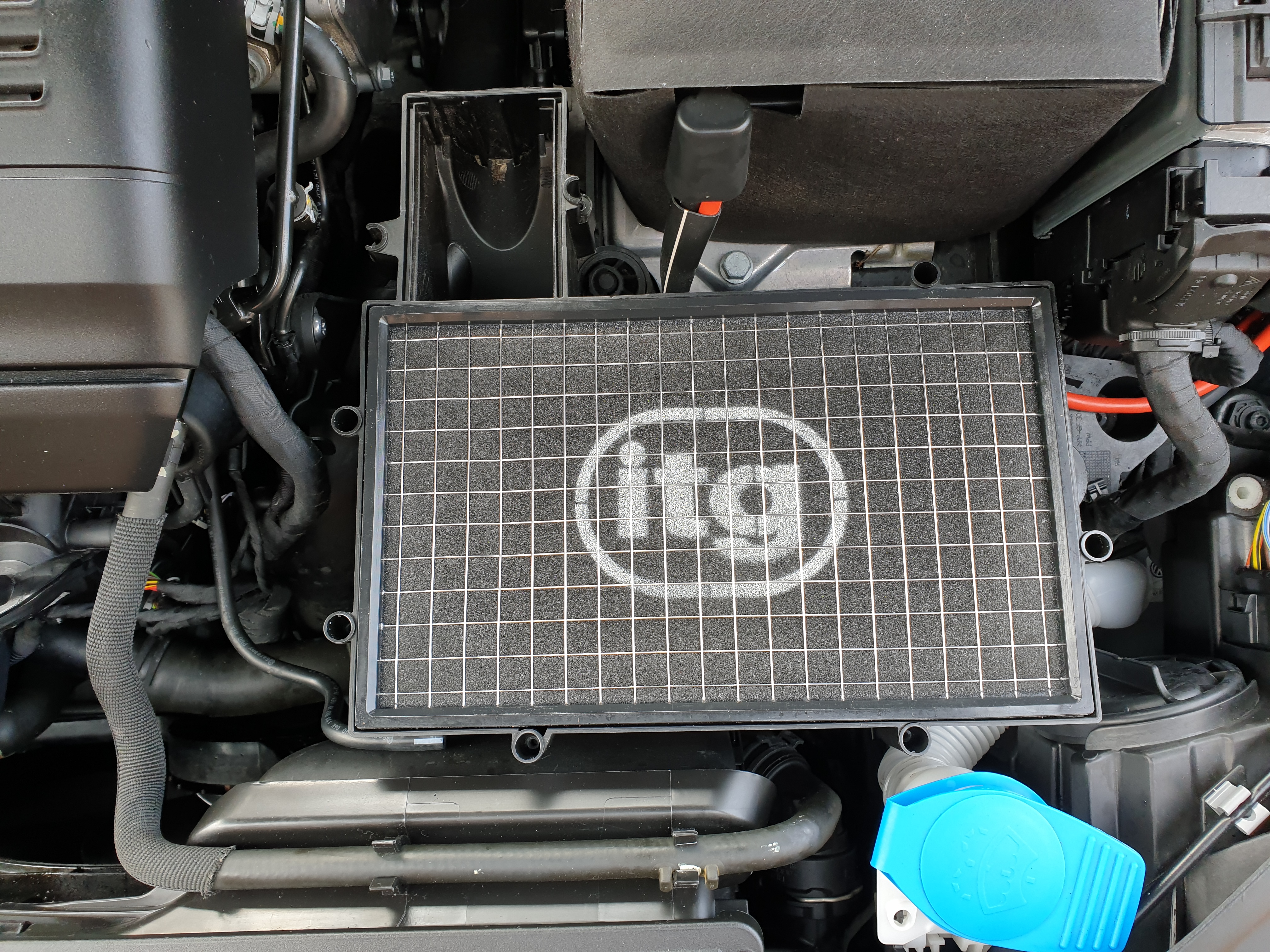
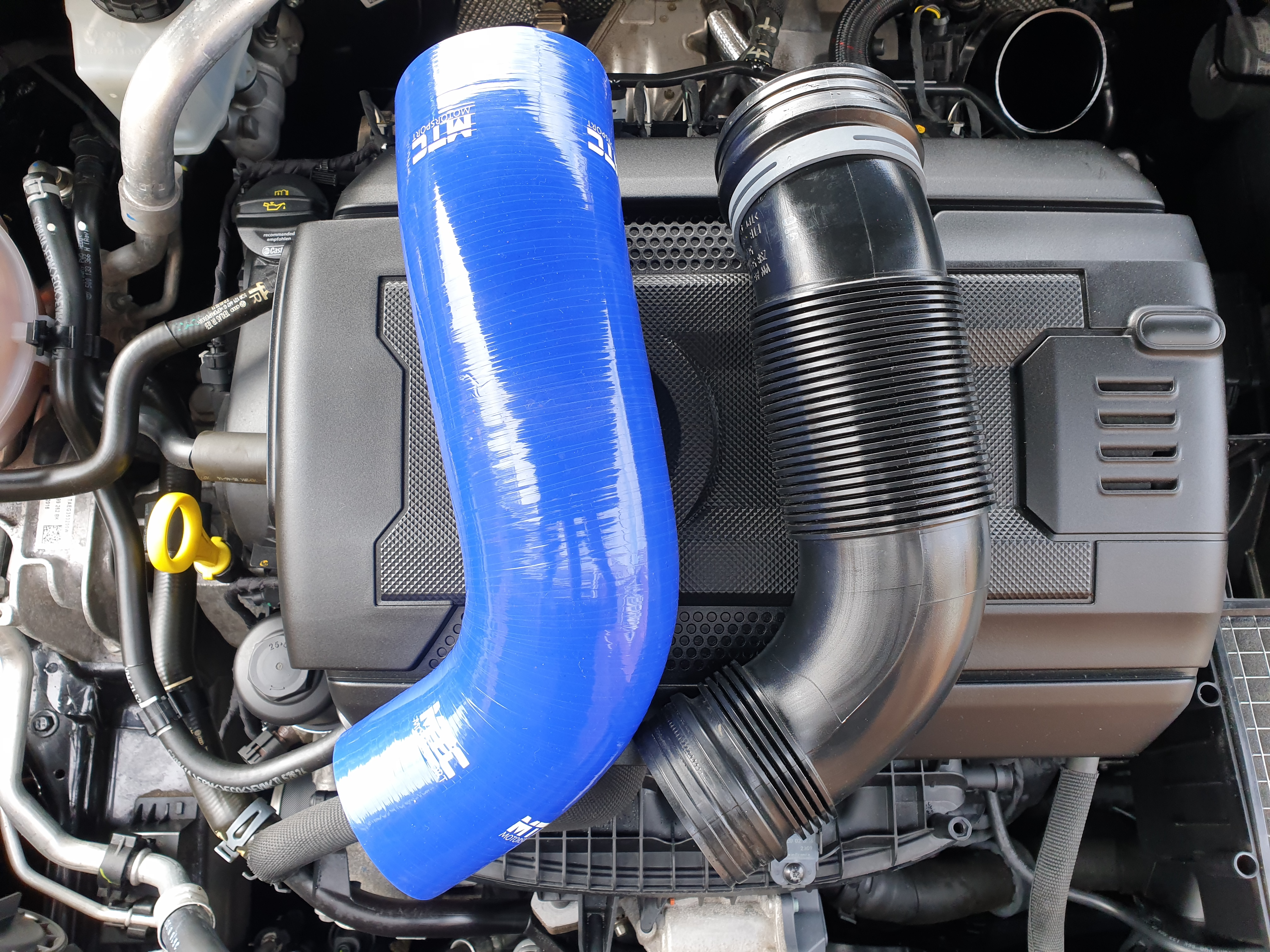
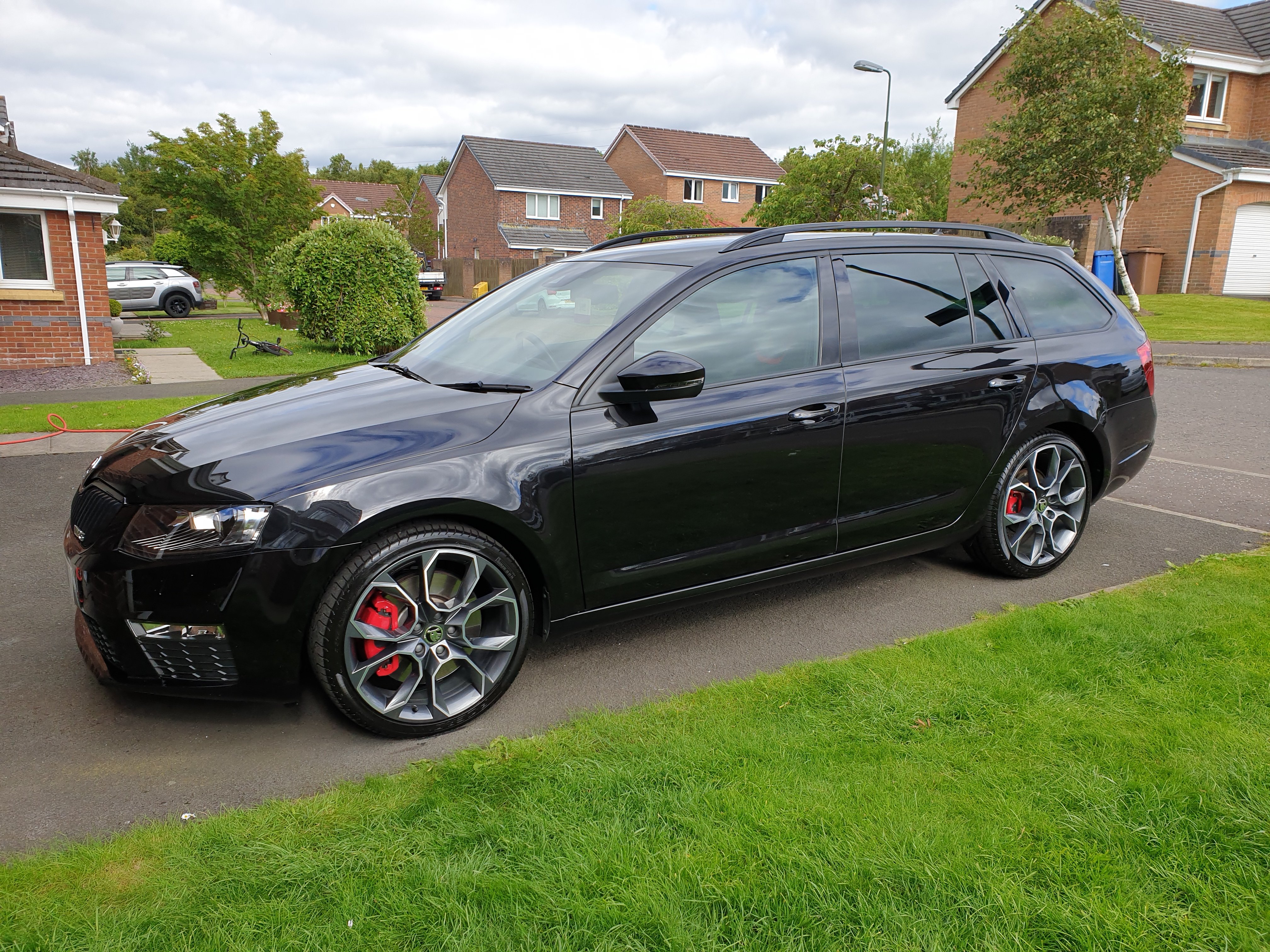
Few other pics of the upgrades I have done.
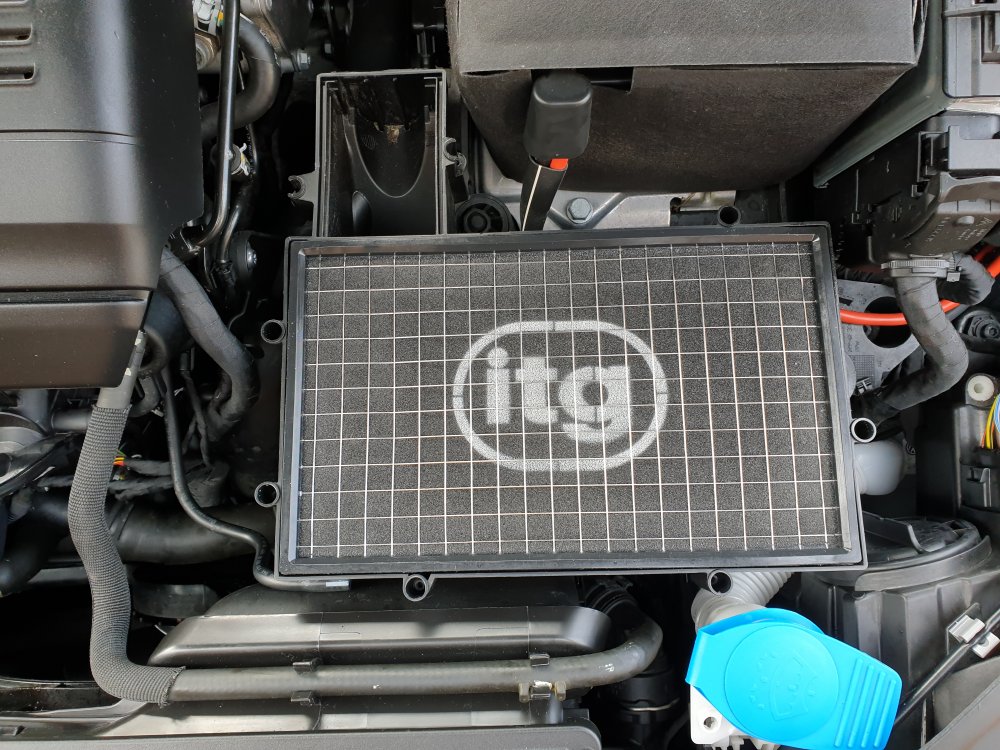
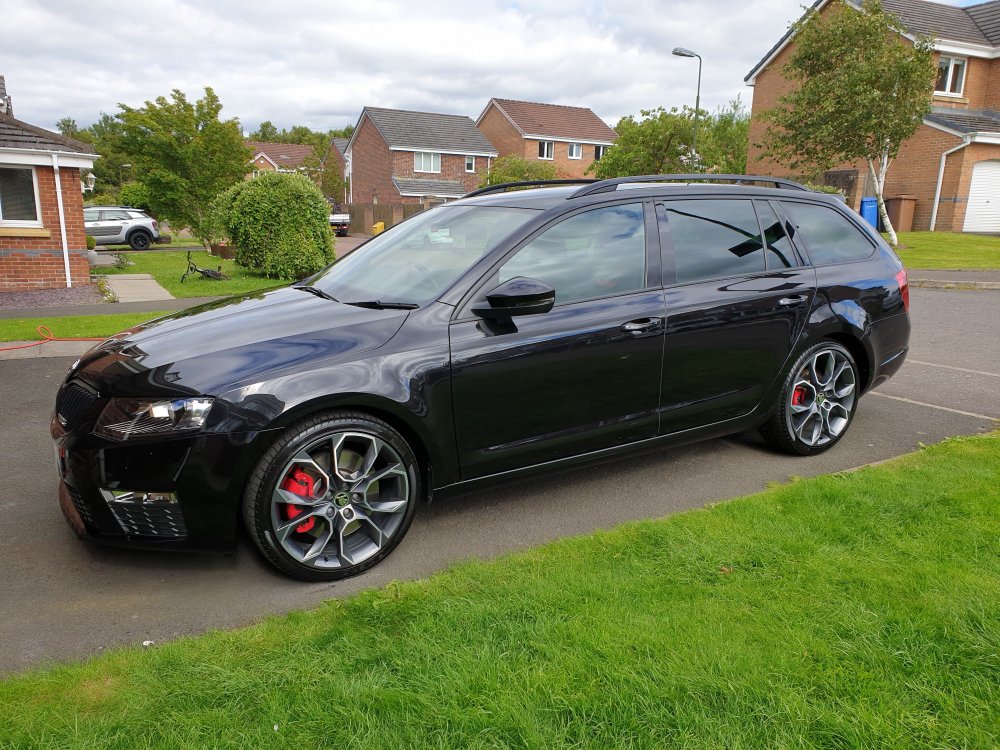
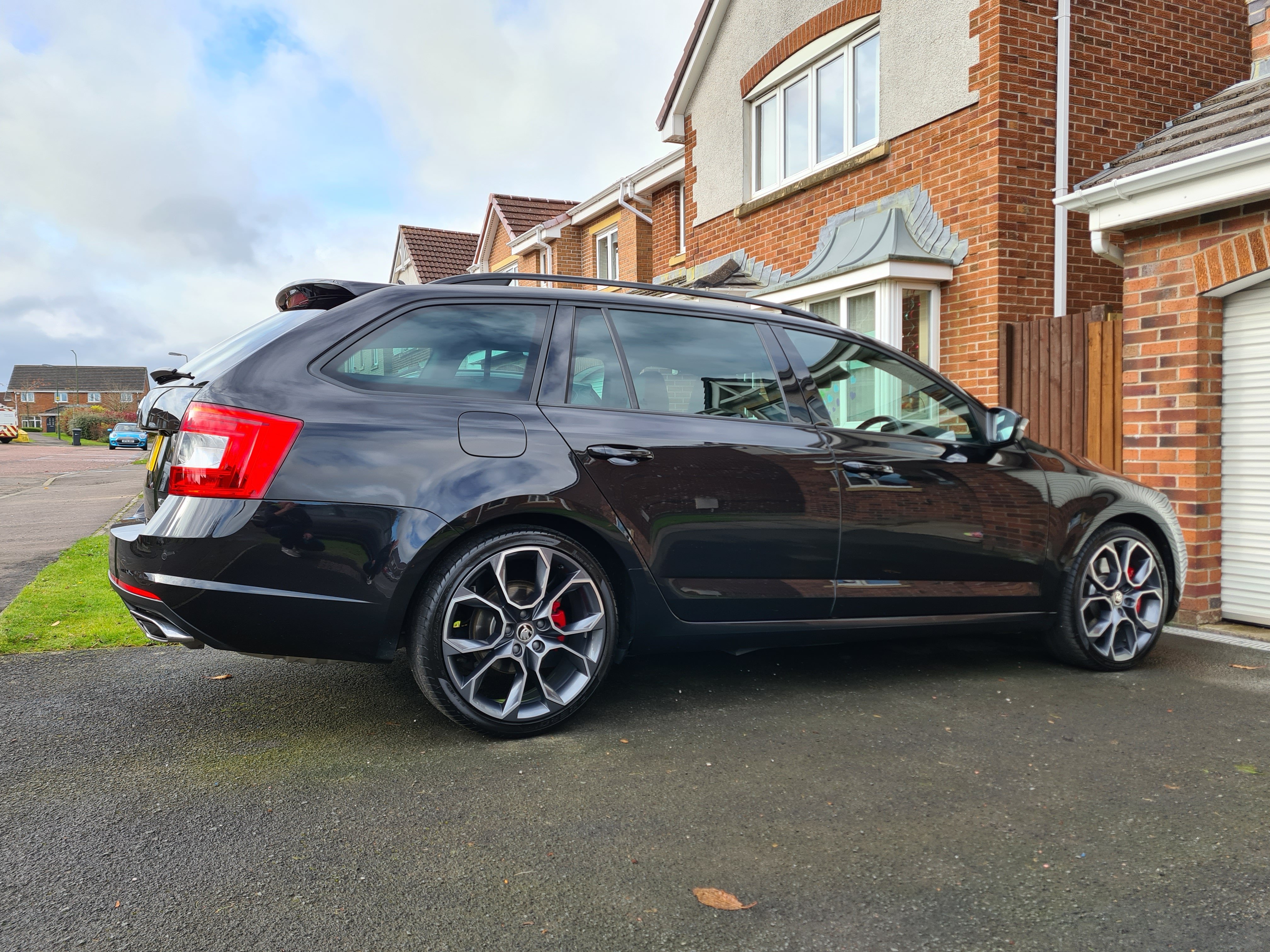
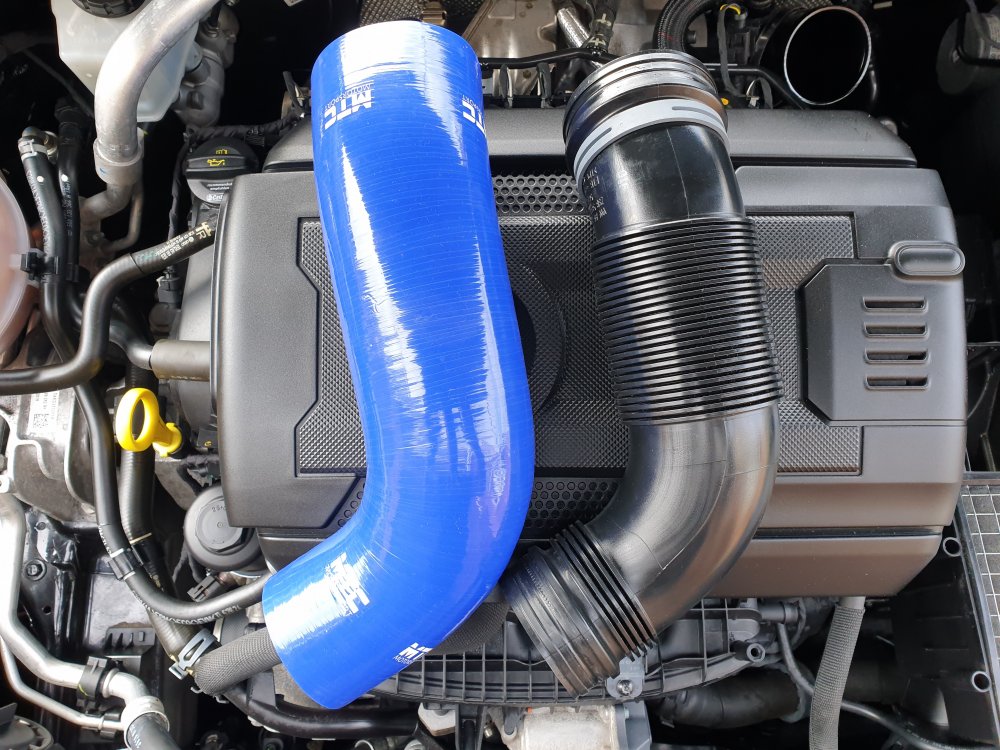 Good morning everyone,this is my 2017 skoda octavia vrs 2.0 tsi. Bought the car with 8 thousand miles on the clock a year and a half ago and have put about 14 thousand miles on the clock and the car has been great. The car came with...... Heated cloth vrs seats. Lane assist. Audio with canton. 19 inch wheels. Dynamic chassis control. Black pack. Winter pack. Dsg gearbox. So I'm led to believe the car came with 217bhp which was OK but lacked a little power so I set about tuning it a little. I wasn't looking for the all important bhp rolling road numbers just something that surprised a few cars as I wanted the car to look completely standard from the outside. Octavia VRS 2.0 tsi Air intake mod. ITG panel filter. Big bore silicon intake hose. Larger diameter turbo elbow. Turbo muffler delete. RS3 ignition coils. RS7 spark plugs. Centre exhaust silencer delete. Stage 1 ecu remap. Probably need to go to stage 2 next year if I am going to extract more power from it. Thank you for looking everyone.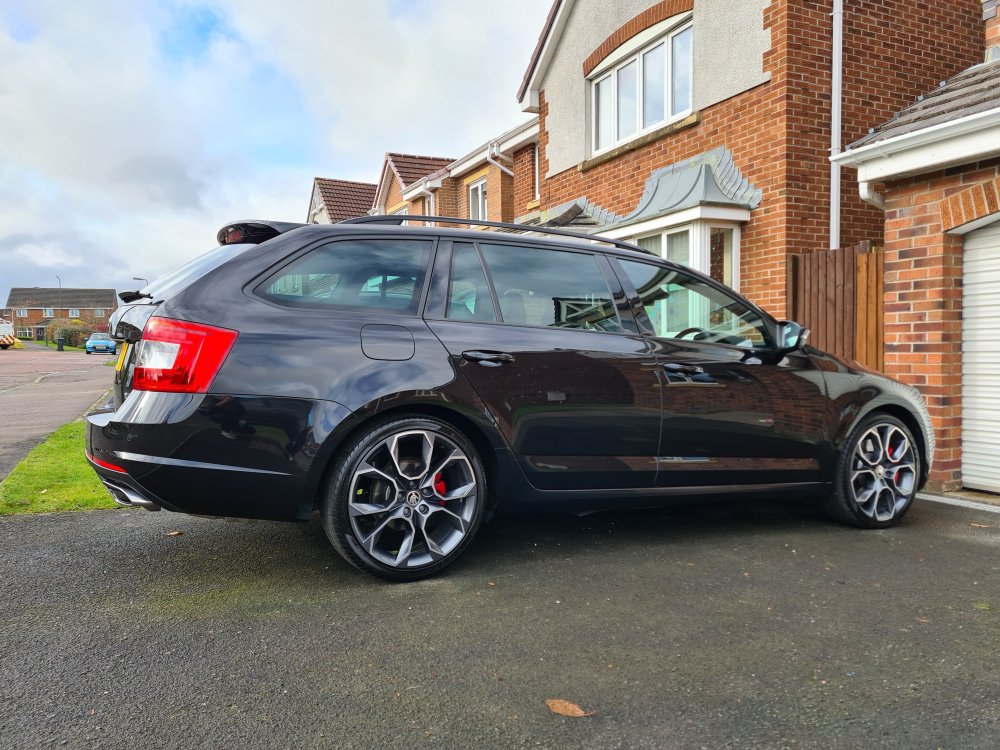
 Airbox is easy enough to check. Even in standard form they go well so @ 217 bhp it must pull very well.Welcome.Welcome.Very nice,to be honest looks great as it is. Any performance mods planned?Very nice.👍Very nice,I also have the re delete,my opinion is its certainly a but more noticeable but not too loud.Hi there,new to the forum too.👍

Important Information
Welcome to BRISKODA. Please note the following important links Terms of Use. We have a comprehensive Privacy Policy. We have placed cookies on your device to help make this website better. You can adjust your cookie settings, otherwise we'll assume you're okay to continue.