
JayTea
Finding my way
-
Joined
-
Last visited
-
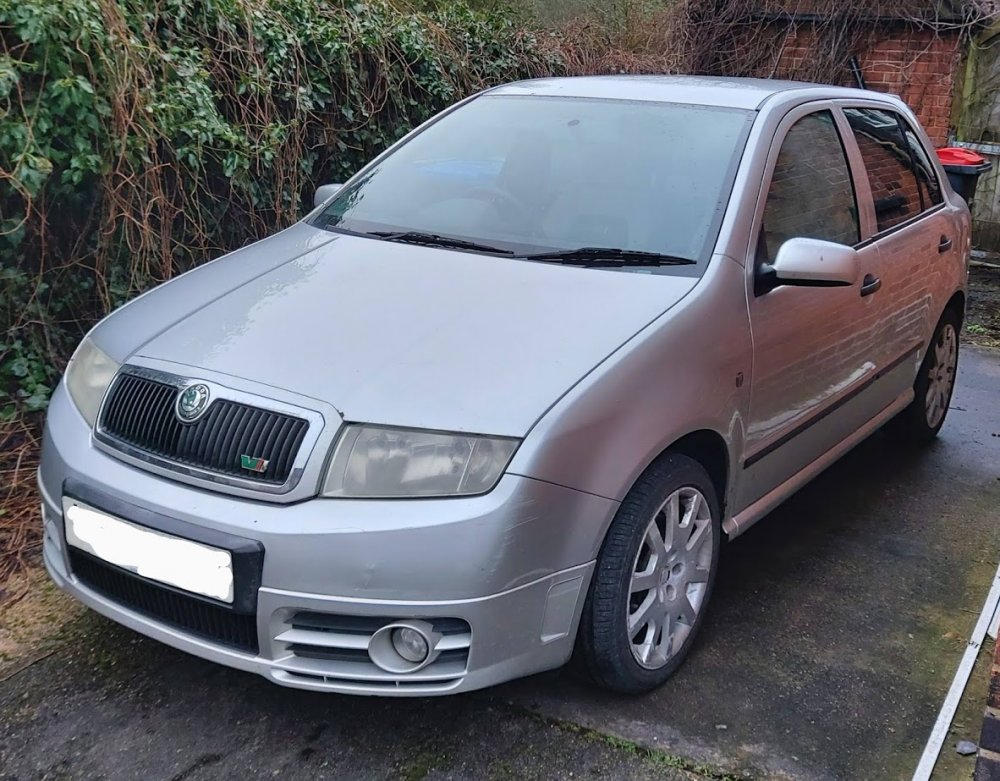
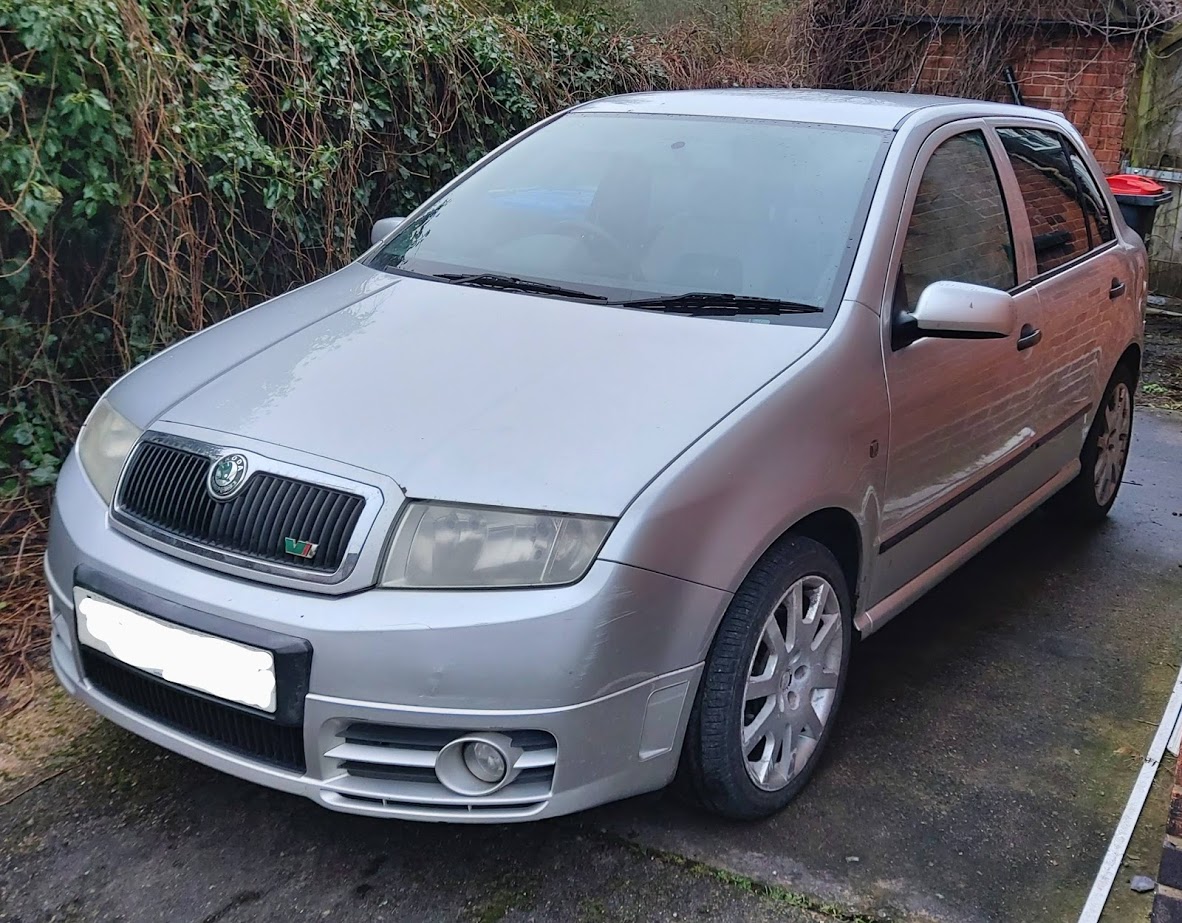
Today I sold on my mk1 Fabia vRS, I fixed it up with help of this wonderful forum and its many help people. I don't think this will be my last skoda This is good bye for now at least Stay awesome Briskoda -JayTea
-
Ooof, I'll keep that in mind!
-
Well that works, guess I'm shopping for one of those relays or a control module! Thank you very much for the assistance!
-
Well, I have a conundrum, my wipers have stopped working... fuse 15 and 41 are fine, it's not the wiper stalk cause I replaced that with a new one, it's not the motor cause I've replaced that with a known good one.. and I can hear the relay click in the CCM when I move the stalk to wipe the windows.. washer jet works on the front (not so on the rear but that's pipe connection problem for another time) and the rear wipers work just fine... I've even tried bypassing the bonnet switch at the connector just in case it's the switch itself... I'm at a loss anyone able to help? -2005 Skoda Fabia vRS
-
shall do
-
Well, I have a conundrum, fuse 15 and 41 are fine, it's not the wiper stalk cause I replaced that with a new one, it's not the motor cause I've replaced that with a known good one.. and I can hear the relay click when I move the stalk to wipe the windows.. washer jet works on the front (not so on the rear but that's pipe connection problem for another time) and the rear wipers work just fine... I've even tried bypassing the bonnet switch at the connector just incase it's the switch itsel... I'm at a loss anyone able to help? -2005 Skoda Fabia vRS
-
Hey I'm JayTea, just recently picked up a Silver 2005 mk1 Skoda Fabia vRS which I'll be hopefully returning to its former glory with the help of this amazing forum!