SuperbRaceBlueiV
Finding my way
-
Joined
-
Last visited
-
With the white knobs on the top of the headlights
-
Same for me but it stopped when I lowered the lights
-
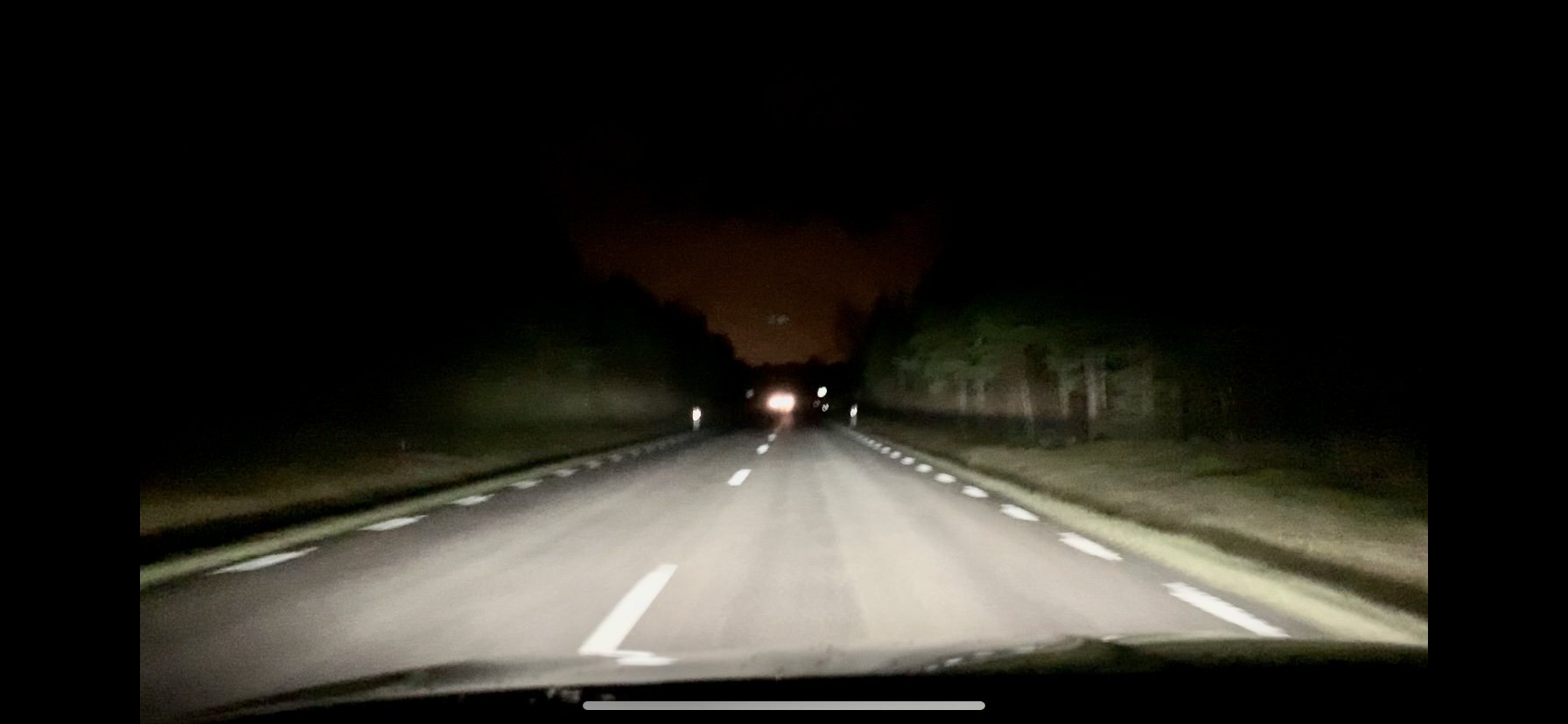
Ja så är det ju då 👍 Jag köpte min i Gislaved, men har haft samma diskussion med Toveks i Skövde... Juster ned ljuset så kommer du bli mer nöjd även om det inte är rätt... Så här såg det ut original. ska försöka ta en bild efter justering. Adjusting the Hugh beam to be lower partiellt solves the issue. Below is a ”before” image of the lights. Will post an ”after” image som.
-
Not sure ajour the difference between Mib2 and 3. Well. The salesman Said the nav would be avaliable in the virtual cockpit in an update last summe for the Amundsen/ iV config in a L&K I am lacking that
-
Hi, I live in Sweden and have the same issue and got the same response from my dealer/ workshop. I found that (for me) the best solution was to lower the headlight. Sure. The lowbeam gets a bit shorter, but the black stripe is getting less prominent and the height of the highbeam gets more in line of what I want. The lower lowbeam doesnt irritate me too much since the matrix normally always is on. But I agree that it is a cheap way to response and taking care of customers. //Daniel
-
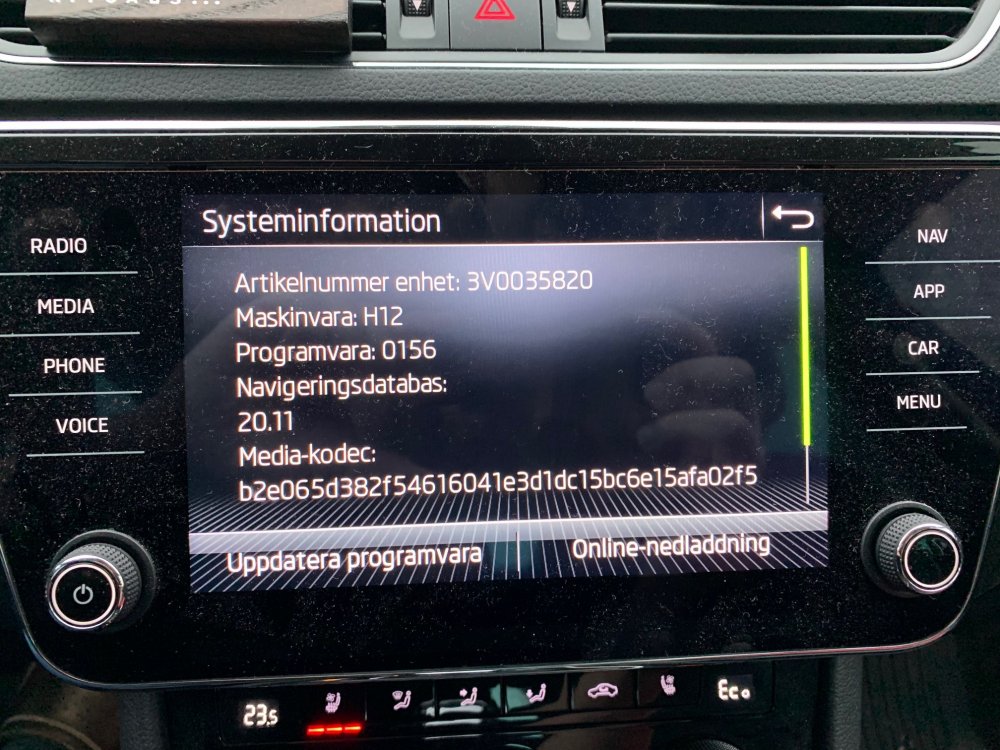
When I bought mu Superb iV in May, the salesman said the maps should come up in the wirtual cockpit in the iV after an software update during summer 2020. I still havent got this update although I asked the workshop to update if there are any updates avaliable.. Just checked the update portal today and is says there is a map update avaliable called ECE 2020/2021 and valid since CW If I click download it will not download, Also. I cannot find an SD card slot in the car. Anyone can tell me if there is an update avaliable and if the map/ nav in the vitual cocpit will work? Here is a snapshot from my infotainment.