Xanis
New here
-
Joined
-
Last visited
-
Well I also have some similar experience to yours both. On top of that my ACC stops working while driving on motorway with accompanied errors from front assist and lane assist. Also my camera isn't working properly from may (they still don't know when they are getting new one - apperently they are out of stock), infontaiment freezes - can't do **** with it, until I turn off my car and start it up again. shortcut on maxi dot display are missing, hill hold error, start stop error, proactive protection error, etc. I've been to my dealer basicly every month or even 2x per month (since I bought car in september 2020) and they don't want to change anything even if I demanded and their answers is always "we do not have authorisation from factory". They are only updating my car and thats it and hope it will work. I'm thinking of suing my dealer because car is full of bugs and other errors and they don't do nothing. - I'm not stationed in UK
-
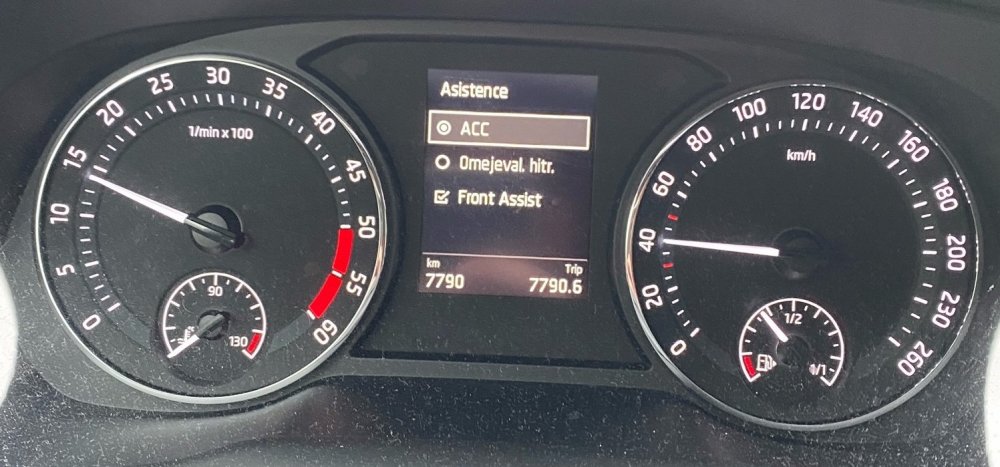
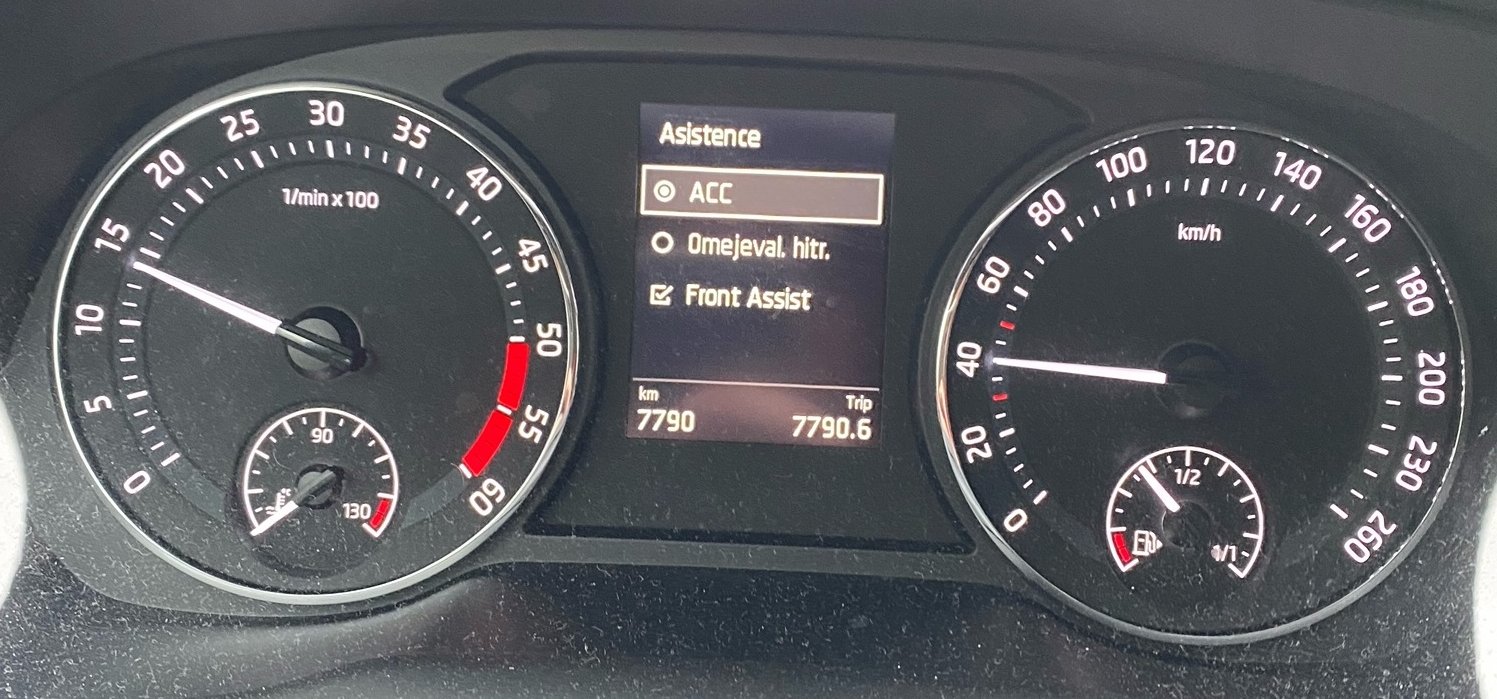
Hello. First of all I'm new to this forum, was reading it before. but now i have one problem with my octavia, so I decided to ask if anyone else have the same problem as me. So I bought car in september 2020. Since then I have constant problem with Lane assist that sometimes it does not show on my maxi dot display (I have added an image - sorry that language is not in english), and it is quite annoying to navigate through infotaiment menu to disable/enable it (I do that because of the roads I drive sometimes and it has its own mind). I've been to my dealership with this problem a few times already and they say it is fixed but everytime I get out of dealership I get same "error" the next day or the same day. So I was wondering if any of you also encountered with this "problem"? Also if you have active display is it sometimes missing in your shortcut? Thanks for answers.