MikeCT
Finding my way
-
Joined
-
Last visited
Everything posted by MikeCT
-
https://car-recalls.eu/recall/skoda-octavia-rs-iv-2022-high-voltage-fuse-fire/
-
Is the Nav still working?
-
I have the same fault, sat nav not saving favourites, previous destinations, comprehensive or Brief instructions. Car has been to Marshalls of Barnstaple and there senior tech has been liasing with Skoda UK. No explanations yet.
-
I have a company car on lease. My garage said that my car, 1.4 SE L Estate phev is 20k or 2yrs whichever is first.
-
Was your cars issue to do with tbe Sat Nav not saving settings like last destination and favourites?
-
Not sure when mine was. Ut, but it was first reg March 21
-
I have got around it by adding the address and postcode to my contacts (on iphone). Then when i tap on map, on the left i click contacts. Not ideal as would rather have them saved as favourites.
-
Look forward to hearing if the update work for you. Mine was in 2wks ago and there were not able to sort it ans Skoda UK are looking into it.
-
My has been in to my local Skoda garage with the same problem and not saving favourites, last dest, Comprehensive to Brief instructions, and other sat nav settings. Skoda UK are aware of issues but unsure how to rectify. Had an update to software about 2wks ago and still not sorted.
-
Spoke to my local Skoda dealer, they said that mine may need an update at the dealership. So its booked it. Apparently some updates can take hours.
-
Tried it and it wont work. Saved home address, syncd. Came back to car 1hr later, no home saved or favourites.
-
Hmm ok will give that a try.
-
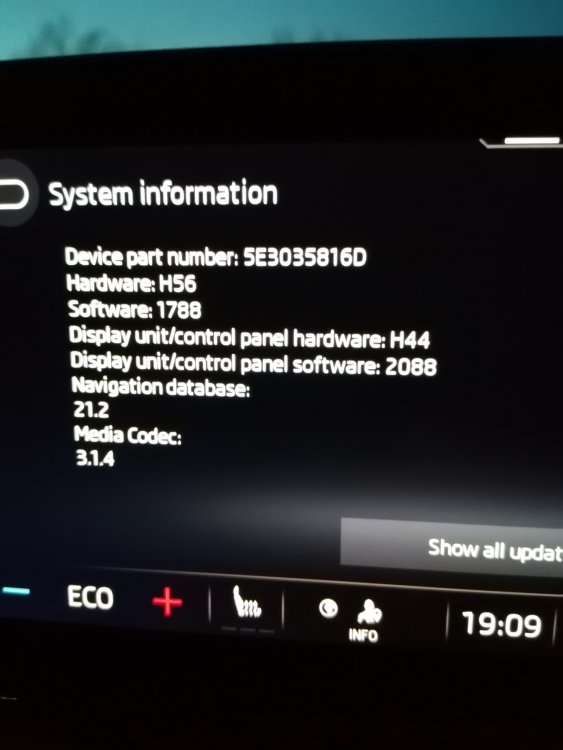
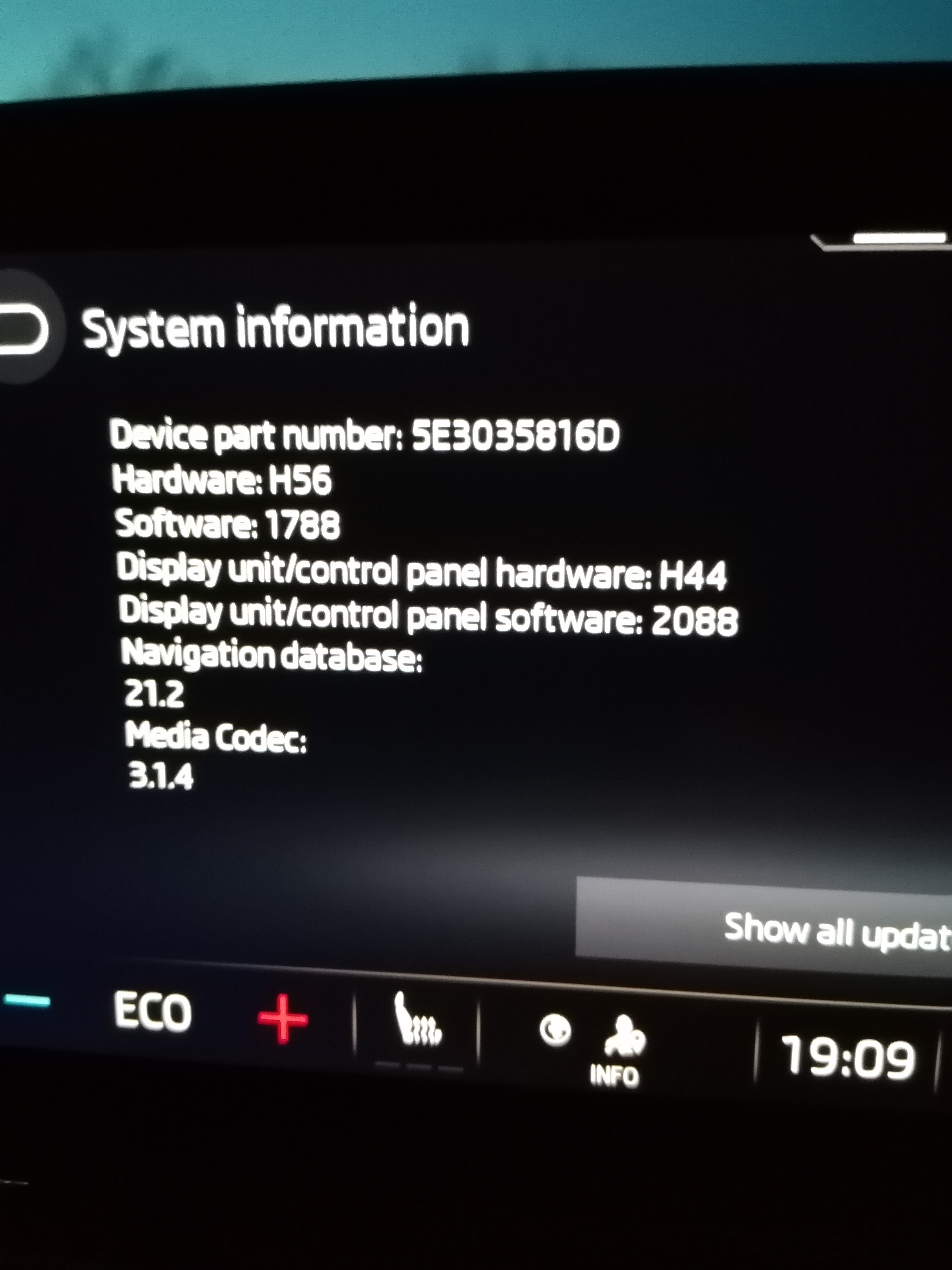
Hi. I have the Octavia iv plug in. I have used both keys and become the primary driver. Ive had the car 1wk. Ive notice the system does not save any settings. Ie. Home address on sat nav. Comprehensive or Brief on sat nat. Road signs on or off. Sat nat favourites or last destination. Is this a software issue?