XVolvo
Finding my way
-
Joined
-
Last visited
-
Your assistance required again .... !!! How to mute shut down Radio when Sat Nav is in operation ... I must be pressing the wrong buttons !!! ... also how do you delete unwanted destinations from Sat Nav ?? Regards .... X Volvo
-
Thanks Karock ... it worked a treat, if a bit confusing at first... all off and running as I wanted now ... your prompt assistance much appreciated. Regards, XVolvo
-
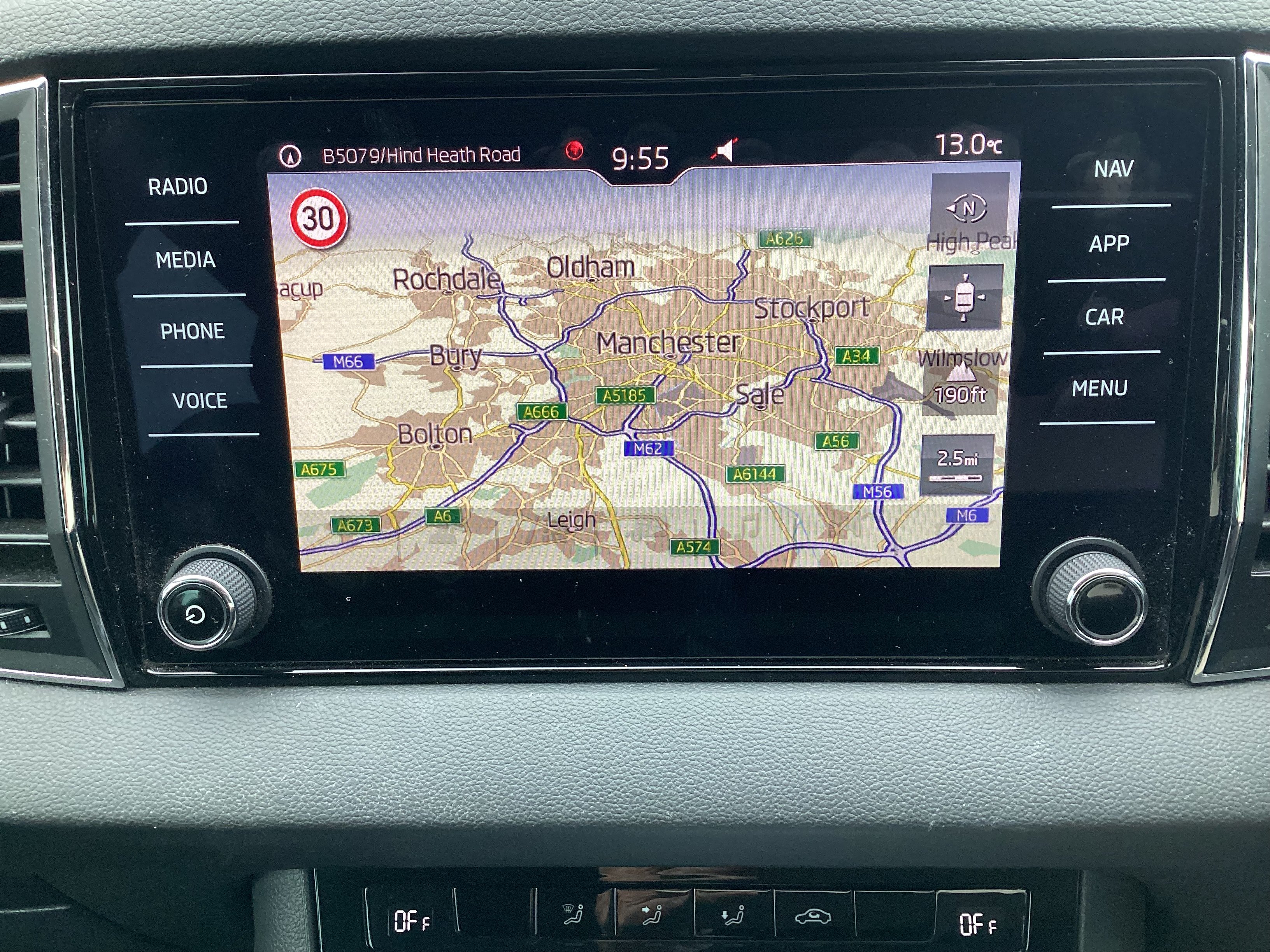
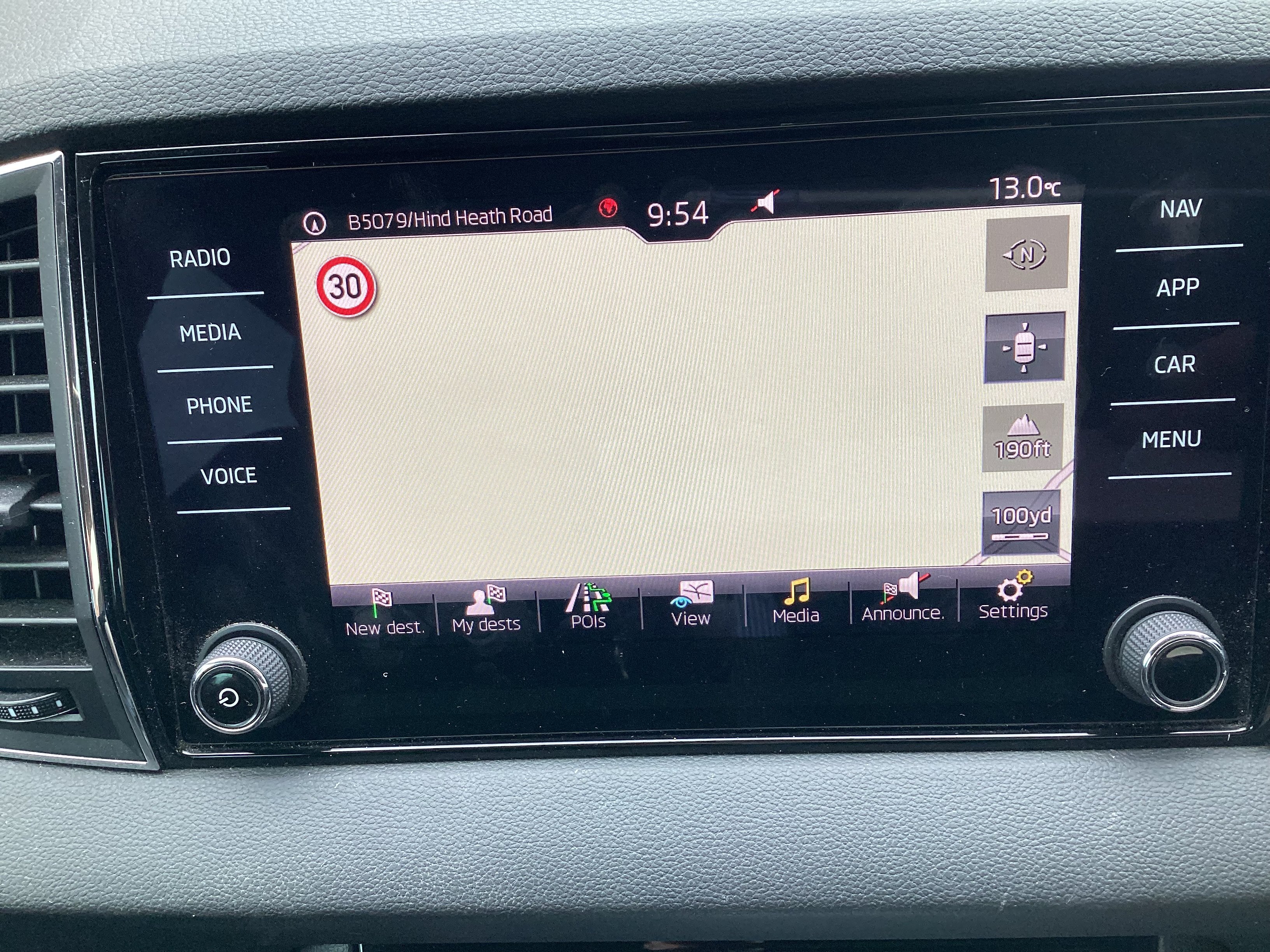
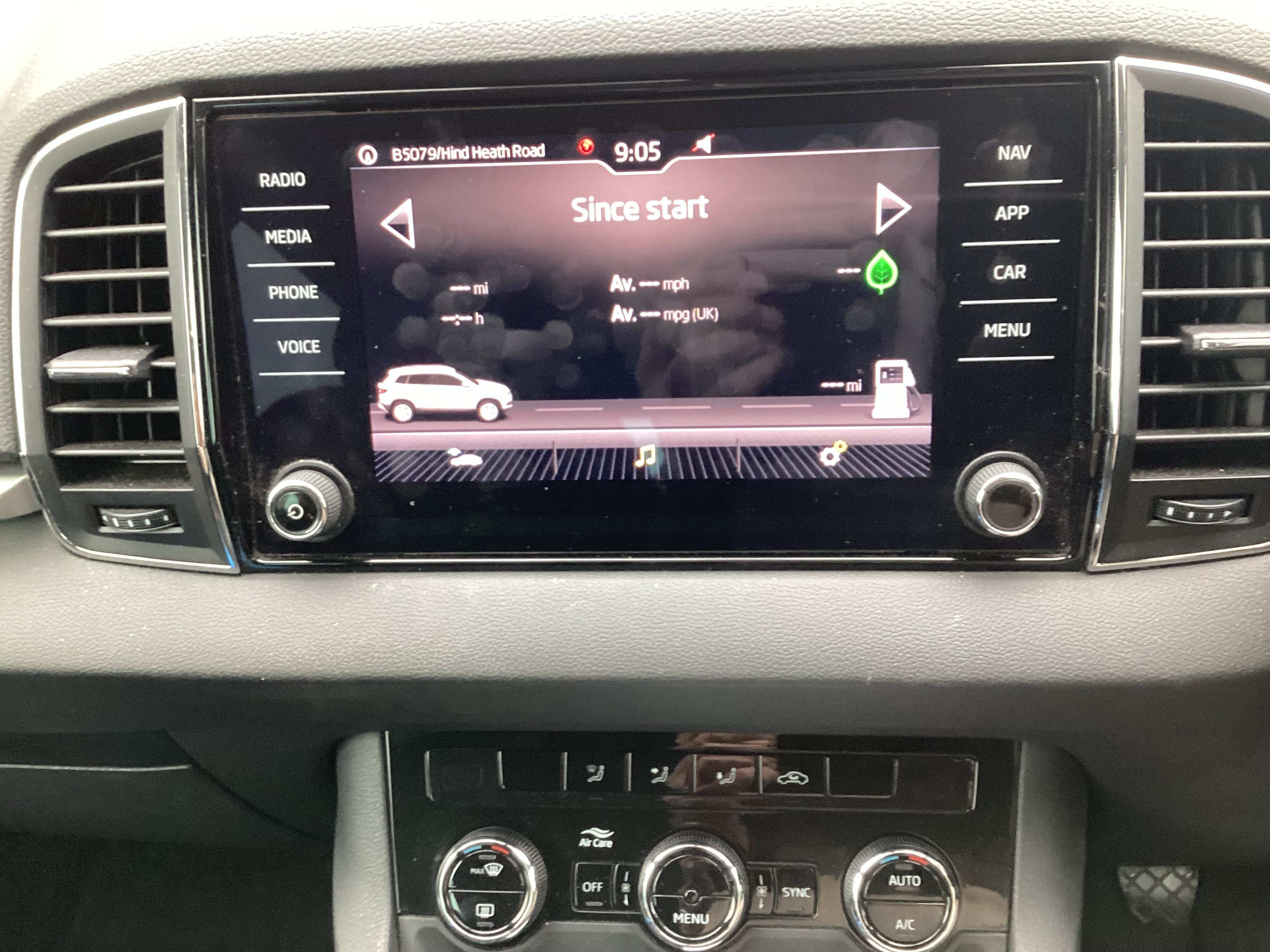
Thanks again ….BT and Sid…..hope the attached pictures help Karock ….. going to try your advice. Back to you shortly unless more info comes up XVolvo
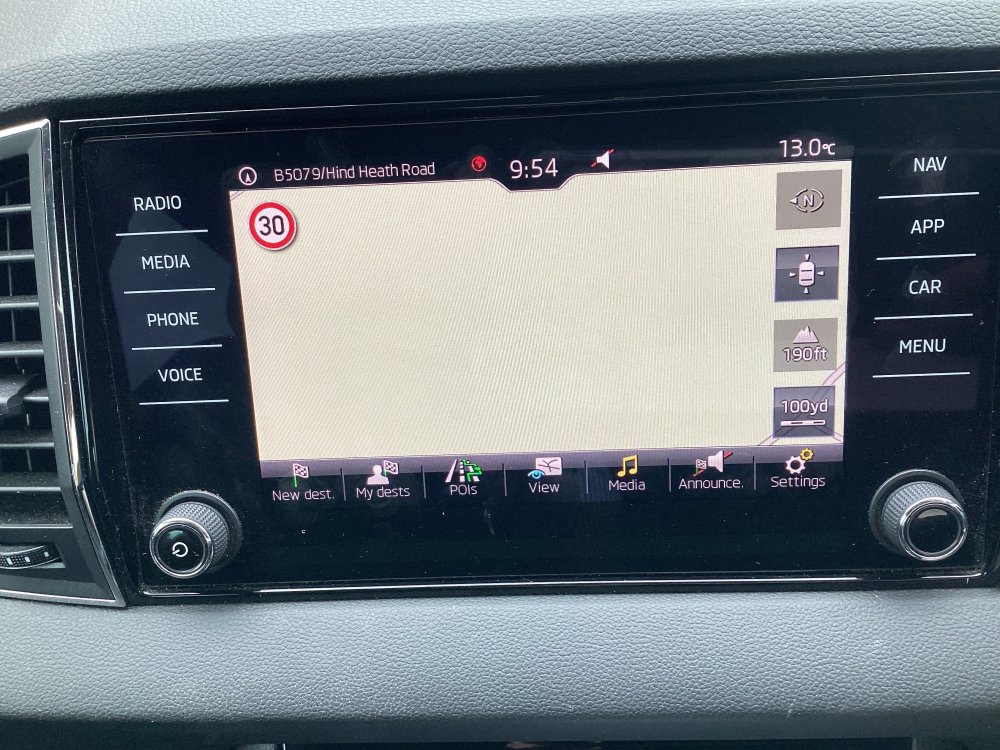
-
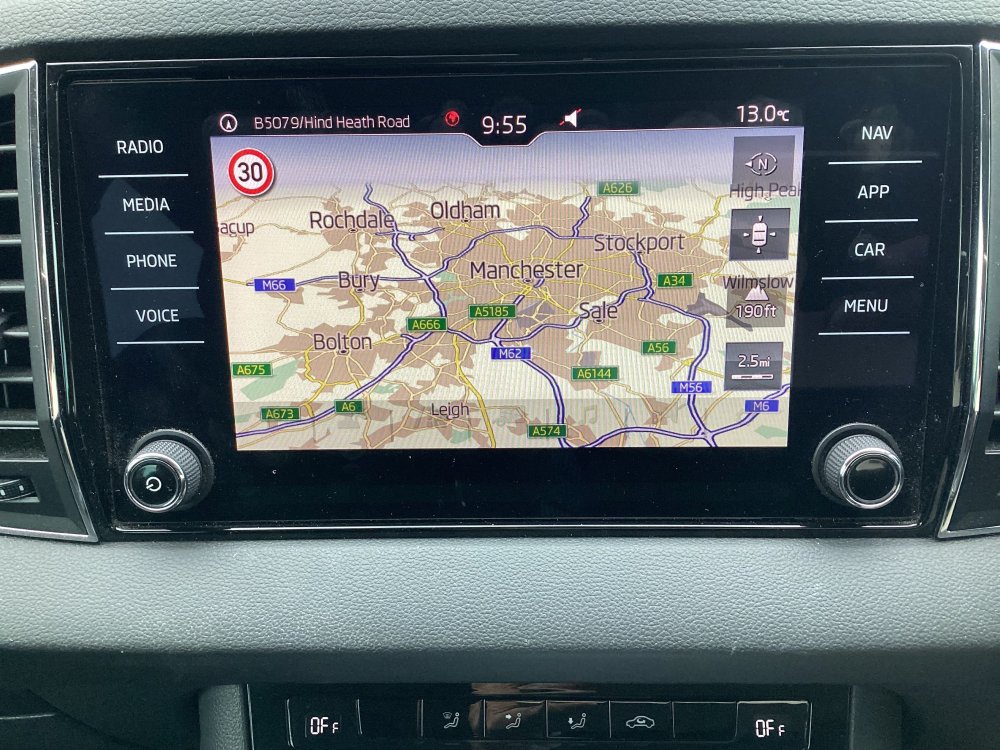
Thanks for that info but I’ve used it before knowing it to be for the wrong Sat Nav…… obviously it didn’t work. Photo attached of the one in my car ….. can’t identify name (anyone know?) but it was obviously fitted to Karok 2018 models. Still trying to find resolution. Regards XVolvo.
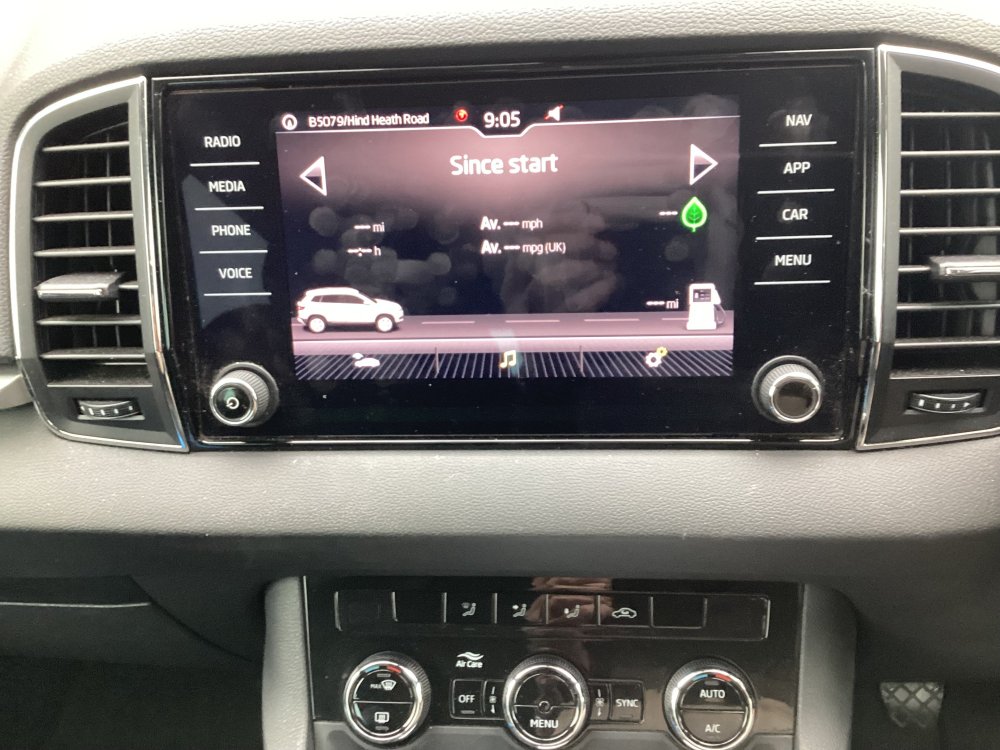
-
I know it's been asked somewhere before but can anyone advise how to delete destinations from Sat Nav ??? .....there is no advice in the manual of any sense ! ...... model is 2018 / SE Tech TDI. Thanks JCW
-
Thanks for that .... booked in with Indy tomorrow .... will keep you posted .... .......noise stopped .... points toward stone trapped somewhere and now possibly gone .. your help much appreciated. Regards ... JCW
-
Strange one this ......... just happened yesterday p.m. .... driving slowly in traffic ... a metallic "clank" noise ( sounds like possible loose shield of some description, or a cover ... ???? ) from drivers side front,...... 2 or 3 times then disappeared .... occured again some short time later ... then on entering home driveway, with steering on full lock right it happened again. Noise didn't occur at speed, or after going over bumps..... puzzled. Took car out just now, no noise at all even after going around local roundabout 2/3 times i.e. at full Right lock.... got home, crawled underneath and nothing visible sen or felt. Only other idea is connected to brake pads, or assemblies ... guessing though........ any ideas ? Can visit my local indy tomorrow a.m. JCW
-
Thanks for that ... Yes ..... double checked tyre ... obviously from vehicle from start .... brand new - never used - pressure OK.... good tips though. Loved your description of manual !!! ..... I'm certain that your comments must be true !!! ... I've given up on some items and can't decipher other entries. Best wishes ..XVolvo
-
Thanks gentlemen ..... sorry for delay ... been away ..... your help much appreciated ... just wish the manual was as clear. XVolvo
-
Still find it difficult, in some cases impossible, to follow the instruction manual and to obtain the correct info...... still can’t find the required tyre pressure for the narrow spare wheel. Followed page after pages of useless info, including inside fuel cap ! .... can anyone advise ? ... 2018 . Karoq Thanks .... XVolvo.
-
Oh, oh ! ......... do I get the feeling that the old adage " If it ain't broke, don't fix it " applies ? ... except in this case read " Sat Nav ... If it's working, don't update it" ? It seems a very risky and complicated procedure but I do have a map in the boot, just in case ! The old Tom Tom is there as well and that didn't require all this performance. Sorry for your plight and hope you can resolve it ... it appears to be a salutary lesson for all. Thanks .. JCW
-
Sorry to be dim gentlemen .... but .... !!! ....... just got lost on the portal described above. Purchased my car in April this year ... how do I find build date if it differs from 1st Reg. Date. My Karoq has a first Reg date of 16.07.18. i.e. before date of maps shown on Portal ... how do I find my card ...??? .... Europe 1 - CW 45/2017. Computers aren't my strong point !! ... do I use existing card to be updated, or a new one as described above ? Anybody else struggling ?? Your help would be great. Regards XVolvo
-
Sorry to be stating the obvious really ... this happened to me less than 6 months ago, just before I sold my Volvo V70 and bought my Karoq ... you can guess the likely price of a replacement mirror and body for a V70 so I haunted Ebay and a few scrappers on line for about 2/3 weeks ... got the complete replacement mirror / body ( wrong colour but ..! ) for £65.00 plus P & P ... my local friendly car body re-sprayer matched the colour ( from silver to dark blue ) and did the job for £50.00 .. my "indy" garage fitted replacement for £50.00..... in total, saved hundreds ... no one could tell the difference ... just have to be lucky to pick the right item at the right time..... V70 parts are probably rarer than Karoq so it's got to be worth a try. X Volvo
-
Just opened boot, then lifted cover for Spare wheel area, to find 2 x Wires ... 1 x Green and 1 x White, both with wire wound around the outside, some 2 - 3 feet in length, fixed at one end where I can't see, about halfway across boot, I guess ... which apparently have become detached from their light green ( now non adhesive !) roundels, at the road end of the boot ... they look more like aerial (?) wires, rather than electrical. Both end in approx. 1 inch square flat metal plates ..... apparently to fit to body on drivers side ? They run about 2/3rds of the boot width. Any ideas and where should they be re-fitted ?? ... radio on all wavelengths and Sat Nav are fine, if indeed they are for those items. I've currently secured both wires with Duct Tape to stop them being moved / trapped / pulled, but am anxious there is a proper fitting area.... any ideas ?? Regards XVolvo
-
Thanks so far ... price was from local Skoda Dealer who quotes same price as per other Skoda dealers.... it's just the cost of items that seems expensive, or if anyone has dealt with the problem in an alternative way. XVolvo