Shaw_234
Finding my way
-
Joined
-
Last visited
-
Looks great. I hope you are enjoying it. Safe driving 👍
-
I currently have an android Huawei mate 20x that I'm replacing with a recently ordered Samsung S21 ultra and also have an iPhone se for my work mobile. My personal preference is Android. Much better imo for customisation etc. That said I prefer the layout of apple carplay over android auto.
-
Hi, can anyone tell me if the Samsung S21 ultra fits in the wirless charging area of the Karoq. I have just ordered one but realised the pad has raised edges at the near end and thought that may cause a fitting issue. Thanks in advance.
-
You can via Android auto or Apple carplay. Not sure if you can via Bluetooth. But your car supports both android auto and apple carplay so your definitely able.
-
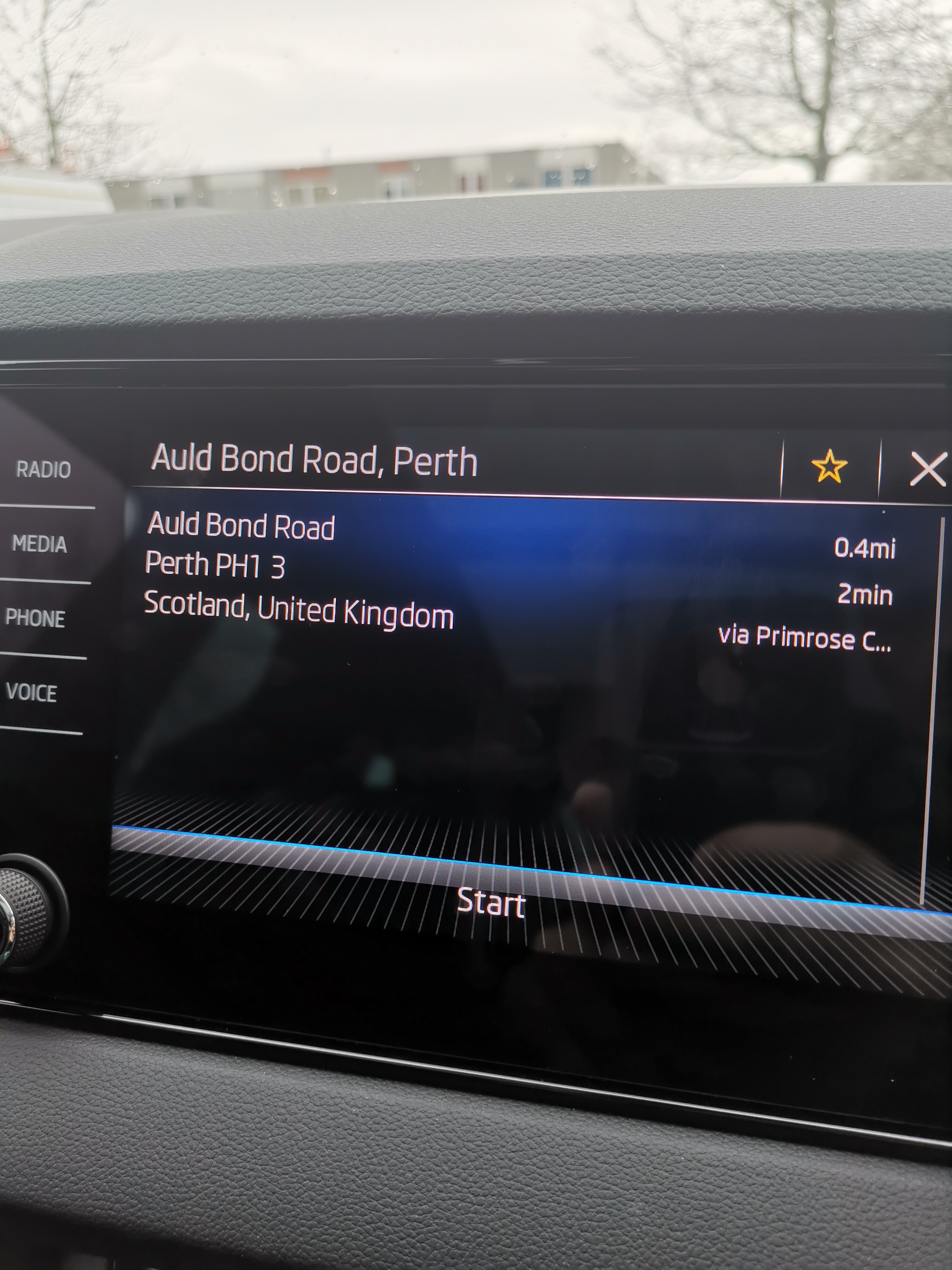
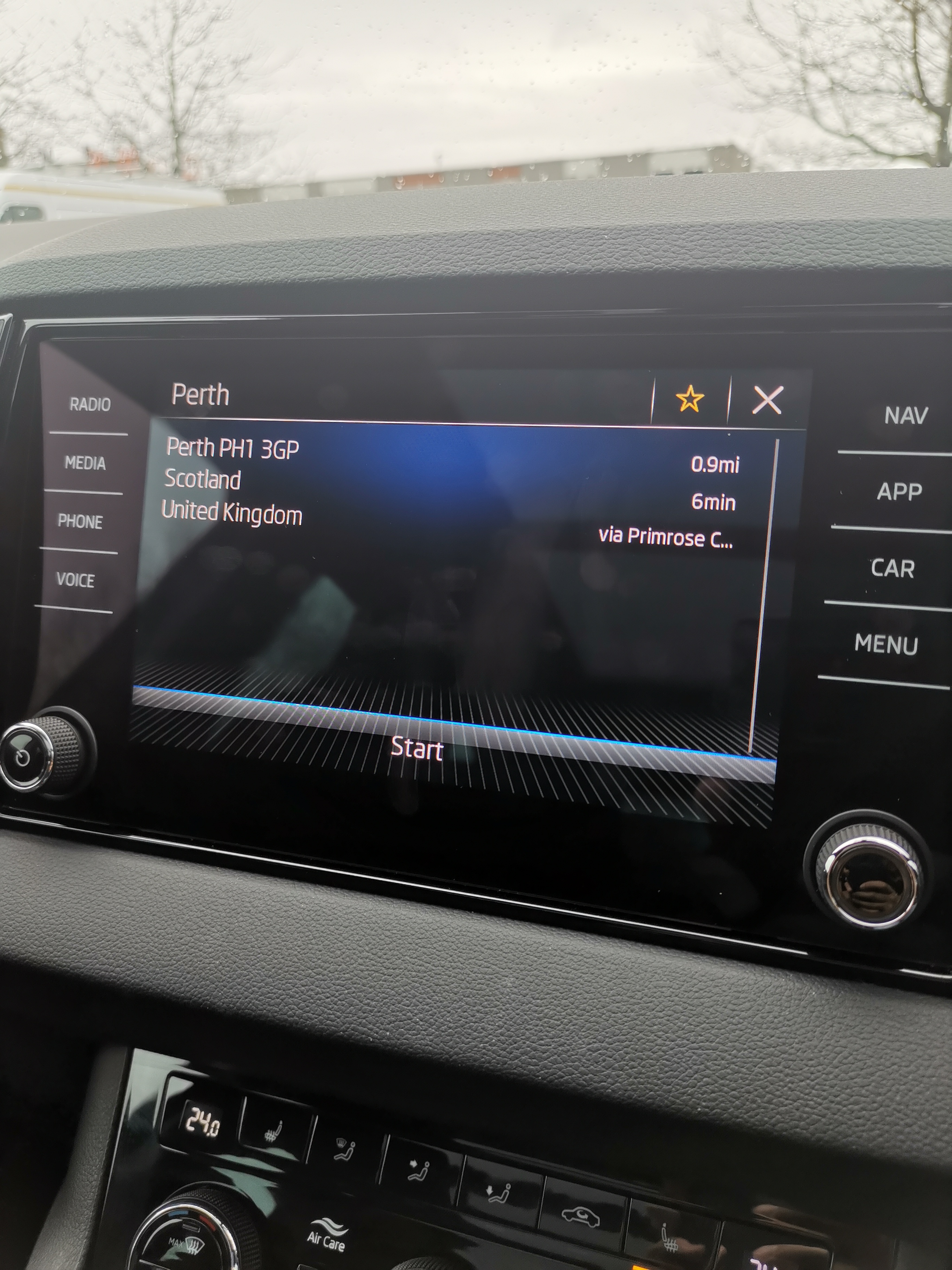
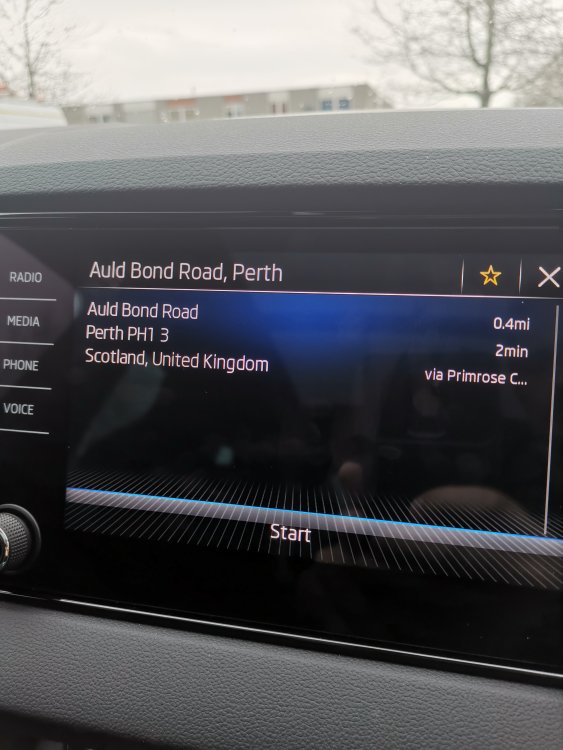
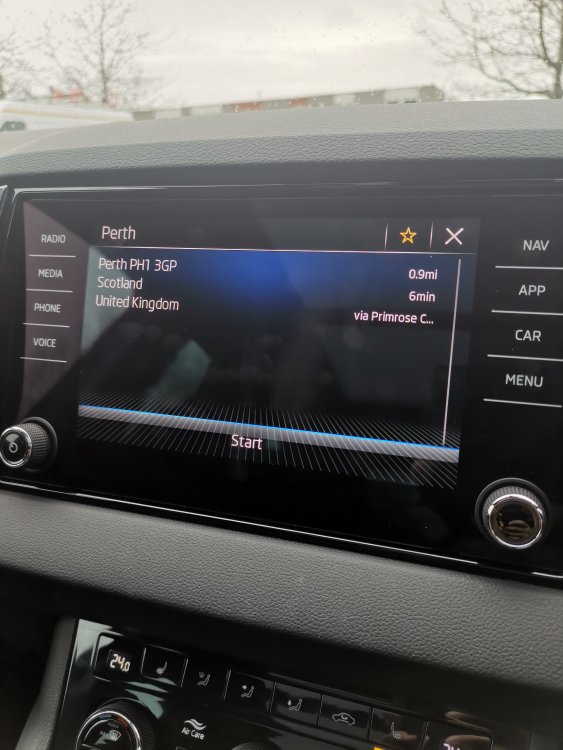
My sat Nav seems to work 🤷🏼♂️ I put in the street name 1st pic and it comes up fine. I put in The post code for the 2nd pic and it comes up fine too. No off road coordinates are being shown.
-
🤣🤣🤣🤣 I never even noticed en garde 😜
-
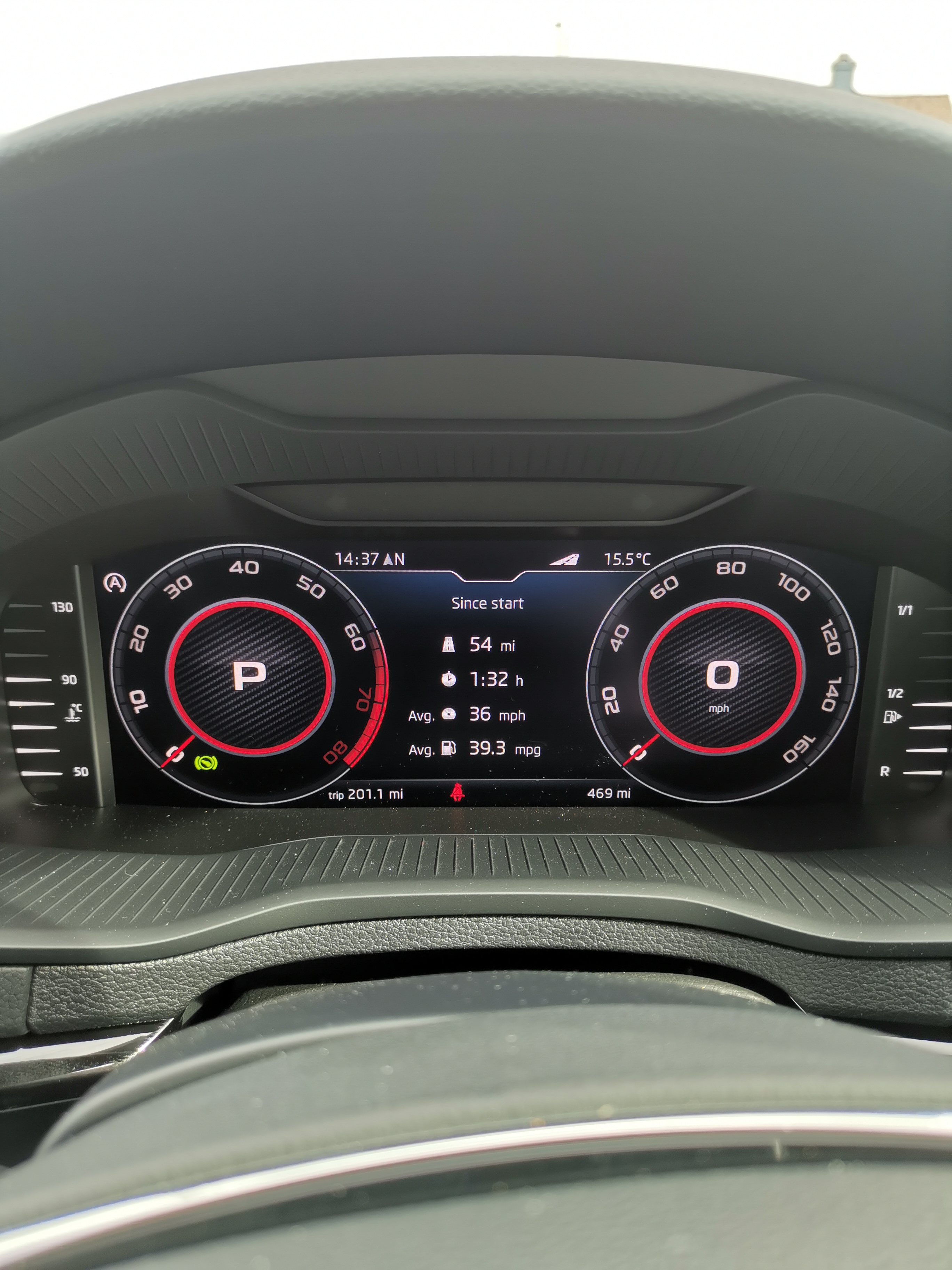
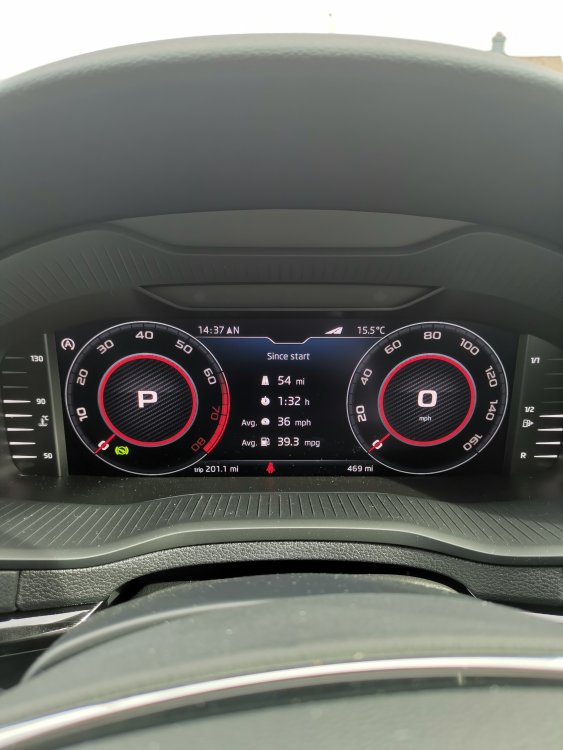
This was mine from today. Some inner city driving and some duel carriage way. Mpg is definitely less than I expected but I've been told it will improve after a while. (I have my doubts to this being true 😂)
-
I appear to be lucky (so far) with my karoq (my21). Window wipers are silent and work very well (so far) fingers crossed it remains. However I'll be replacing with these bosh blades when the time comes regardless.
-
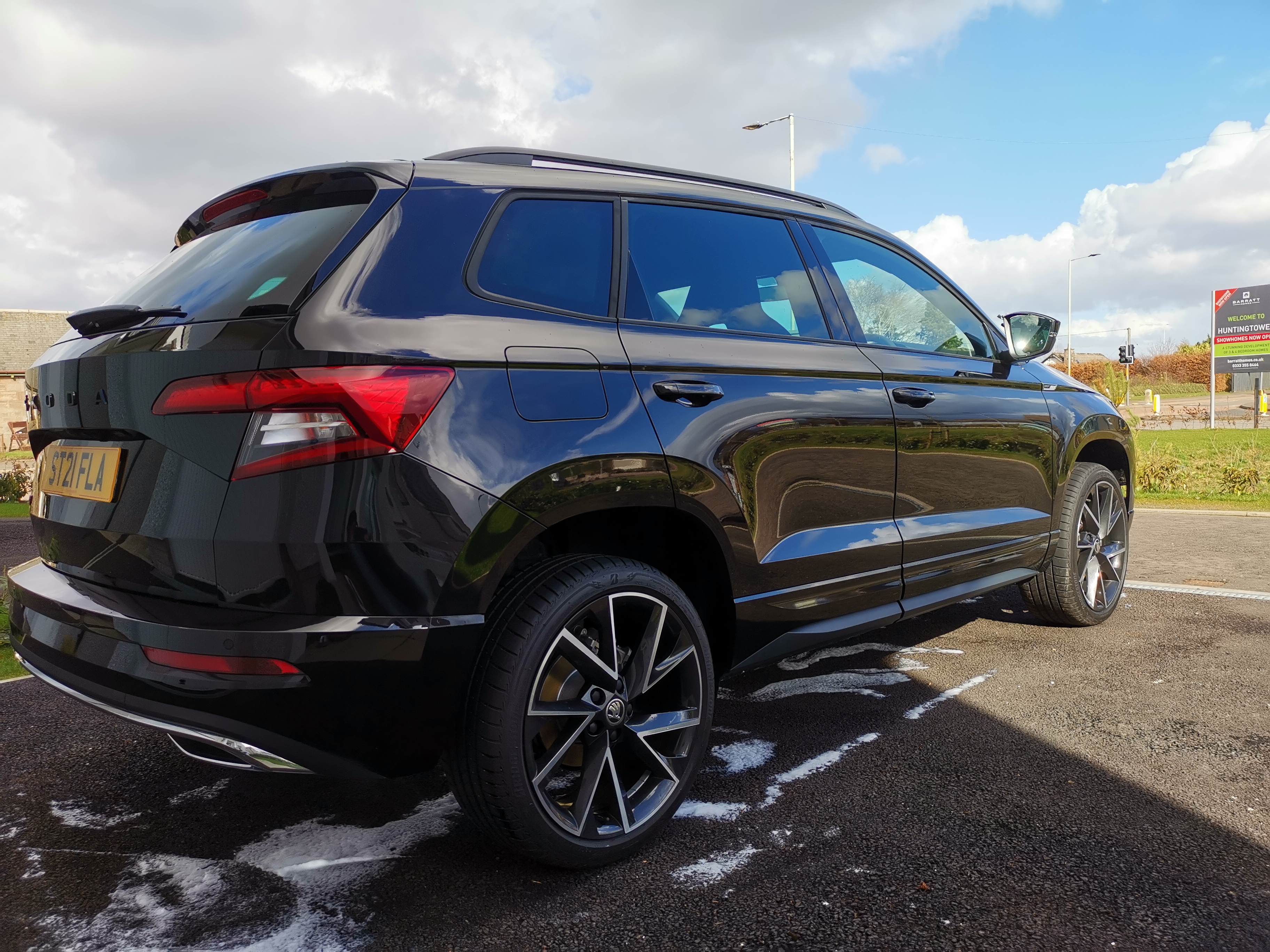
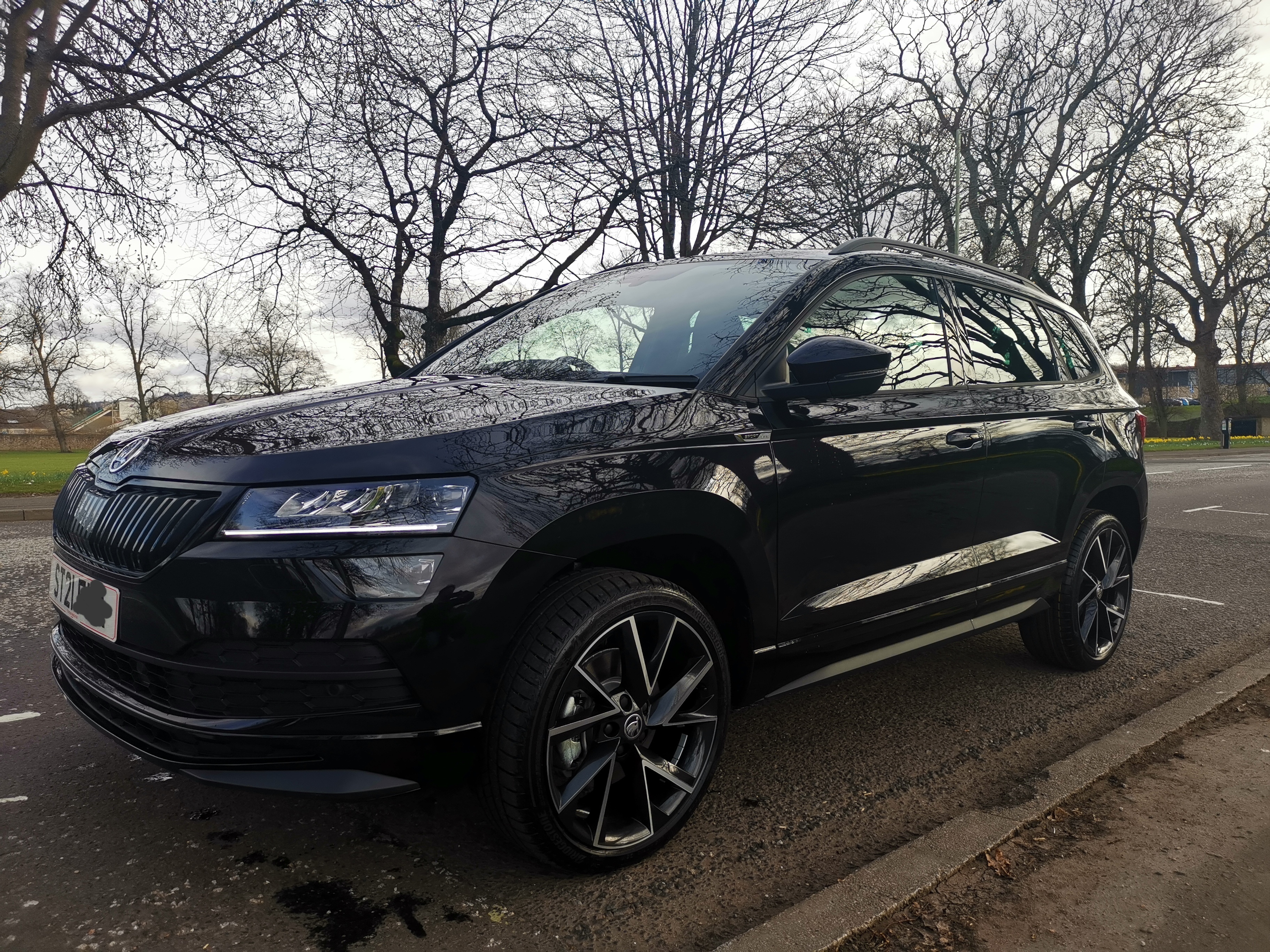
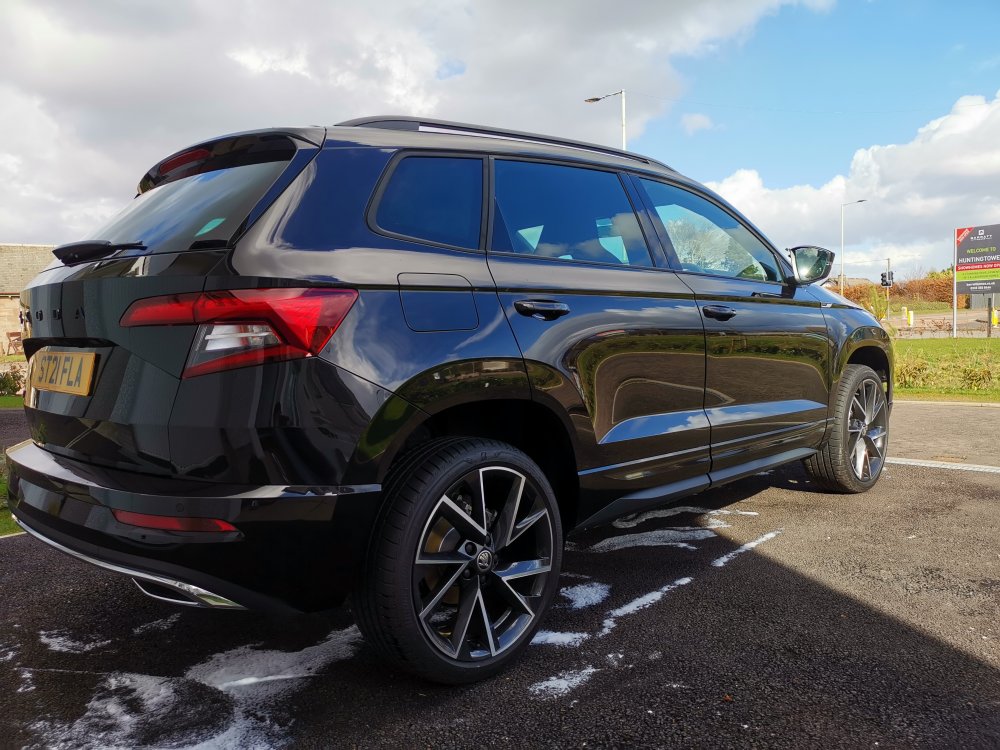
First hand wash and wax ... Love a clean black car.
-
Ok for anyone that is interested. I have managed to get my phone on Android 10 working with wireless android auto .. (a lot of frustration and Google searching later) and should work on most phones. First open the android auto app on your phone. Click on the 3 dots to bring down the about menu. Tap on that heading 10 times to add this app to developer mode, then open the app and turn ON wireless projection. Then delete the phone from the head unit and also delete the head unit from your phone. Reconnect as if it's a new connection and (you must have your WiFi, data and GPS turned ON on your mobile) And that's it. wireless android auto should now work. Hope this helps.
-
Hi, I have collected a new karoq sportline my21 two days ago and the towing eye attachment is in with the tools in the boot. 👍
-
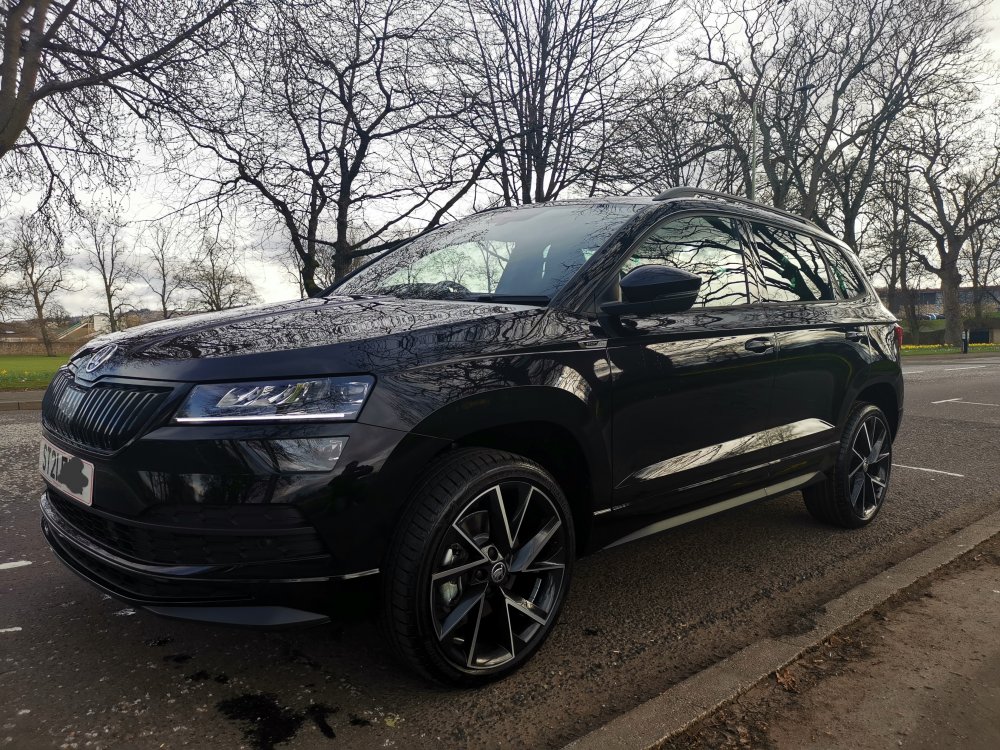
Collected yesterday. Love it.
-
I just collected my new karoq yesterday with the virtual cockpit. It's a £495 option on a new build.
-
Just tried with my work phone (iPhone se 2020) and it worked instantly so it's definitely the Android software version 👍 thank you, that was driving me mad 😂
-
That would explain it. Thank you. I have a Huawei mate 20 X that runs on Android 10 bit luckily is due the android 11 update in the next few weeks. Thank you 👍