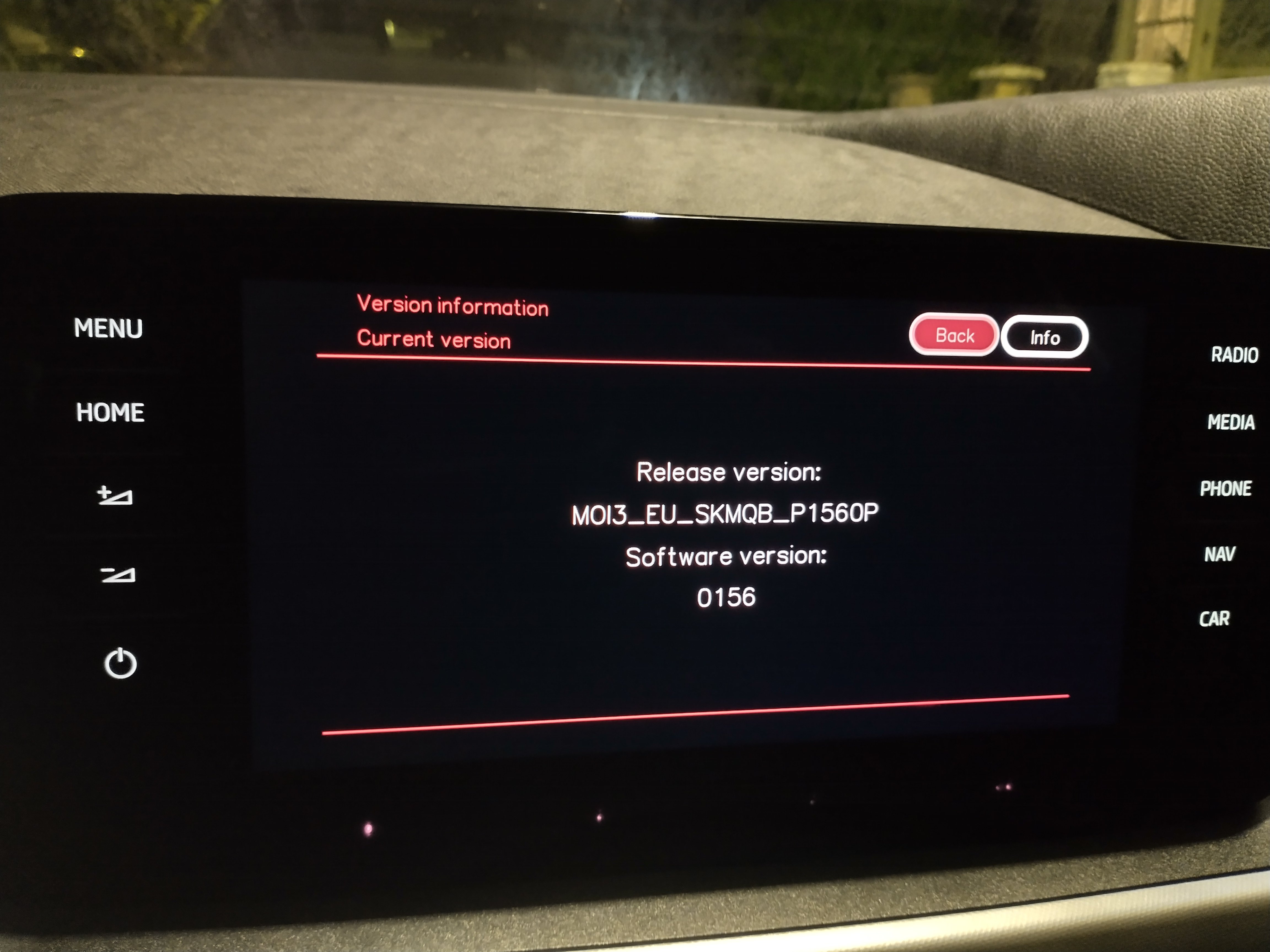
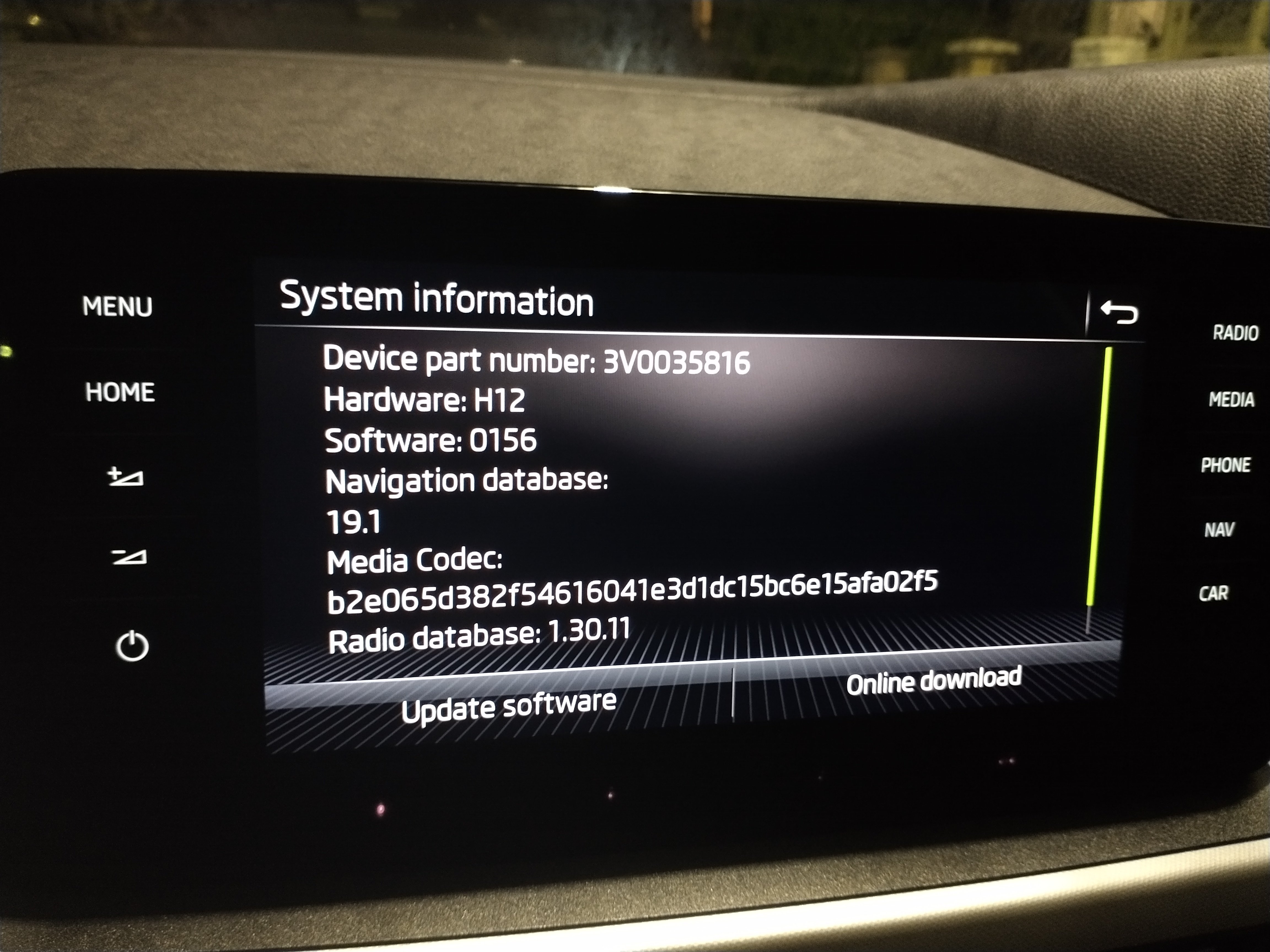
EssPee2
Finding my way
-
Joined
-
Last visited
-
It's not the speed limiter or cruise control in my case; they are both definitely off and I tried switching them on and off just in case, to no effect. It must be some software glitch as you say as I'm sure it started happening when the current street the car is on started to appear in the top left on the infotainment screen.
-
Since about a week ago, the driving mode button by the gear stick no longer brings up the choices on the infotainment screen with a press. Driving mode can still be changed by double-pressing the button and cycling through the options. I presume some software update is to blame - I have noticed at the same time that the name of the road the car is on is now displayed in the top-left of the screen, which did not used to be the case. Anyone else had this?
-
Yes! But not every time...
-
Still looks the same to me...
-
So, I still took this in to the garage as planned since a service was booked for the same day. I told them on arrival that the unit was back working and the member staff said that they would still go ahead and replace it and when I picked the car up she said 'obviously you'll have to resave all your radio stations and other settings'. I expected this because a new unit is the same as a factory reset. The thing is I didn't have to do anything - all my settings were as before. So, TBH, I am skeptical that the garage did actually carry out the replacement. Suppose the main thing is that the system is currently working fine
-
Turns out you can register at https://myskodafinance.vwfs.co.uk/ and see most details!
-
I'll get in touch with Skoda.
-
Hello, Does anyone know how I can find out information about my service plan? I get sent an invoice by post every month from VW Financial Services (which seems a ridiculous waste of paper and money, but anyway) but I don't recall ever getting, or haven't kept, information actually telling me how long the service plan was for and its exact coverage and my memory is not what it was. The Skoda dealership network obviously have this information, but is there any other way to find out apart from contacting a main garage? TIA Ess
-
Miraculously, this seems to have cured itself without the replacement of the unit. Just over a week ago, a software update took place. Since then the infotainment system has been working without issue! Not sure what to make of it ...but fingers crossed it lasts
-
Thanks. I wasn't sure if they were universal, as some of the listings seemed to suggest they weren't for my model...
-
Hello Can anyone advise what exact screws I need to replace a couple missing from the undertray of the car? Skoda garage's quote calls them 'plastic plugs' (they want GBP14.45 to replace 2!) TIA Ess
-
Been to Skoda garage now. They couldn't fix it and say it needs a replacement 'online control unit ECM', which has been ordered and likely to take another month to arrive. They seemed to think the crash/failure was probably caused or linked to the SOS emergency fault that lots of people with VAG cars have reported. I had it intermittedly before and have had it a bit more often since the system crashed on 31 August...
-
OK, I'm not sure I know how to do that, but I guess the World's Largest Search Engine is my friend for that. The car is less than 3 years old, so I'll check with the local Skoda garage... I appreciate your help!
-
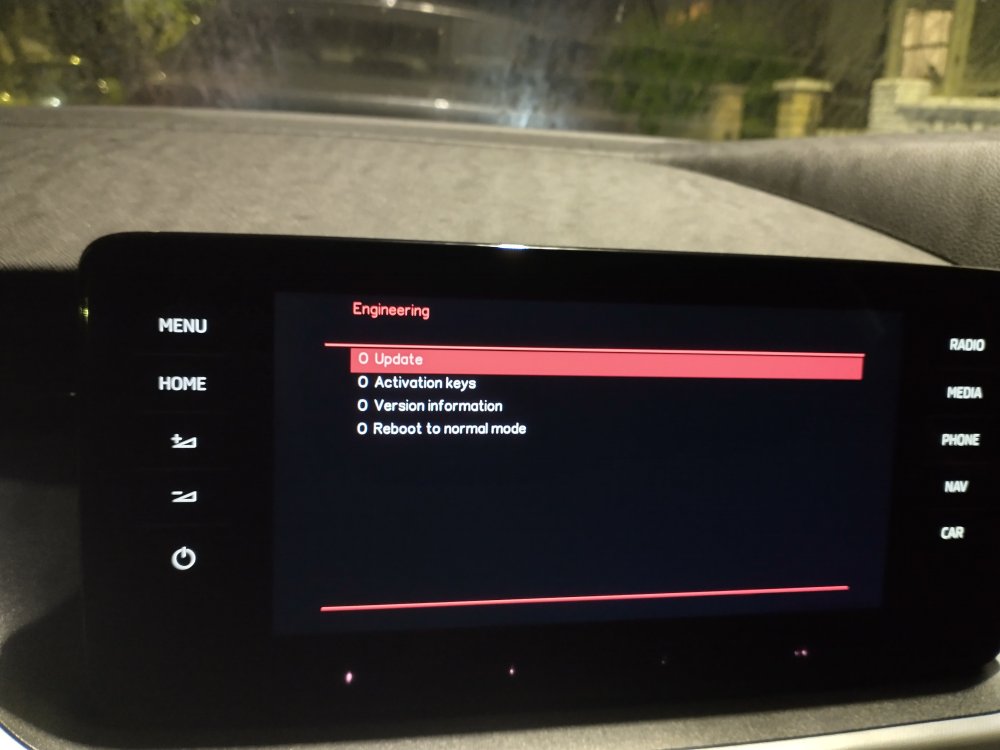
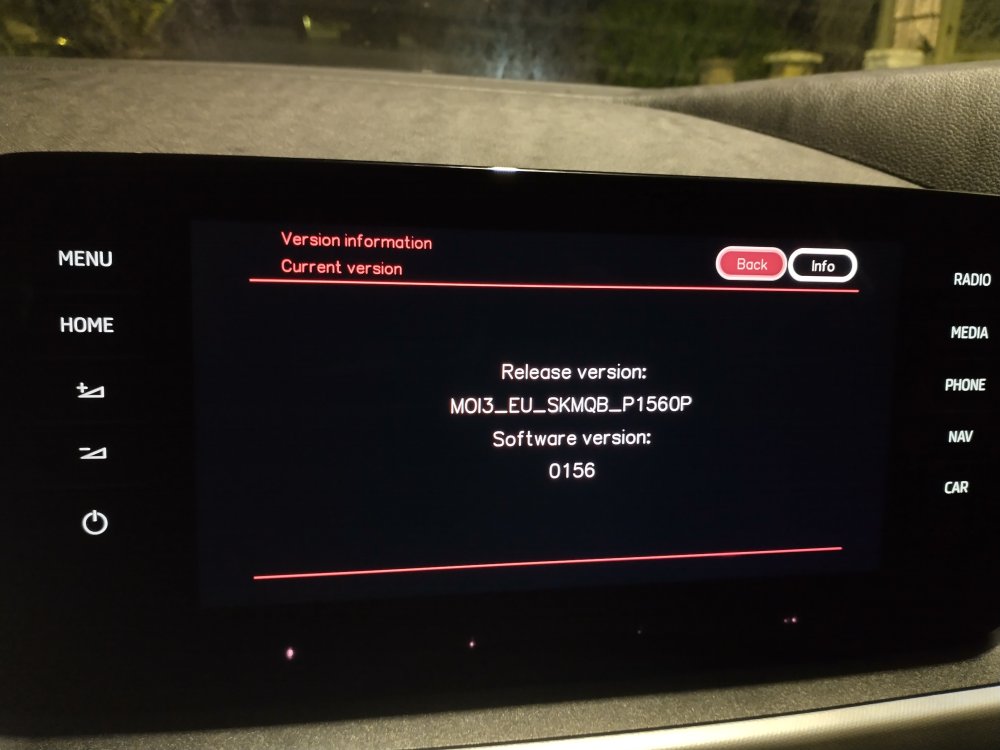
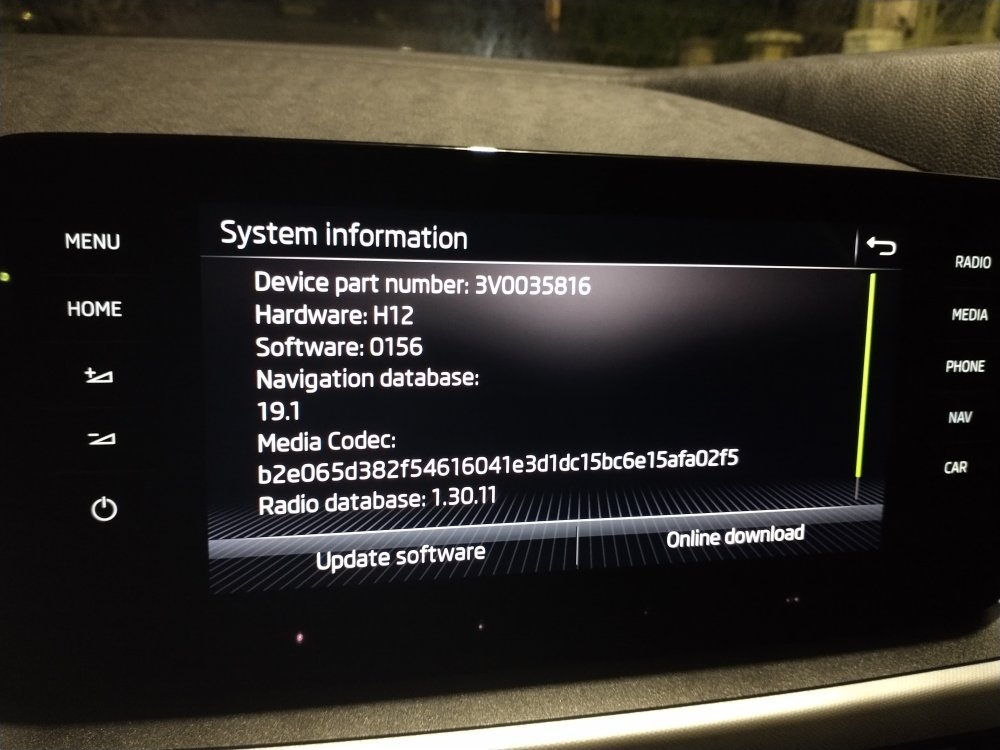
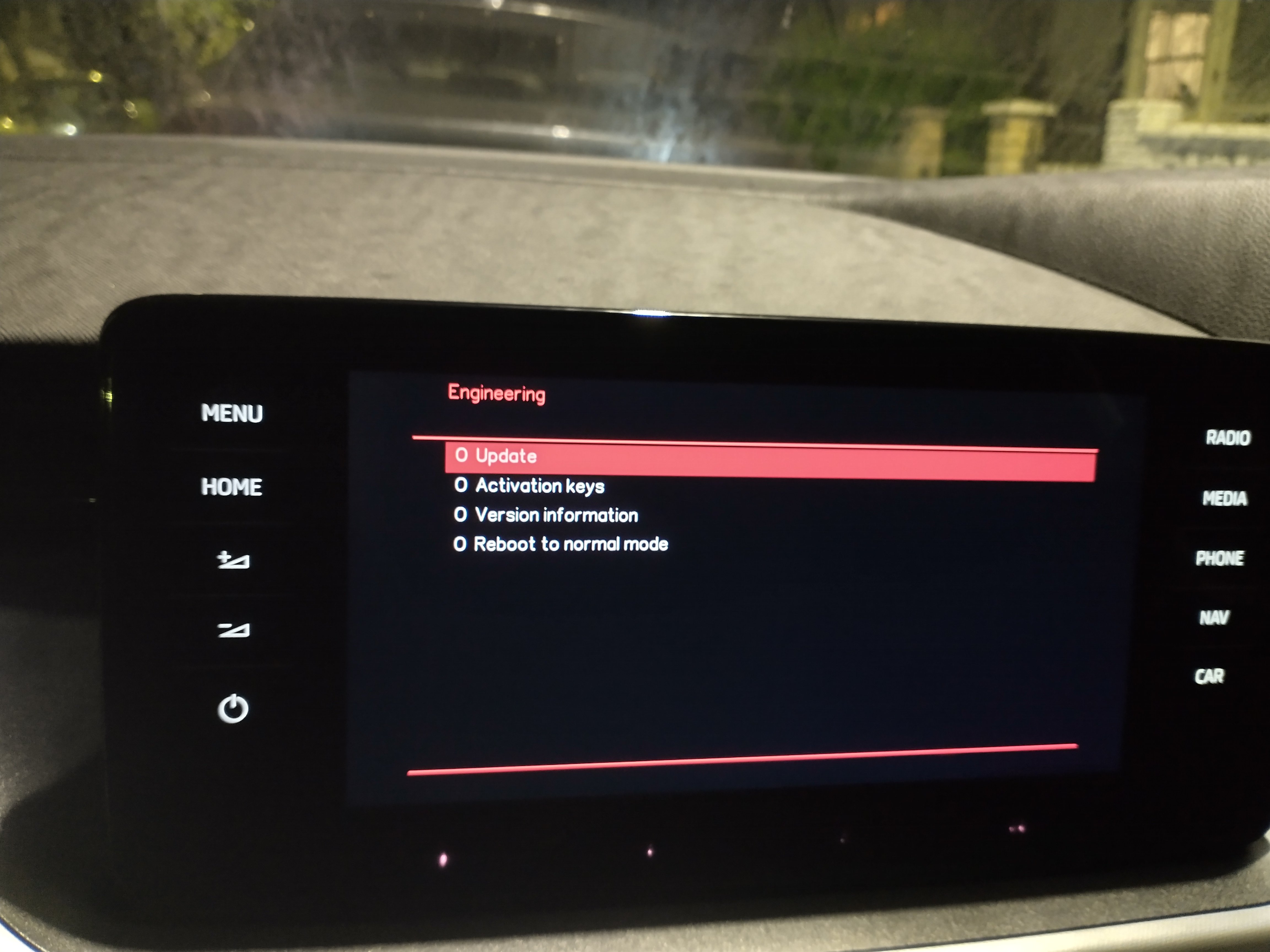
It seemed stable in the engineering mode
-
Hi, Here are some photos....