monquay
New here
-
Joined
-
Last visited
-
This may be an odd sugestion but I have just fixed my car after this started happening. Mine turned out to be a broken plastic clip in the window switch mechanism which meant that the switch didn't operate all the way! It went far enough for the manual mode but didn't get to the second click for the auto. It worked fine for the up but not for the down was the giveaway. Joe
-
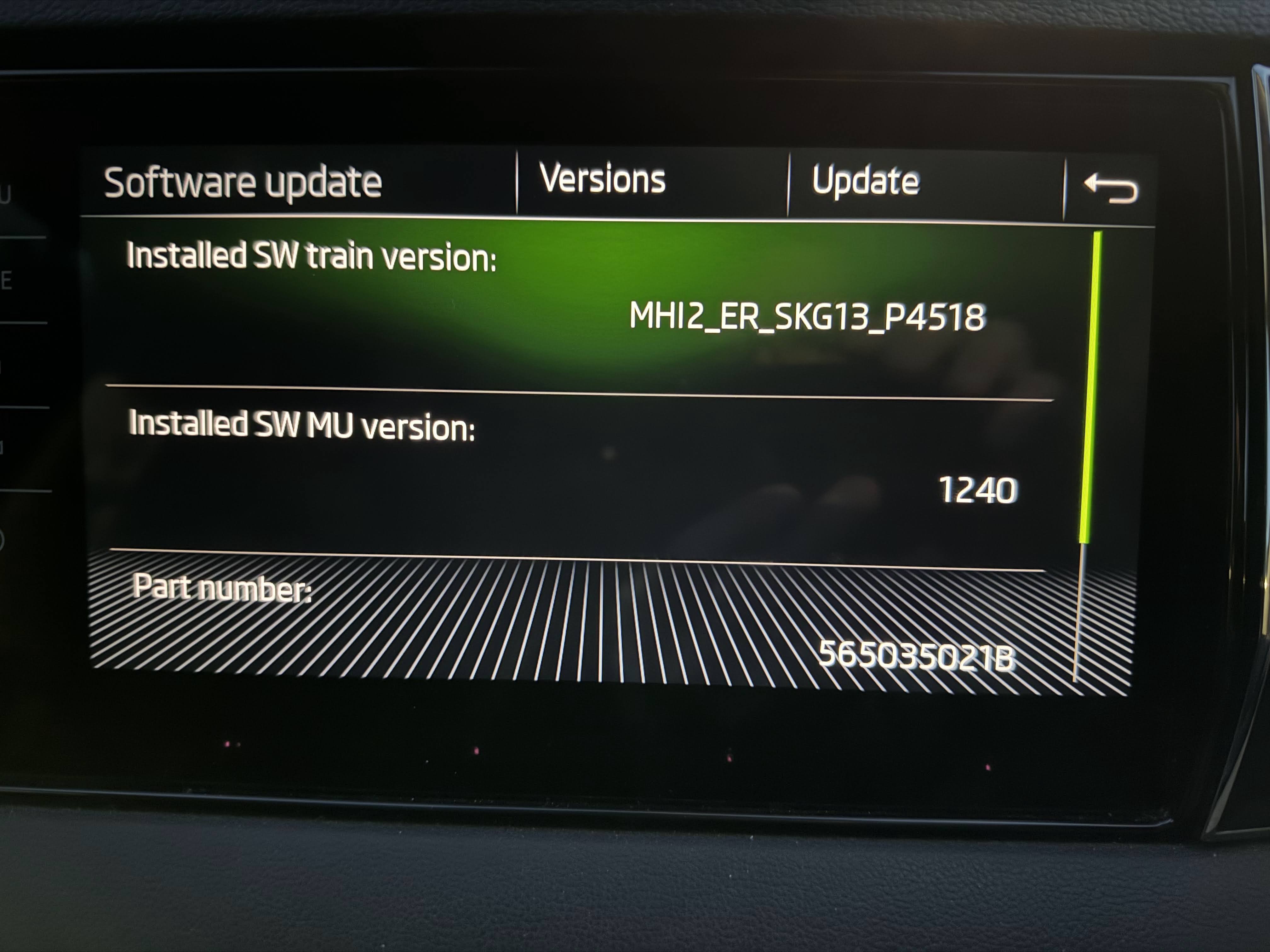
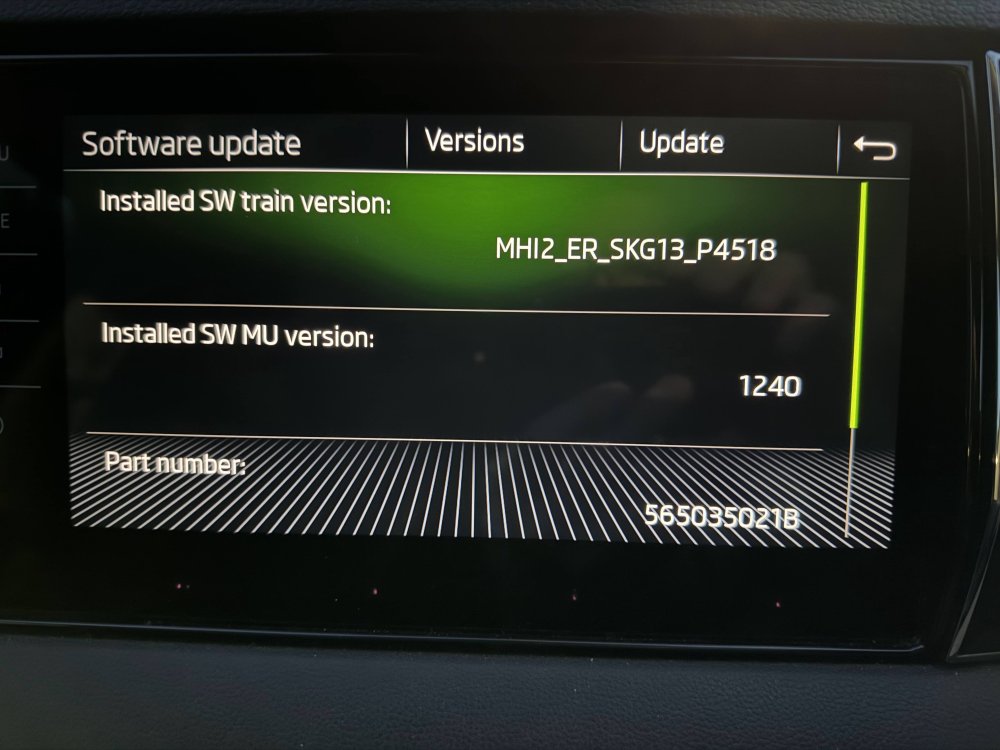
Hello Folks, tagging on here as was about to make a new thread then found this. I have a Karoq 2018 with columbus MIB 2.5. I currently have the 1240 software and I am trying to update it. I can't find the files anywhere! Any chance I could get a copy from anyone with one sat around? Also, Do I need to do the inbetween one first and then the latest (1440 I believe?). Does anyone know haw to add the sports dials as well, they look quite fun. I have a VCDS and an old 5054A, but no software for that one. Perhaps related, has anyone added ACC to their standard cruis control? I know I have the correct radar modules and need to add the stalk etc... Just not sure how to code it in? Cheers Joe
-
Sorry, forgot to ask, was the steering wheel the heated type? Did you need extra wires or bits? cheers Joe
-
Hi, loving the build and doing the Acc myself! Do you have the part number for the lower steering cowl? Been looking online and not successful so far! Got coding remotely once since get the bits. Cheers Joe
-
Hello all, a second time Skoda owner, first time poster here! just bought a 2018 Karoq Edition and think it’s great. Always been a car modifier to varying degrees and no intention to stop now. Plans so far (hints, tips, massive shoves, in the right directions all welcome!) 1. PAcc - spoken to vagretrofit, just waiting on parts 2. Virtual cockpit, because I like gadgets 3. Mudflaps, the sides get really dirty (mine is black) 4. TBC.... I’m fairly sure this list will continue to grow! see you around the forum, Joe