Patre
New here
-
Joined
-
Last visited
-
Purchased mine off EBay, ADCR Retail, £58.99 delivered. Genuine Skoda with instructions. No need to remove rear wheels just a bit of pushing the wheel arch liner. Very effective and perfect fit. Took about an hour (if that) for all four. Just search Skoda Kodiaq front and rear 2024 Onwards MK 2 57H07511+ 57H075101
-
Hi, I have fitted the Vantrue E1 Pro (Amazon £129.99 - £10 voucher ). Brilliant bit of kit with a polariser filter and Sony Starmis sensor. Superb picture quality and very easy to set up and download files using their app. I bought a short right angle USB C cable from Amazon at the same time for the mirror housing USB socket. The app is excellent and once files are down loaded you can follow your journey video and see your position on the GPS map at the same time. It is so good that I have bought another for the rear (didn’t want the hassle of wiring front to rear with all the airbags in the way). I have plugged the camera into the 12v socket in the boot and changed the fuse position in the fuse box so that the socket is only live with the ignition on (20 amp yellow fuse has three positions, remove and reposition one up). Highly recommended dashcam.
-
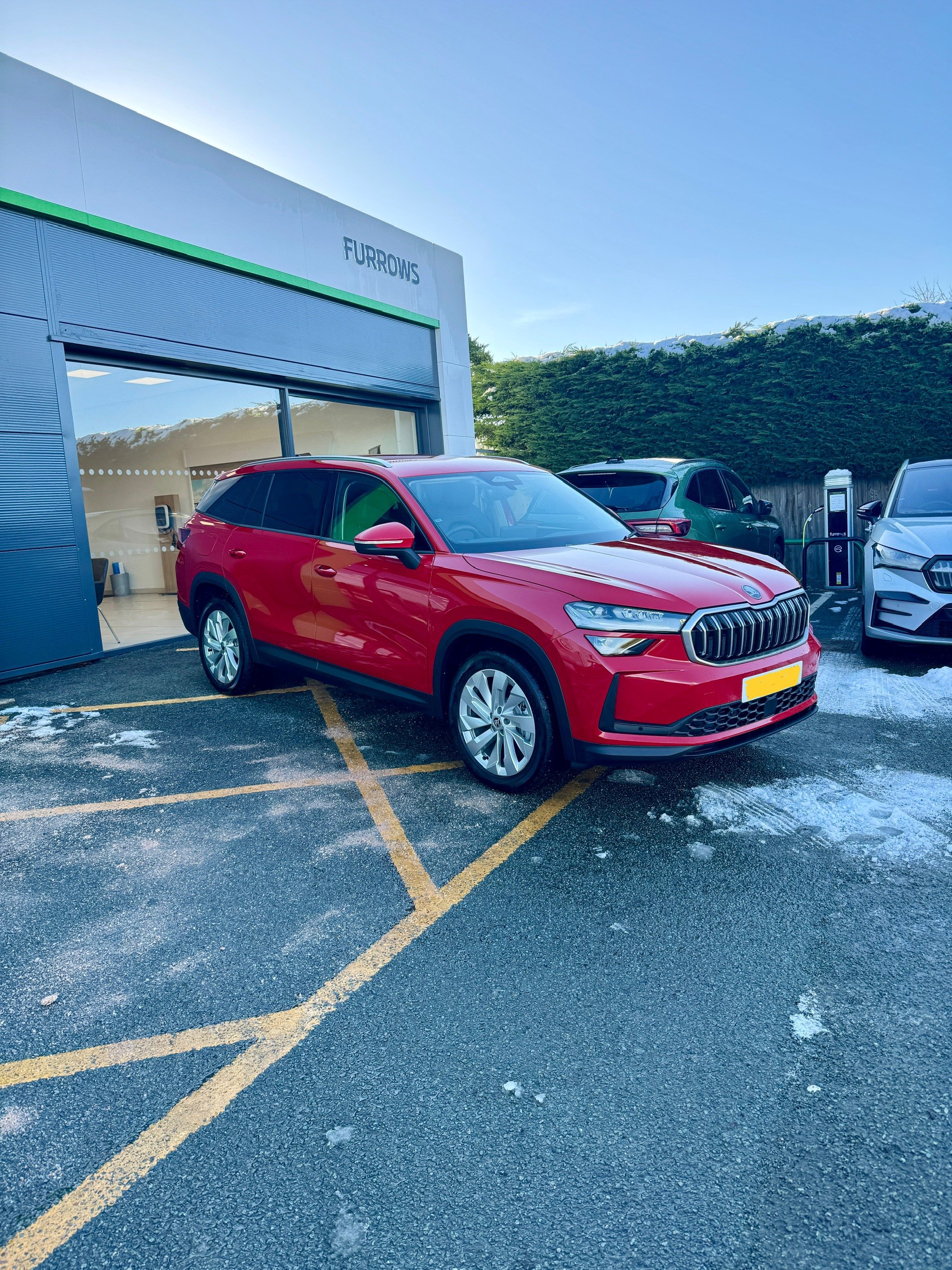
Velvet red, traded in our faithfull Karoq. Lovely car, 1.5 SEL with a few extras. Just about gotten used to gear selector!
-
She would show me up....if she could be bothered to get off her MacBook Pro!
-
Just picked up my fourth Skoda and wish my 5 year old Granddaughter was here to help me understand the Columbus system! I jest but it has taken a bit of reading but almost there. Lovely shiny Karoq Edition in Quartz with the DSG and a virtual cockpit.