Joob
Members
-
Joined
-
Last visited
-
Yap exactly.. You need to cut the sponge all around the battery.
-
Thanks I never remembered those sprays ^^ Nice brand this one.
-
Yap great ! 👌
-
Exactly guys. I agree ! I'll search for that pasta. What do you recommend to protect the battery terminals from moisture? Are the covers good or do they make the battery hotter?
-
Nice guys .. Really thanks for ur tips. I'll check that. This 3M putty looks very good. I have a joint compound that can withstand +300°.
-
It's been up and running for 2 days now... This machine 👌 I'm just going to fine-tune the throttle, which seems to be slightly over-boosted.
-
Yap thats true ! I also prefer the Japanese... nowadays there are only low-quality parts in some things. I always try to buy good brands.
-
Yap exactly I saw that ty 👌 I'll try that 👌
-
Wow. Thanks for the tip... I'll remove the black plastic where the brushes are. Then I'll check the sides where the blinkers are.
-
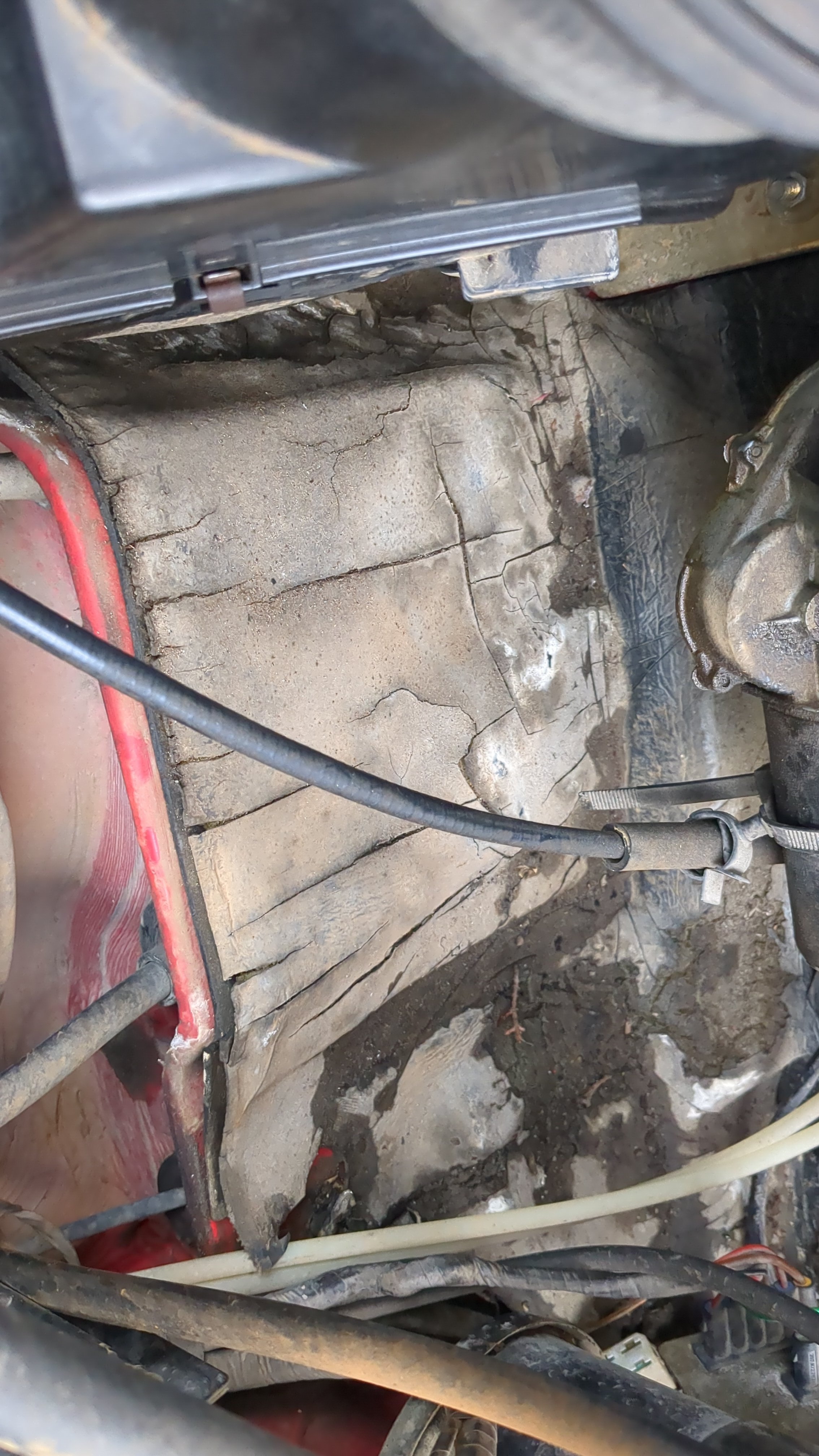
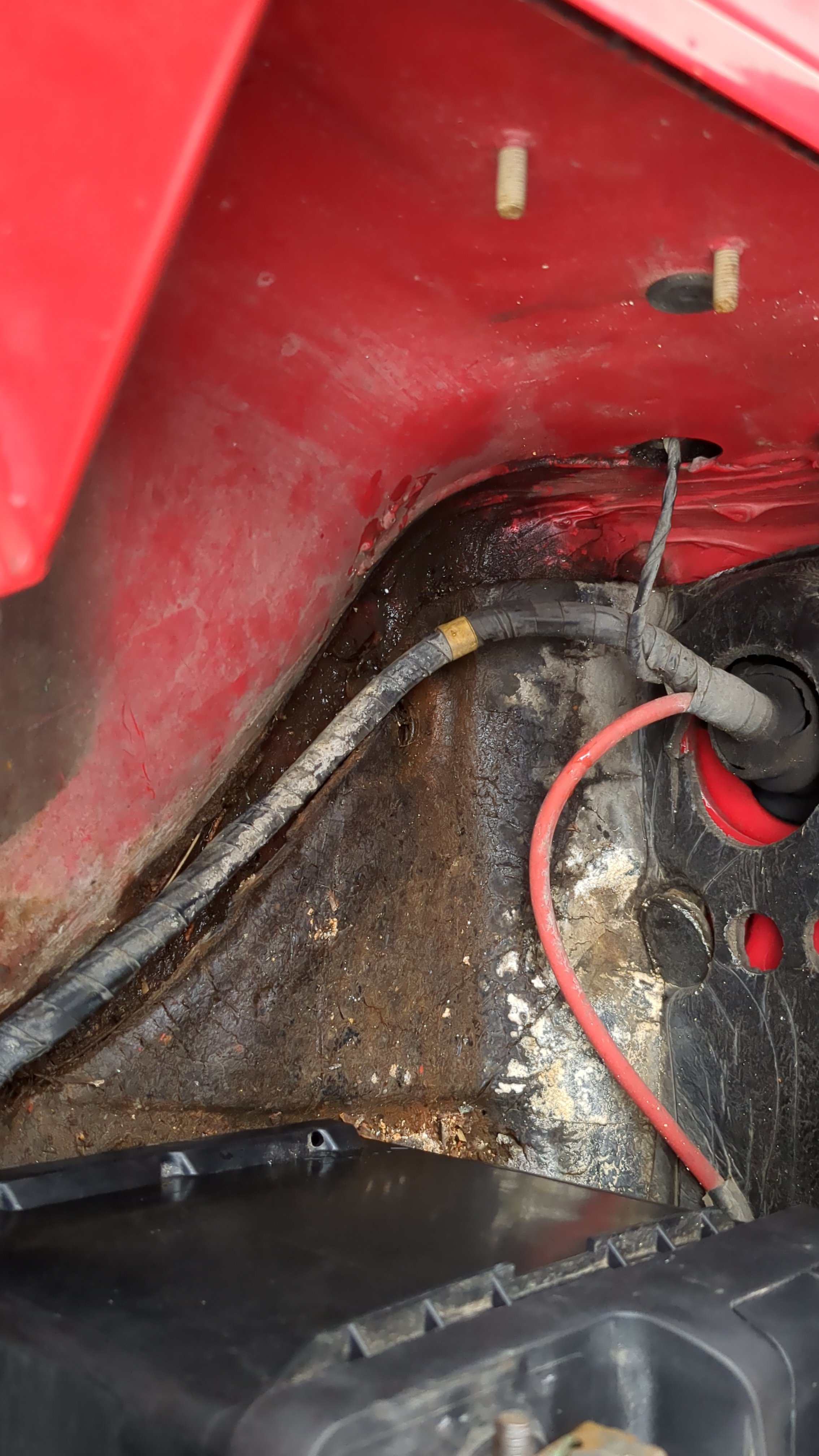
But I certainly have to remove the side. Is that right? Yes, that area stays dry (door). The water could be coming through those holes, right? Most of the time it's from the sides... there are leaves inside where the flasher is.
-
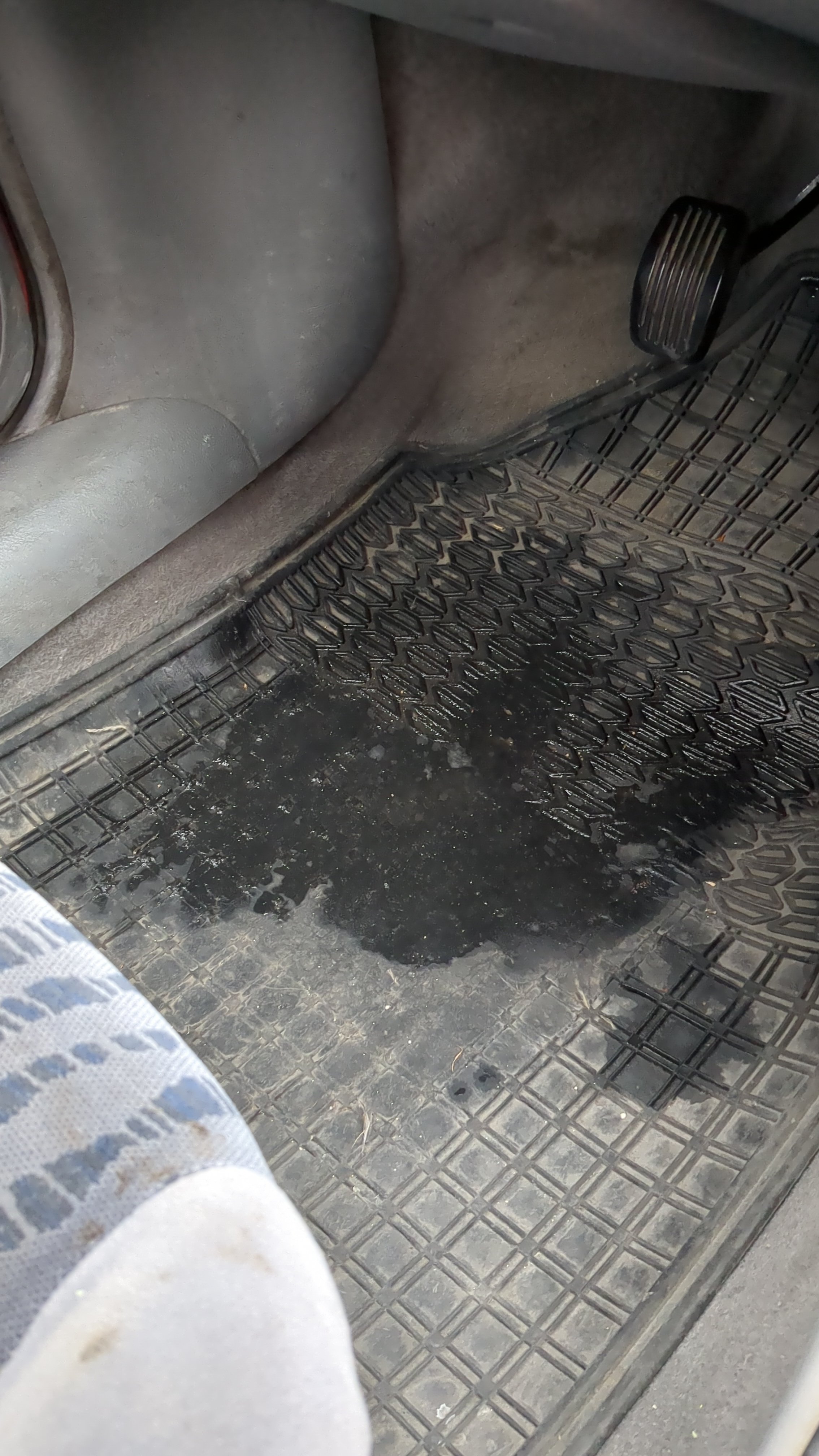
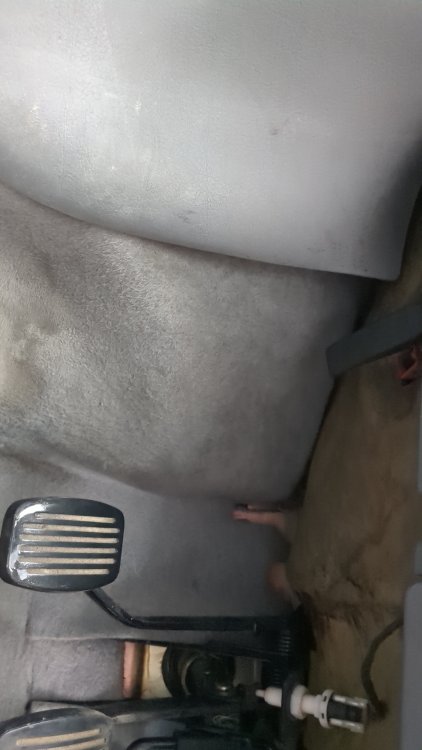
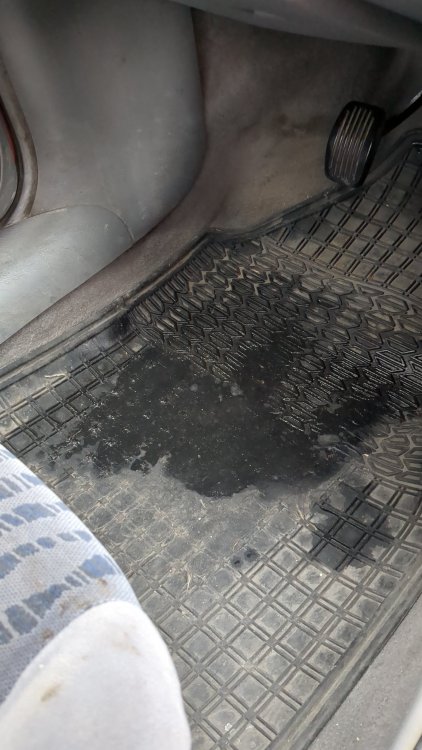
Check inside the car.. Check here too
-
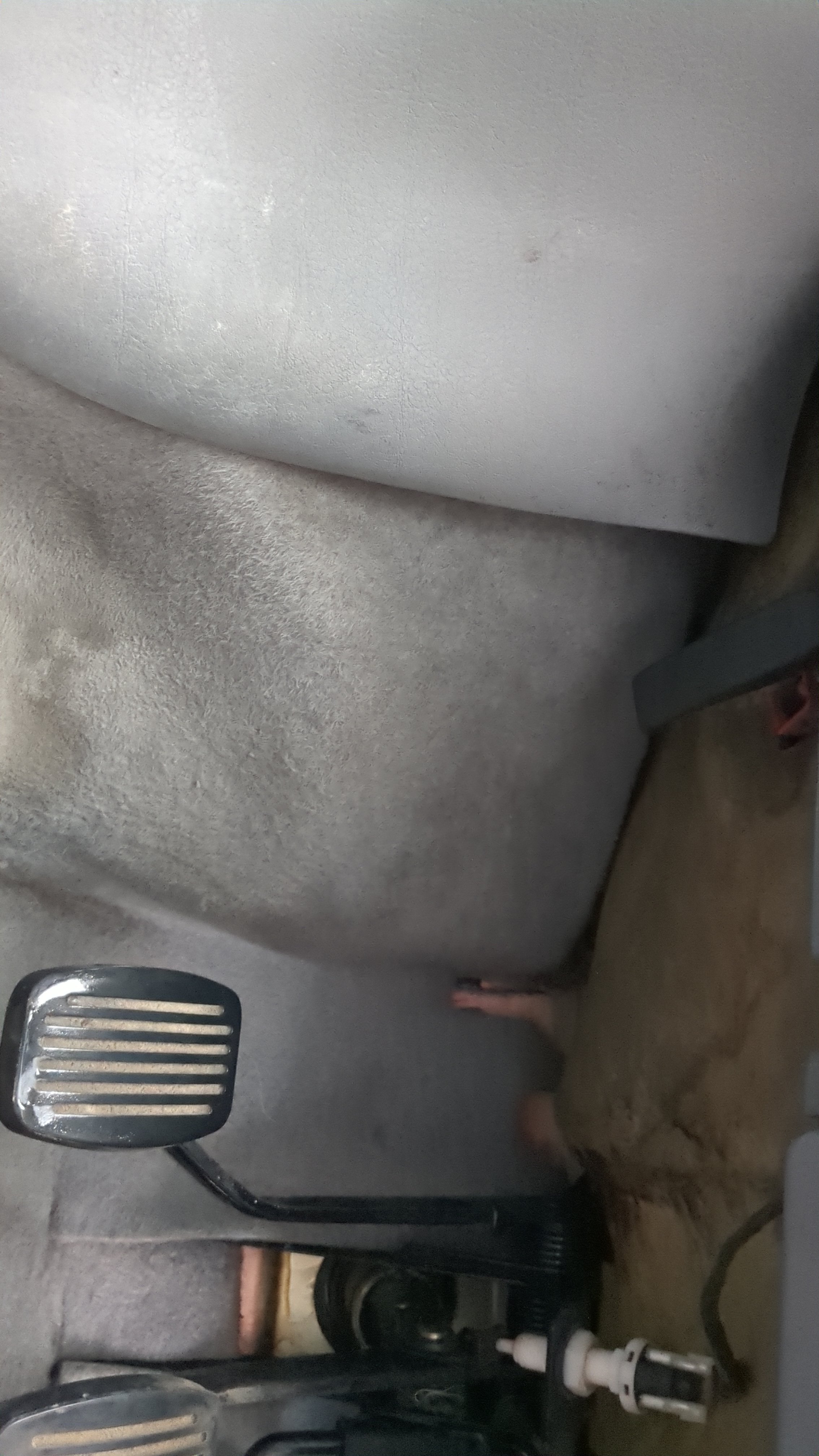
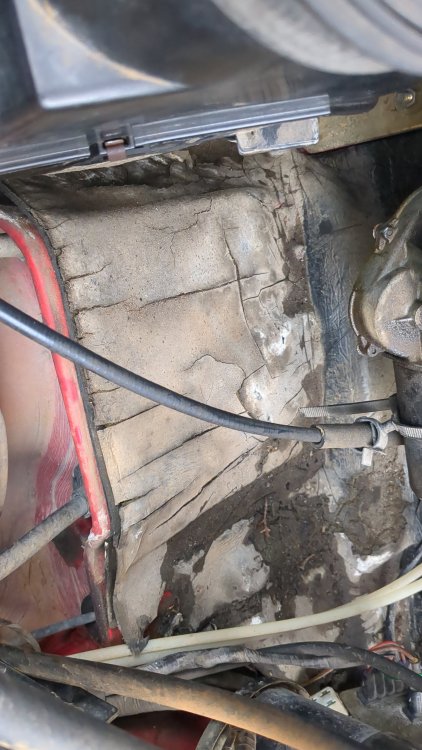
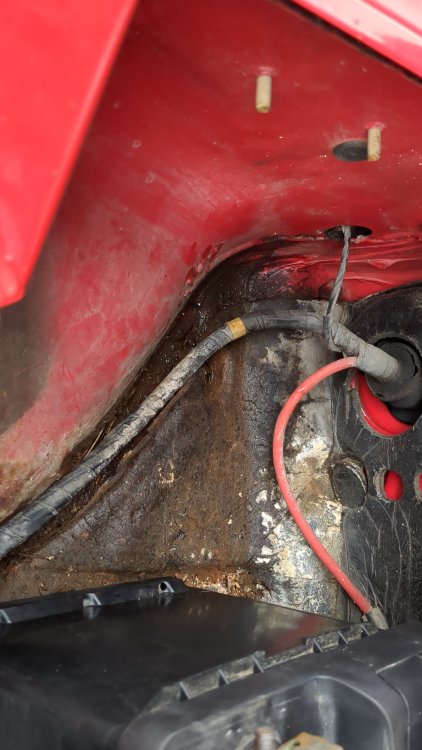
Hello guys, I don't know if it's ever happened to anyone to have water inside the car and with the sponge that's under the dashboard and right in front of the car where the battery and the grille are. Whenever it rains, water starts to accumulate. Check photos... And here.. It seems to come from that hole in the blinker light.
-
The problem was definitely with the crankshaft sensor, which had a problem and was new! I put the old one back in and this machine! I'll see if I can buy some of these spark plugs! 👌 Thanks for all guys 👌💪 !
-
With 1 Electrode is better ? Like BKR6EIX
-
Tell me.. I have a problem if I put the new one spark plugs with 3-Electrodons .. Now in the engineer I have old spark plugs with 1-Electrodons. It's ok to put that (3-Electrodons) ?