




Zuglie
Finding my way
-
Joined
-
Last visited
Everything posted by Zuglie
-
Quick update - it was the alternator! Replaced alternator, new belt = all working well!
-
@Warrior193 - yes the belt is tight and not slipping. Getting it replaced on Monday regardless with the alternator. Thanks for responding!
-
Yeah, shes had a baptism of fire! Didnt go down well when I got the phone call at midnight, and I was away with work! Got it booked into our local garage Monday, as I cant source a replacement locally & quickly, and I work away Mon-Fri. Oh the joys.....
-
Had my Ancell OBD on it this morning, it states there is a mechanical failure in the generator. Output at battery when running 12.06v. Looks like alternator is kaput!
-
Hi All, I've recently purchased a 69 plate Fabia 3, 1.0 MPI, for my daughter and last night the '12v Battery not charging' light came on and the car has gone into limp mode and stop/start is disabled. I purchased a new EFB battery today, (first part of the elimination process to the problem!), and installed it, but the warning stays in place. I understand from reading through this forum, that the ECU will require the battery coding, and found the relevant post that details how to do it. I have VCDS, release 21.3, and connected into the OBD port, as you do. Upon running auto scan, it comes up 'unsupported vehicle please upgrade to a current Ross Tech interface. My interface is a Hex V2, which according to Ross Techs forums is the correct type. The new battery sits at 12.55v, but when the engine is running, stays at about 12.09v, and my understanding is this should be over 14v. I will be checking the alternator output tomorrow but my main concern is that my VCDS isnt working? Anyone had anything similar?
-
Saga update...... Invested in VCDS - paid dividends! BCM - codes copied across - central locking etc all working. Fault codes 625 and 993 showing. TPMS - reset to factory defaults. Steering Angle Sensor mechanical malfunction - reset to factory defaults, after double checking angles and completing steering wheel turning either way twice routine. No codes showing on VCDS and no warning lights. Decent test run later to ensure all is hopefully good!
-
Tried the pairing procedure - dont work. Strange as it all works fine on the key.
-
Hi Guys, Quick update; Replaced BCM with 2nd hand one, exactly same part number. Replaced 3 month old battery with brand new one. Replaced starter switch. Car starts on the button, left overnight with battery connected no drain, car started. Fault codes showing: sterring angle sensor, TCM and media system? Completed manual reset of steering, turning left/right, and reset fault codes. TCM and media still showing? Also since changing BCM, the remote central locking doesnt work, but all locks lock from drivers door. Does the BCM require coding? Few more checks then the big dash reassembly begins!
-
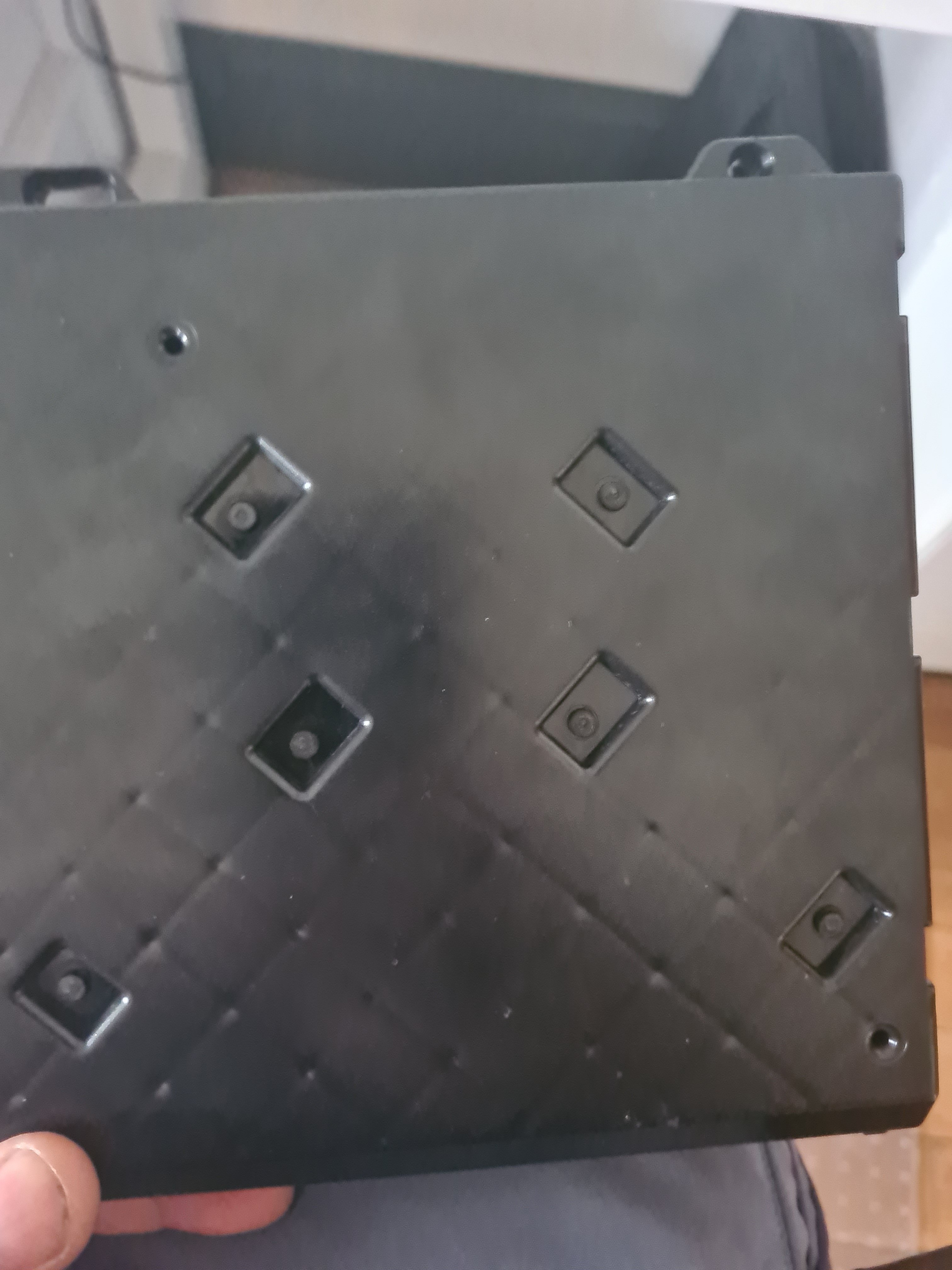
NVM - different size and layout - probably wont fit! :(
-
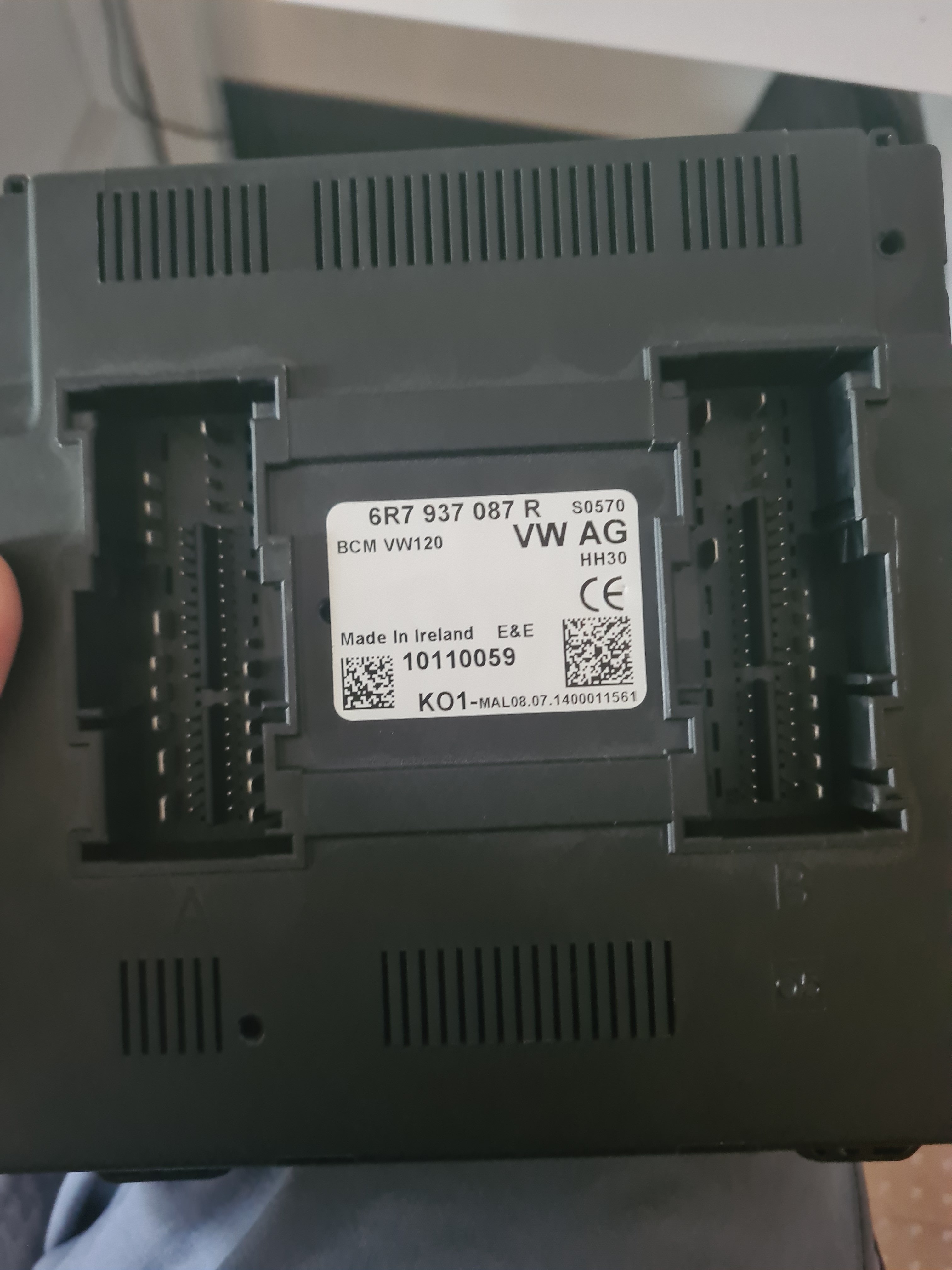
Slightly different number, but has 2 additional pins on top right to mine - would this matter? Do these need to be coded to the car also?
-
Definately wont come apart without breaking it - tried everything
-
cant seem to find a match online, neither...:( Similar numbers, but the last letter being an M or H Part number: 6R7 937 087 RClips on side may undo, but seems to be held by these pins🤷♂️
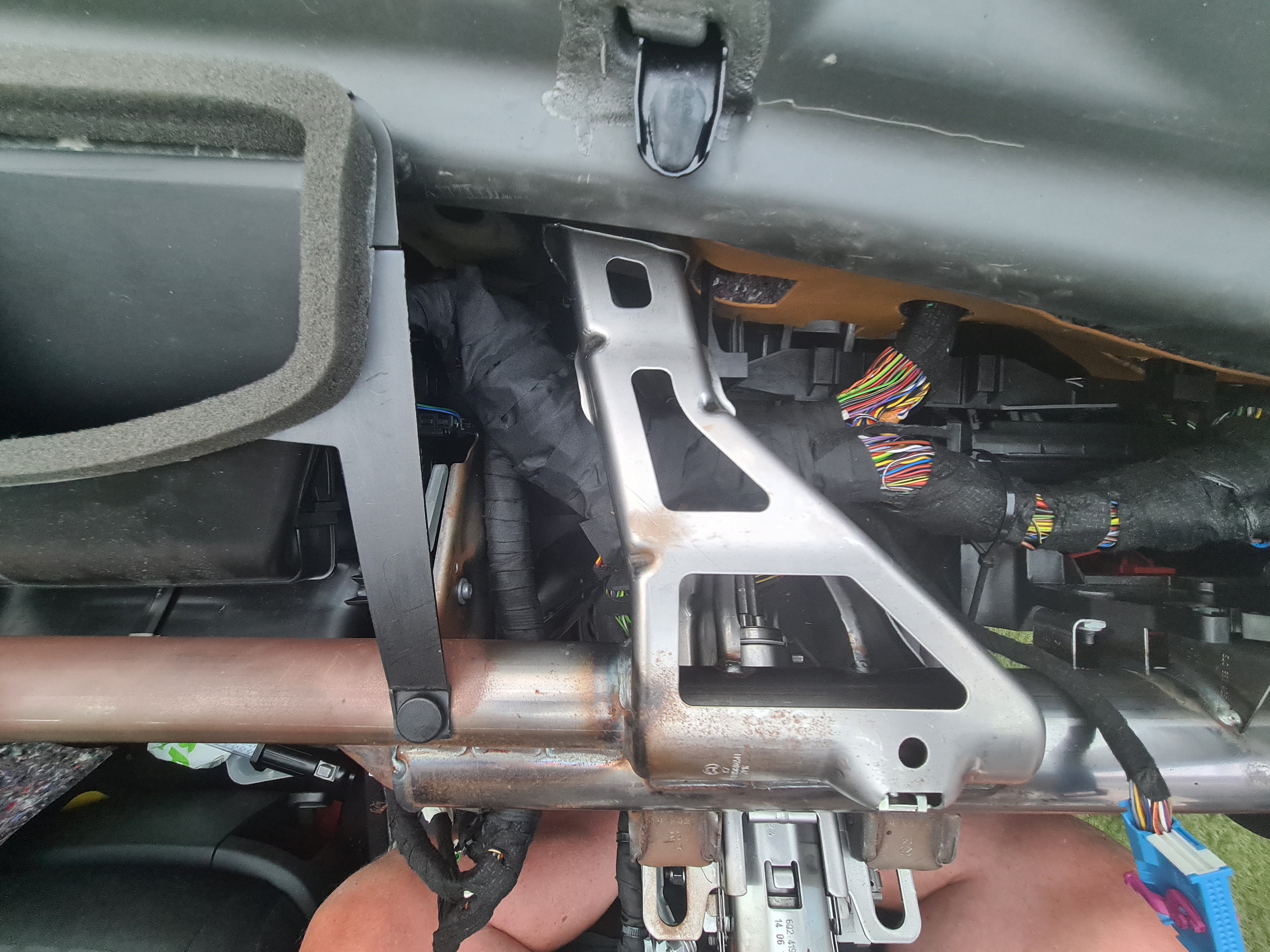
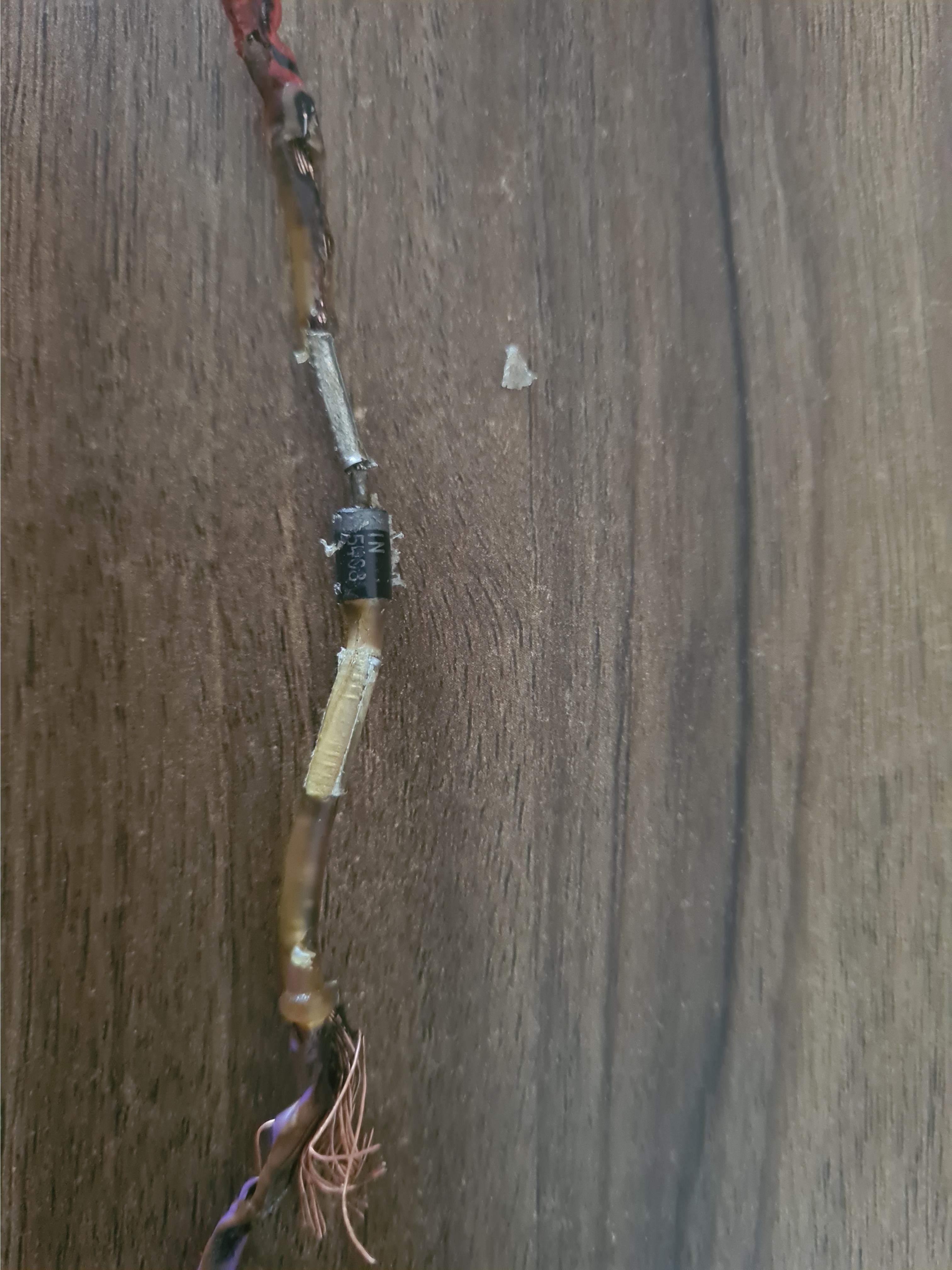
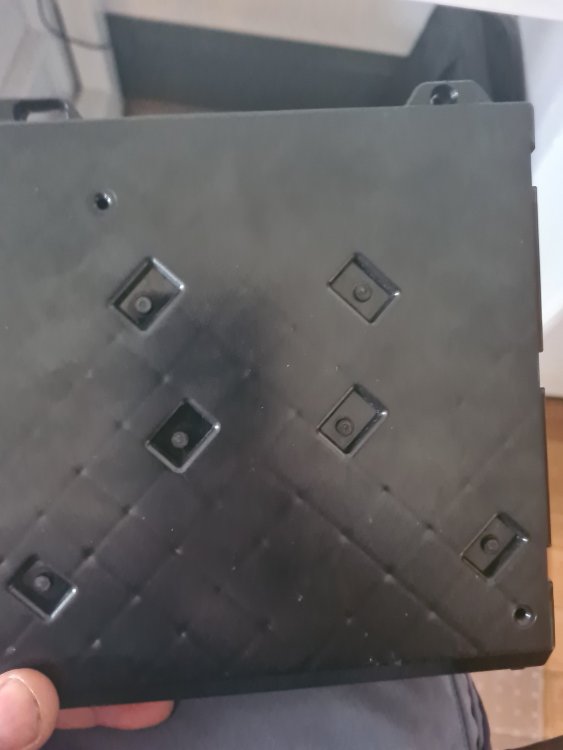 The car that keeps on giving! Battery fully charged, connected to car, hazard lights flashing, Hazard lights switch disconnected and all 645 relays removed, BCM clicking away; is the BCM gone?Thanks Gents! I left the battery on the car last night and it was down to around 7.5v, so it would seem I also have a drain somewhere. I've also ordered a new ignition switch, to rule that out at least. Will check the starter earthing out and once battery is charged, will try and find the route of the drainage. Will keep you posted.Its a new starter motor, approx 3 months old. Thats not to say it cant be goosed, I suppose :/Evening All, Following on from the saga that was the ignition wiring burnt out, and subsequently replacing wiring and diode, car ran well for a few days, albeit with the ESC warning light and displaying a Tyre pressure monitoring fault, (on the dot display when ignition switched on and wont clear when pressing reset), neither of which will clear with various scanners. Having been stood for a while, (due to working away), I charged the battery up and it wouldnt start; it just made a small clunk like noise. Battery is holding steady @ 12 + v after charging. I jumped the starter motor direct from the battery, and it fired up first time. It then subsequently ran on the turn of the key, once I reconnected the ignition wire. 10 minutes later - back to clunk....... I've now taken out the complete dashboard again, physically checked all wires and connections, (again), and no difference...... Anyone of you wise Skoda Sages have any ideas on what to do next for the faults and ignition problem? Thanks in advance!Hi Guys, In need of some Skoda spiritual guidance again! The saga continues...... Car ran fine for a few days, even had a long run in it - despite TPMS, ESC and power steering light showing. Cant seem to find the reason for these staying on and OBD reader either shows no codes or link error? Car now wont start or turn over at all. Battery when charged, 12.75v, try to turn motor over, ignition lights go out when key turned, nothing happens, lights come back on. Battery reads 11.46v. As previous posts, battery was new approx 3 months ago. Also starter motor replaced. Dreading the prospect of stripping it all down again, but if needs must.... Any advise greatly appreciated! AndyEvening All, Car is back together and running well. Cleared all error codes etc, but still have the TPMS light staying on, and a message on the dash; Tyre monitoring system fault'. Also have ESC warning light staying on. Have tried to clear these with scanner, but scanner comes up with 'Link Error' when trying to check these systems. The ESC button on the dash did light up when I put it all back together, but doesnt now; wondering if fuse has blown or connection lose. TPMS fault has been there since everything else was reconnected, an am wondering if the Set button should light up when pressed, as it currently doesnt? Any advice greatly appreciated!Just an update... Have replaced all the damaged wiring, soldered all joints and heat shrinked. Ordered diodes from Amazon, soldered new one in and heat shrinked. Connected clocks. Connected battery up and put Temp 80A fuse on main battery fuse spare slot. Turned ignition key - life on clocks. Carried on turning Car fired up and ran a bit ropey until it settled down, not surprising as apart from clocks everything else is disconnected! Stop/started car at least 20 times, leaving to run for 5-6 mins at a time. Just literally wrapped up the loom with friction fibre tape. Will start/stop car as before, tomorrow prior to replacing dashboard etc. Just want to say a massive Thanks for your assistance and guidance - it really did help!
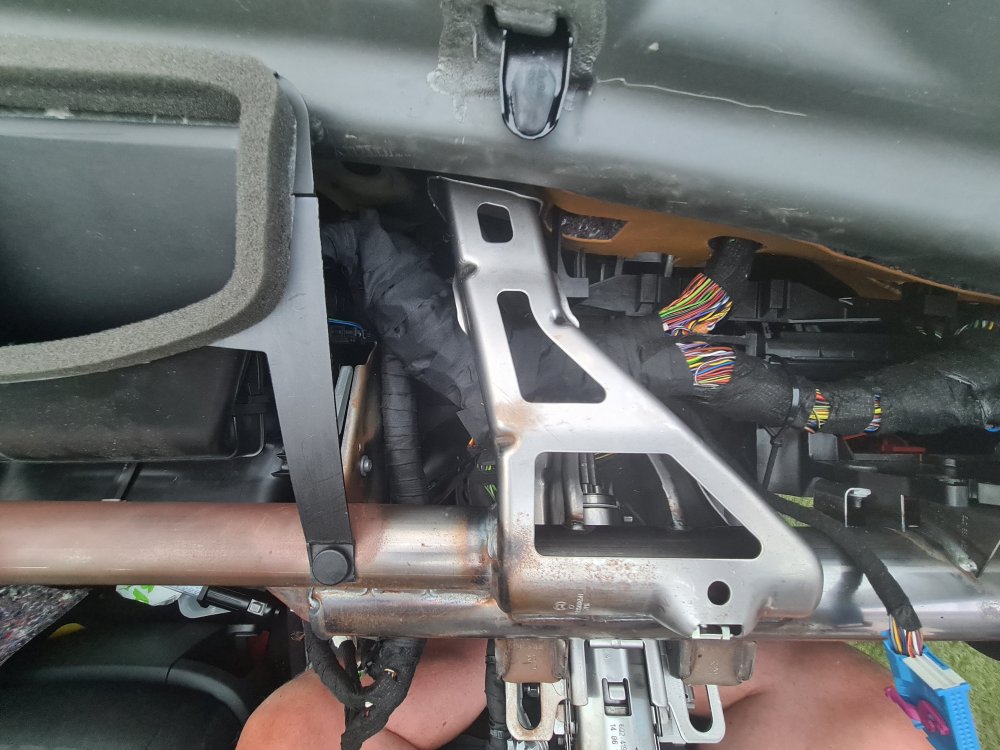 Lesson well learnt - no worries there!Awesome! Thanks for your assistance and time! My eyes arent that good anymore!Im convinced this was done by the mobile autospark that came out, as when he jumped a few things a load of smoke came from behind the ignition cowling. What I cant understand, is once I replaced the battery fuse board, the car ran great for 3 days? Thankfully whatever happened after the 3 days, happened on the drive! Now to try and find a diode....Definately a diode, and definatley fried -!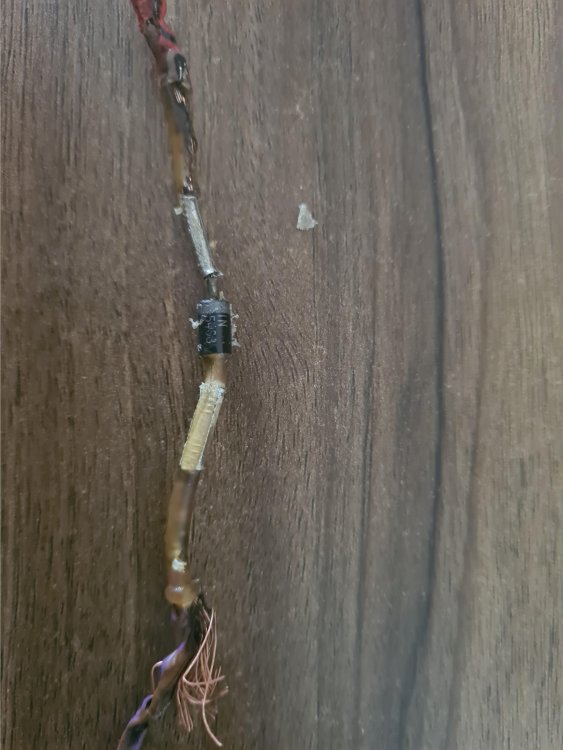



Important Information
Welcome to BRISKODA. Please note the following important links Terms of Use. We have a comprehensive Privacy Policy. We have placed cookies on your device to help make this website better. You can adjust your cookie settings, otherwise we'll assume you're okay to continue.