Ad@m
New here
-
Joined
-
Last visited
-
It's a cr2032, dealer has since told me to use Panasonic ones.
-
Ok, well I work in a dealer and have used the same batteries we use? I did contact my dealer who said change the battery in the spare one too which is somewhere at home?
-
I've now also got a key battery error. I had already changed my first battery 6 months ago. Now it's showing again so changed it for a new battery but still saying replace battery so I tried another new one........yep and still the same message. Getting really fed up with the poor tech on this car.
-
The main problem is VAG took their software in house, ever since then there have been problems throughout the whole group. It's so frustrating for us owners, but also for us working on VAG group cars daily.
-
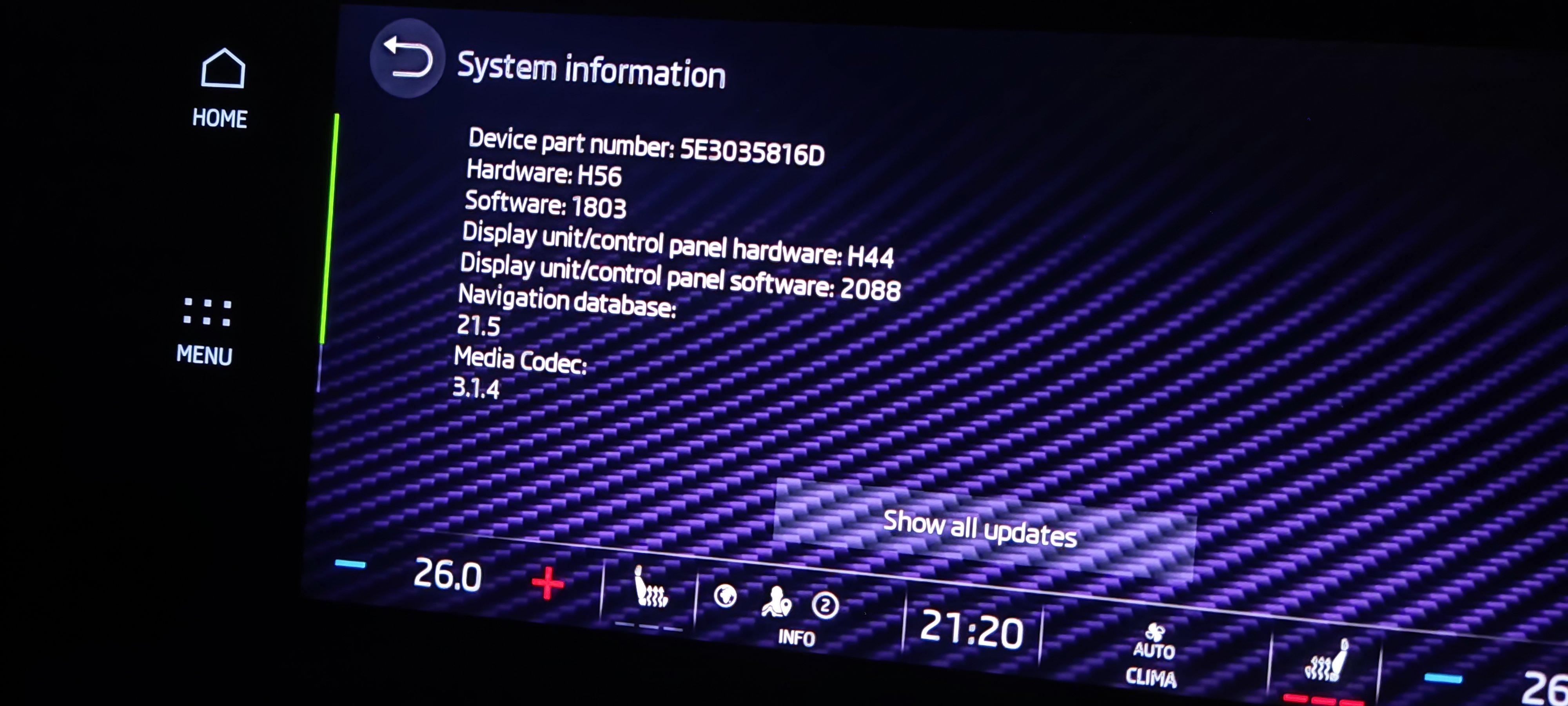
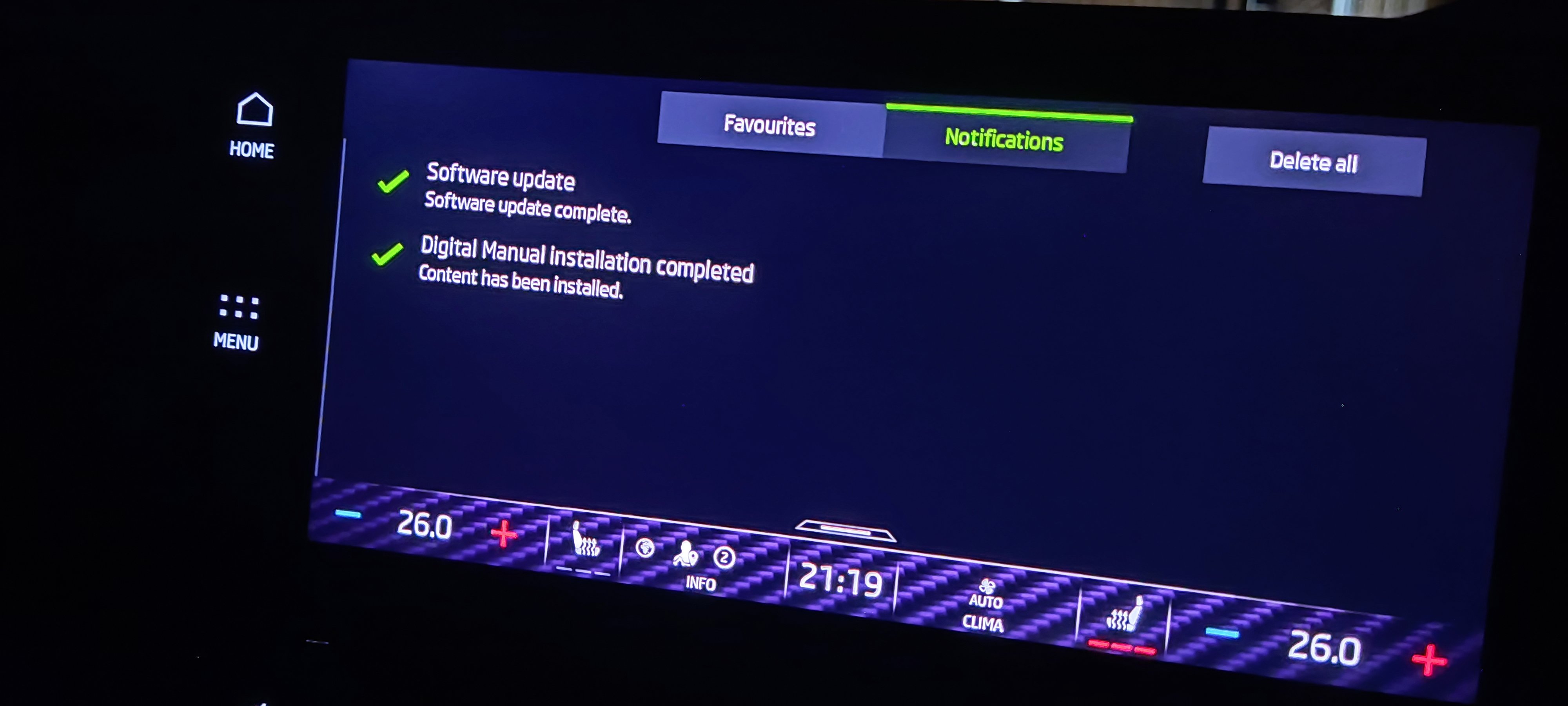
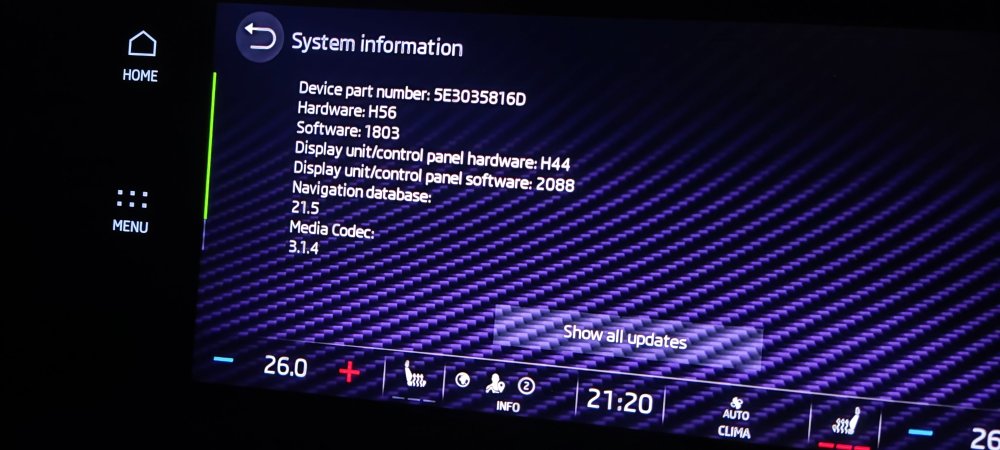
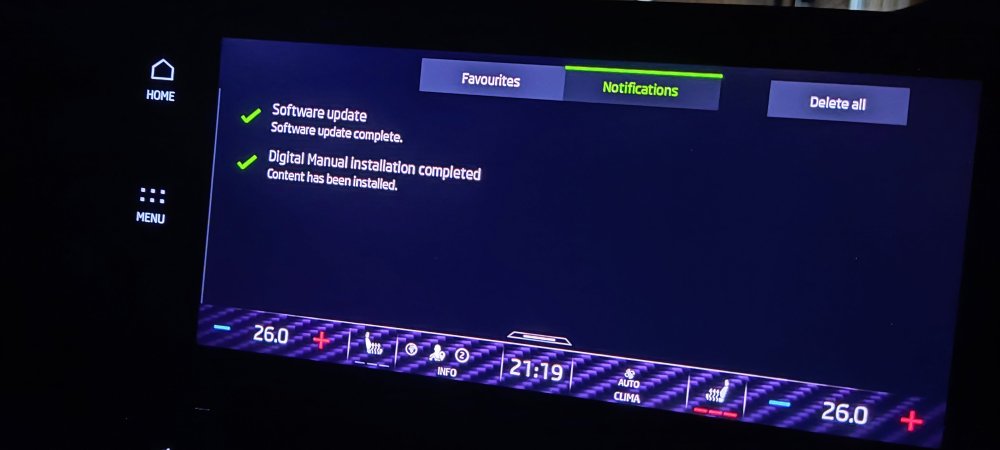
Update complete........still no difference, still cr@p. I even locked the car after restarting and it lost my settings again. Time for yet another dealer visit.
-
Hi, my car is currently doing an update as we speak. It download today and now when I turned the car off it said to remove all things from car, not to drive it etc for 30 minutes. So I hit ok shut the door and looked. Then once locked text and a progress bar appeared on the centre screen. Fingers crossed it will run again......going to leave it an hour to be safe then I'll check it and update here. Photo blurry sorry as dark and through window.
-
Hi, I am still having issues with my Acc on my VRS. I am in contact with Skoda customer care but they want me to take my car back to the dealer again for them to have it for a week. I know that there is a software issue as all of the new VAG band cars with ACC have the same issue. (Friends at other garages) It's linked to the right-hand/left-hand traffic fault as the ACC has only worked once and that's when it was on left-hand traffic. The car would pass cars ok, but normally it's stuck on right-hand traffic and won't left me pass cars but I can under take with the ACC on so clearly our cars are set to be driving on the wrong side of the road. Just hoping a software update will come out soon so it can be fixed.