Tmad84
Finding my way
-
Joined
-
Last visited
Everything posted by Tmad84
-
-
Stuck on flashing. Indicator stalk makes no difference apart from the little green arrow on the dash coming on at speed repeat. The outside the 4 corner lights just keep flashing
-
They are on all the time on the 4 corners it seems. Not the 2 extra side ones. Unless I press the button to turn them actually on. Then I got the full 6
-
If I push the hazard button then the audio ticking starts and all the lights flash as they should. I've noticed now the ones on the front sides don't flash when it's all off. Just the 4 cluster ones. I have since plugged in again and am getting a body control module fault.
-
My hazard lights are permanently on. Car on or off. Only way to stop it is disconnect the battery 🤣 I've been searching through the threads before creating a new one. The indicators come on on double time but all the bulbs work on the car. Car car bulb mil is one but literally every bulb and fuse in fine. Heeeeeeellp
-
-
-
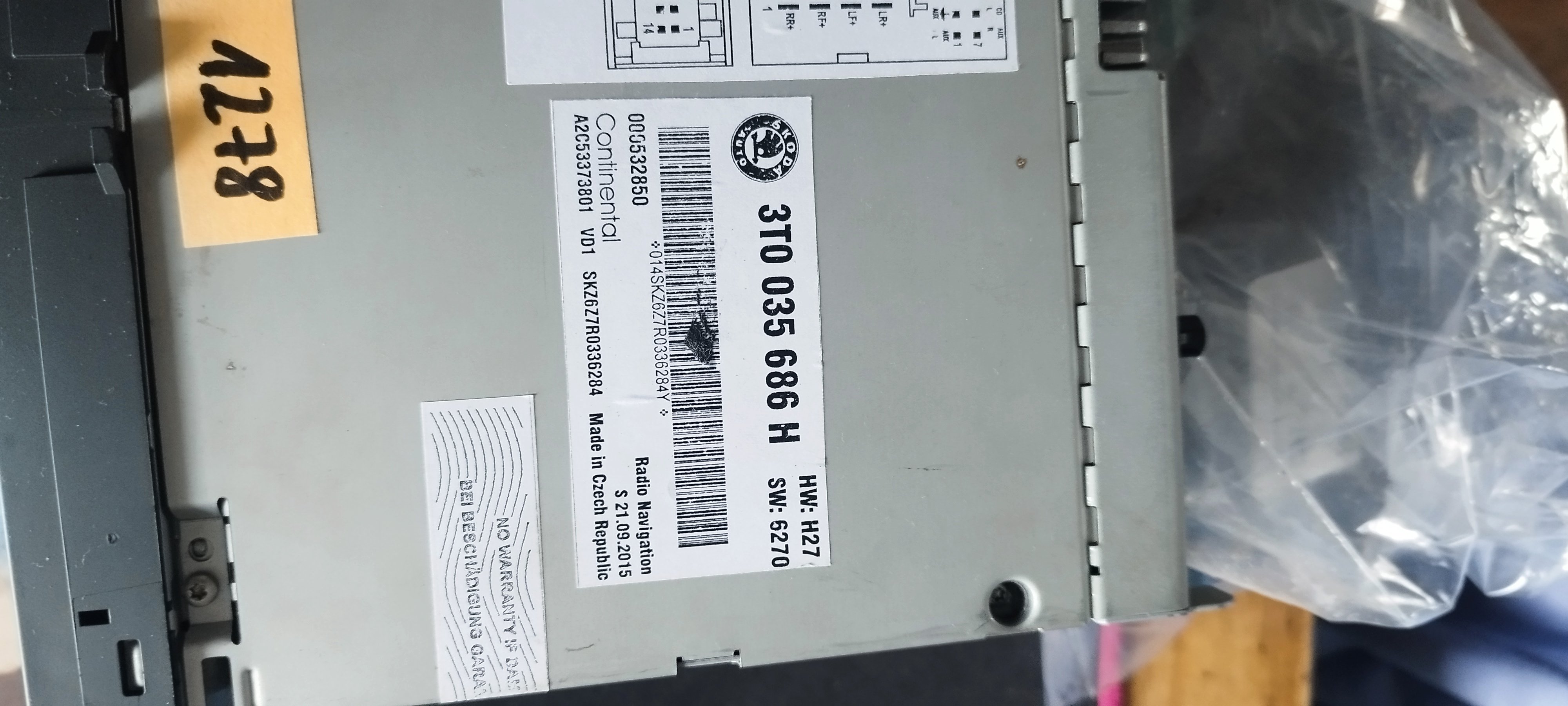
So I'm having 3 faults all the time now. Chuck it in reverse and it says optical system is not available at present. Intermittently it says temperature setting cannot be displayed at the moment. It's also intermittently saying it cannot connect to my phone. Even though the music is still playing from my phone. And the volume freezes. The satnav thinks the Severn bridge is still a toll so its due an update but I'm wondering if this is indicative of a bigger problem before I spend 200 plus quid on an update dvd/Cd. Please help!