Regitynot
New here
-
Joined
-
Last visited
-
OOps, sorry, that is correct you guys. their parts catalogue did but this one does not, so only 1 pipe connected must be correct. thanks guys.
-
Thanks, both Pete and J.R. They said part number that should be fitted is 1KO131552AD which clearly shows both pipes connected, one in DPF and one after. See link... https://skoda.7zap.com/en/cz/octavia/oct/2011-663/2/253-253063/
-
How do i know if this is correct on my car Pete? Parts dept at local dealer say it should have 2 pipes connected "according to our parts catalougue"
-
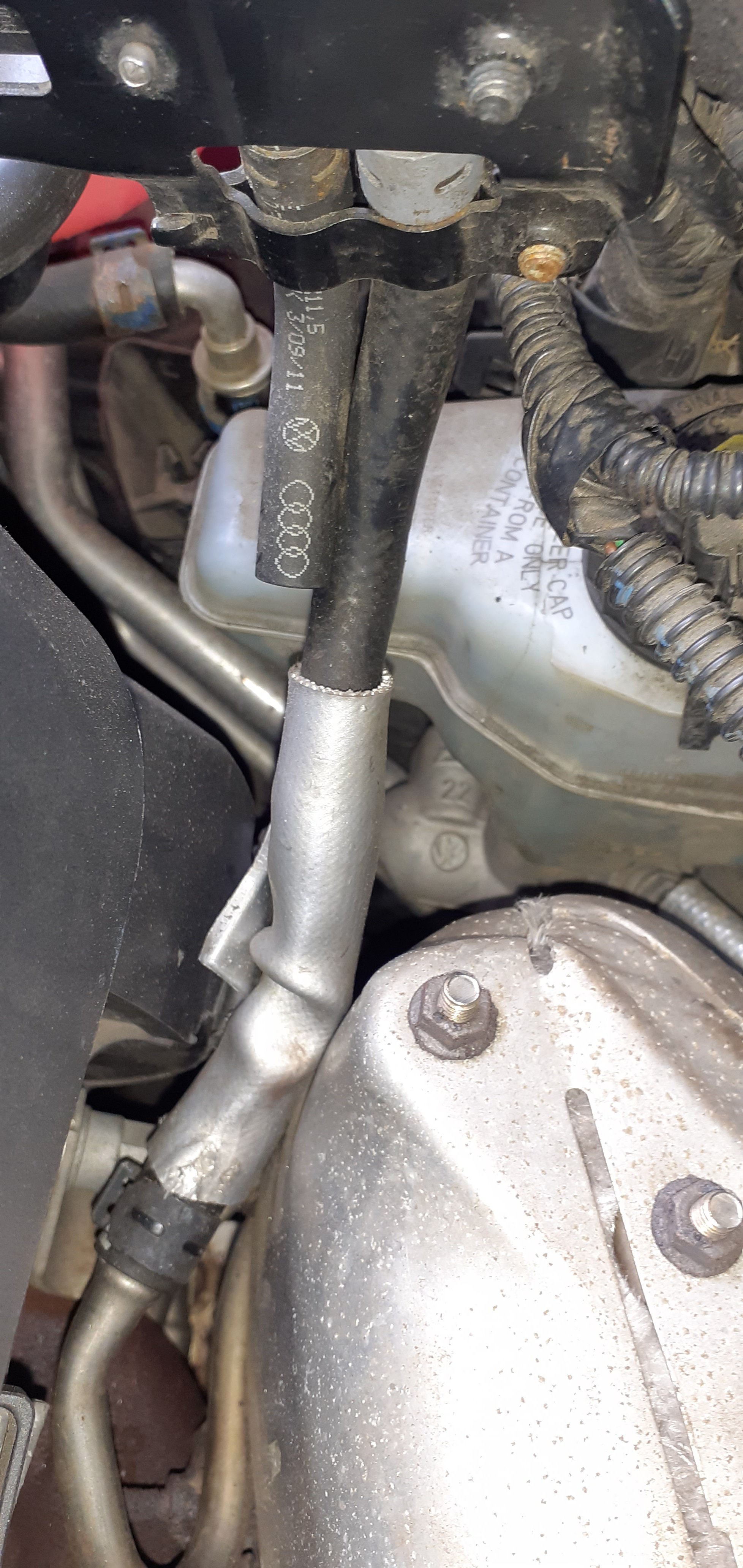
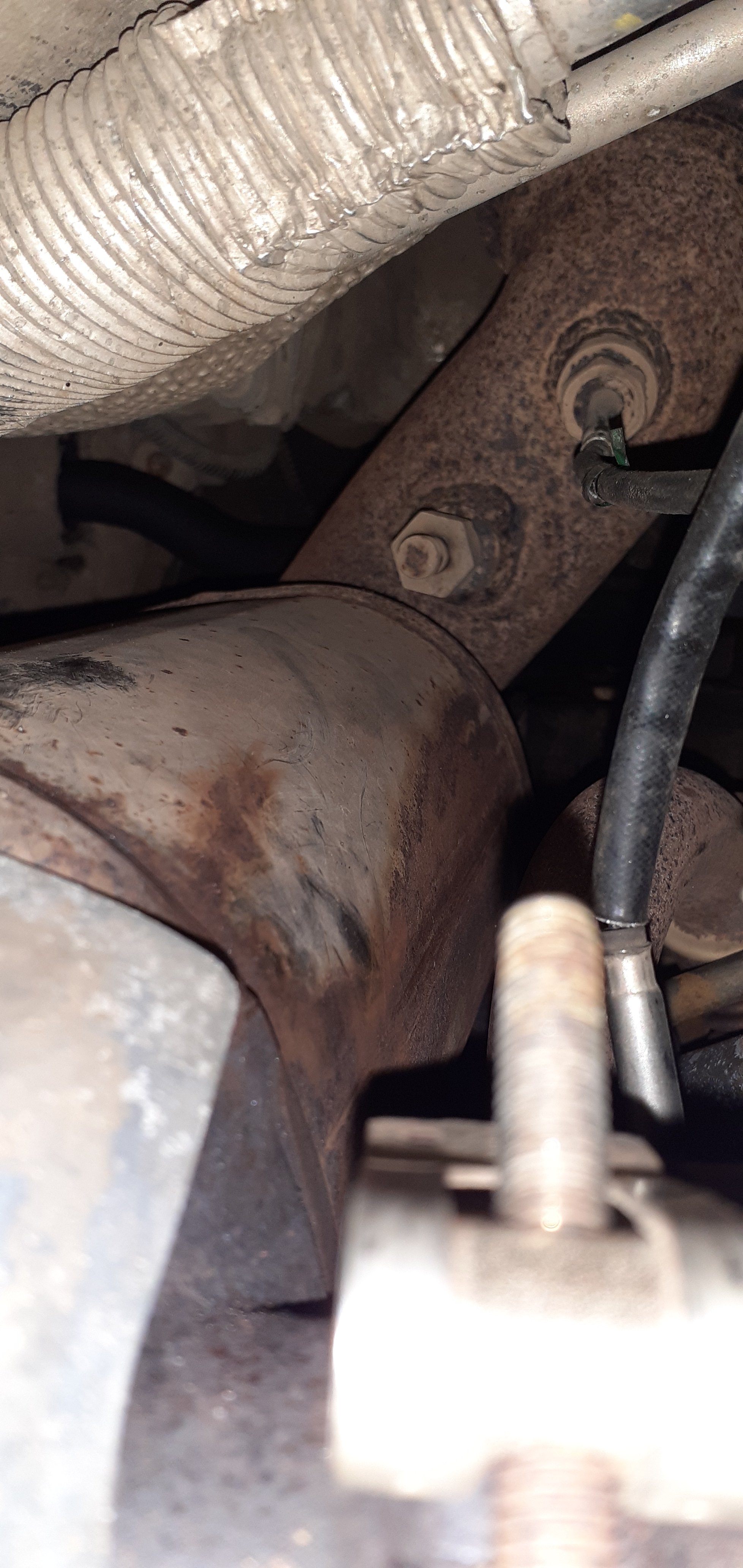
Hi all, I just noticed that the pressure sensor on my car is only connected to 1 pipe and the other is missing. Is this correct on certain models? 2011 cfhc 140 16v tdi 4x4 Many thanks
-
Hi all, A local garage checked over a fuel consumption issue i'm having and found a fault with EGT sensor 2. They were unsure of which sensor this is as there are several. Any pointers would be appreciated. thanks
-
Thankyou Carlston, thats a great help.
-
Hi all, Anyone able to help me with the length of the rear road springs on my Octavia 4x4 VAG code is 1K0511115DK and colour code is Red, Green, Brown. Aftermarket parts are vague to say the least but at nearly £200 to replace the springs from TPS is a little steep. Any help would be gratefully received. Cheers
-
Hi, I have recently became the owner of a 2011 tdi140 Octavia 4x4. Just wondered if there are many owners with the same model to share ideas and experiences with. Cheers