Muggleg
New here
-
Joined
-
Last visited
-
I have an issue where I have had to send my head unit away to fix a hardware issue causing loss of sound in the driver's door. Good news is the repair worked but during the factory reset/removal process my reverse camera (a cheap AliExpress retrofit) now works but with the following issues. The image is mirrored, there are no longer any markings or steering angle shown. Previously it all worked properly. Is this likely to be a coding issue or a software/firmware issue? Any pointers or advice would be greatly appreciated. The head unit is MIB2 Columbus. If nothing else, it would be amazing to have the image flipped/un-mirrored again.
-
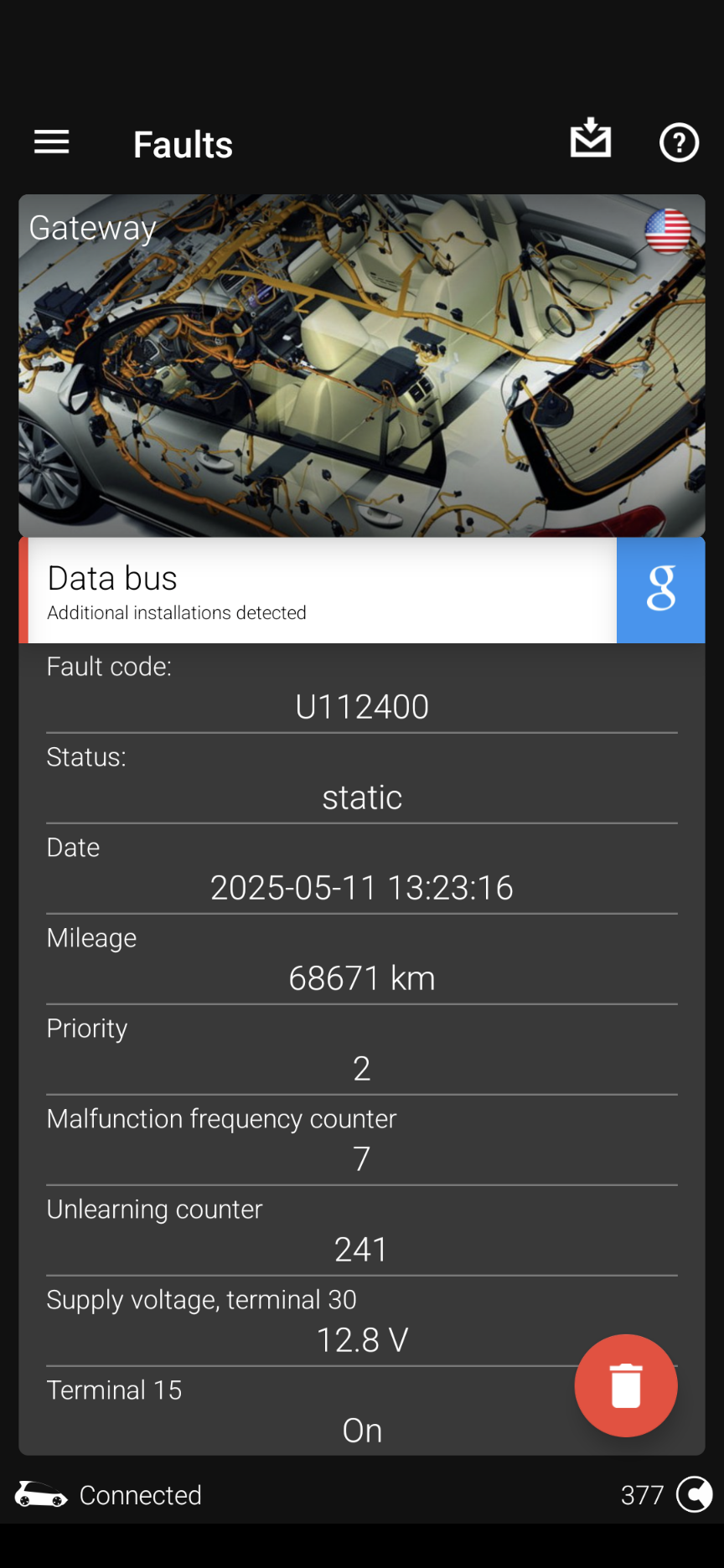
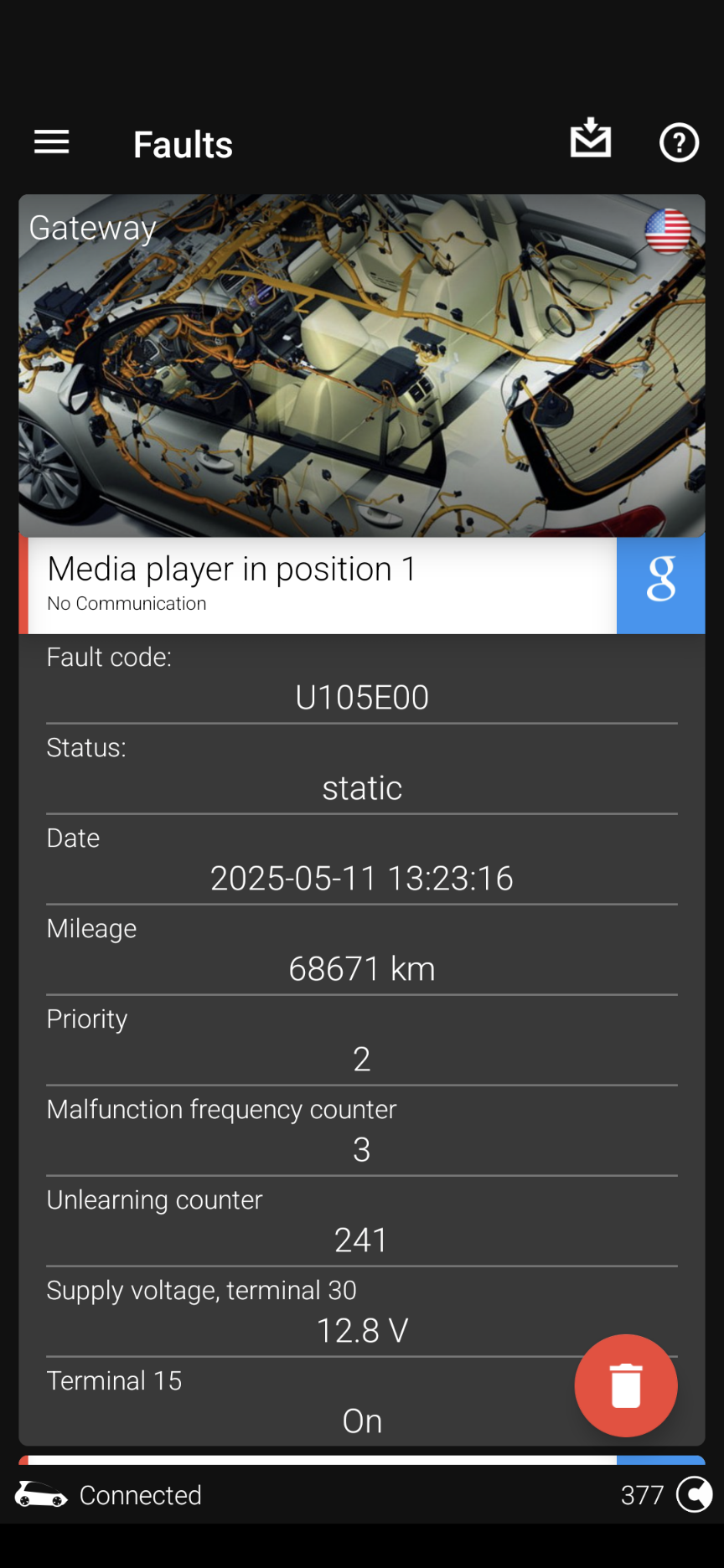
I have been trying to fix an issue where I loose sound completely on the driver's door. Having gone to the expense and time of replacing the entire drivers door harness and testing both door speakers (took 3-4 hours), I have established it isn't a physical issue. When I run a scan (in obdeleven) the sound came back crystal clear. The persistent faults found are attached. When I shift to reverse and the (aftermarket) camera comes on, I lose sound in the driver's door again. Connect/scan and it comes straight back. I am now convinced this is a coding issue. It seems to think there is a 'media player' installed but there is no such module. It has also recently lost the steering angle and distance markers on reverse camera screen (they were originally there). Any suggestions would be greatly appreciated.
-
My conclusion as well. It is better than another cheap scanner I have but is not without its issues. I would also suggest the park brake service feature is a good one to have. I will try not to dwell on the mystery codes that Google can't find.
-
I don't know if you ever got an answer on this but I have 00012 on my 15 plate MK3 superb. No idea what it means. The system appears to be working without issue