




Woody_VRS_UK
New here
-
Joined
-
Last visited
Everything posted by Woody_VRS_UK
-
It was the condenser that had a tiny leak. Just replaced it with new.
-
Have you checked the gas? I had the exact same issue, gas was low due to a tiny leak. Repaired and re-gassed and all has been perfectly cold since (2yrs).
-
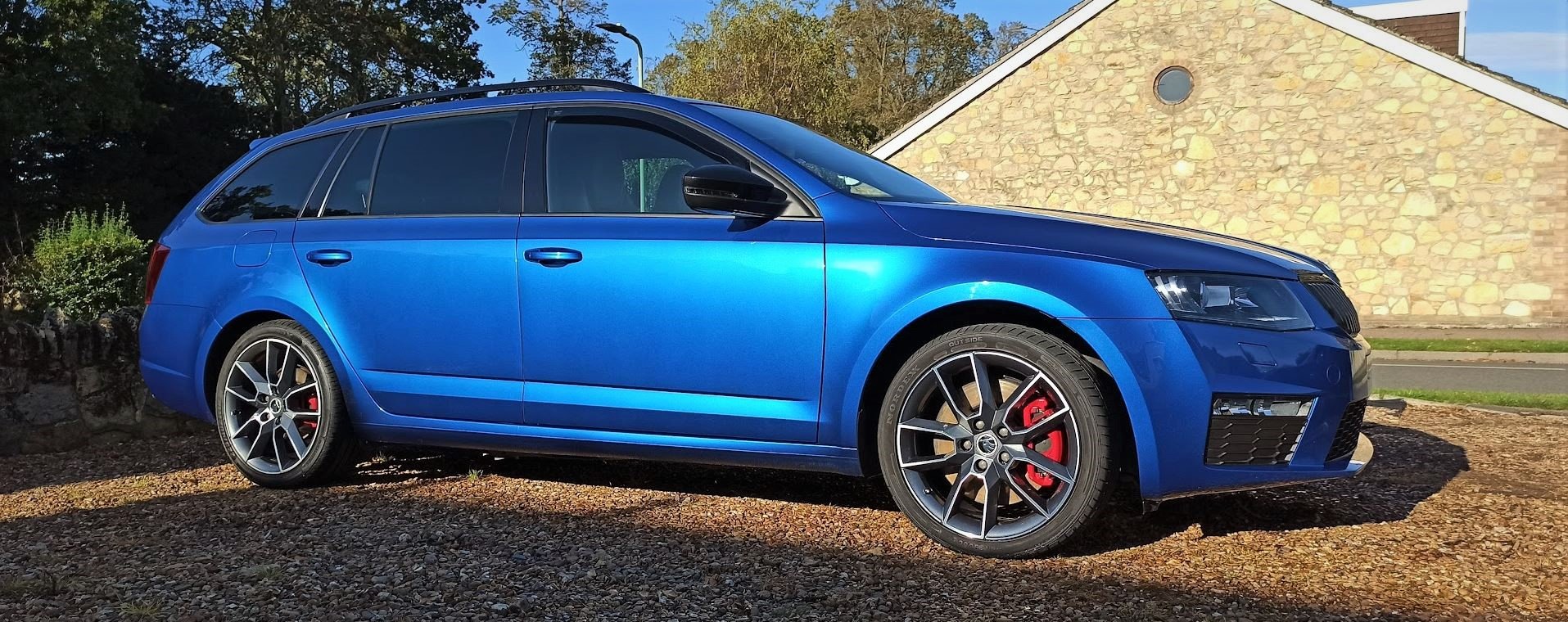
Hi all, As the title, new to the Skoda brand and this group. Discovered the group when I first started to look for something to replace our previous vehicle, as I'd always liked the look of the Octavia estate. The forum helped me to decide on what model and spec I wanted, so thanks. I've always had Land Rovers, Discovery 1, then 2 x Discovery 2's. Always worked on them myself, as anyone who knows Land Rovers will attest to, you get to know them intimately! 🙂 Chap that I work with kept pestering me to sell him my D2, so we took the plunge of going without and sold it to him. I took a while researching and decided on the Octavia TDI VRS, luckily found one with a few extras like powered boot and panoramic roof. I hopped on the train and headed North to look at it and came home in it, lucky really as the train fare home would have been double the one way journey! I managed to get it all sorted before we went away for a week in it for half term holiday, we covered over 400miles during that holiday. It didn't miss a beat until the last day when the sat nav (Columbus) didn't want to know about touching the screen, seemed like really bad lag. Anyhow, after once again consulting this excellent forum, I found that it was a common issue with a cold system, which seemed to tally as it worked fine once the car warmed up a bit. I eventually found a firmware release, mine was on 0360 and the latest I found was 0411, I updated it and that seems to have cured that little issue. Currently awaiting the parts to install the rear USB ports near the air vents. Based in North Bedford, so if you see a blue Octavia estate then give us a wave! 🙂

