
Sacipko
Finding my way
-
Joined
-
Last visited
Everything posted by Sacipko
-
Still working
-
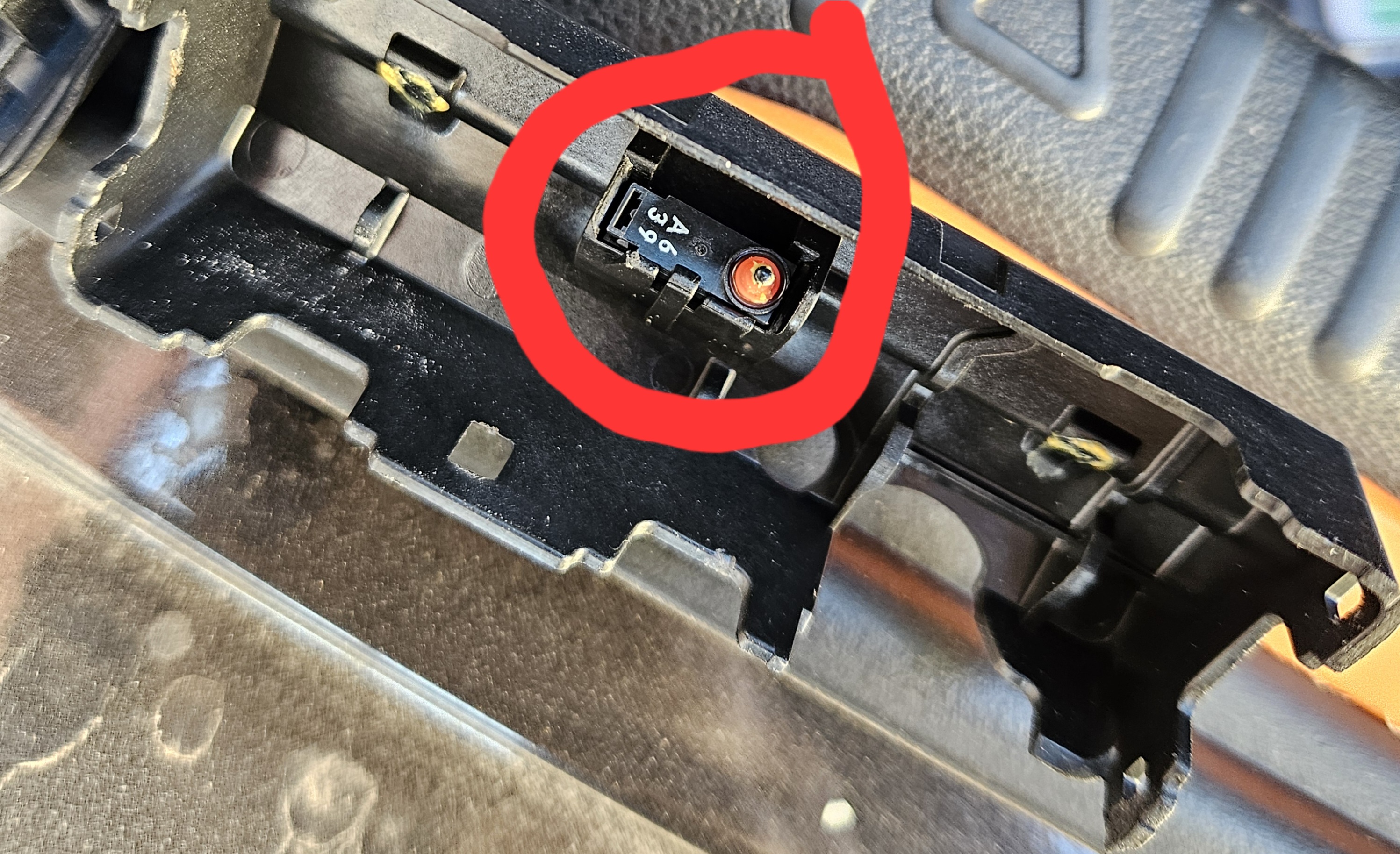
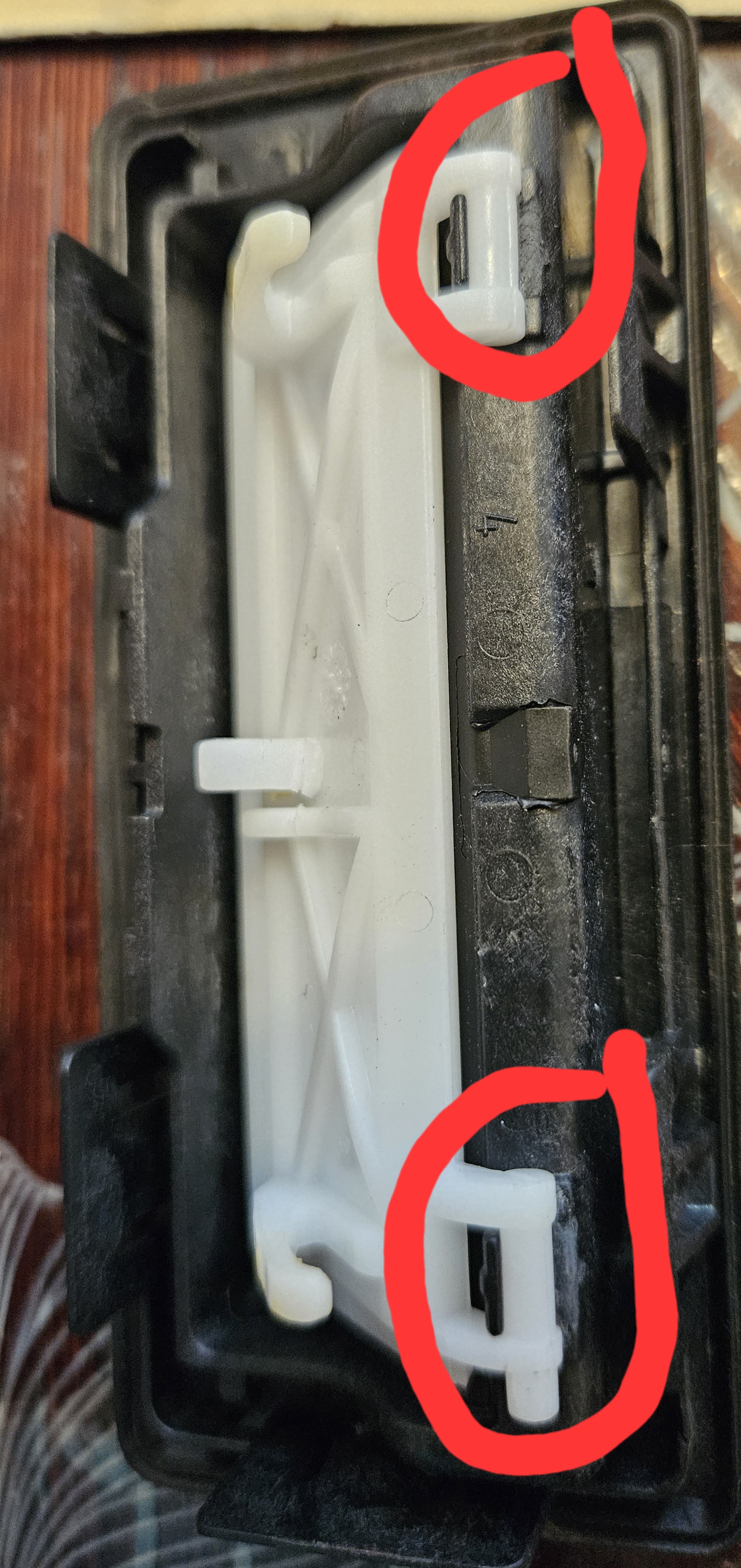
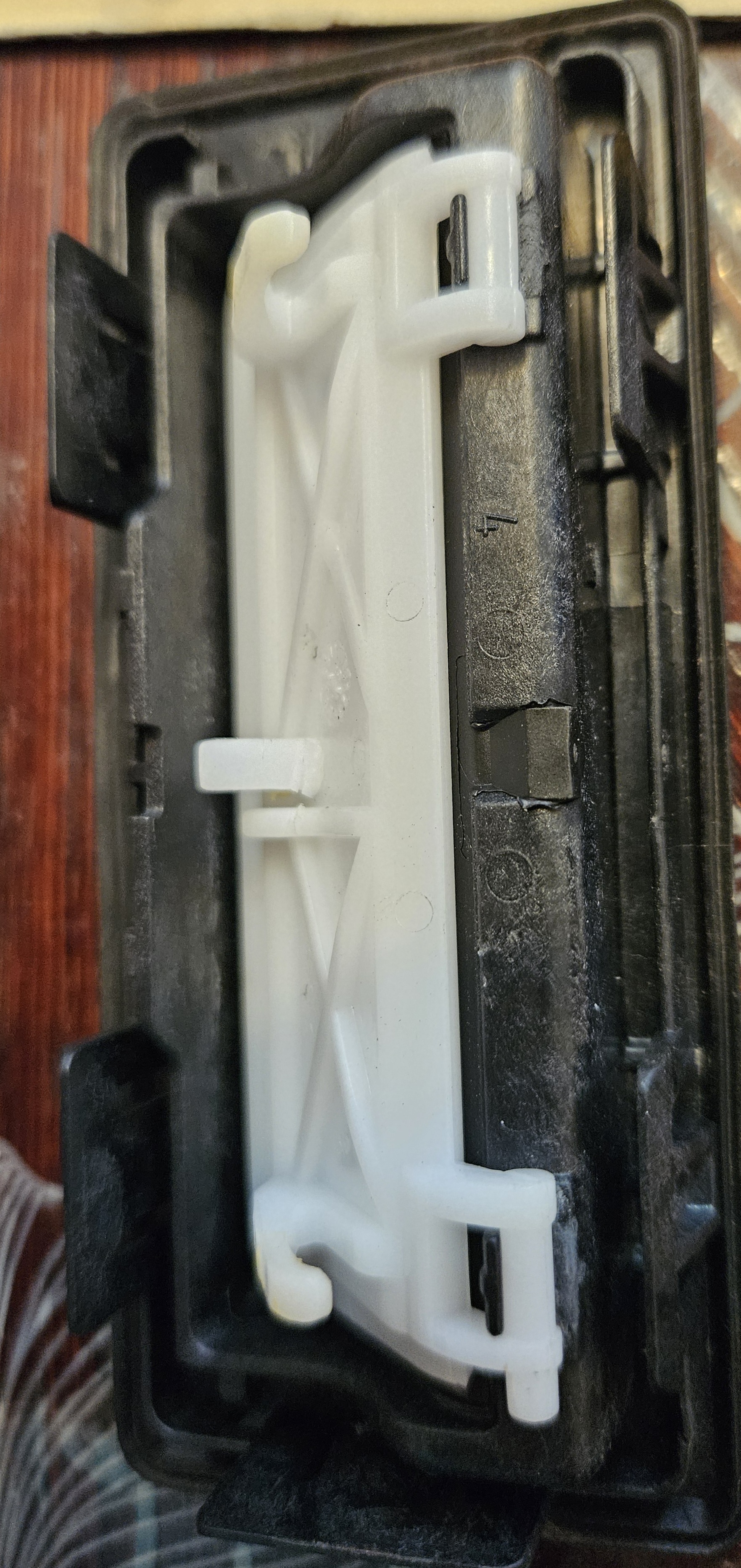
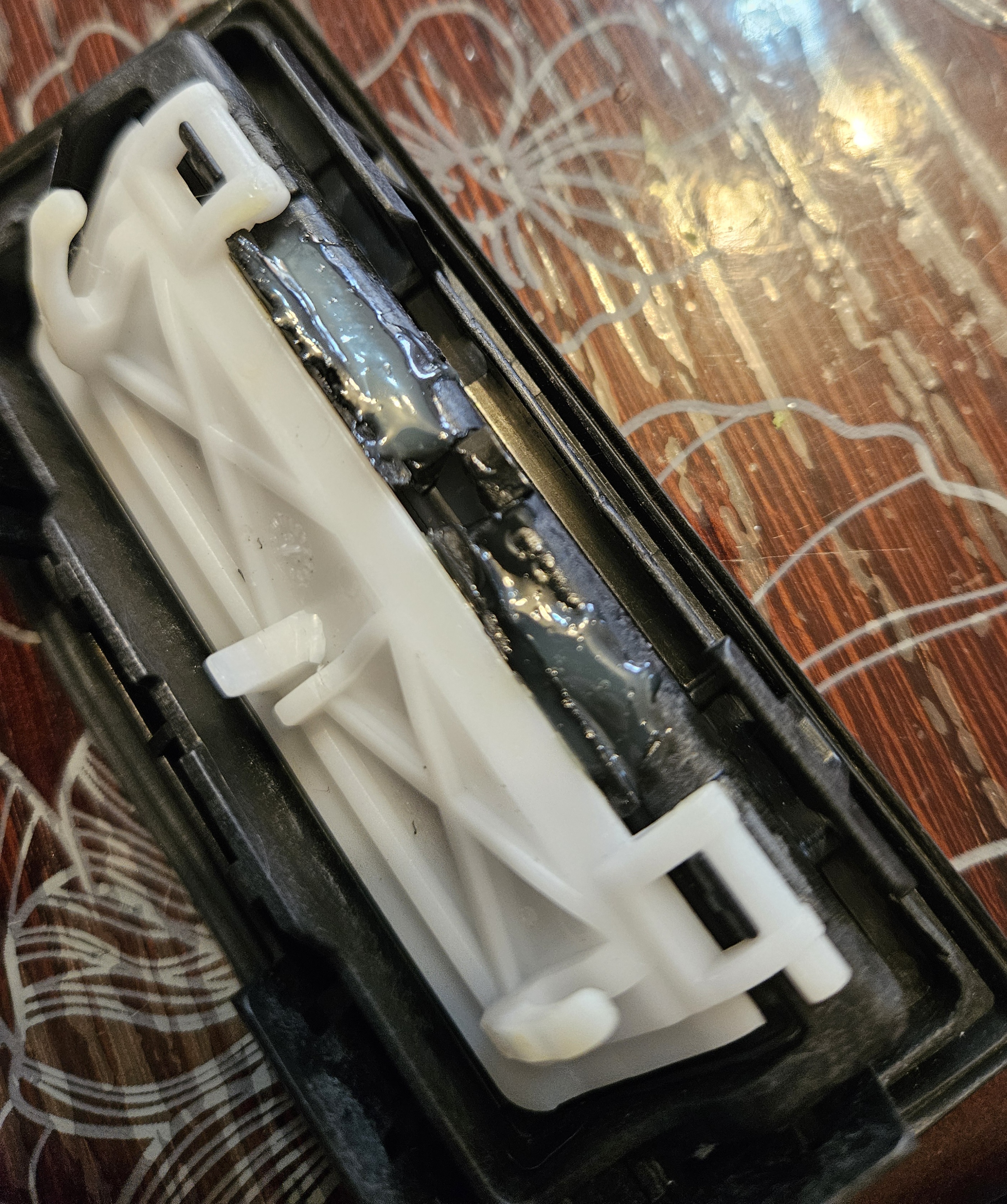
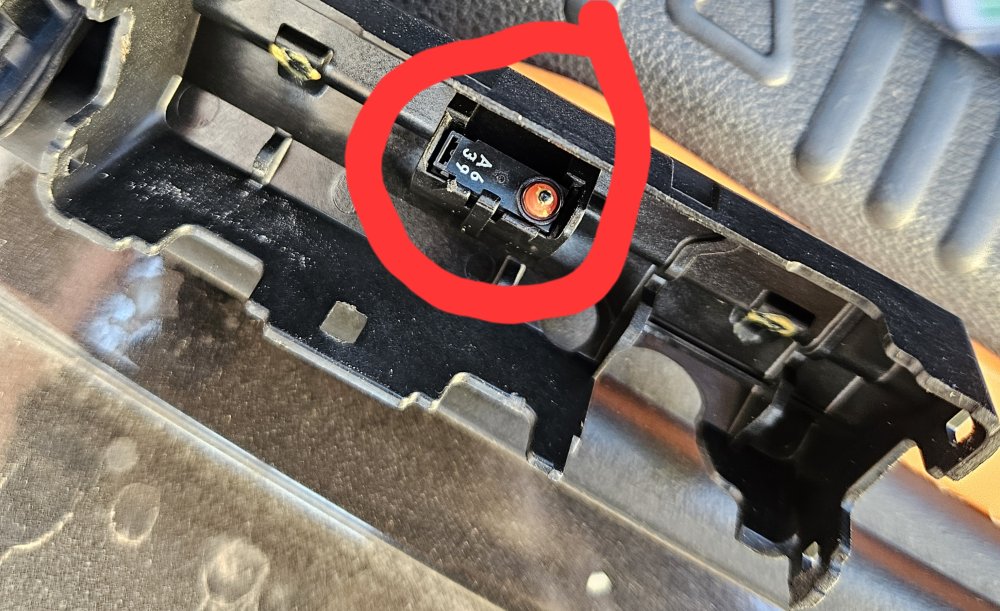
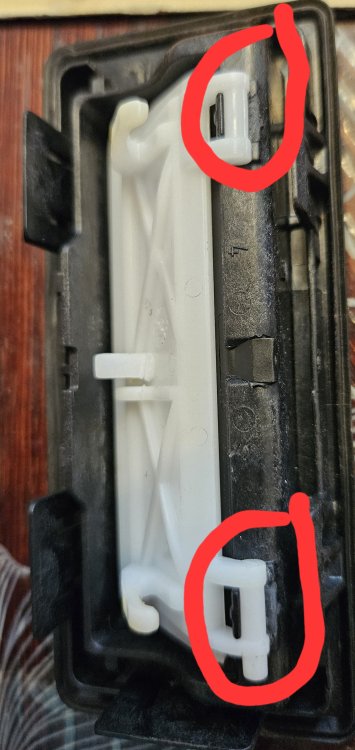
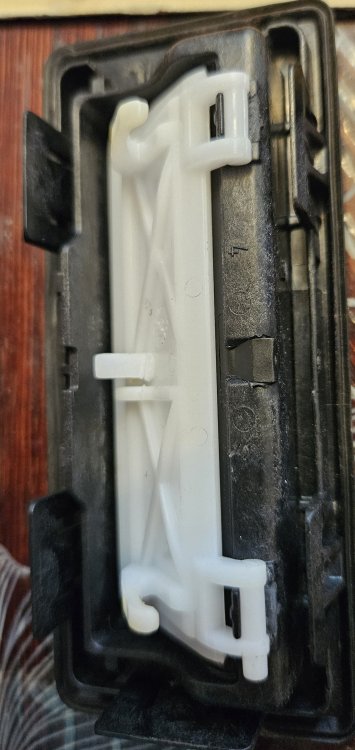
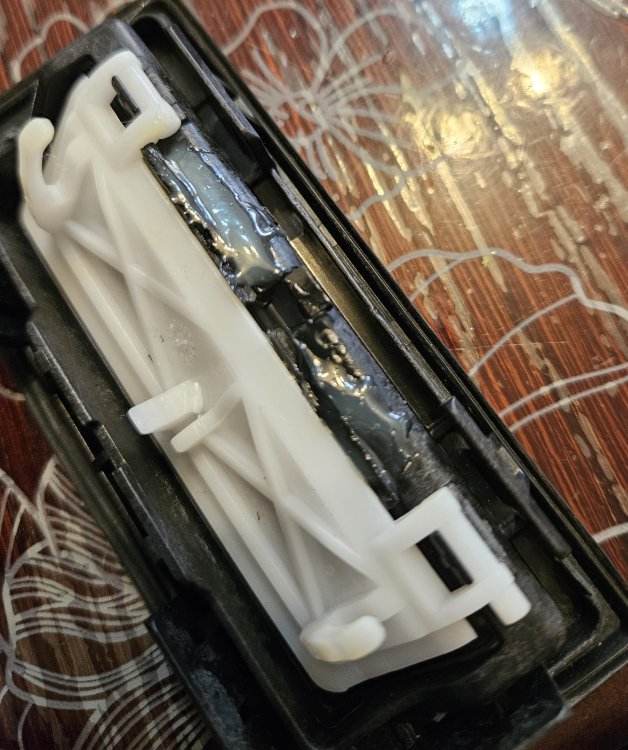
I have found the problem. I have opened mine. It is not electrical problem. It's mechanical. Micro switch i fine. Work well. Place were white part seats is broken (i dont know english word for it.) I have put some other plastic part, and glued it. For now, its works.
-
Actually, there is a solution. You can reset via vcds, which i did. In the ABS module, then Basic Settings and there is an option for reset (Group 42).
-
I need a help. I changed the factory multimedia, inserted a Chinese 10-inch one. I am very satisfied with the multimedia. However, I put winter tires on, and can't reset the tpms. I tried via vcds, but I dont know how. The light on dash is on. It bothers me. Can you help me solve it
-
Mine is 2016
-
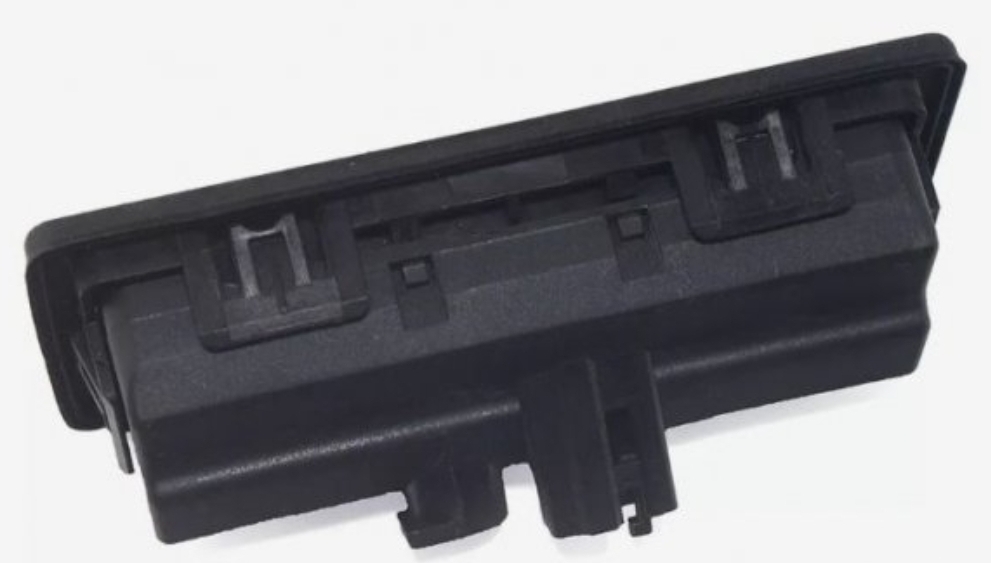
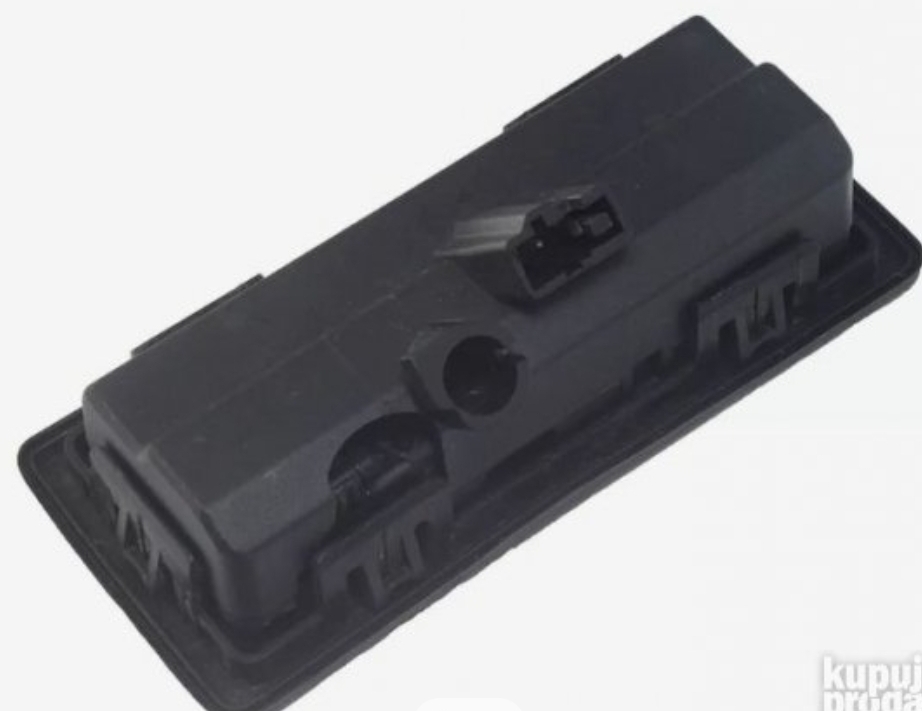
@automass Sorry on my English. My English is not so well Is that mean, that i can do it, (change it), from the outside? Whitout removing inner panel, or trim in the boot Only whith flat screwdriver I saw Release Handle Switch, from the other side. there are no screws...
-
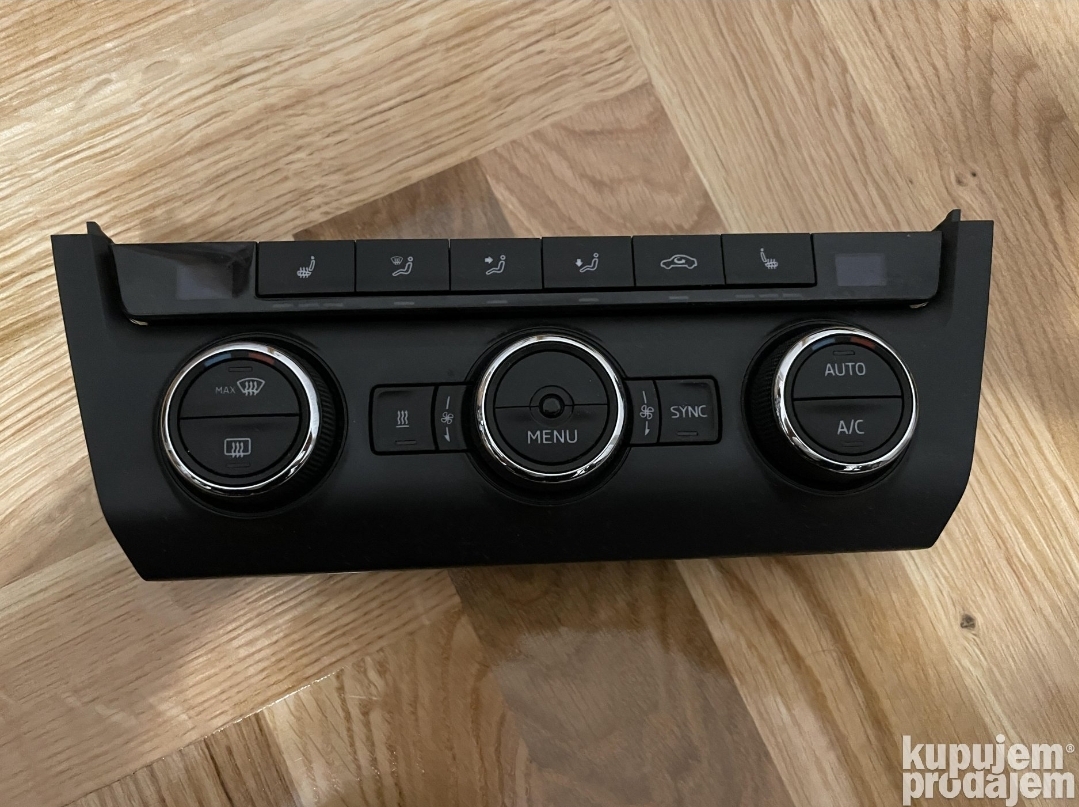
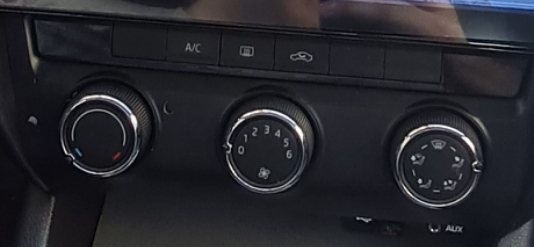
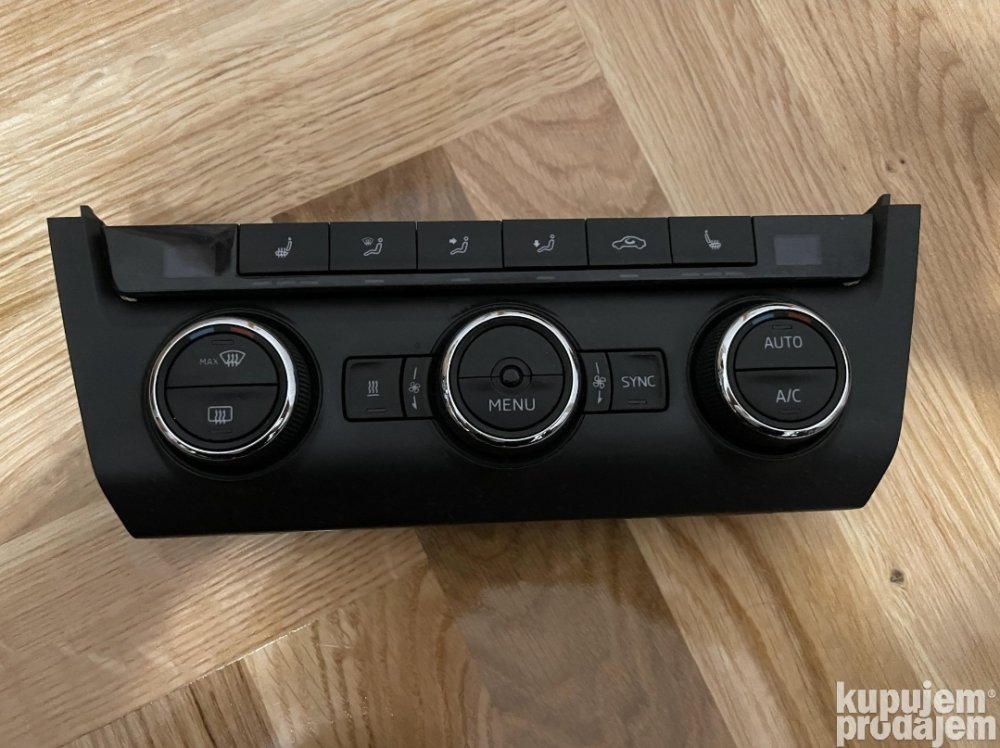
Hello. I have 2016 model, with maual ac unit. Can i change unit to climatronic, just like plug and play? From this To this Plung and play, or it cant fit withot wiring... Thanks
-
I have the same problem. Any YT link how to...???
-
Thanks
-
Ok. One more question. Does this media have line out (channels left and right) for amplifier? i would like to put the woofer in the spare wheel
-
My name is Alexandar, and i have bought octavia A7, 1.6 tdi, 81kw.
-
That's the way it works 😀 The sound is as it should to be. My speakers are cheap, and i need to buy another ones. I have bought kenwood KFC-S1766, but sound quality isn't that good. I've tried my old pioneer (6x9), much better sound quality. Thanks a lot 👍
-
I'll try tomorrow. thanks for the advice and help 🙂
-
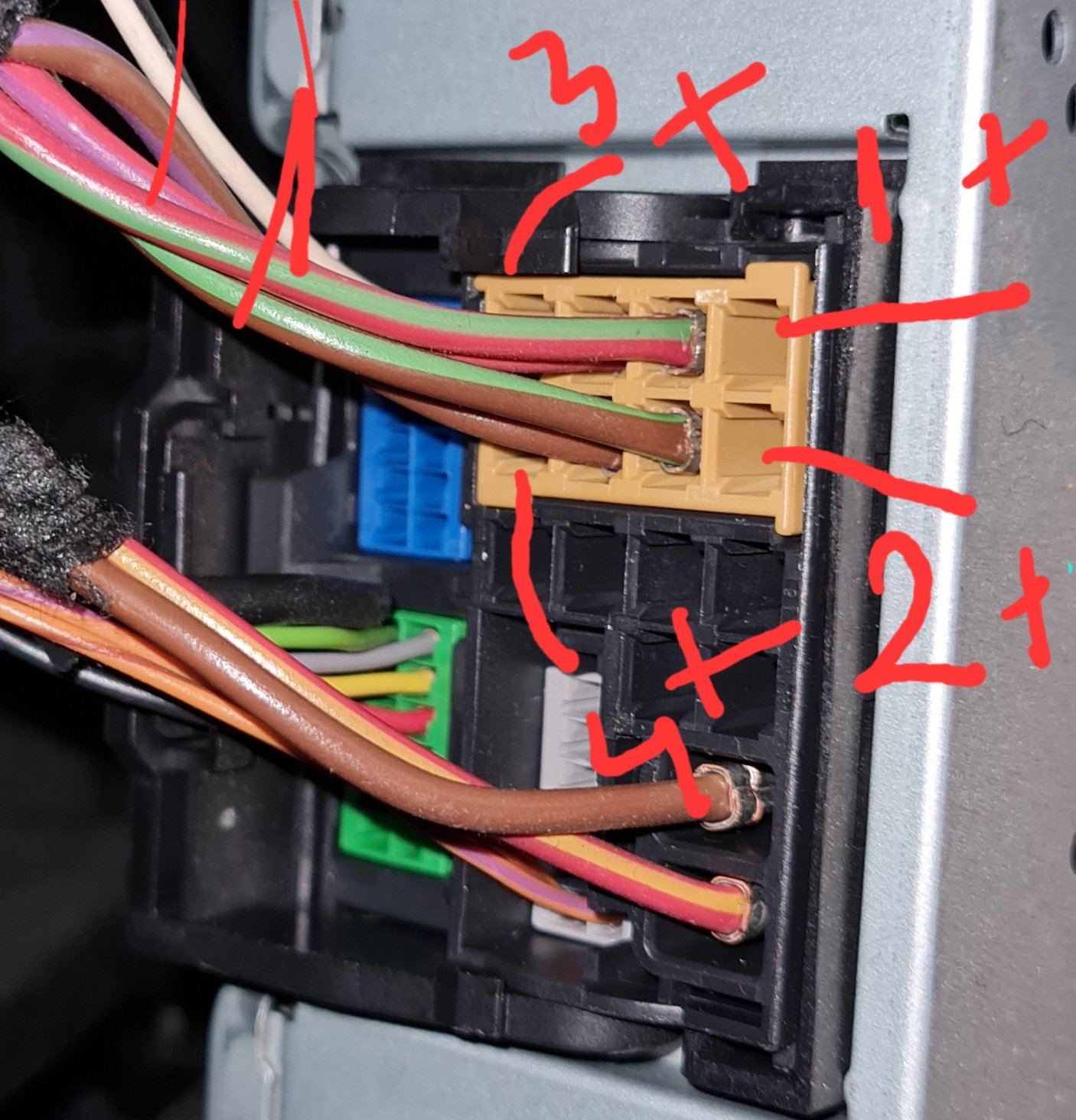
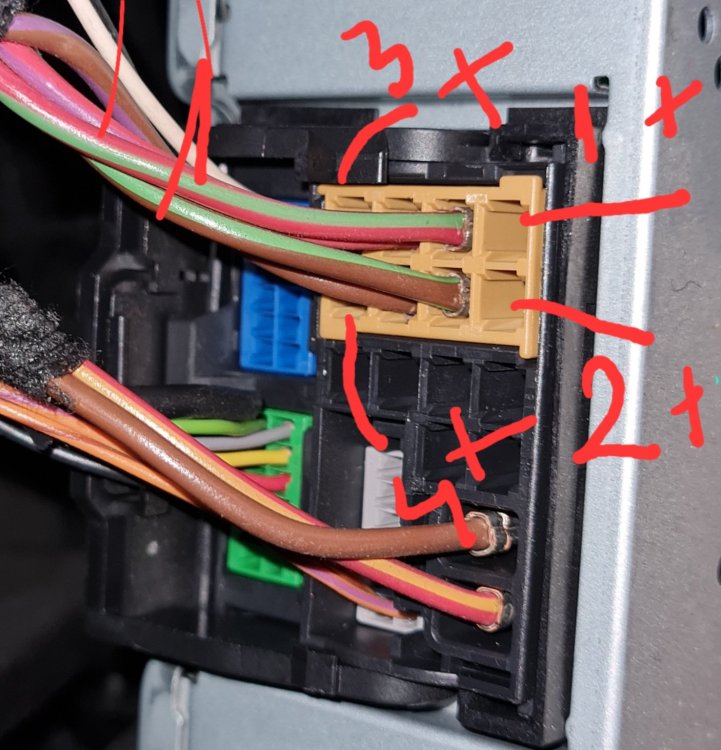
On my media, both are "+". both are a phase. i'm afraid to connect like that. In my case, all 4 blank (i have put wires now) connections are "+" 1 and 3 are "stronger" + (phase), 2 and 4 are "+" (phase) as well, but weaker (feeble). If i put one of them, no matter, anyone, on + of speaker, and "-" of speaker i put on groud it will work. It makes sound. I hope you can uderstand. There is a language barrier
.webp.9e79f689ed84731114b132b4a4e6c835.webp)
.webp.43747083567bcdc9309fec32a5d7b86c.webp)
-
Thanks 😃 I need to unestand scheme first. 😁 I will give a feedback 👍
-
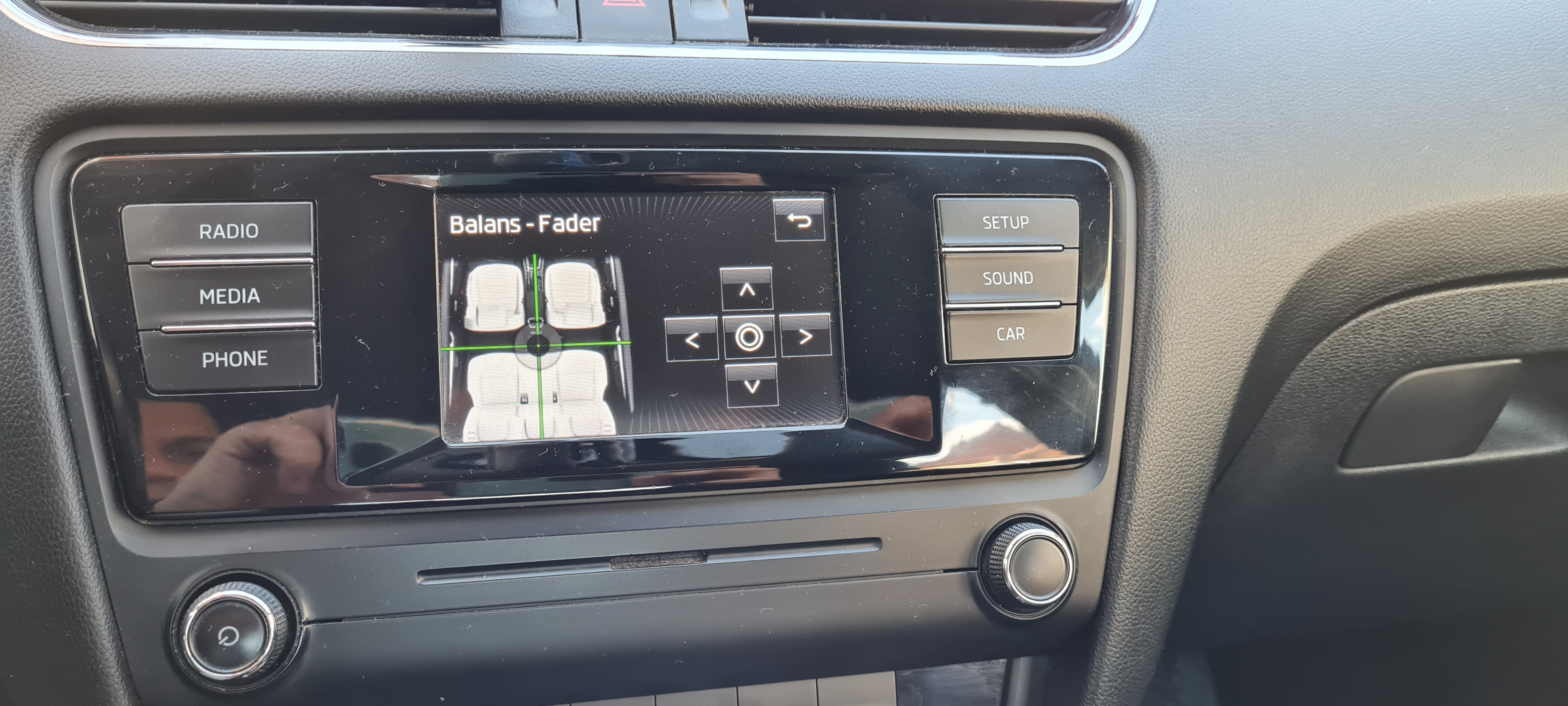
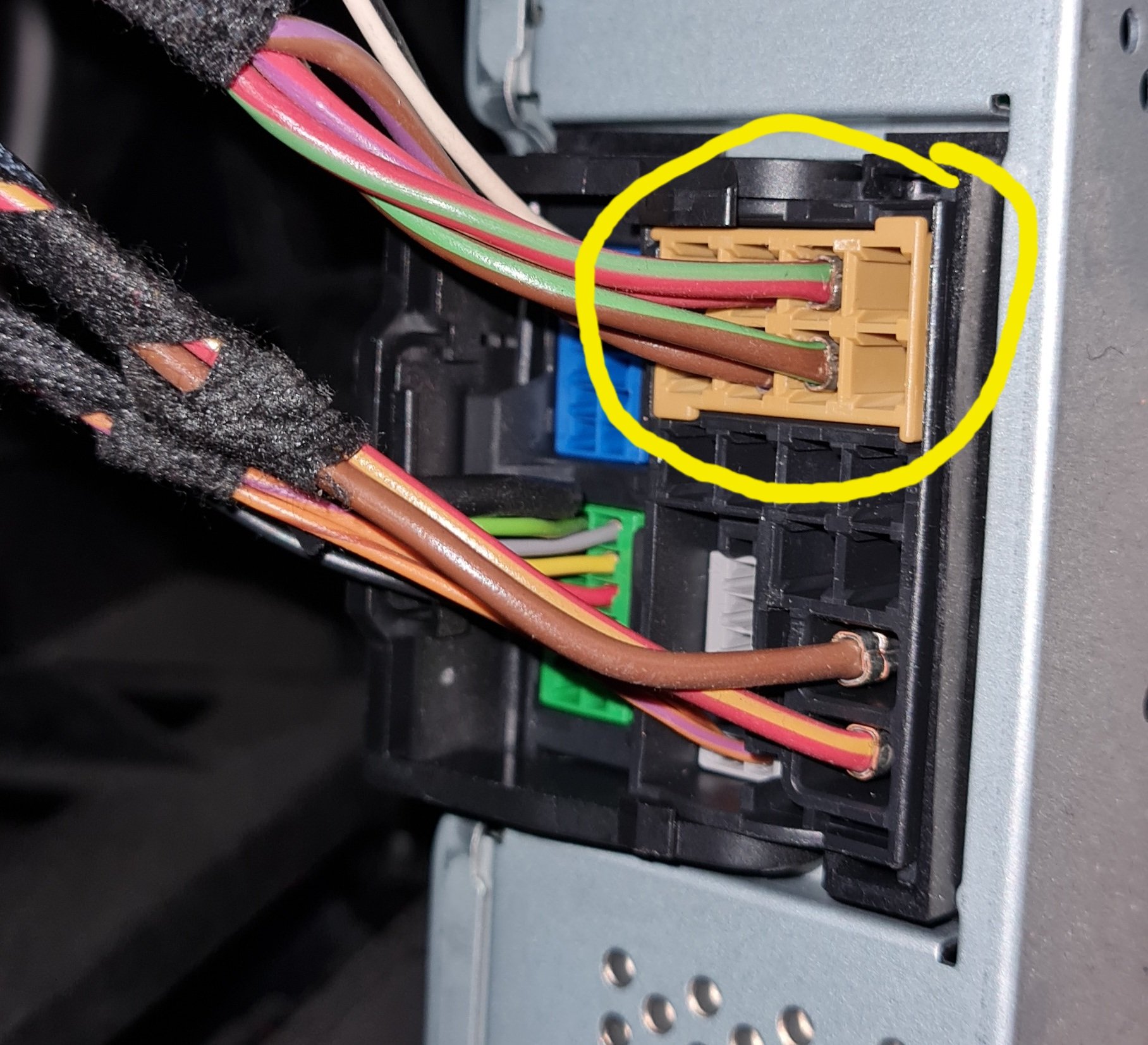
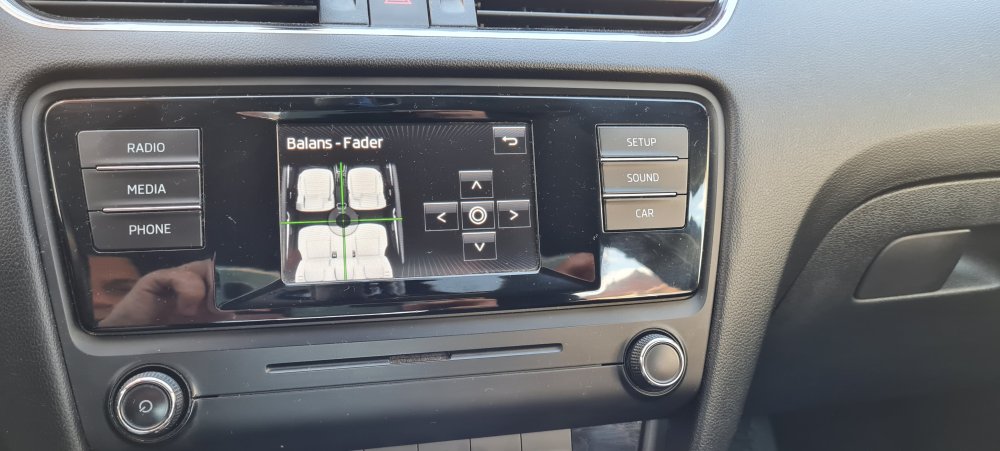
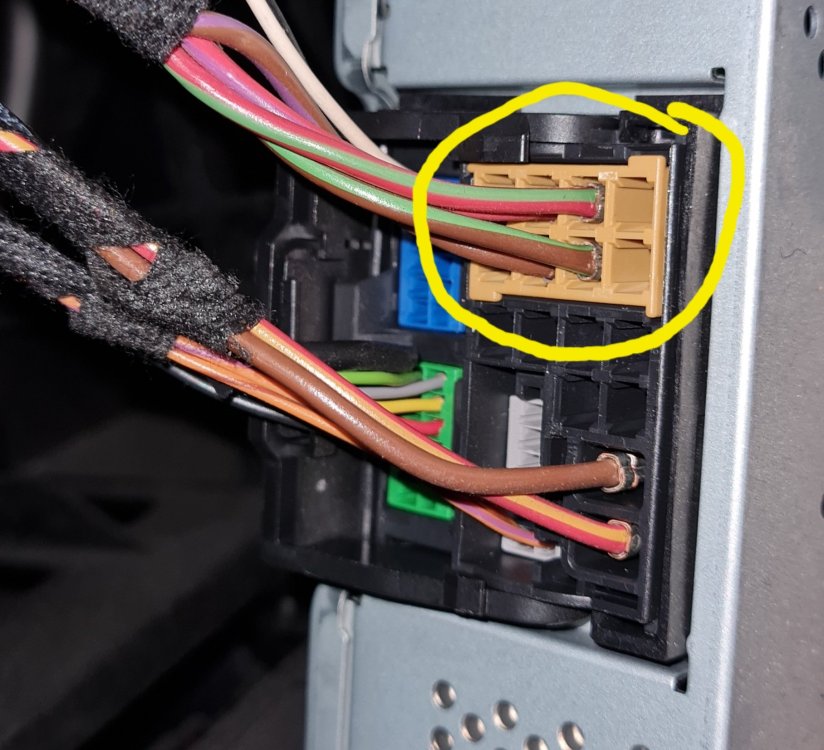
Hello. I am new here, and my English is not so well. Sorry about that. I have read most of this forum, but i couldn't find anything about connecting-wiring two more speakers. I dont want to change meda. I want to add two more speakers, on rear doors. i found on the YT, vcds coding, and I did that. Infotainment itself added fader and balance. Thats ok. i have pull out a media, and tested-checked wires... Cirkled-marked (yellow), are speakers. I have found that all 8 pin's are "+". There is no ground or "-". Four wires in the middle are front speakers and twitters in front doors. Blank ones, are rears. I have added four more wires. I have bought two more speaker, and I installed them in rear doors. I have took a "+" from media, and "-" (ground), from rear electrik-power windows. That is working, but sound is not good. It's awful. First of all, it is too quiet (front are more powerfull). And, it has weird noise. Like alternator in old cars with bad ground connection. I could not explain. I have disconnect rear speakers. Could (can) anyone help me? Where can i find wiring scheme, or some guide? Sorry on my English. It is not my native. I am from different part of Europe Thanks
-
Mine is 5e0035871b, MY 2016