akshayb
Finding my way
-
Joined
-
Last visited
Everything posted by akshayb
-
Are there any changes/improvements in the newer versions? Mine just came back from periodic maintenance and the s/w was updated to 1941 from 1804 and I don't notice any difference, apart from being a little faster.
-
@Ootohere My car has covered 35k kms / 21k miles. The third-year service guide does not include changing the spark plugs, it is due for replacement after 4 years or 60k km. And no, the air filter hasn't been inspected yet, but is due for replacement this time. Do you suspect a clogged air filter?
-
@Sarthak I thought I was the only one noticing such behavior! My Octavia is due for its third-year service in 10 days, and I've been noticing harshness in the engine and gearbox. The engine feels a little sluggish. Is this a deliberate feature to prevent wear and tear? It feels super responsive after the service, though.
-
Hi @Felix2021 - Were you able to install the 45W USB C Module?
-
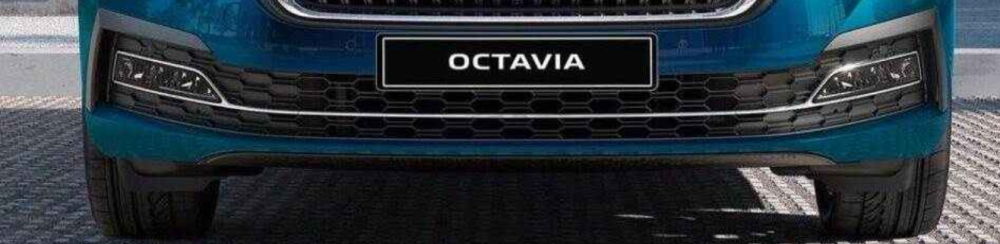
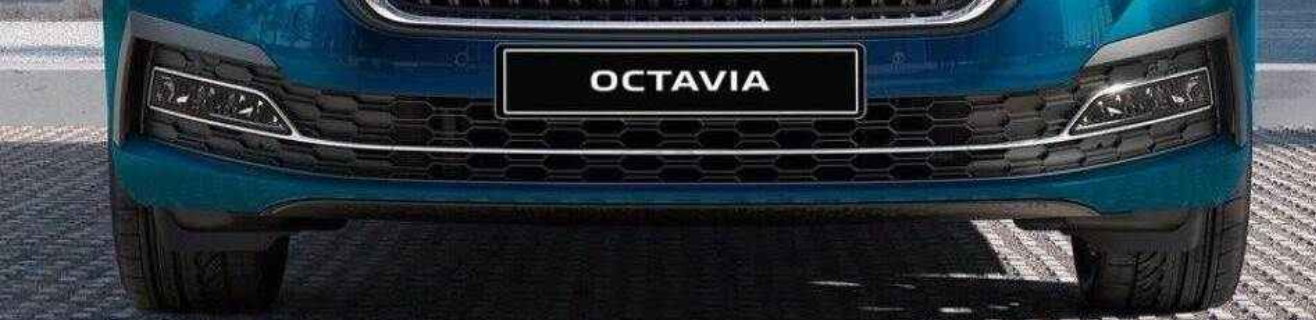
UPDATE: Found these chrome parts for the front bumper on skoda-parts.com.
-
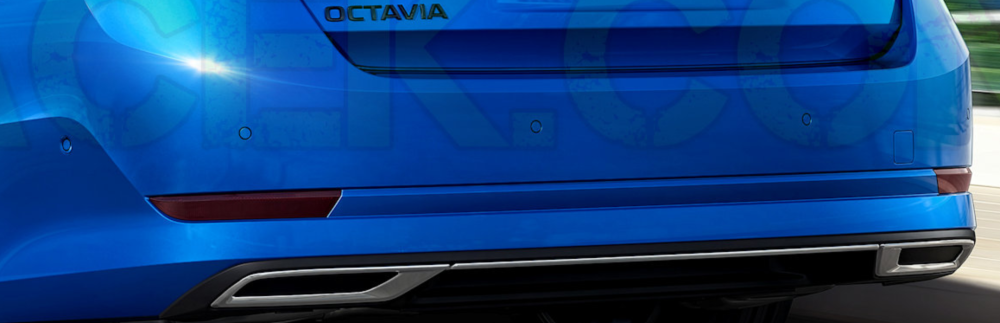
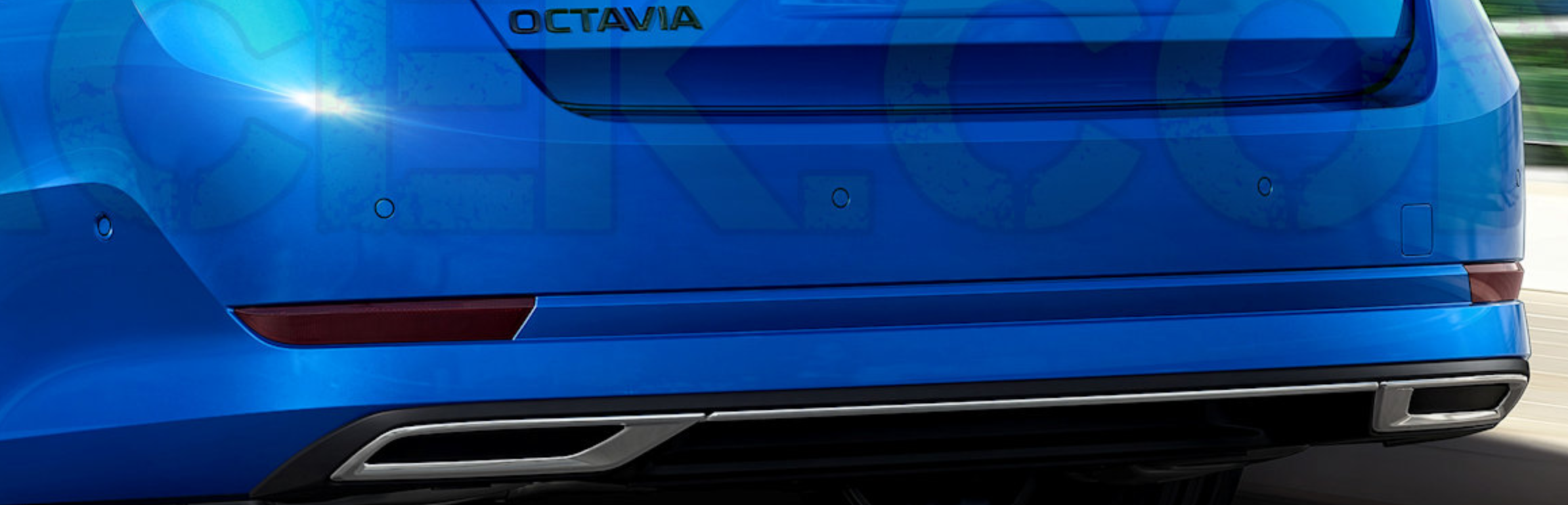
Hello from India! I have ordered the Octavia A8 2.0TSI and expecting delivery by the end of this month. Unfortunately, the variant that I have ordered doesn't come with the decorative chrome strip on the front bumper. Could any of you please help me with the part number of the chrome strip? I'm also considering adding the rear diffuser with chrome strip that the Sportline variant has. The original part costs close to €500, are there any cheaper alternatives available in the market? There is a similar one available on Milotec.com which looks quite good. Any thoughts on this brand? Thanks!