
johnmcb
Finding my way
-
Joined
-
Last visited
-
I'm back in a MK3 😀
-
Hello all, been a while since I've been on here! My driver's window and central locking is broken, I took the door card off to check both and the wire for the windows is frayed and damaged, and the central locking unit must need replacing too. Two crappy jobs, trying to source parts that might not work, and I might fail putting together. Plus the cold weather and freezing hands outside was enough with that door card. So my question is, if I source a whole door, pop mine off and pop the new one on, will everything just work? I know the window will, but does anything need coded for the central locking? Thanks in advance! J
-
Thanks all for your input - Mobile Mechanic came out and initially said it needed a new started/rebuilt. Before deciding to take it away he plugged in his diagnostic tool and clear all historical errors, then it started. I mean c'mon!! £80. Hope that helps someone in the future. Symptom: Car doesn't even attempt to start (turn over), no errors on dash etc Resolution: Connect diagnostic tool and clear any errors. Car starts
-
If you press the start button without pressing the clutch nothing happens, press it again and the ignition goes off. It's really poor whatever it is, old cars were so much better! 😂
-
Hi all, car still at work, checked the under the clutch for anything obvious but all looks good. Here's a video I recorded of what happens, looks how there's no message to press the clutch... https://youtu.be/mIobtoCIsBA?si=rOtAmAQ-Lz2_trsB
-
Sorry folks, would be helpful if I posted details on the car. 2021 plate first edition 1.0 TSI Manual, had it for 2 and half years, had all the usual blips but this is the first time this has happened.
-
Good point, I meant to mention this, theres no mention to press the clutch pedal to start. Obviously pressing the clutch does nothing too, is this a common thing, can I visibly check?
-
I did check the break was working, all ok there, rolled back a little and put it back on no problems. It's really weird, I'm thinking about getting jump leads but really don't think it'll make a difference...
-
I've not tested with a volt meter or anything, but the car is driven every day and there's been no battery warnings. All electrics power up no problems as they normally would, it doesn't even attempt to start.
-
Hello all, Wondering if this has happened to anyone before? Entered car after work, press the Start Button, ignition comes on, nothing. It doesn't even try to turn over, there are no warnings on the dash or infotainment screen under Car. I've tried locking the car and opening it manually placing the key in the centre console, nothing. Left it for it an hour, same. I'm stumped, any ideas appreciated! Thanks
-
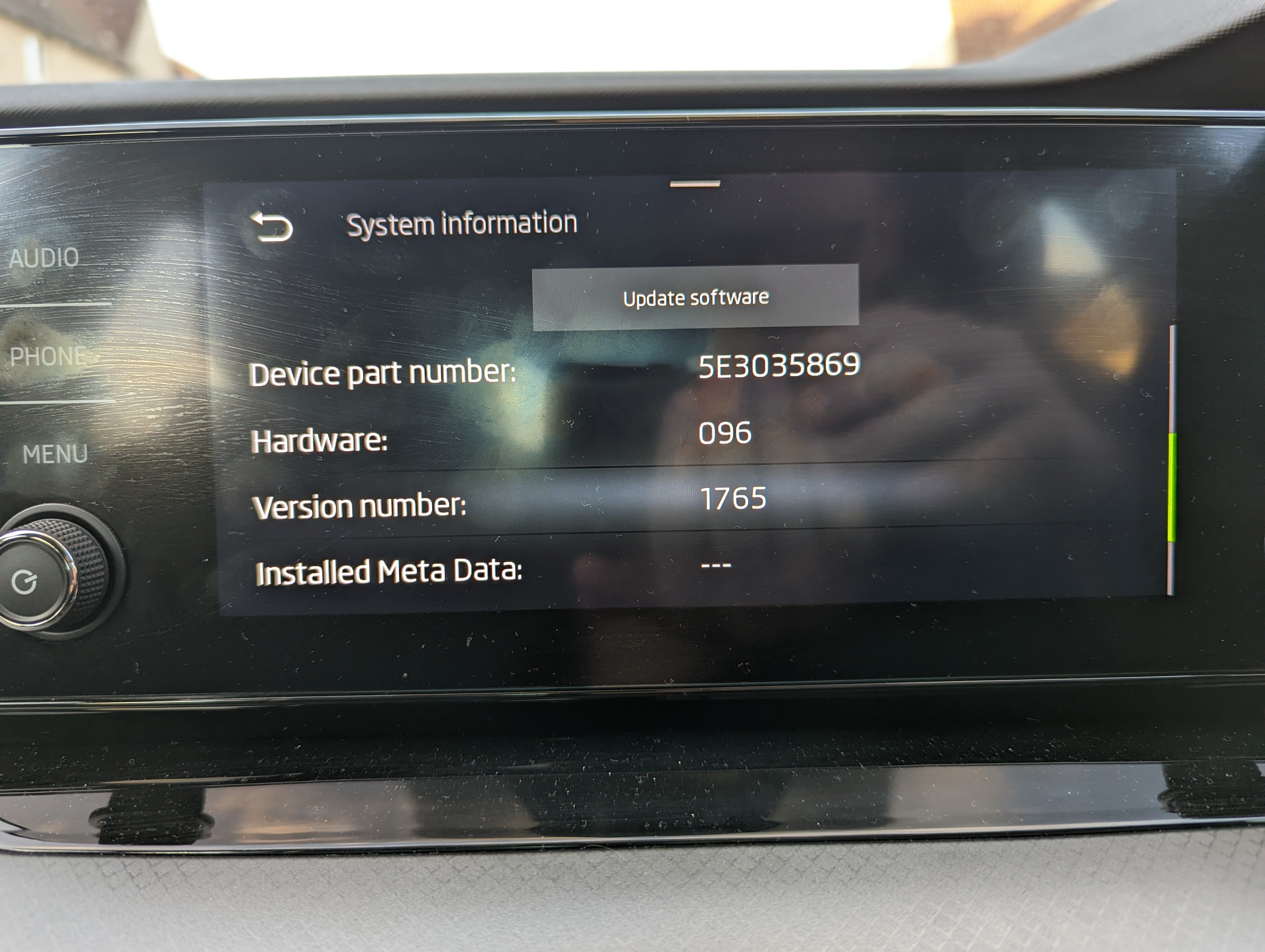
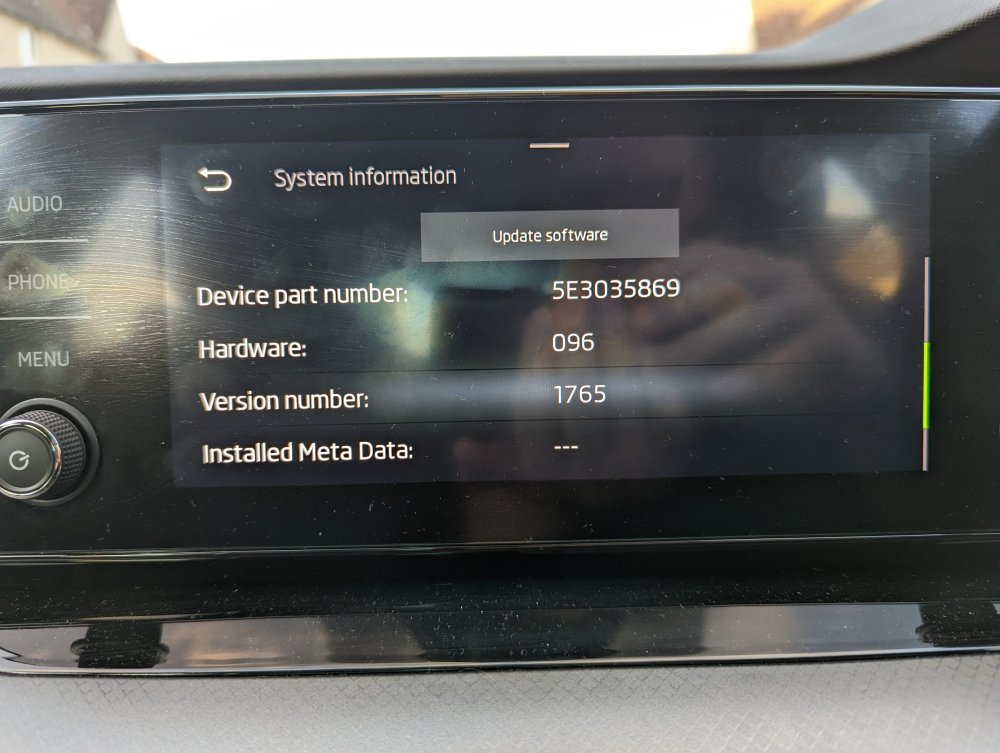
Another question, I have the swing head unit, can that be updated 1896 too?
-
I've had a look, can't see where to adjust manually, does anyone know?
-
Thanks but I don't have this, think that's VRS/full led matrix models only
-
Hi all, just my Octavia SE First Edition a couple of weeks ago, love the car but a few niggles that I can fix I have (noisy boot! Jeez) Anyway, one thing I noticed was the headlight alignment, the driver's side seems way higher than the passengers side, I was beginning to think the car had been in a bump but couldn't see any evidence. After reading this thread it seems that a software update will fix the issue for RHD cars? Is this true? If so surely to God this is a recall matter? You'd fail an MOT!? Thanks
-
Who would you recommend, I've used Henry's Glasgow North in the past, they seemed fine. Was hoping to maybe purchase a service plan with them.