OllieVRS
Finding my way
-
Joined
-
Last visited
Everything posted by OllieVRS
-
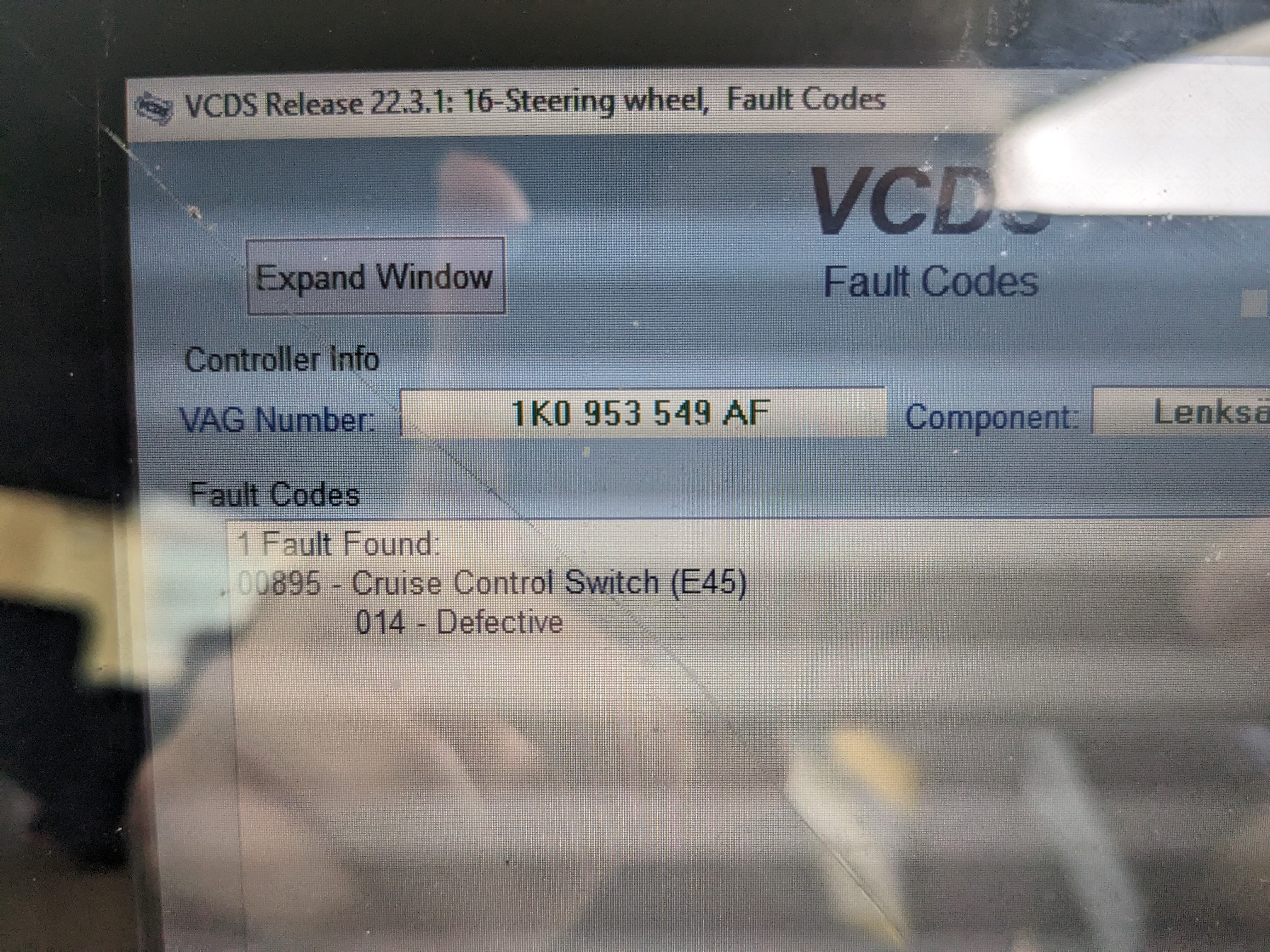
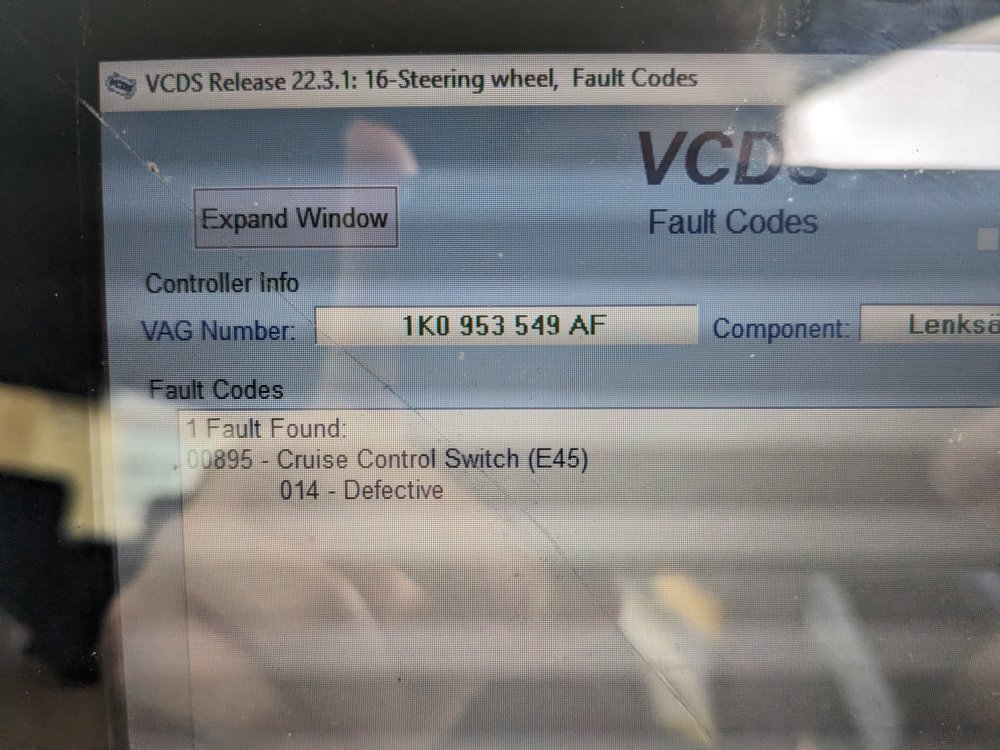
Hi Trevor, thanks for the reply. I changed the dealer code and country code, but it didn't seem to affect anything. I'm actually able to enable Cruise Control via Coding -> Long Coding -> 06, then selecting Bit 1. The coding is accepted, but then I get an error code in Engine talking about DTC Memory. I looked up the 005699 code on Ross-Tech's site and it has a special note regarding my engine, 'When found in 2.0l TFSI (AXX/BPY/BWA etc.), check Steering Wheel Electronics for Cruise Control related Fault Codes and general Cruise Control Functionality' which led me to the code in the Steering module in the photo below, 00895. I now believe the TOPRAN branded cruise control stalk I bought is faulty. I'll try get a less-crappy brand one and see if that works.
-
Hey @Harry-vRS, I currently have the exact same situation, even the same ECU on my 06 Octavia vRS TFSI. My Coding II is greyed out too. I tried @Aston_Bodger's fix but that didn't do anything. Did you ever get it fixed? Thanks
-
You will need to buy a CD Emulator to aux adapter, which will plug into the 12 pin connector on the back of the head unit. I bought a used Stream MP3 head unit to replace my non-MP3 one, and the seller included this adapter. I got some annoying audio feedback (buzzing, crackling), even when I had it properly grounded. I removed it any now use on of those Bluetooth FM transmitters that you plug into the 12V socket, and the audio isn't as high quality as CD but much better than that aux adapter. It is very easy to use, just plug in the Bluetooth FM transmitter, connect your phone and tune your radio to the FM frequency.
-
Actually I was wrong, they're both rated at 4x 20W. But I swear that the MP3 sound better than the non-MP3. Maybe it's placebo 😁
-
Fixed it, it was the entire harness connecting to the back of the head unit wasn't seated properly and at an angle. Some brute force getting it in flat and now the AUX works great! The higher wattage from the MP3 version of the head unit makes the stock speakers sound so much better that I'm no longer considering upgrading them.
-
So picked up a used Stream MP3 that included an CD Emulator Adapter with 3.5mm AUX and USB. I ran into a couple issues. 1. Guy who sold me the radio didn't know the antitheft code, payed a sketchy website €9 for the code and it worked. 2. At first the AUX/Radio had no bass whatsoever. The next morning it spontaneously started working. 3. I decided I wanted to add the CD changer too but to the original AUX cable I bought. I installed the 3 aux pins based on the wiring diagram on top of the radio into the factory 12 pin. The CD changer and Radio worked, but the AUX only could from the left side of the car, extremely quiet and no bass. 4. I really wanted the aux to work again so I plugged the emulator cable back in. The AUX worked, but was very quiet, little bass and grainy, but this time sound came from both sides of the car. 5. After hours of messing with the grounding cables of the emulator and cursing at the bloody thing I didn't fix the AUX, only making it even quieter and more grainy when adding extra grounding. I replaced the original CD changer 12 pin without the aux AND NOW THE CD DOESN'T WORK ANYMORE. Only the radio does. Please can someone advise on me on what might be going on. I'm seriously annoyed that the aux worked fine at first until I decided to mess with it.
-
A used MP3 headunit would be roughly the same cost as the connects2 aux adapter, ~€45
-
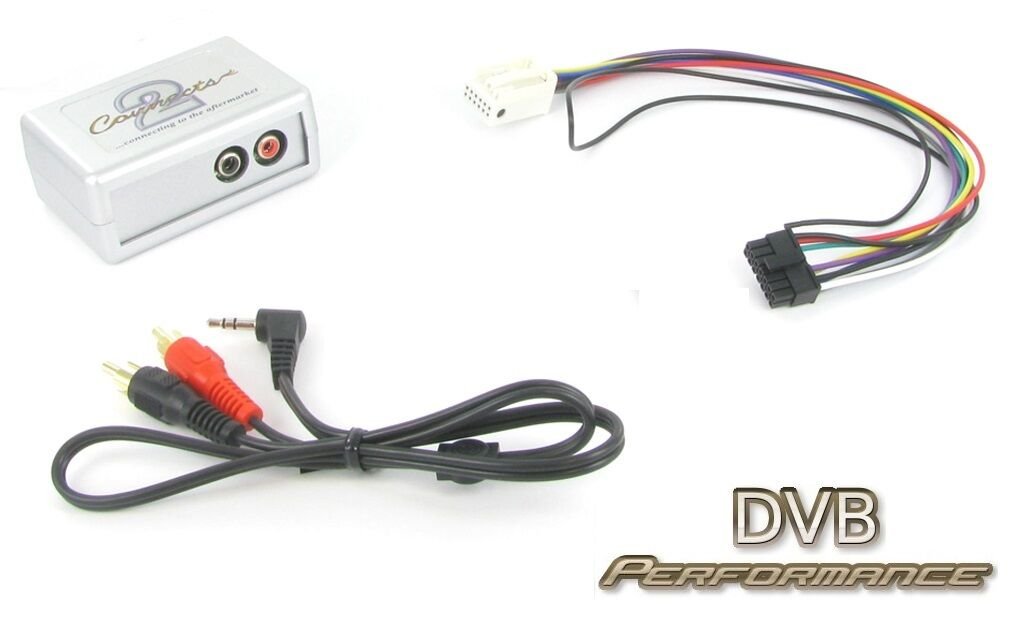
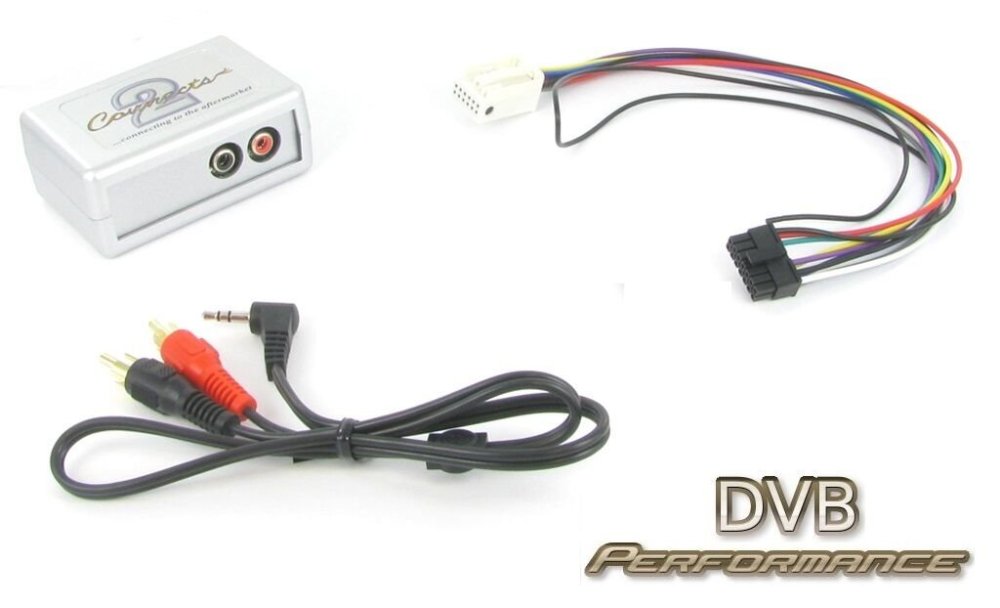
Installing a basic aux socket to 12 pin cable didn't work unfortunately. I turned the AUX on in the radio settings but it just said 'NO CD'. I'm guessing the stream non-mp3 just doesn't support it. Do I have to get an Stream MP3 (since that's what comes in the 2007+ cars with aux ports) or do I need a different type of 12 pin cable with an adapter like this one? Also found someone saying this

-
Just figured out why the Bluetooth to FM transmitter I have sounds so bad. With the bass turned up I get a distorted sound from the right woofer. Even when it's not distorting it sounds crap in general. This distortion disappears when the speaker balance is turned to the left side of the car fully. I believe the right woofer may be blown. The sound quality using the transmitter is actually half decent with the balance turned to +2 or +3 to the left, but obviously I'd rather have sound coming at me equally from both sides. Is there anyway I can further diagnose the problem to verify the speaker's blown? Thanks
-
Already tried one of those, the audio quality is even worse than regular FM, to a point it's not even worth listening to. I also used the same bluetooth to FM transmitter in my Dad's car (07 Volvo V50) and it was way better, but then again the FM radio sound quality and speaker set up in that car is better too.
-
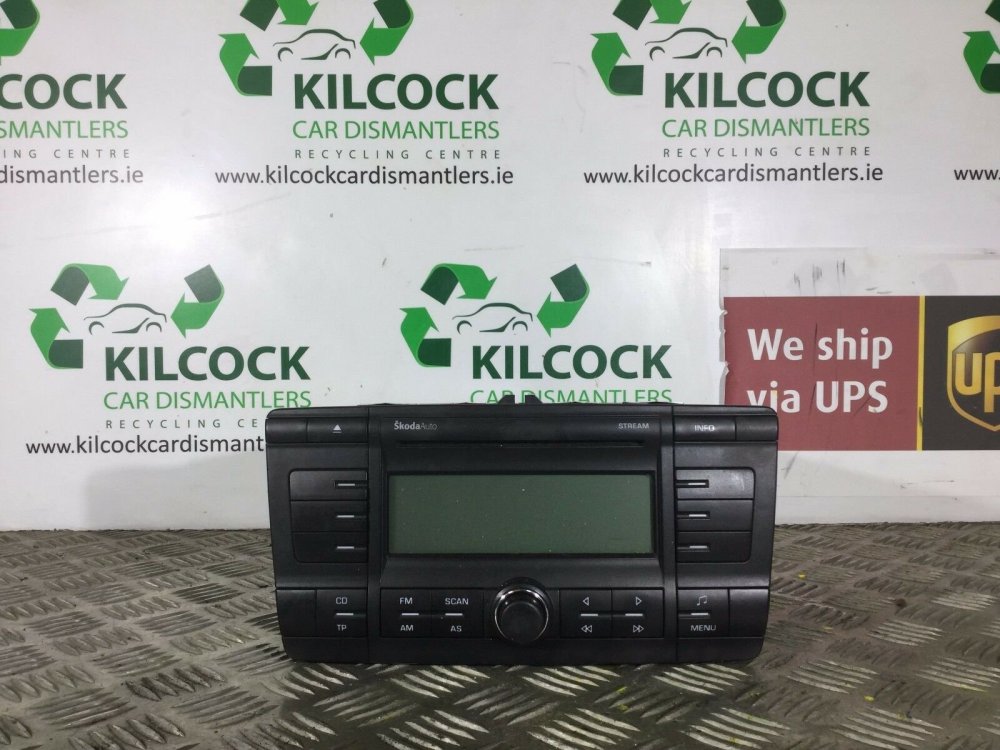
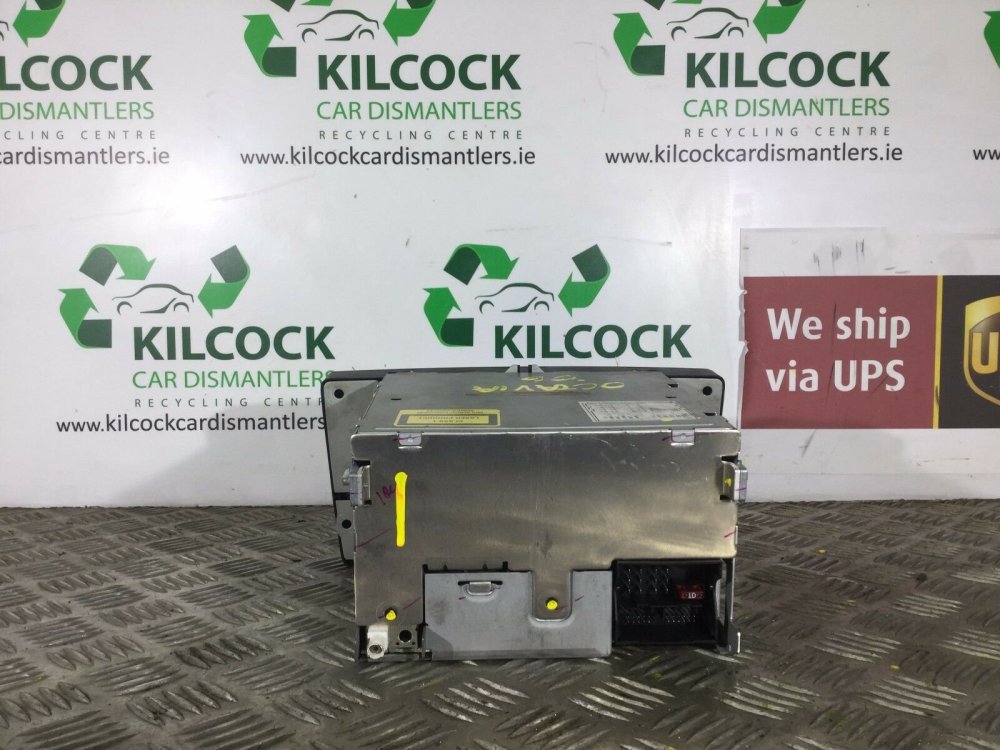
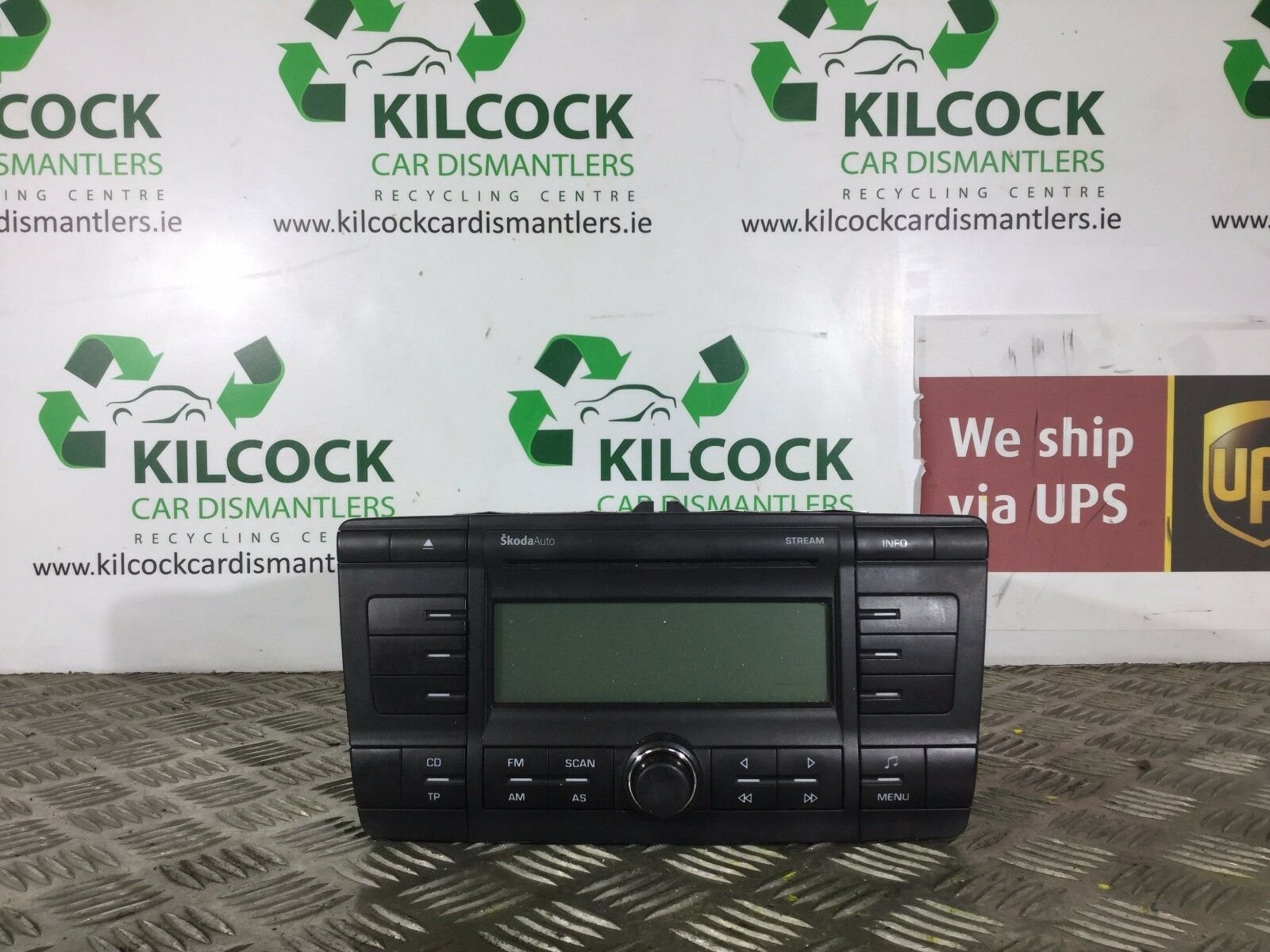
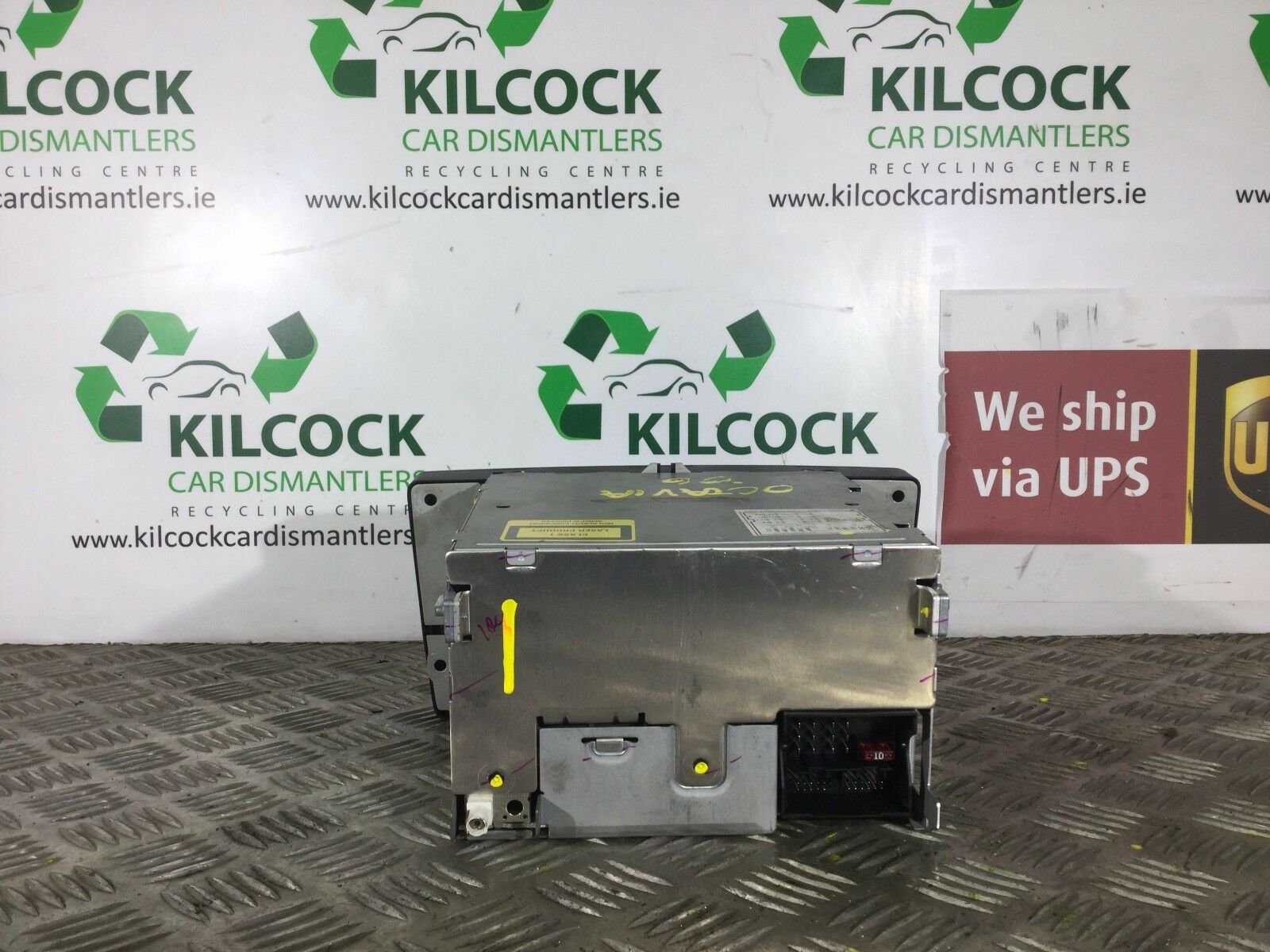
Hi Guys, new to the forum and I know there's a million other posts about this but they all have conflicting answers. I have an 06 Octavia vRS with the standard SkodaAuto Stream (non-mp3) Headunit. There's no AUX input in the armrest box. There's a Parrot handsfree Bluetooth kit installed but it doesn't support music. In the settings there is an option to turn AUX on/off, which is confusing since there's no aux connector. It has the 6 CD CD-Changer in the boot too. I'd rather not pay €€€ for a new headunit and new fascia/canbus etc. But I also don't want to be soldering cables to the back of my headunit, as my current soldering iron is broken (burnt). Am I able to just get a 12pin to AUX cable or do I need to pay ~€40-50 for a local used MP3 Stream HU + 12pin to AUX cable? Ebay is out of the question as they're €80 there shipped from Ireland and the UK is out of the question because of import fees and long shipping times. Not my pics, but my Headunit looks the same as this: