StanCho
New here
-
Joined
-
Last visited
Everything posted by StanCho
-
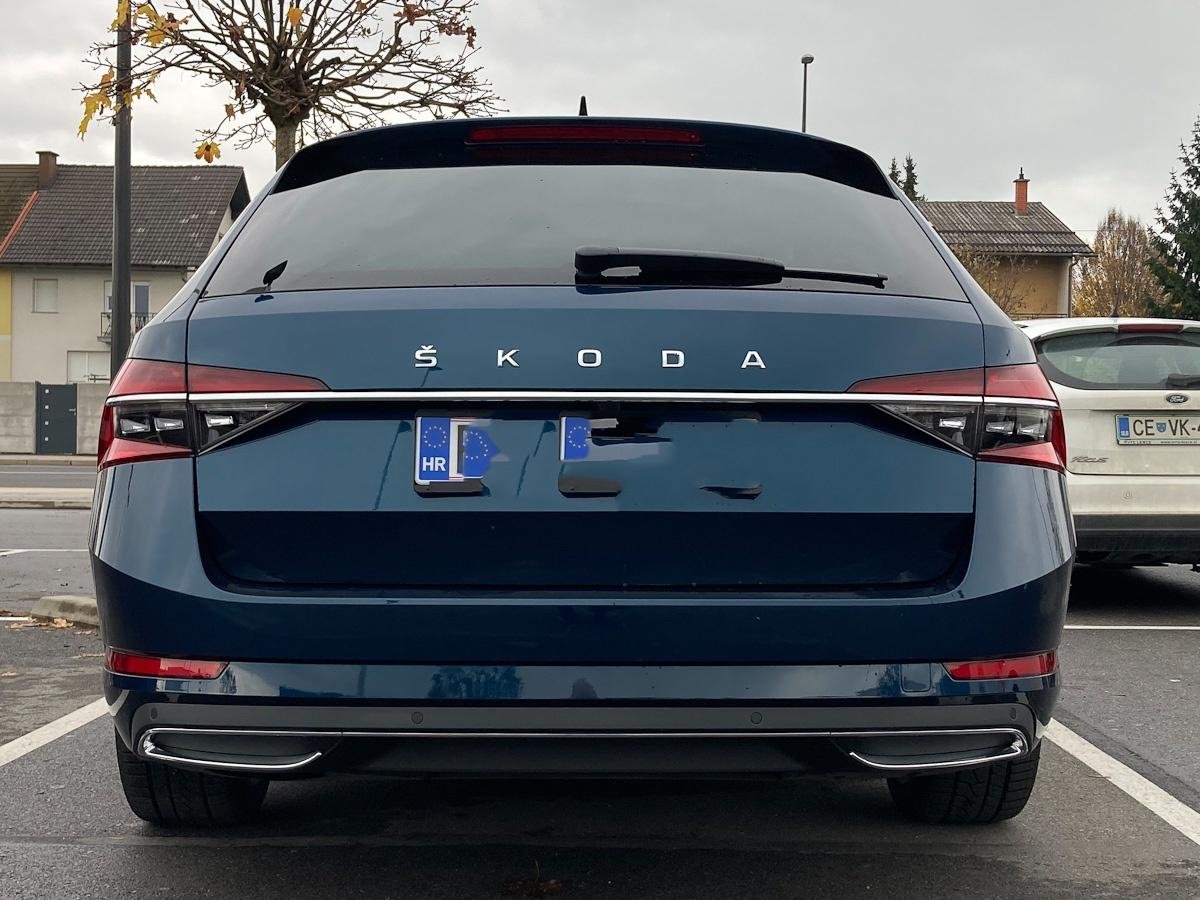
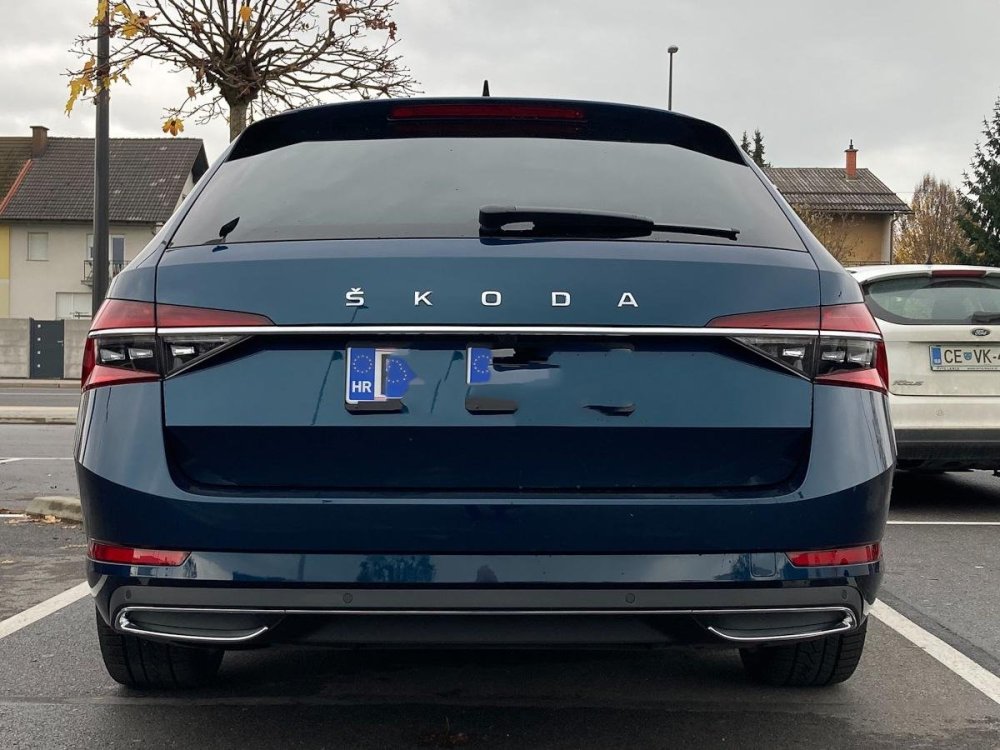
Finally got around to installing the sportline difusor, now the look is complete.
-
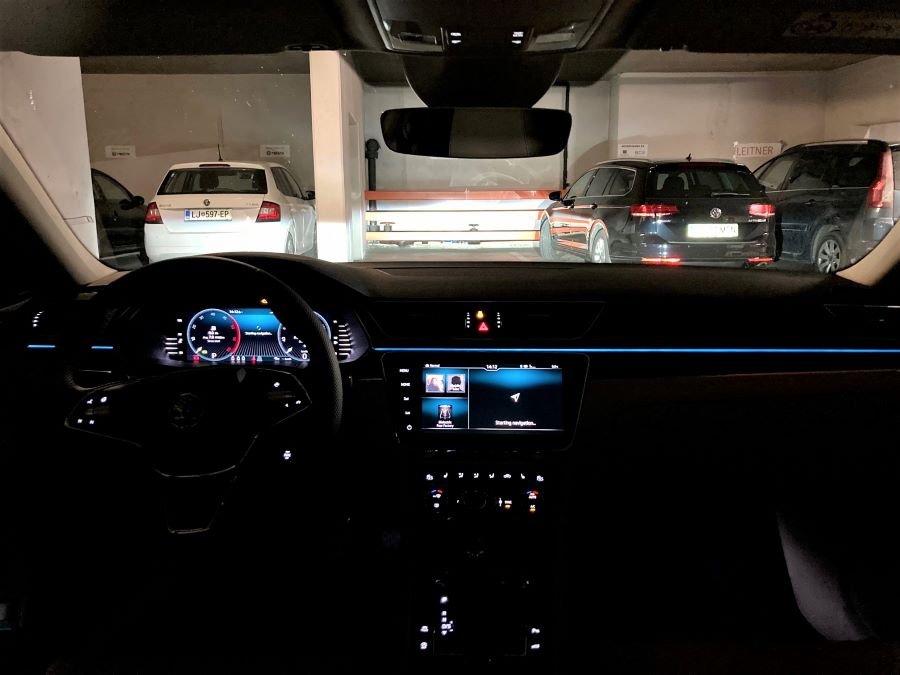
And, finally picked it up two days ago:
-
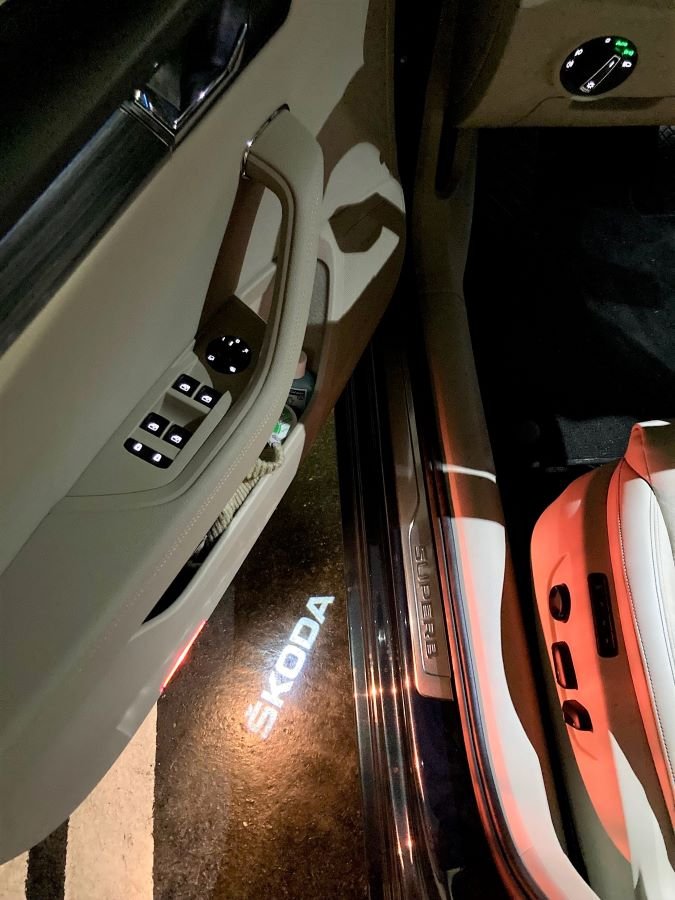
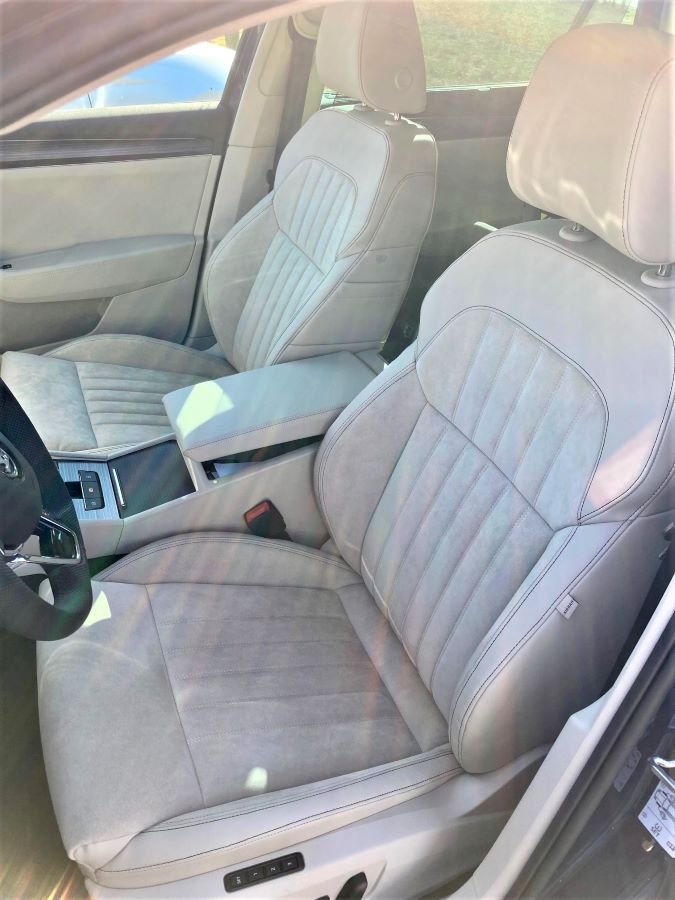
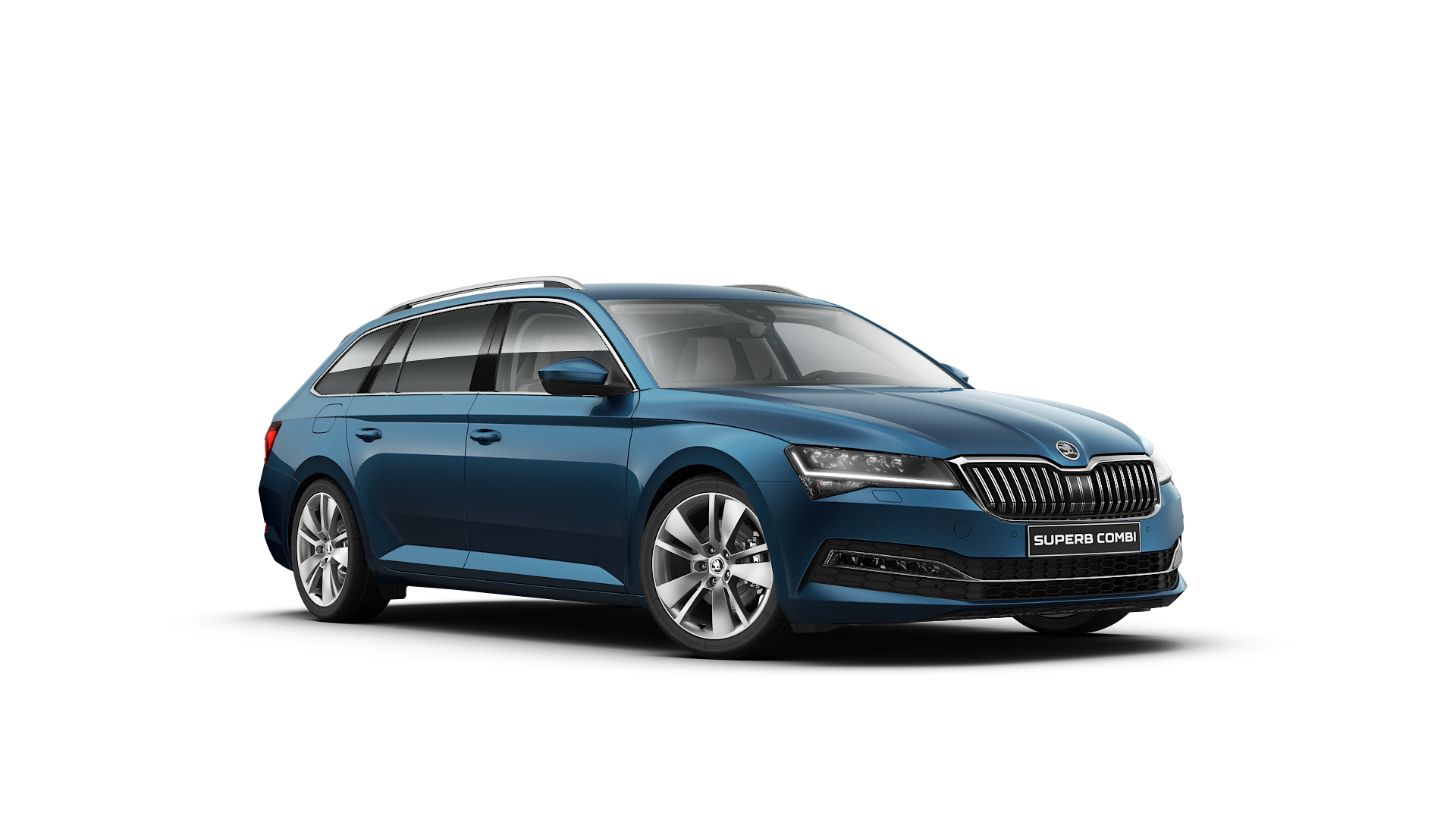
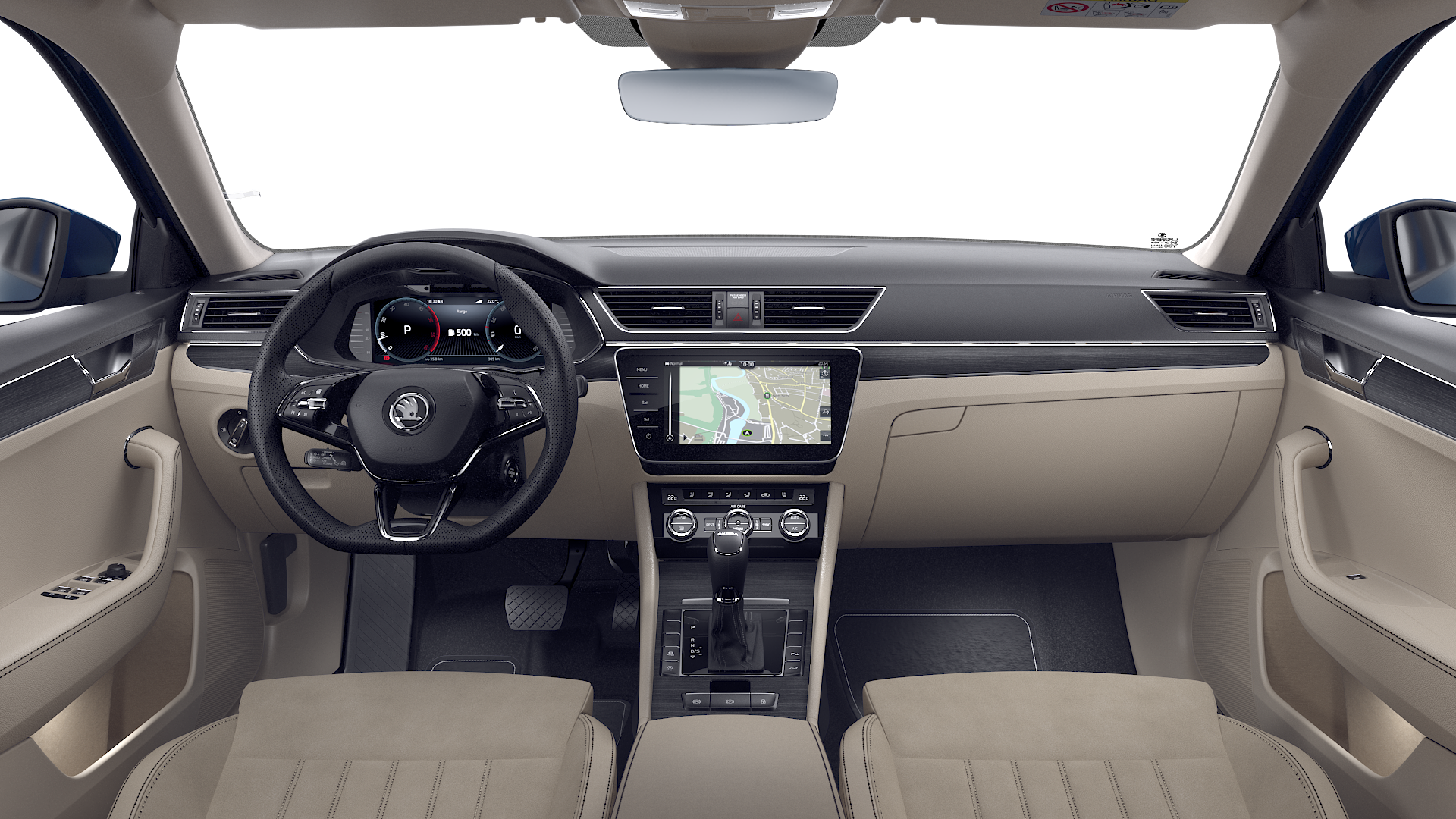
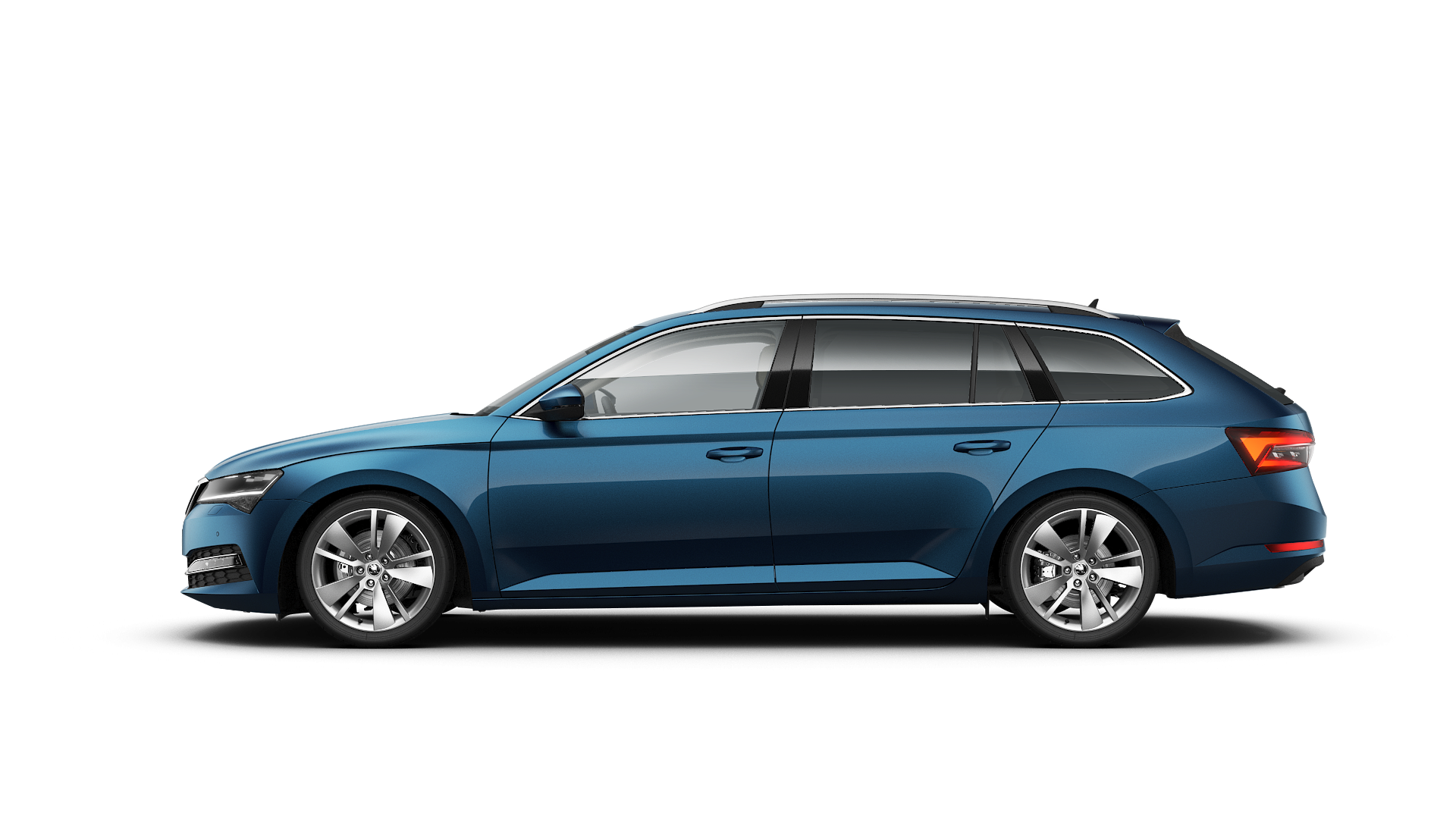
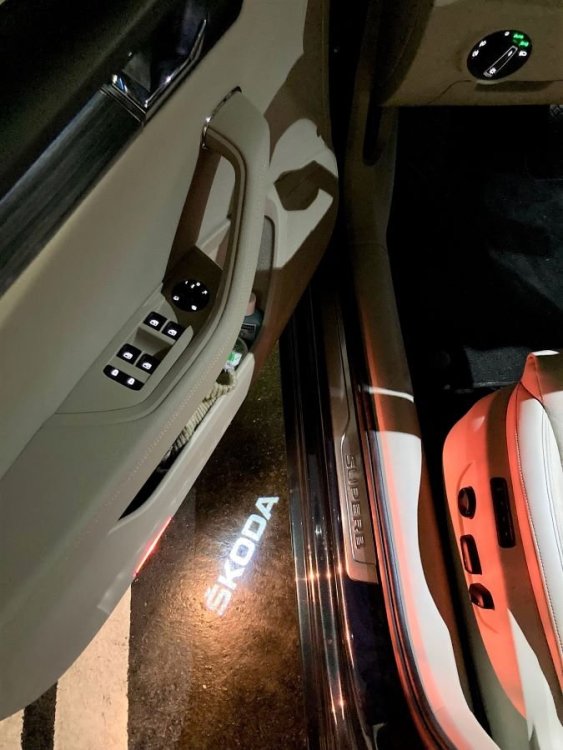
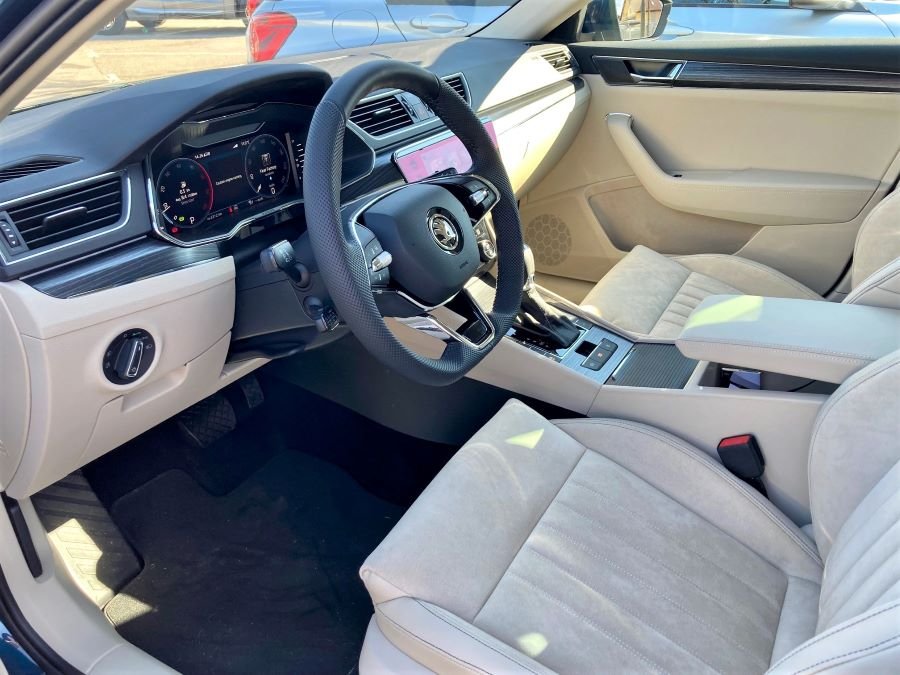
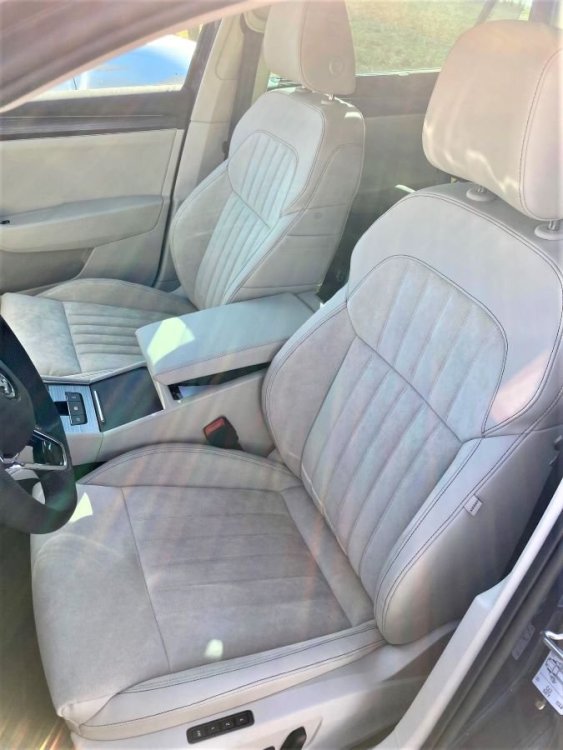
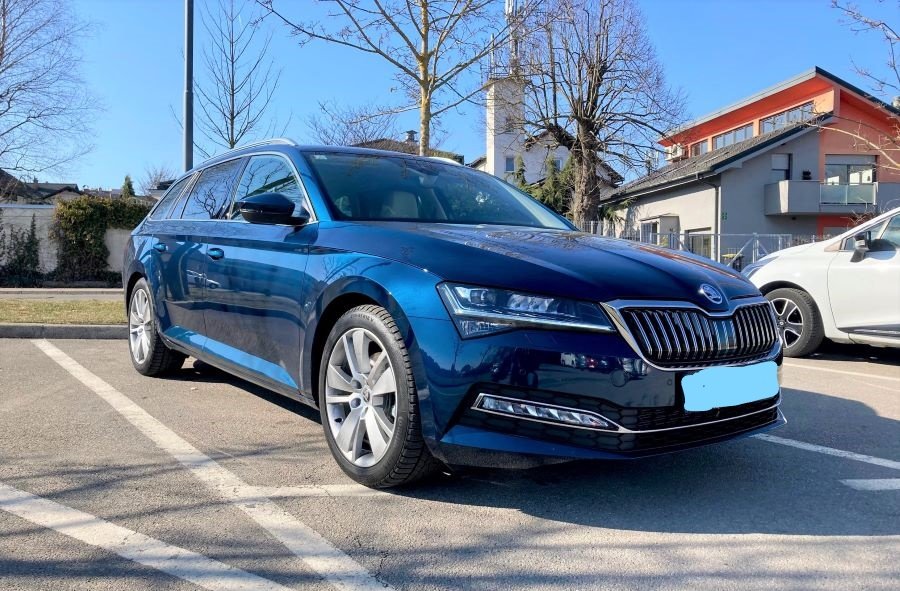
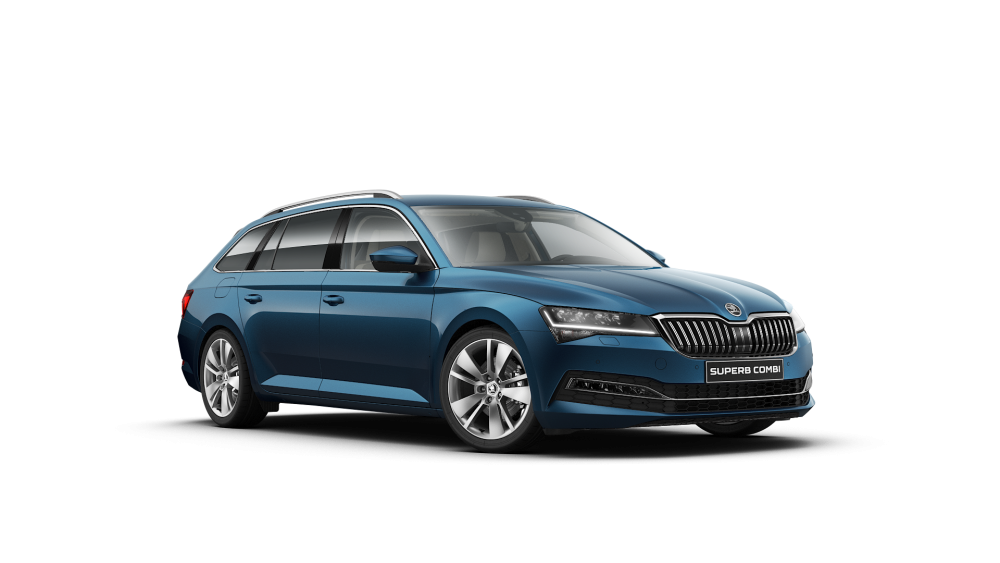
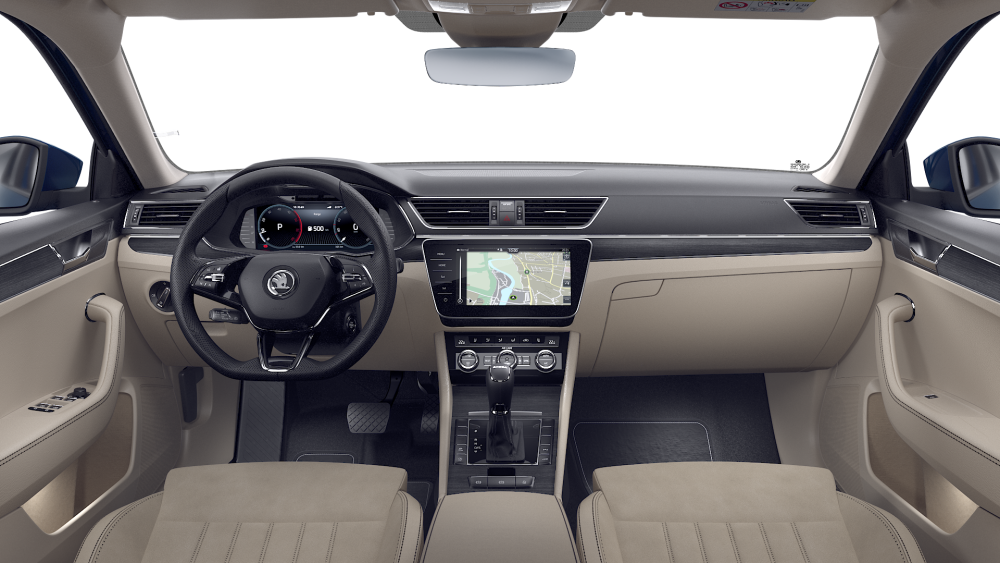
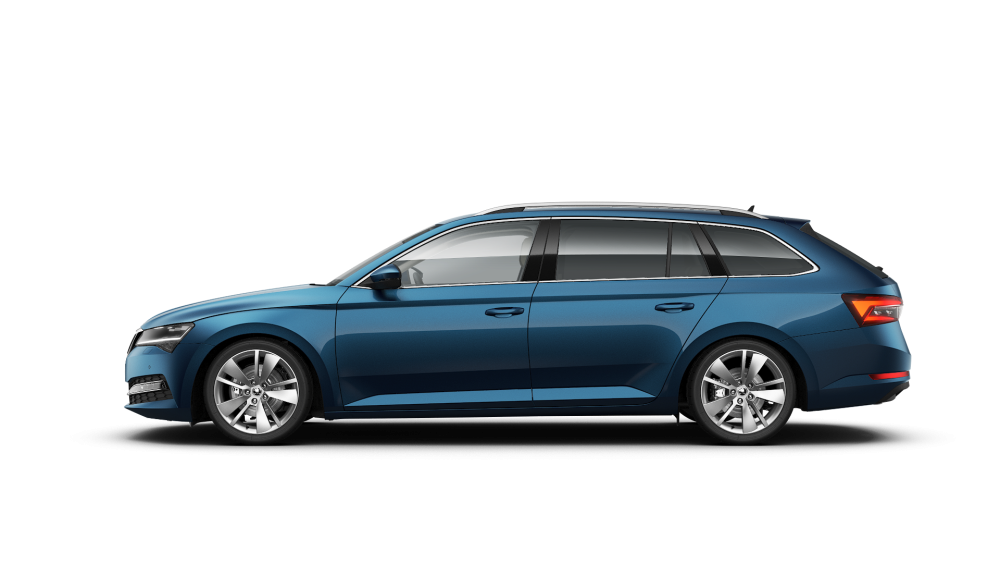
Ordered mine end of August, delivered end of February and finally cleared all the paperwork to collect it two days ago. 2.0 diesel estate (150 PS), DSG7, premium package (style + add ons) with some extras (lava blue colour, rear camera, sport suspension and progressive steering, sport heated steering wheel...). It has pretty much most of things apart from complete leather package, sunroof and 360 camera. It seems they prioritise models with more extras than basic ones, for what it matters. iV could be a problem because VW in general stopped deliveries of hybrid models couple of days ago.
-
Hi all, picking this one up on Friday so live photos will follow shorty. Brand new 2022, 2.0. 150 HP diesel, lava blue, beige interior, premium package (the only higher option was L&K), with added sports suspension (10mm lower), progressive steering, rear view camera and heated sports steering wheel. Delivery took 6 months as stated when I placed the order end of August 2021. Only thing missing will be installed shortly, diffusor from the sportline with fake chrome accents for better visual appearance.
-
Hi @JR RS, I'm about to do the same thing, replace the standard difusor with the sportline one. I did not go for Sportline version and could not just add the sportline bumper as an extra to the setup I ordered so I figured I'll take care of it once I collect the car. I'm about to pickup my brand new Superb 3 next week and the package from Superskoda already arrived. It seems quite a straightforward job, but if you can share your experience or something worth taking into consideration, I'd be thankful. Thanks!