JensW
New here
-
Joined
-
Last visited
Everything posted by JensW
-
... and I am a bit disappointed that my skoda dealer didn't do this... 🙂
-
Breaking news... After trying everything the last 2 weeks... and getting bad news from my dealer I tried the last thing I didn't try before... and guess what... I COULD REGISTER MY CAR AND IT CONNECTED INSTANTLY WITH NO LAGS PROBLEMS WHATSOEVER!!!! I had no expectations in it because I already removed the Fuse a week ago with no success... but: I took off the Battery Wires for 15 Minutes.... etc voila... it Worked instantly!!! Give it a try.
-
Got my car back. They told me, that skoda responded and said it is a general problem of the skoda connect servers. I shall try it again and again the next days. At some point it could and should work. They checked and updated all Software Parts (OCU and MIB) to the latest Firmwares. There is nothing they can do! 😞
-
Hi guys, today i brought my 1 Week old Used 2018 Superb III to the dealer. He is trying to fix it (exact same Problem like MRobi, and i tried exact the same things (last Joker was the Fuse, with no success as you could guess). The Dealer said Skoda requests a Software Update of the OCU (Onboard Communication Unit) is needed. Lets see what happens tomorrow. I will let you know!
-
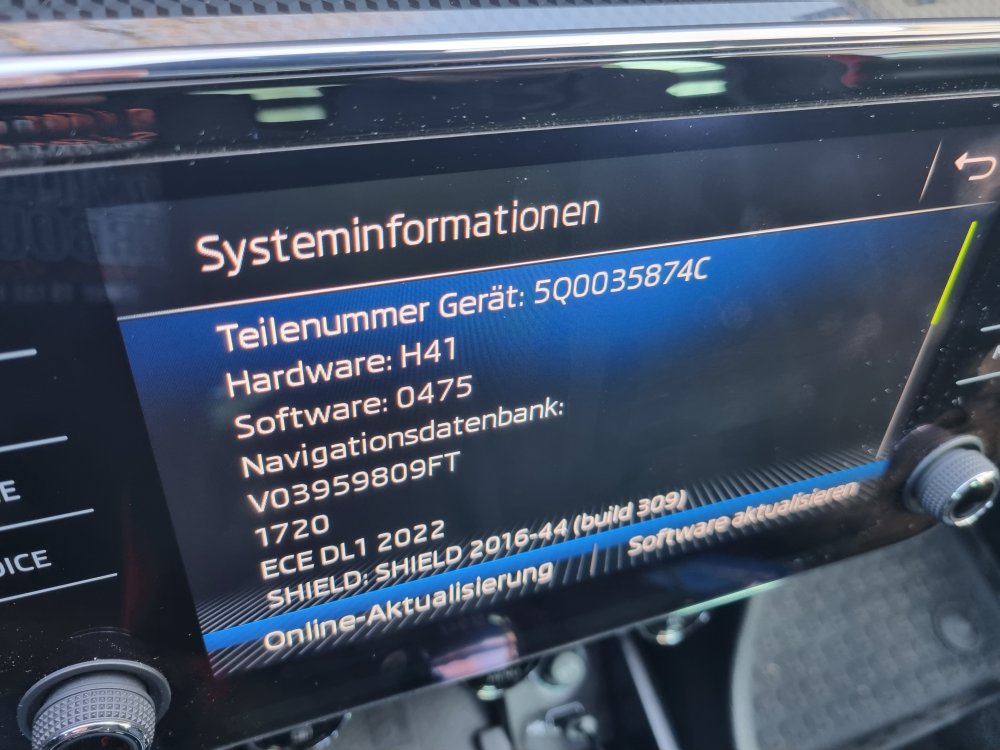
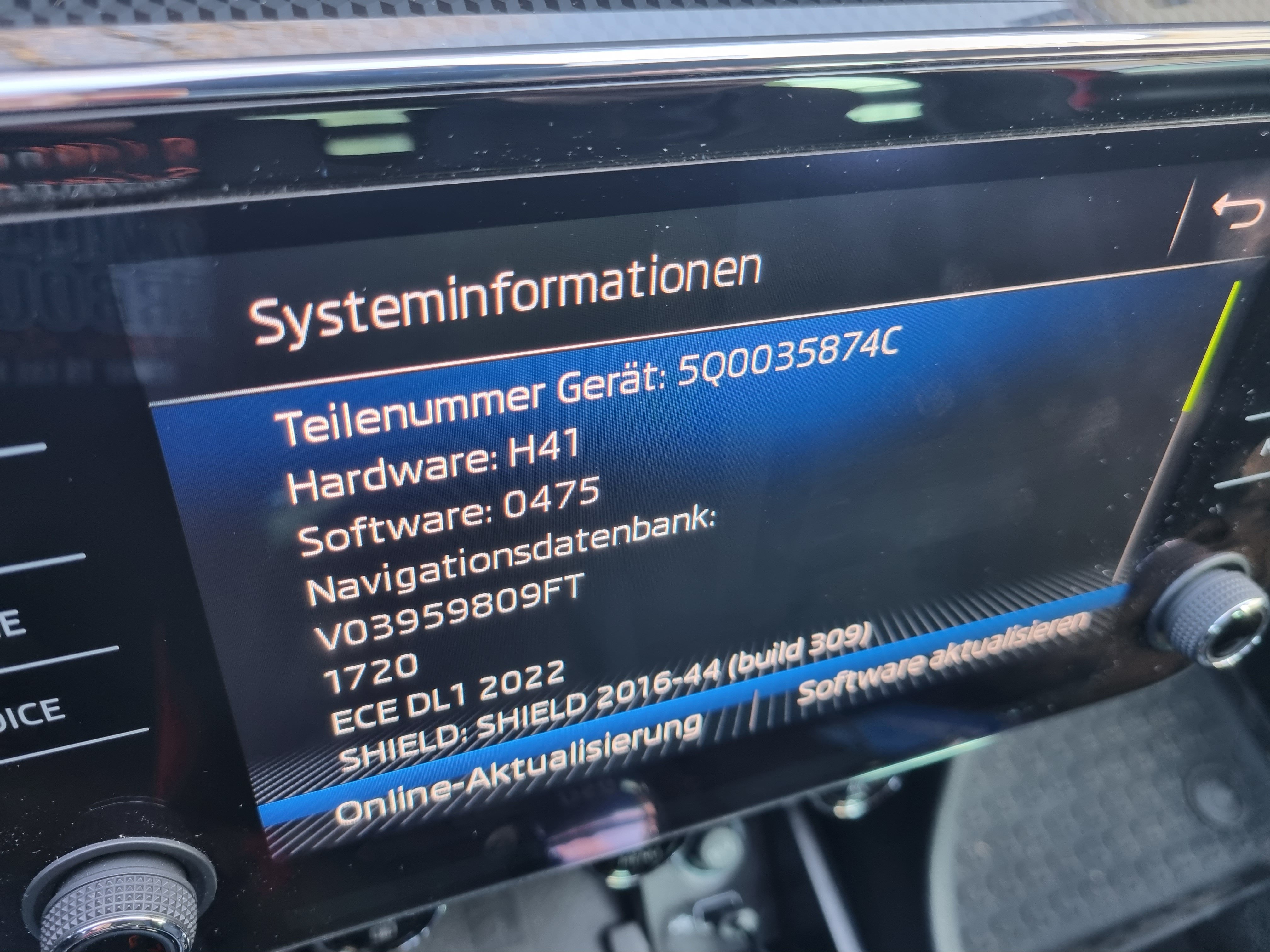
Hi, I need the actual Ammundsen Software Update Thank you 🙂 (Superb 3)