Misak
New here
-
Joined
-
Last visited
Everything posted by Misak
-
After a while guys from shop called me to try to install camera once again.. they've got instructions from supplier that car need to go to deep sleep and after it wakes up with camera connected it will activate everything correctly.. so they install it and it works.. camera view is really wide (you can see bumper and everything behind you)... even the lines on camera bends when I'm steering... 😀 🙃
-
-
-
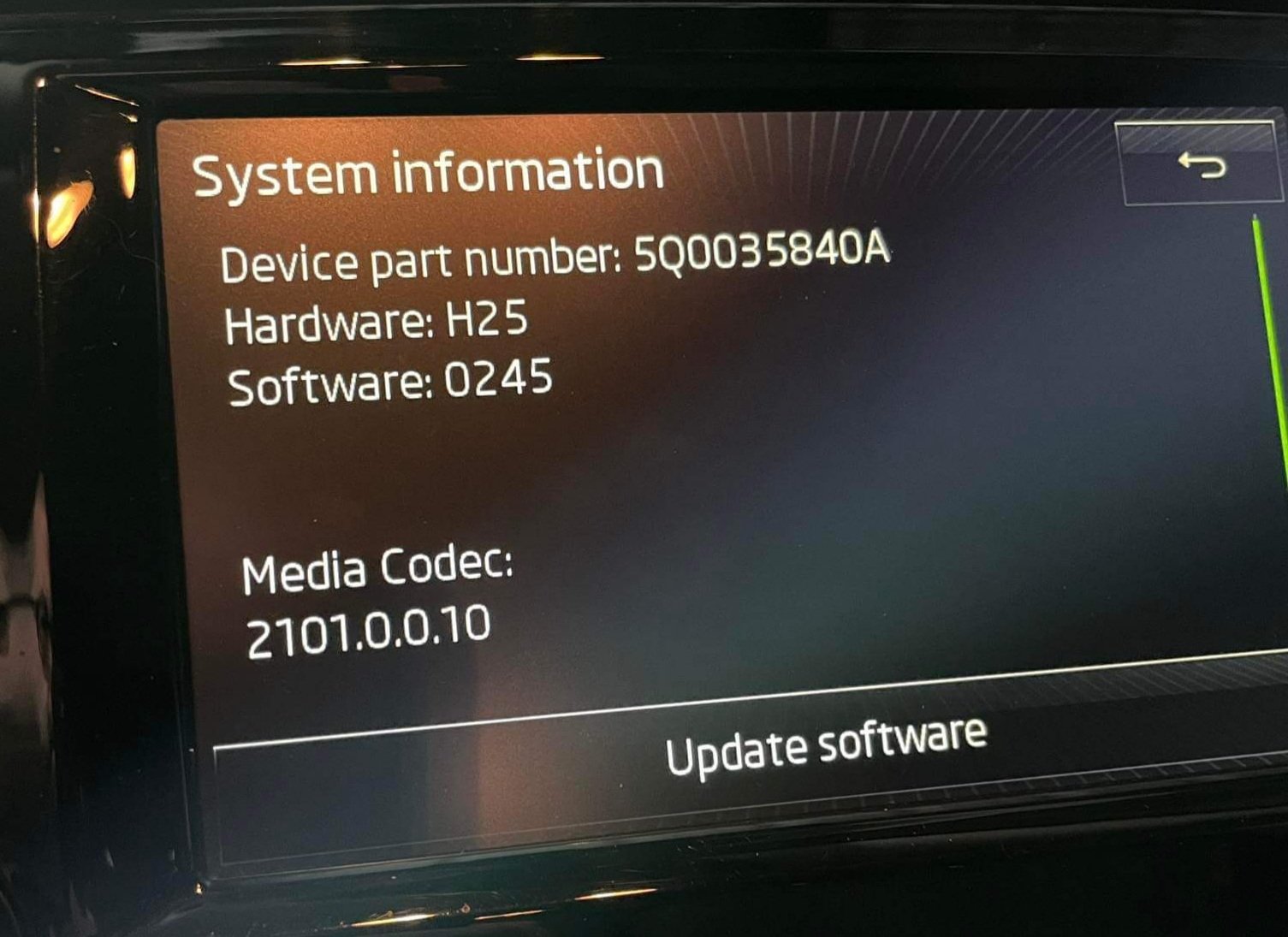
Hi to all, I went to shop to retrofit rear view camera on my Skoda Octavia 2016 DSG, Style, without parking sensors. Guys at the shop call me after one hour to tell me that they cant install camera because its not activating on my bolero unit. They told me it's because I don't have parking sensors.. I said ok and left the shop.. Next time when I start car.and put in reverse I've got message on multimedia to look safe and after that parkpilot not available.. after I click ok, message is not coming back until I restart car... I called shop and they say that they didn't do any coding and that is why they couldn't install camera... they think that computer somehow detected camera and it stays detected and that is why I get that message... How Can I disable that message when I put my car in reverse? I can go to a friend who has VCDS but he didn't have case like this so we need some guidlines... Before this camera install I didnt have any message on headunit when I put in reverse because I dont have parking sensors....
-
Hi to all, my name is Ivan, coming from Croatia and recently buy Skoda Octavia 1.6TDI DSG, Stlye, 2016.