farna
New here
-
Joined
-
Last visited
Everything posted by farna
-
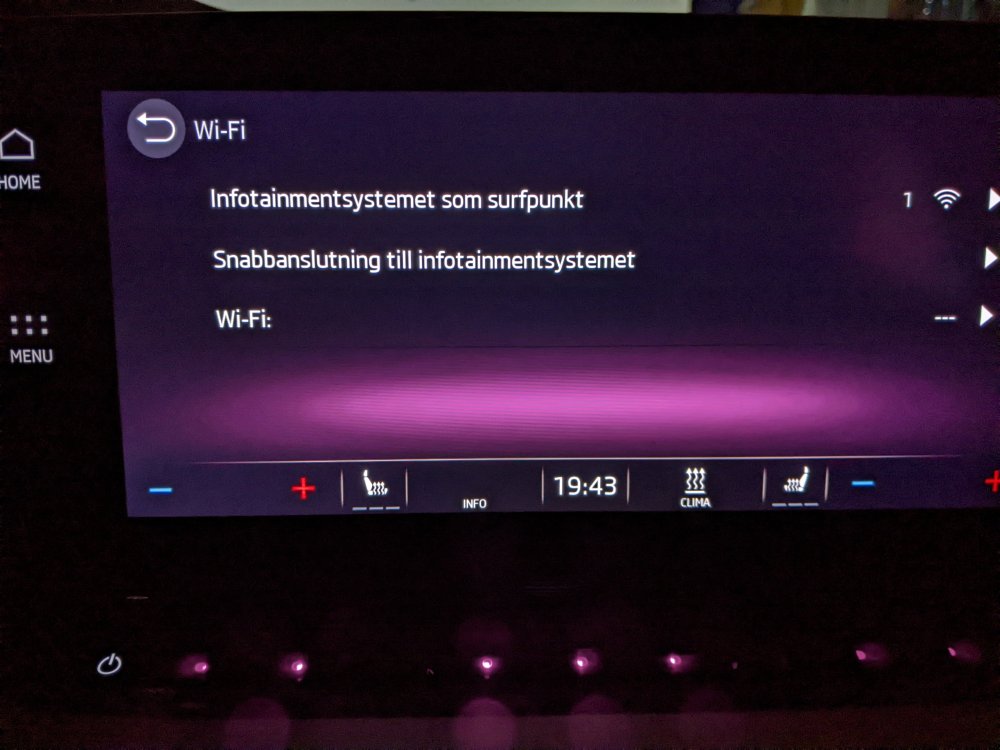
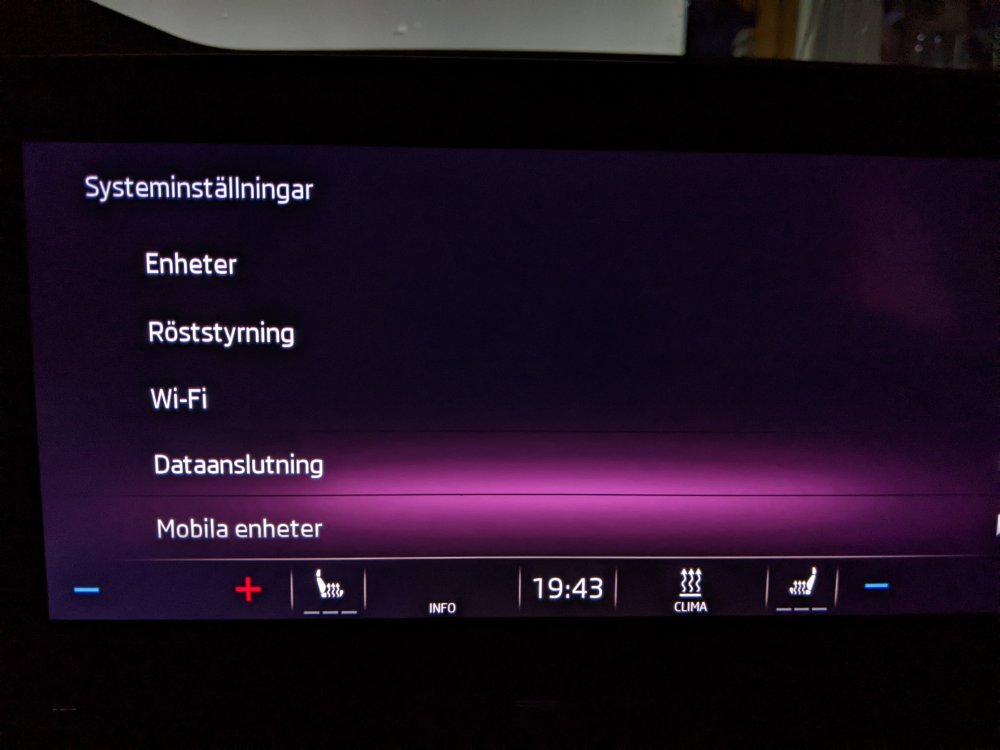
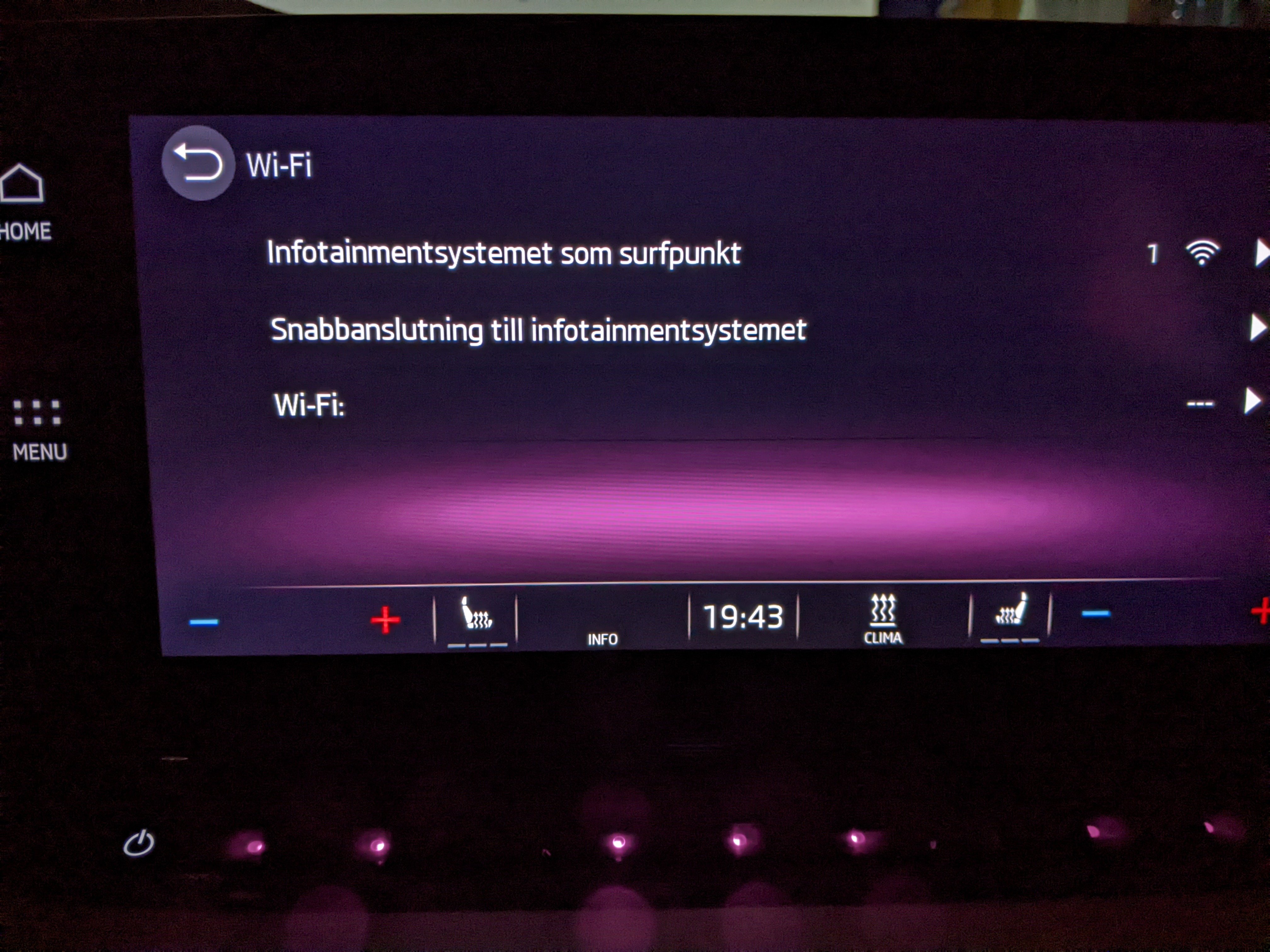
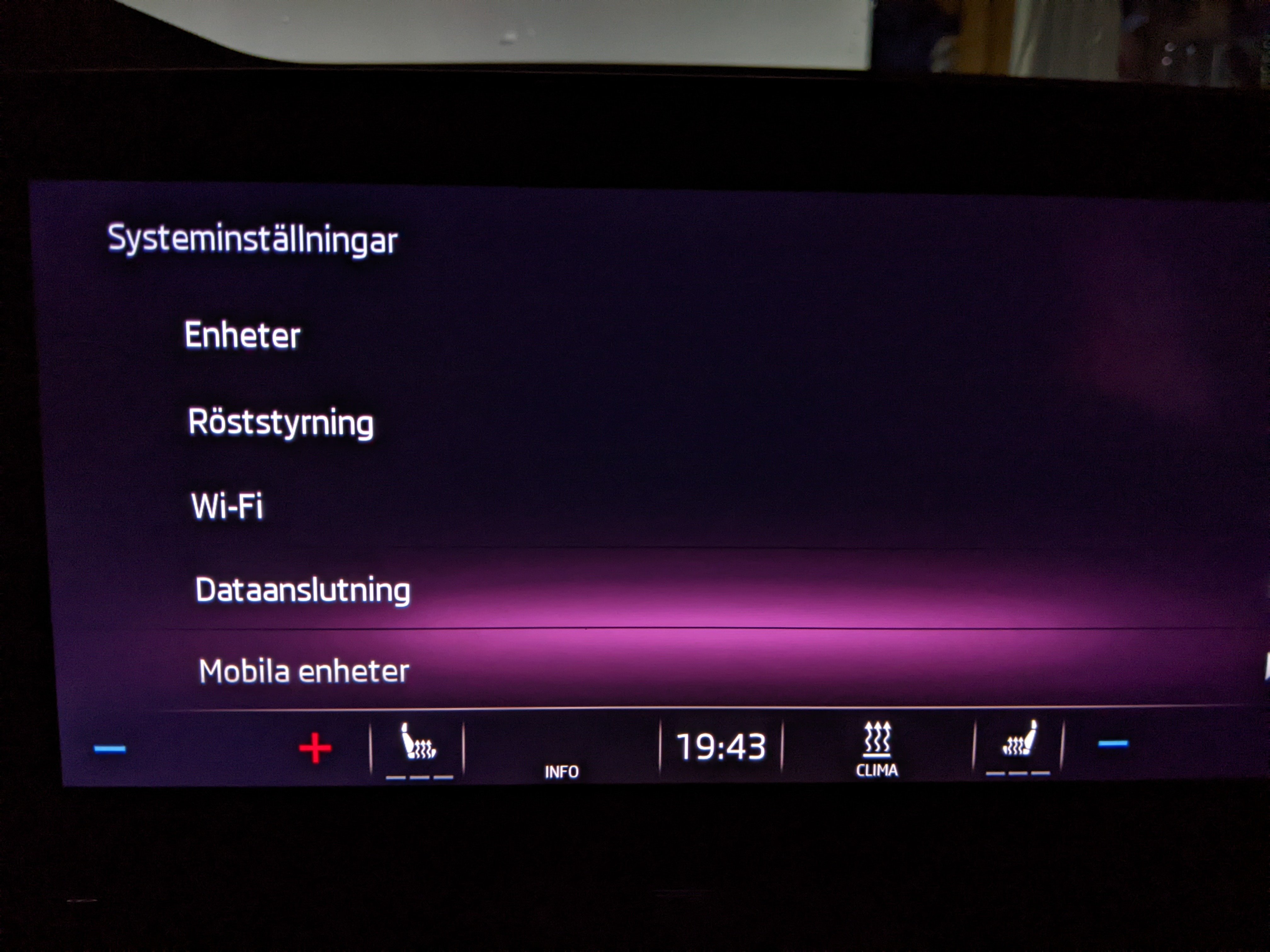
I can confirm that the dealer can fix this! I was also missing the WiFi setting in my infotainment system. But the managed to got it working. Se my other post here for images. Thanks to everyone in this thread, especially Domdomsa for finding out what could fix this!
-
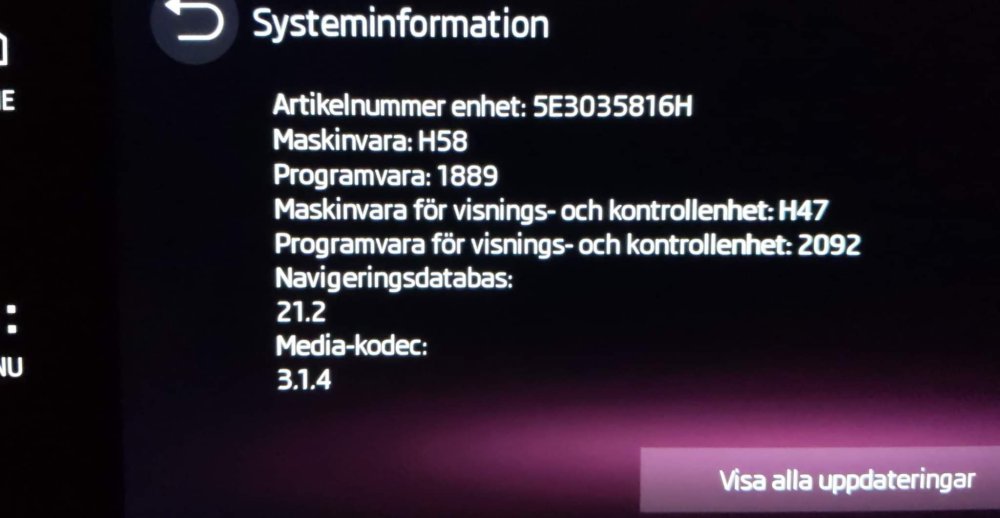
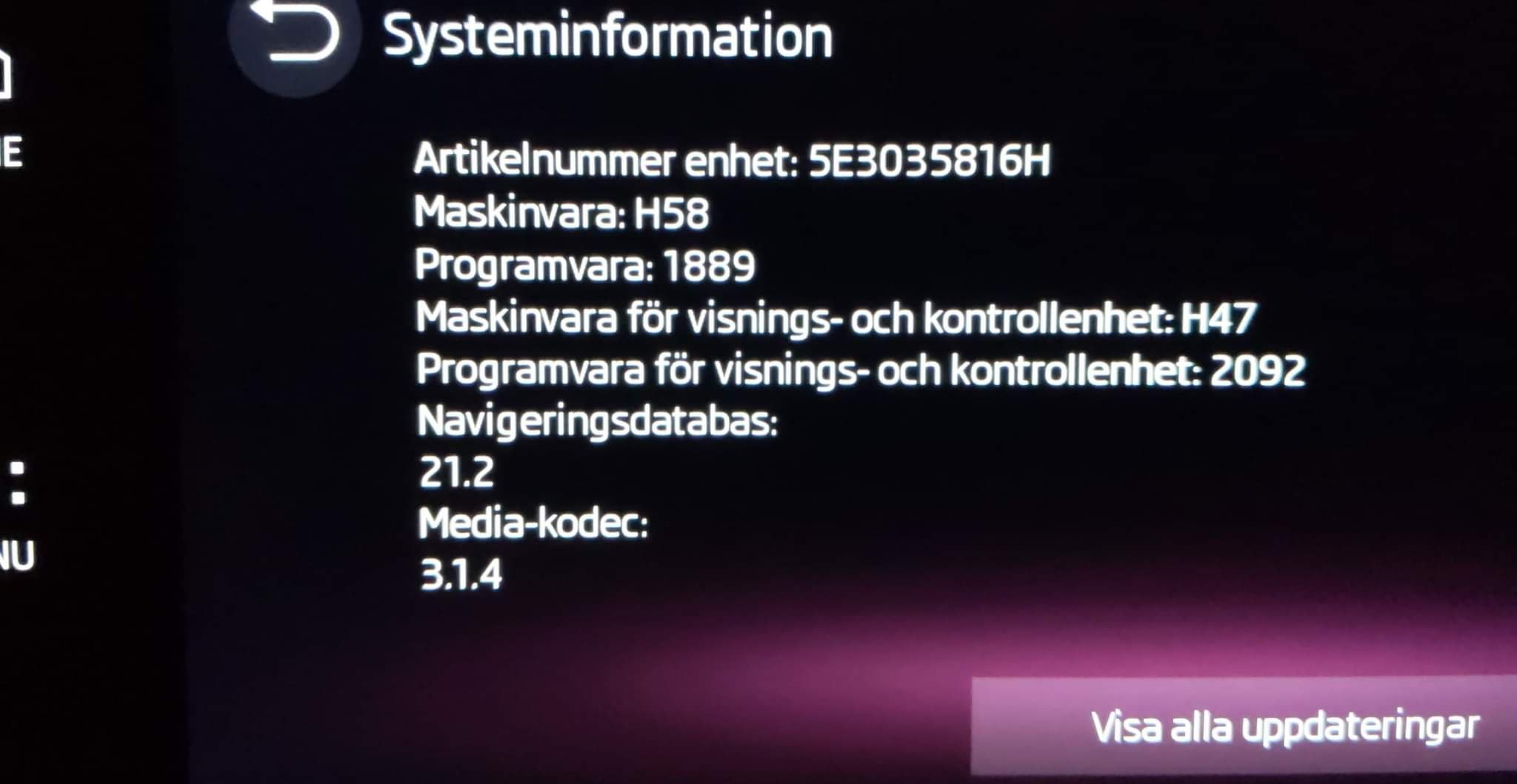
✅ My dealer fixed this! I was missing the WiFi setting in my infotainment system. After a visit to my Skoda dealer they managed to get it working. I can now see the WiFi setting in my infotainment system and Android Auto Wireless started working automatically. Car: 2022 Skoda Octavia e-TEC Phone: Google Pixel 3a, Android 12 Infotainment: Bolero (The image with the versions is before the dealer fixed it, so there might be a chance that the system got updated.) Thanks to all other posts in this thread leading me up to this conclusion. If you also is missing the WiFi setting, contact your dealer, this can be fixed!