trinajstich
Finding my way
-
Joined
-
Last visited
-
Hi djmartizan, I choose to keep option 16 as my default sound dataset. It seemed much better thank stock option... I haven't managed to restore stock option. Yes, I made a backup of all Control Units before starting anything, but on free VCtool I think is impossible to restore.
-
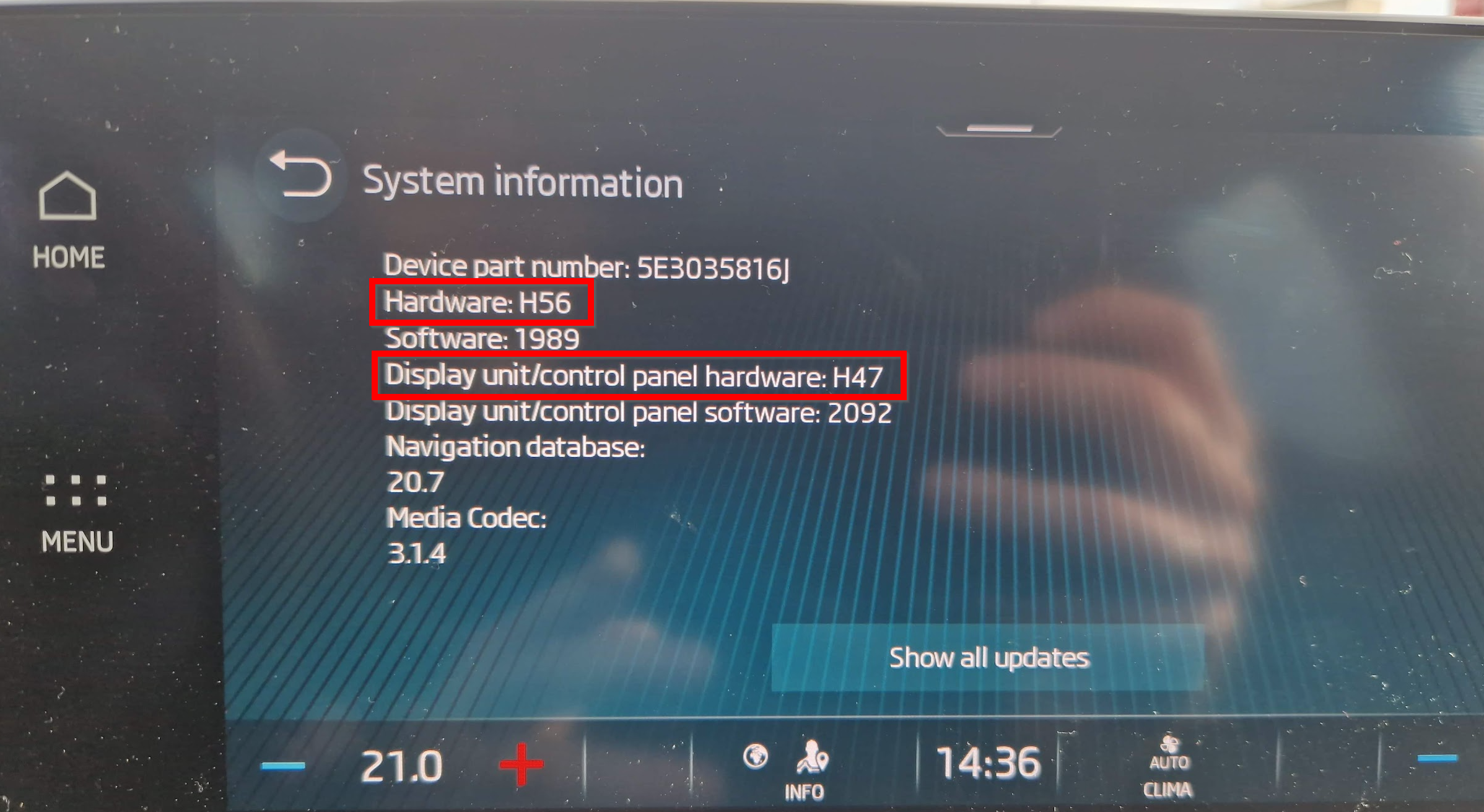
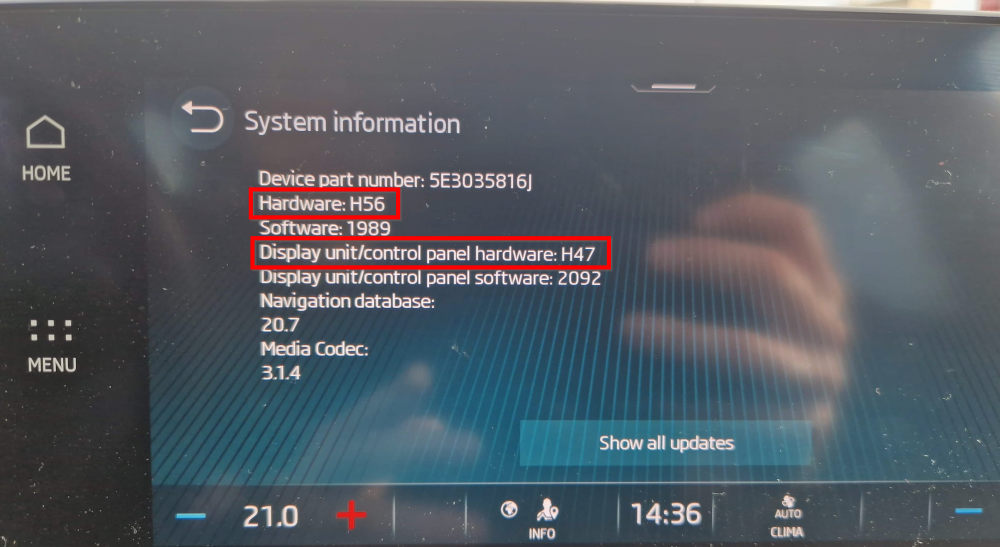
for problematic H44 and H47 you mean "Hardware", or "Display unit/control panel hardware"?
-
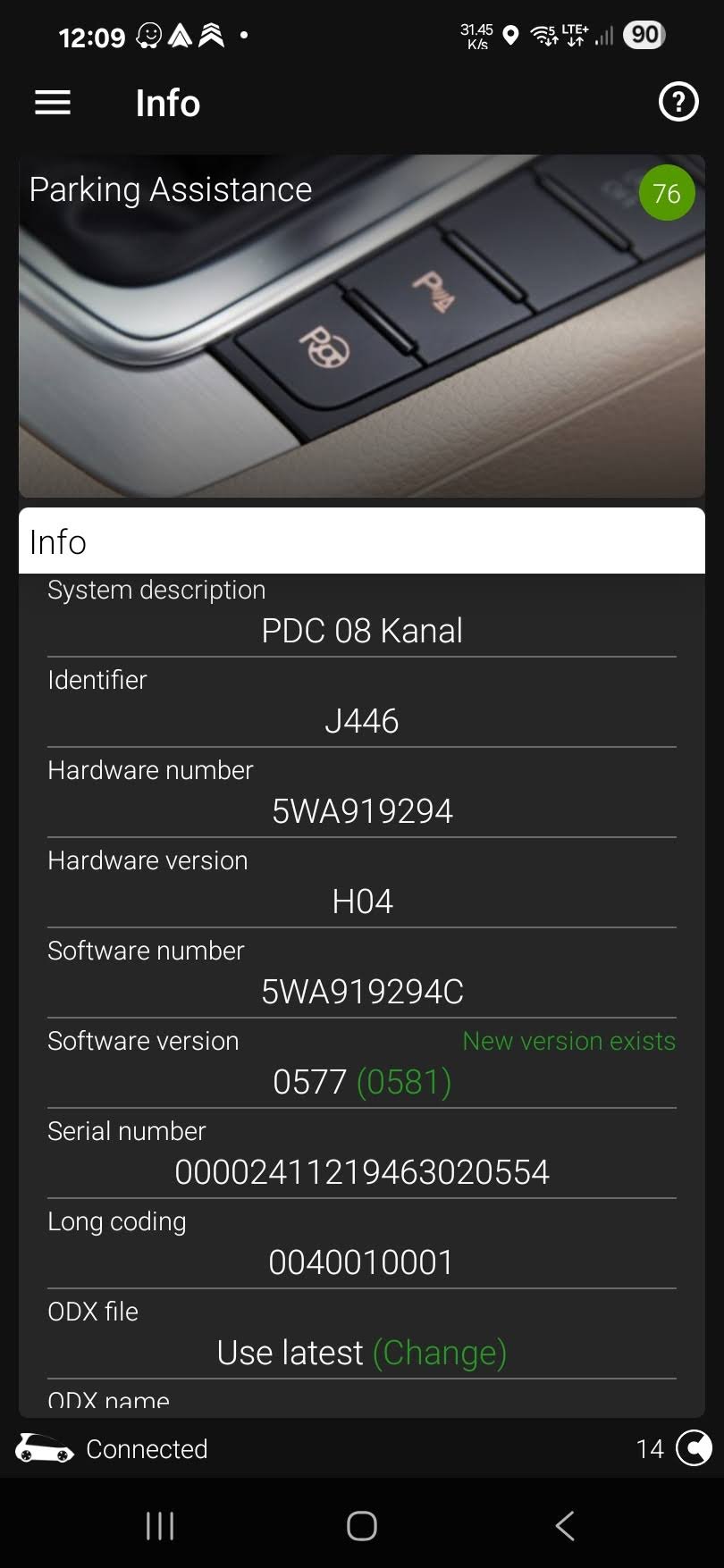
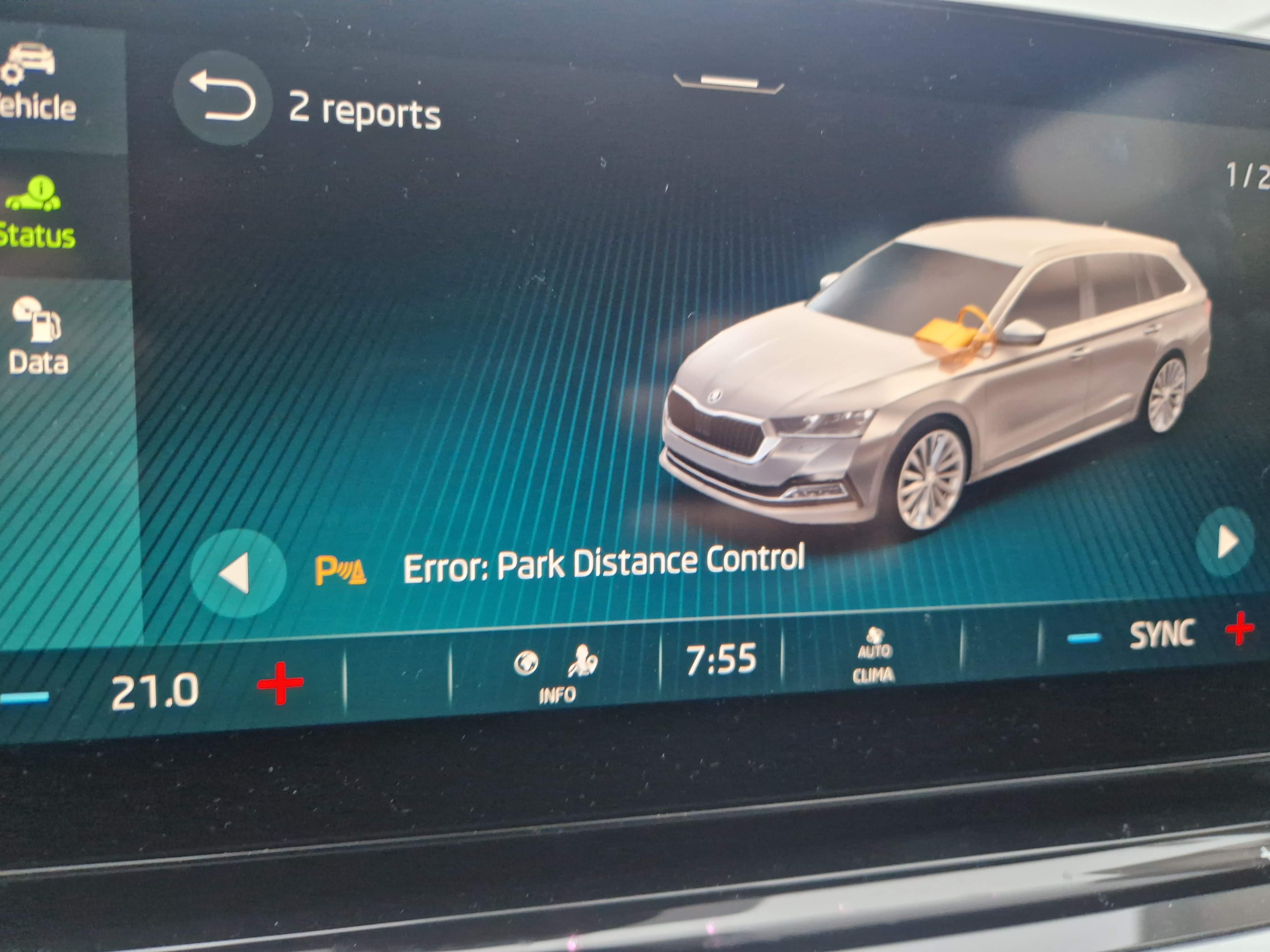
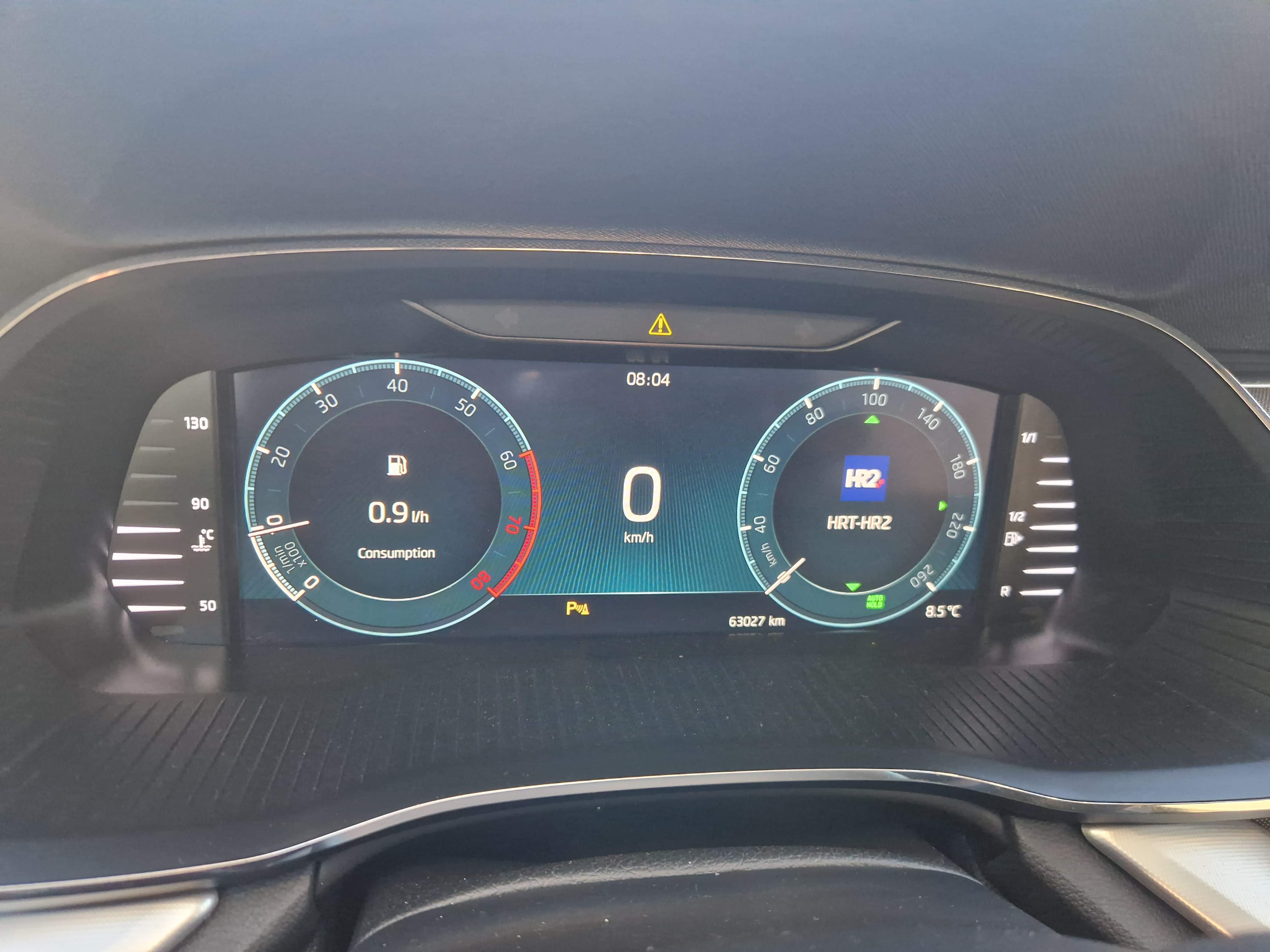
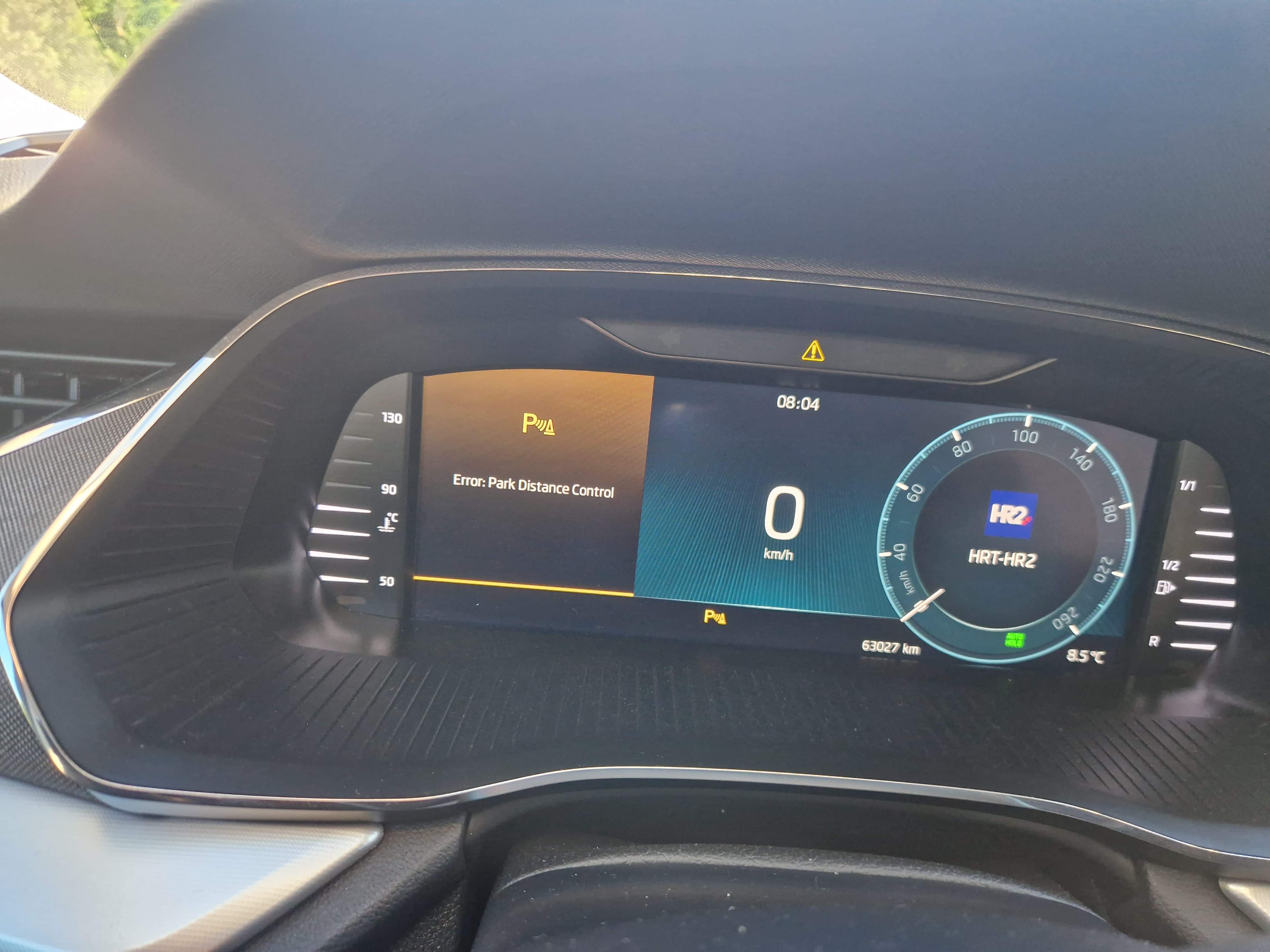
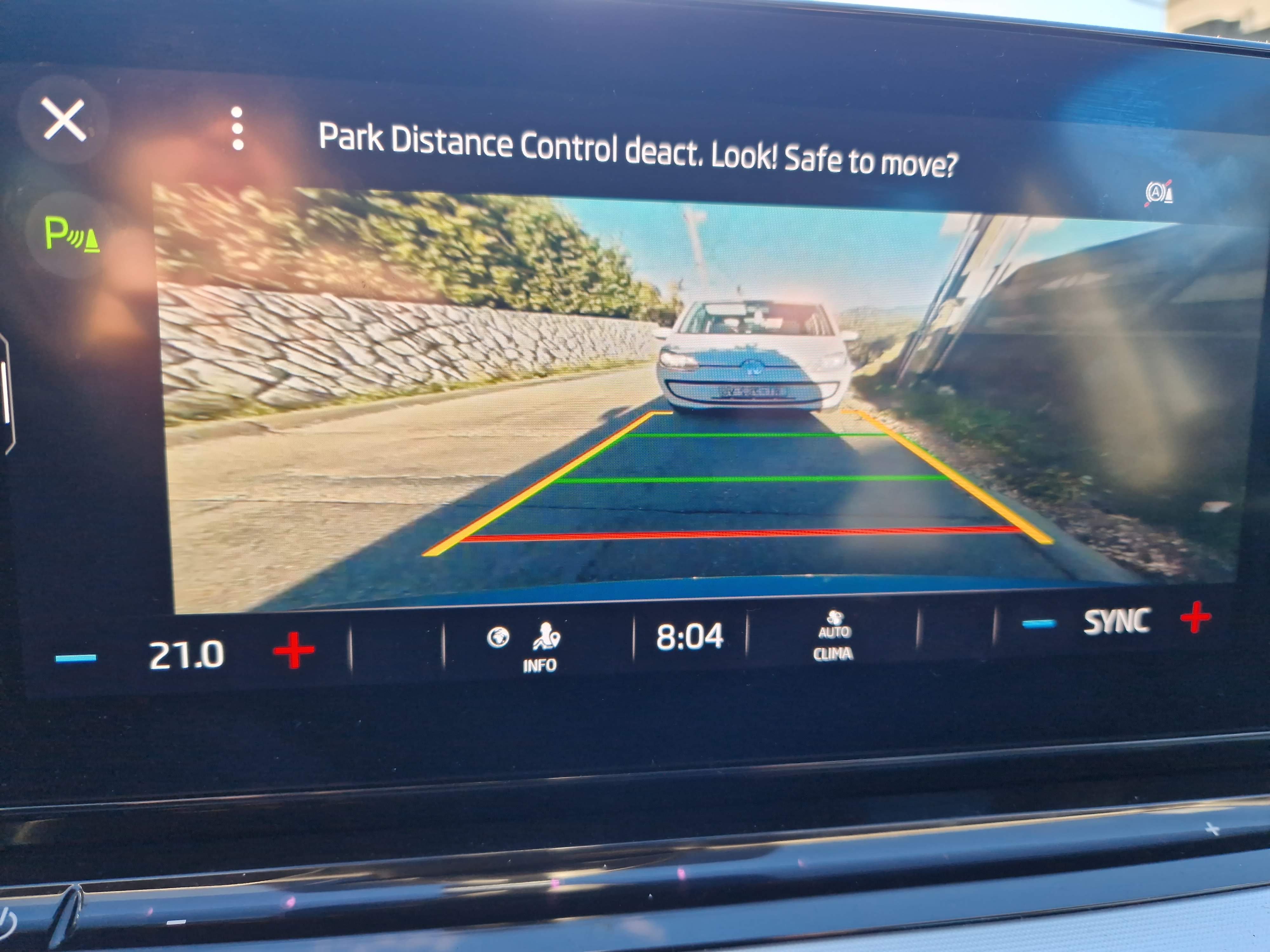
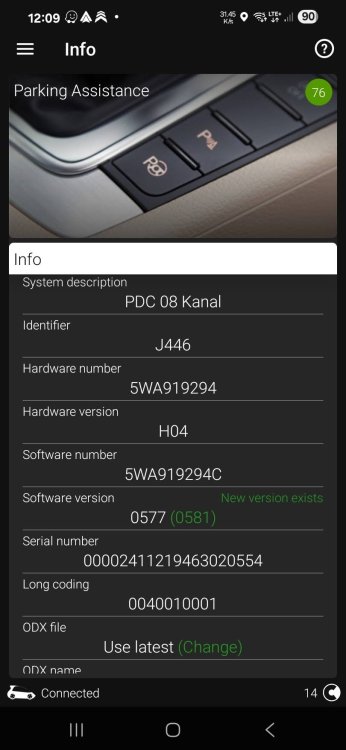
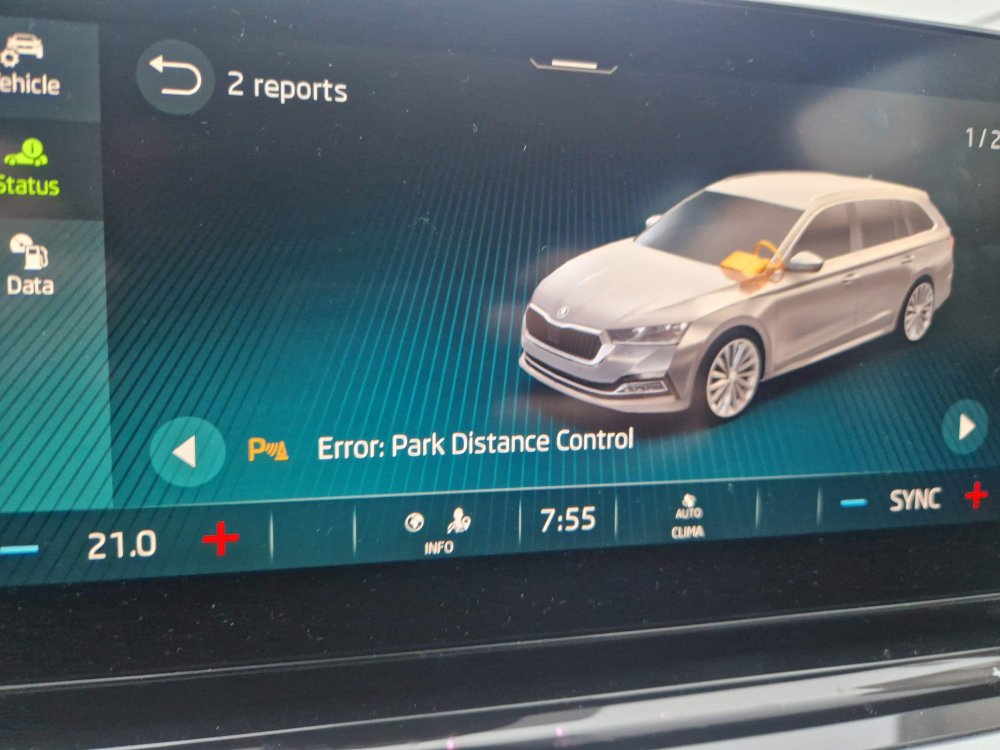
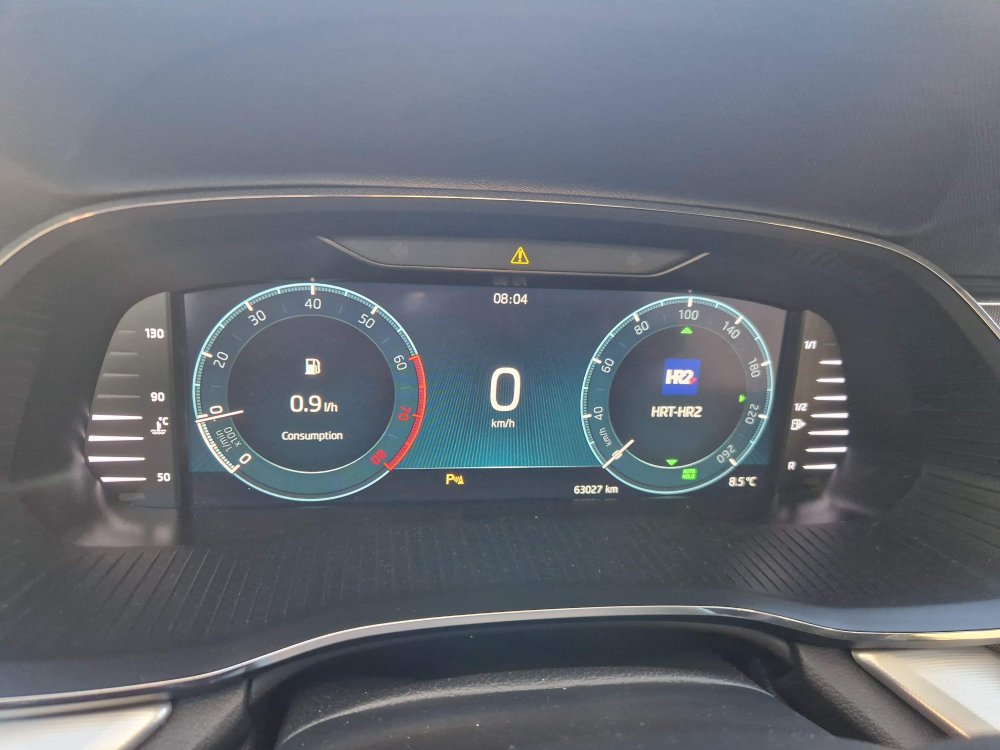
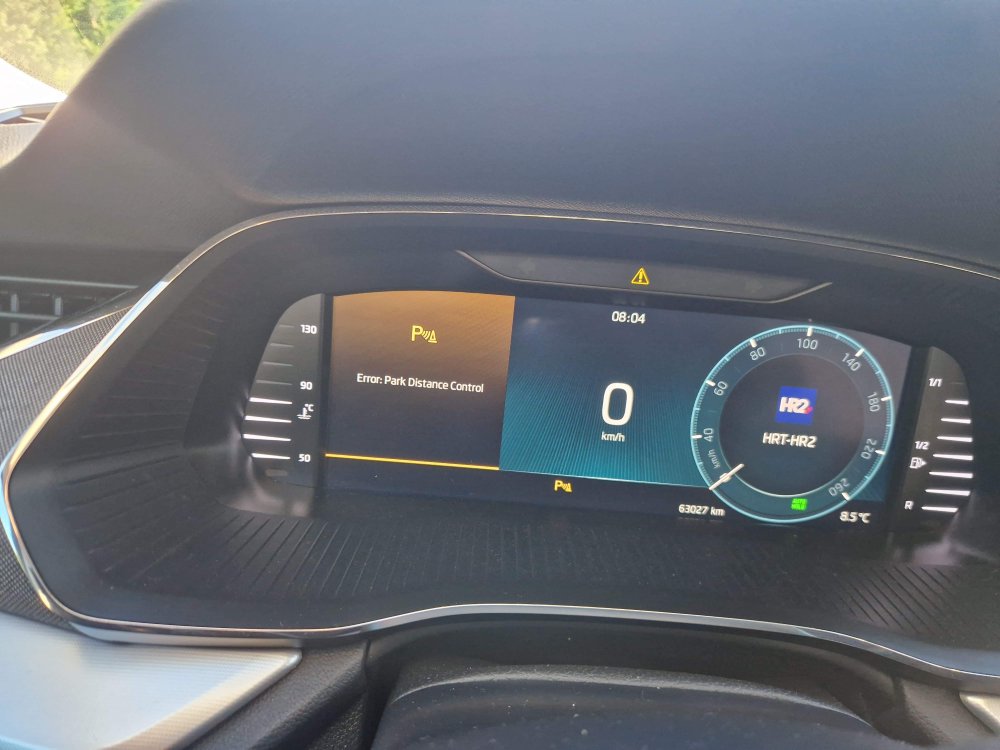
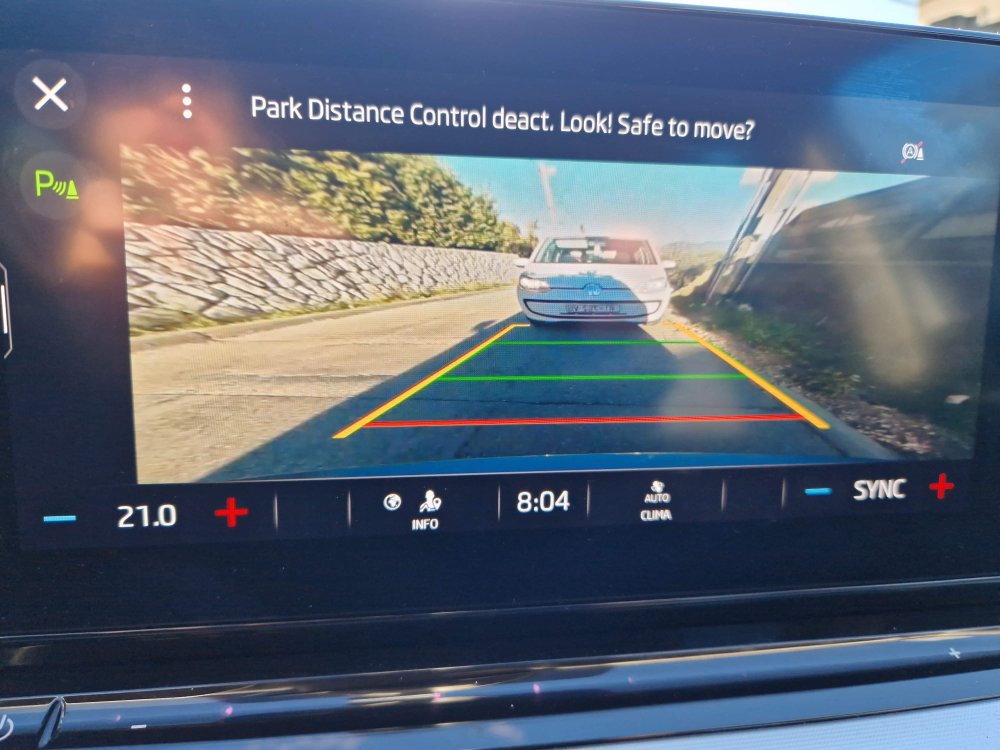
Hello, as many of you in this thread I also have problem with parking sensors (PDC unit) on my Octavia A8 (2022), since 2 years. Usually on cold mornings, on start, PDC unit does not boot on time and I got an PDC unit errors, sensors are not working. I believe this happens due to voltage drop when cranking. After turning engine off -> on, everything is working. I can bypass this problem by first turning ignition, and then start the engine after second or two, in 100% cases I don't have PDC problem. My software version of PDC is 0577 but I see that there new software 0581 is available for this PCD unit. Will software update of PDC unit solve this issue? I would like to buy VCTool ECU flashing module, but I want to be sure that this newer software is available on their server. Can somebody with paid VCTool check this by entering PCD ECU data? Thank you in advance. 20250113_105812.mp4
-
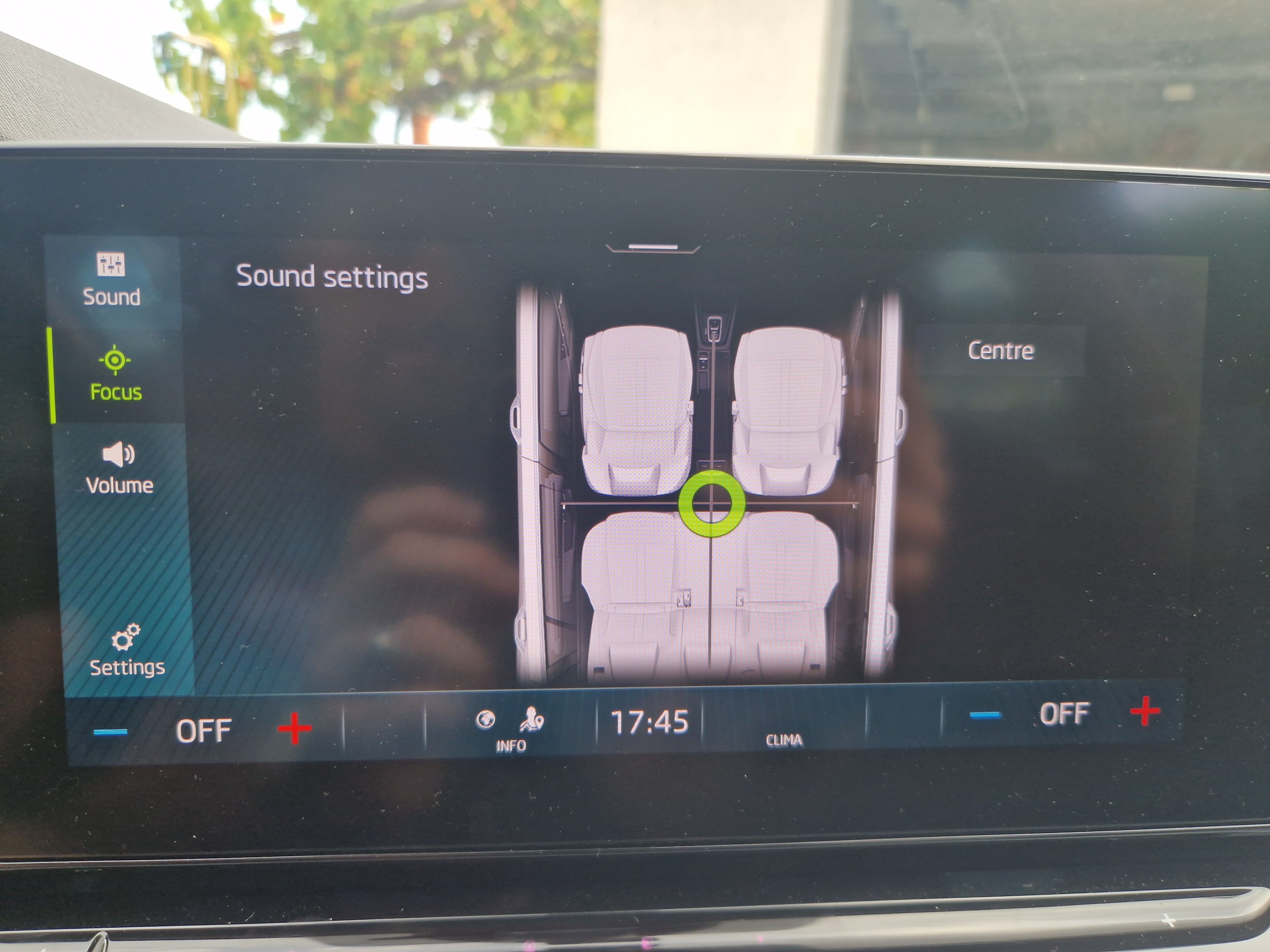
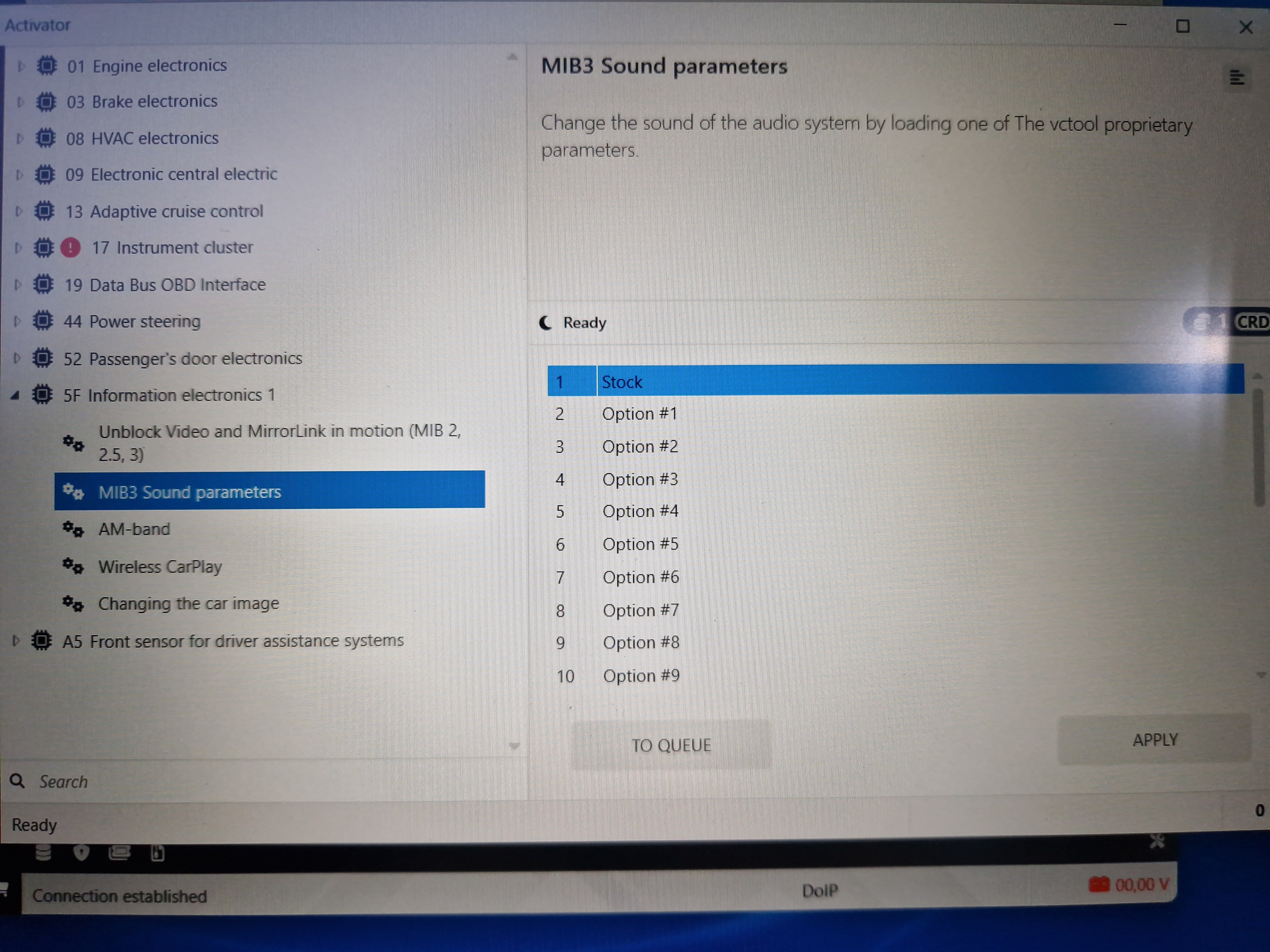
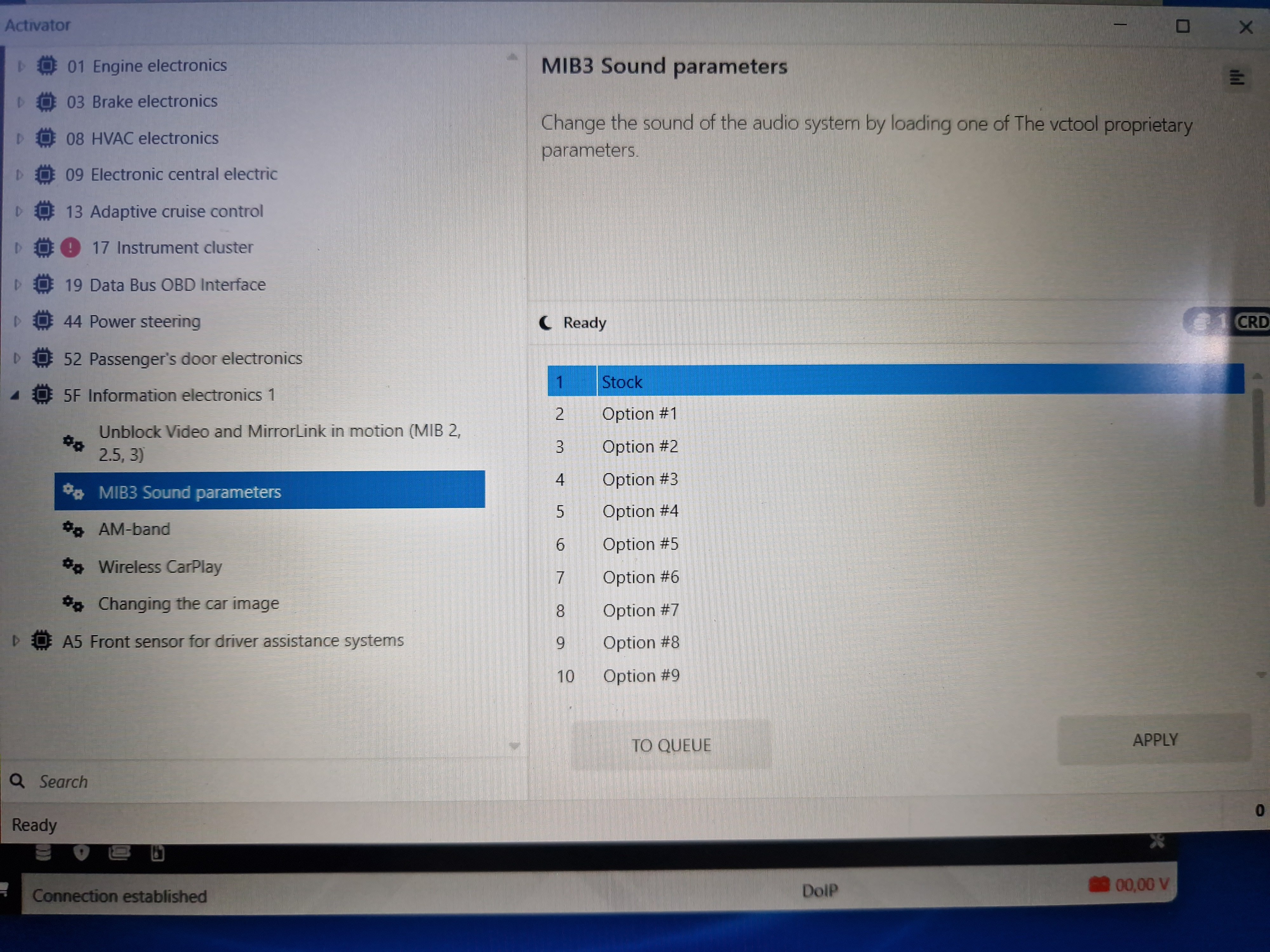
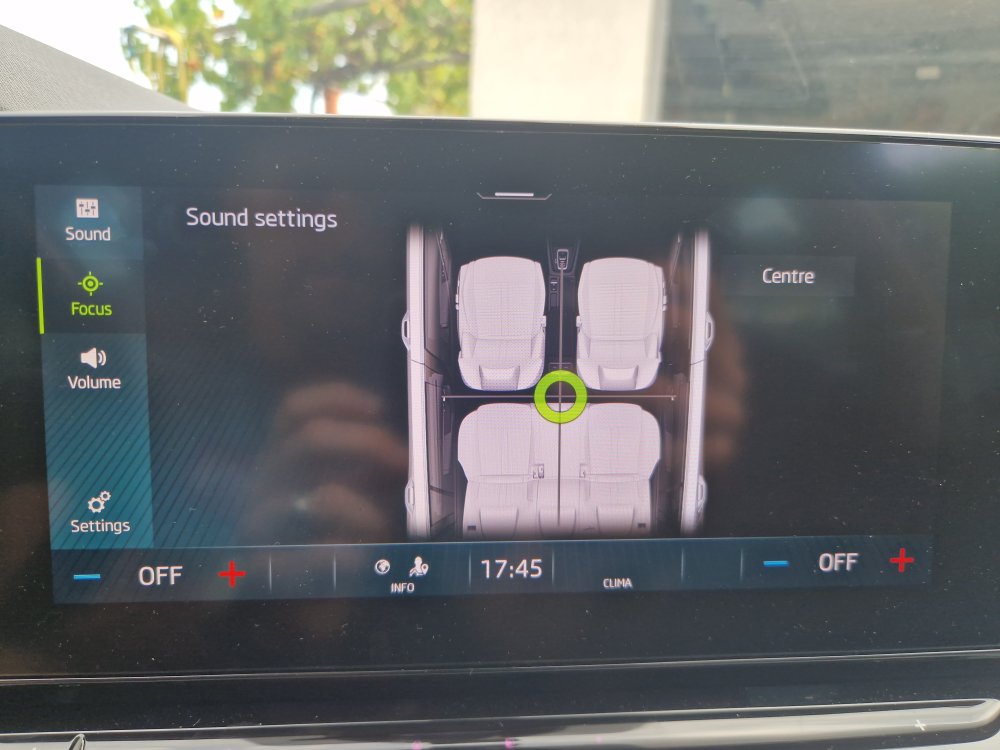
Maybe I panicked a little too quickly. Later I sat in the car in peace and decided to try the other options, starting from the last (Option 22) to the first. Most of these options seem really better than the other. You can definitely hear the difference from one to the other. Most of these options have much better rear speakers than the factory setting . I tried options from 22 to 12 and I would say that only options 14, 20 and 21 are worse than the factory. None of these settings in VCtool give back the "Sound focus" setting option, but since I am satisfied with the sound of certain options, I don't really miss it. As far as I understand, "Sound focus" only gives a different "delay" to the speakers depending on setting but so far I have been most satisfied with the "All" option even on the stock option. My plan is to try all the remaining options, but the problem now is how to decide which one to stick with?
-
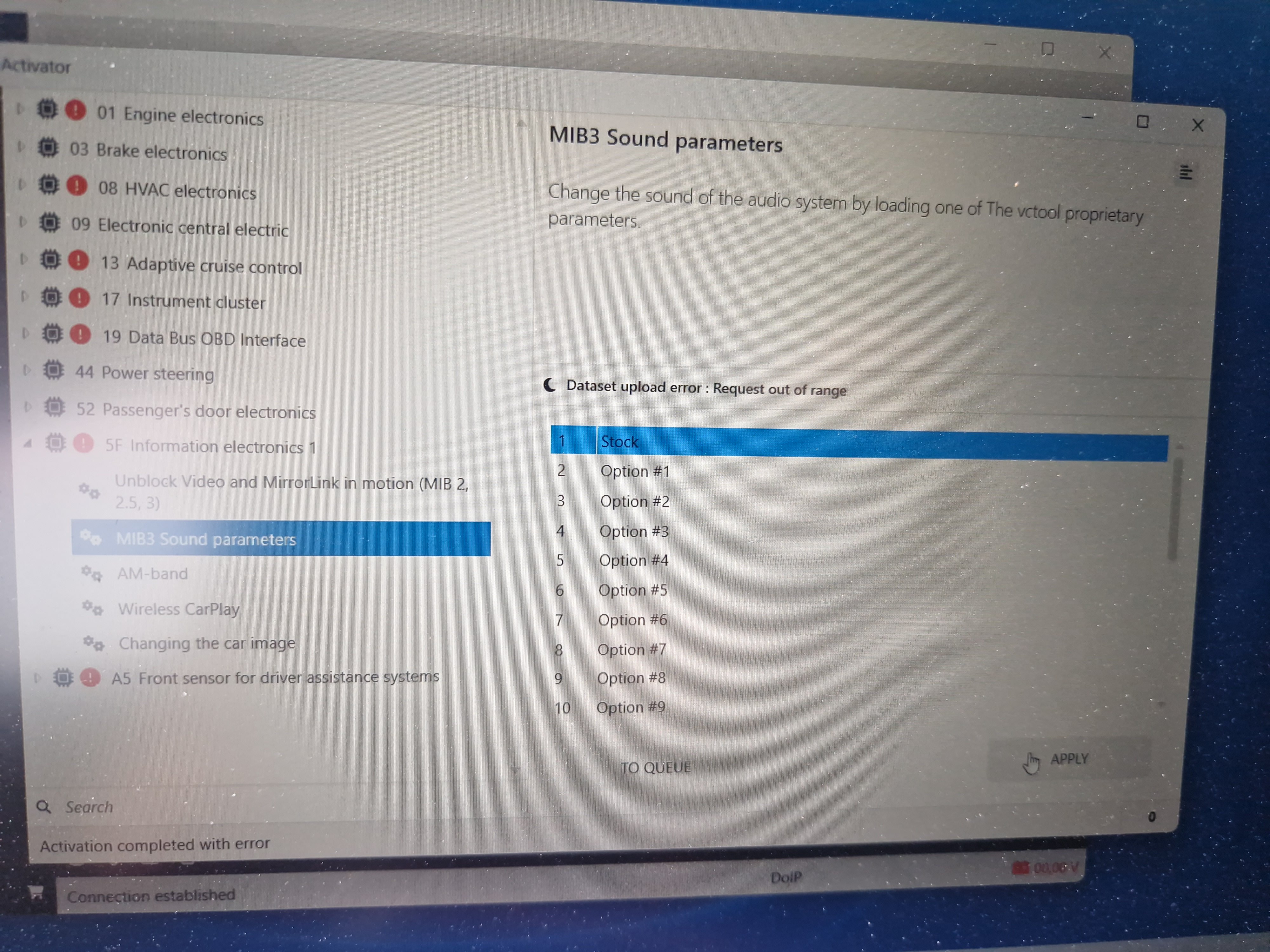
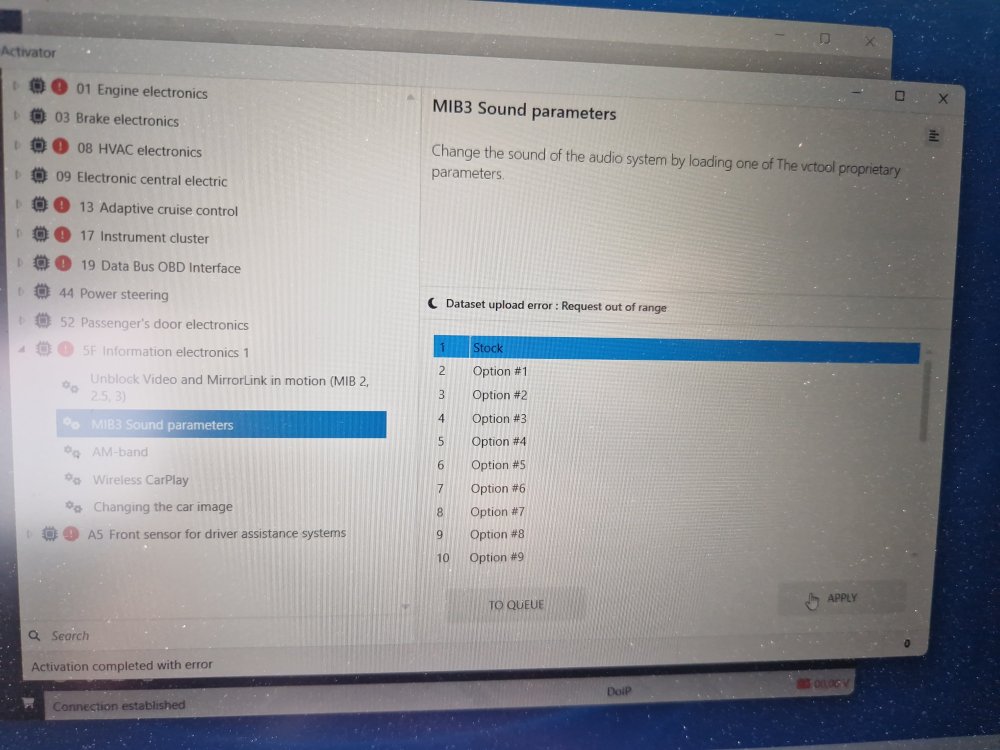
Hi, just a short update. I decided and tried some of the pressets (options) in VCtool. I first tried option 14 like @petrbazant suggested: back speakers started working, signal is same or similar to front speakers, there is no obvious low and high cut frequency but complete sound is much worse than stock option, there is a lot of cancelling frequencies from driver point of hearing. Also I lost option of sound focus (driver seat, front seats or all) in sound settings, I just have fade (front right) and balance. When tryed to apply stock option it says: Dataset upload error: Request out of range.... I will try and play with some other options, hoping they will sound better. If someone know how to restore Octavia 4 stock settings please let me know
-
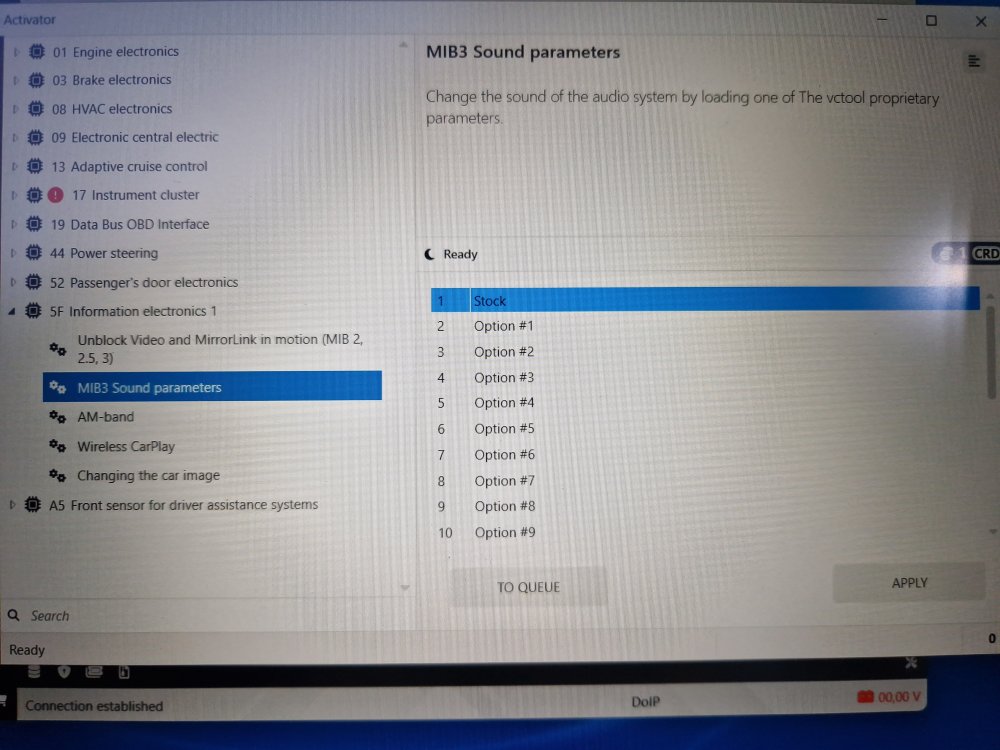
Helo, I got reply from VCtools support about "stock" setting: " The “Stock” option attempts to find backups of your vehicle in the database and, if they contain a saved sound dataset, restores it from the selected backup. If no backup is found or the dataset is missing, it will load the standard default dataset for your vehicle (which may differ from the one originally installed). On the MQBevo platform, datasets cannot always be read, so their presence in a backup is not guaranteed. In any case, to restore any factory parameters, you can use the Stock Service — this service allows you to request factory datasets and calibrations for a specific vehicle directly from the VAG factory server. The service is paid and not included in any subscription. Please make sure to review the service terms before using it. "
-
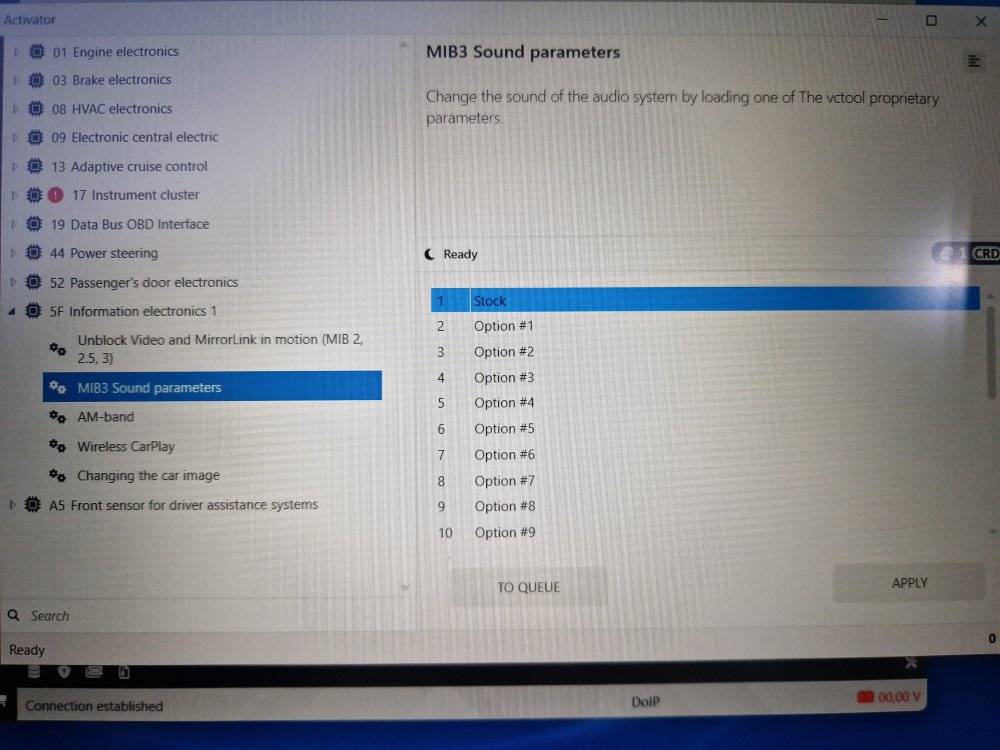
I can confirm that VCtool works well with Octavia NX and DOIP cable (aliexpress 10€). VCTool seems very powerful if you pay for subscription, but even without that you can scan and clear DTC error codes, you can make backup (I don't know if you can restore backup if you mess something without subscription), and you have 1click apps. Maybe you can do also some another things. I haven't tried yet changing sound parameters. 1st option is "stock", can somebody confirm this option works?
-
@petrbazant or someone else, any progression on this topic?
-
I will order this DoIP cable and try with VcTool. Will report in few weeks.
-
Can you please try to connect to your Škoda with ELM327 + VCTool and confirm this combination works for changing MIB3 audio parameters?
-
Is there option for setting back to default dataset? How many datasets did you tried?
-
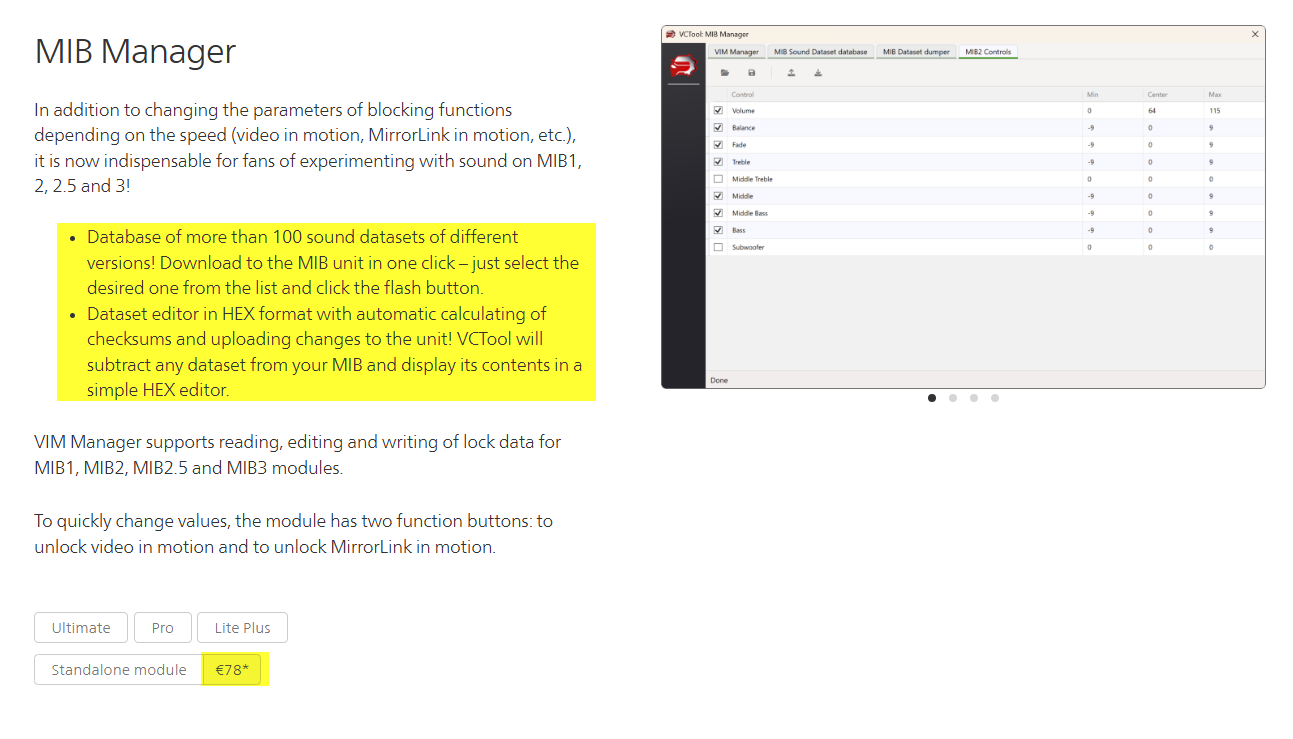
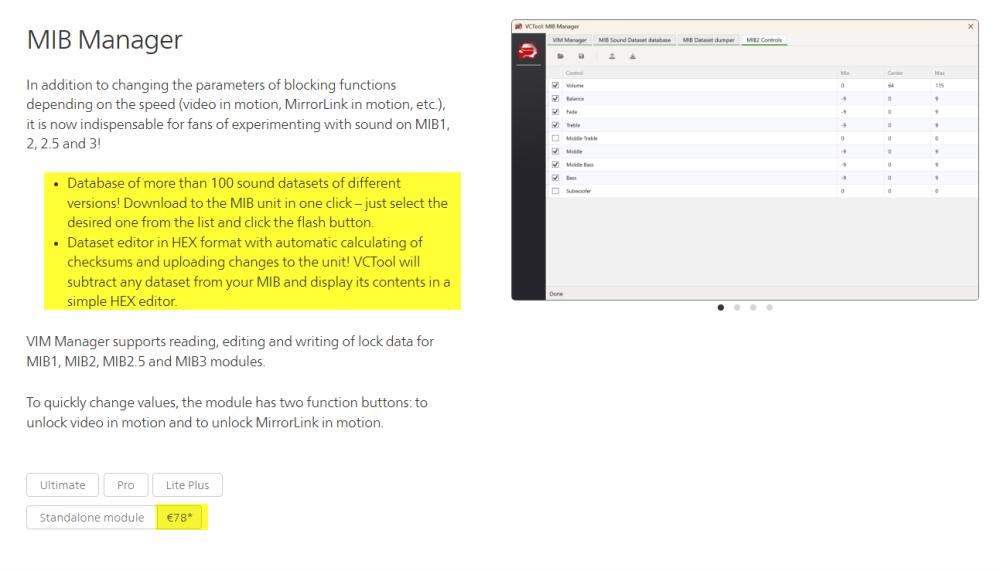
@petrbazant As I see on their webpage "MIB Manager" module costs 78€? Is this correct? Also, The generation of SFD tokens, requests to the Stock Service and FoD Tweaker module are not included in any subscription and are provided for an additional fee! Can you please explain what did you done with VCTool?
-
I started researching this topic about sound settings, datasets, after installing Focal IS WV 165 speakers at all 4 doors and realizing that rear speakers setup is like they are not existing. I ended by buying Focal Impulse Amp and Focal SUB 10". Currently in process of making custom fiberglass enclosure in side of trunk. With this experience, I would just buy front Focal 165mm speakers, deaden only front doors, boot and below rear seats and be happy with additional 1.000€ in my pocket..
-
I have done many other coding with no additional charger or battery above 12,5V. So I don't believe this is request just for EEPROM or Dataset Dump section... I can enter this page https://mqb-blog.com/sound/ , so it is working, but as I read some comments on his blog it seems Alex is not so active. I will not pay or contact him directly before I succeed to export dataset and play with it...
-
It theory, yes, you should able to do that, but I don't know how.