SvenIngvarsson
Finding my way
-
Joined
-
Last visited
-
I successfully managed to get past my issues by uninstalling the app and re-installing it. Now I'm able to long code and have already been able to disable speed limit warning in unit A5! If only there were now a way to adjust Carplay to higher resolution to fit more information on the screen, just like it were on the previous 2021 Octavia. I really hate these large "old people" icons and I wish they could add a setting for it.
-
Have you been able to do any coding of a module where no fault code has been found in? I can only access details in module 19, which is the only one it has found a fault code in. I have facelift sport line and every time I try to access any other modules it asks me to check ignition cause the control module does not respond. Tried with hood open, activated 2FA. Just bought the OBDeleven and saw a way to deactivate speed warning, but I can’t even access the module A5. Any ideas?
-
I get the same when in Sports-mode. When in sports-mode, it seems the regen is more active than in the other modes.
-
Google Maps doesn't, or does it? I can't get Google maps to show directions in the Head Up Display, but Apple maps shows them. Is there an option I might have missed perhaps?
-
I have the matrix version, picture A. But I must say, I don't understand the "cornering" feature at all. My brother drives an older Volvo XC60 and also has cornering feature but, when he turns his steering wheel, even if standing still, you can see the lights adapting to the direction where the car is going. This is totally non-existent in the Octavia. The only thing that I can see sometimes is when you come upon an intersection visible in the navigation system, it will light up a bit on the sides, which is pretty neat, but I would prefer a proper "cornering" light so you can see better in sharp turns. I don't know how this works in a non-matrix version of the Octavia though.
-
Hi! Could I have the link to the SW please?
-
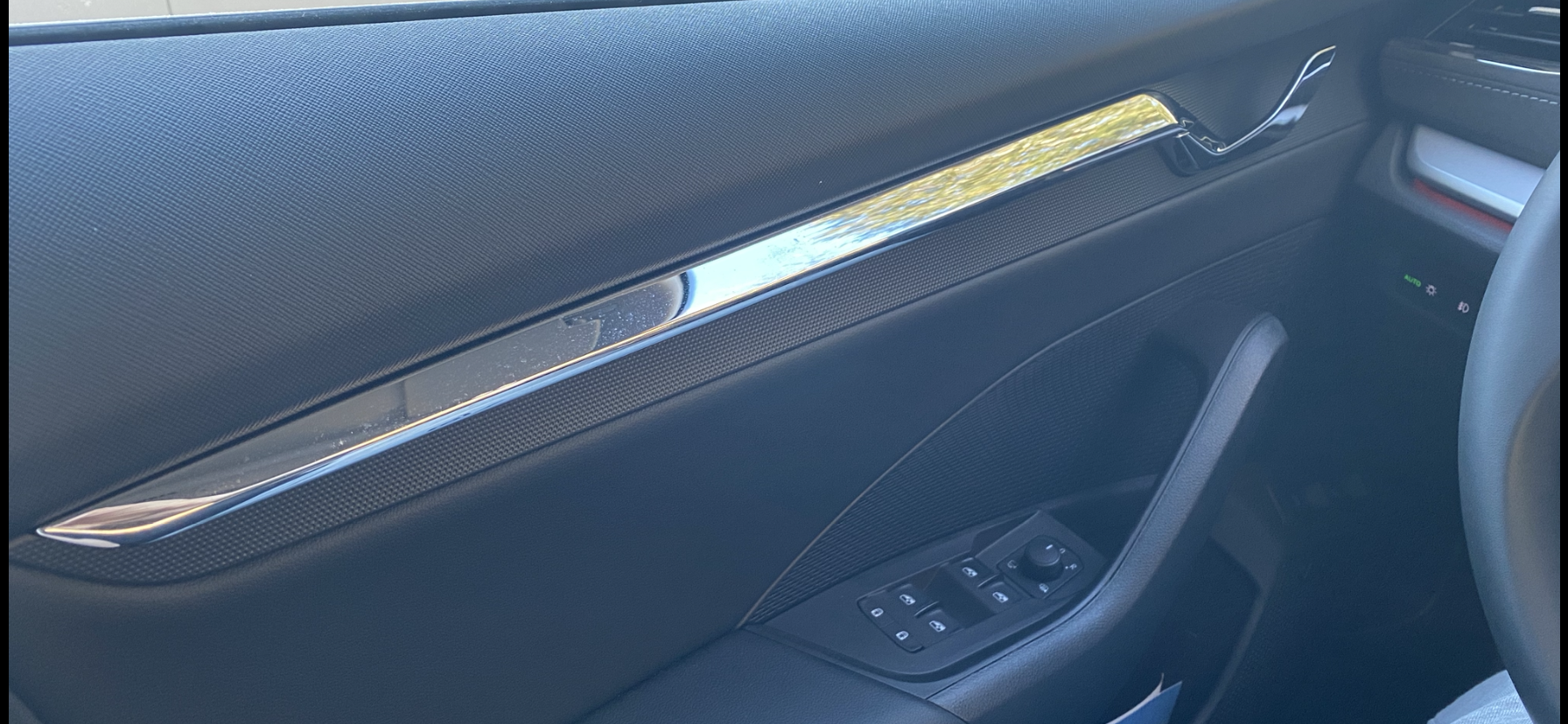
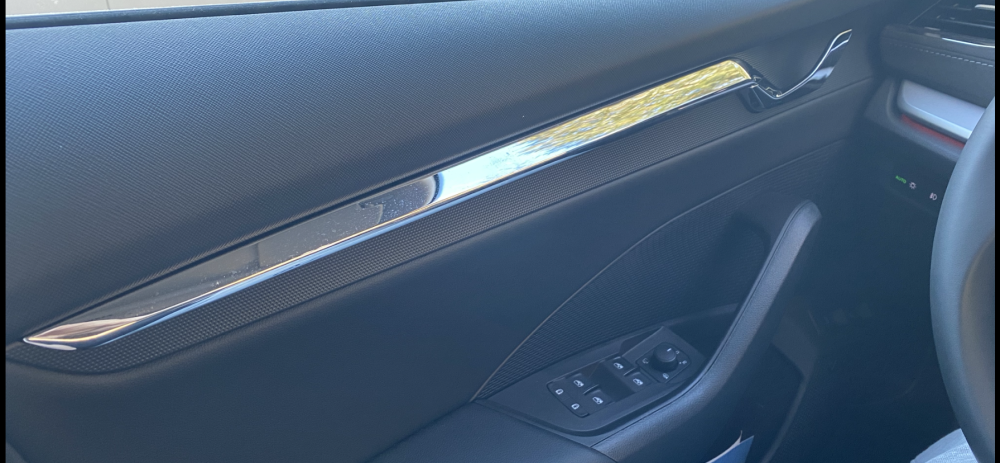
It’s a pretty large reflection area as well.. I get blinded at least once in every drive I take on a sunny day.
-
It’s really poorly designed. Right now I just put my arm over it to cover it, but sometimes you’re not ready and the sun just hits you and blinds you for half a second which would be enough to cause serious accidents. I think about painting it or cover it with some tape. Or just get rid of the list and drive without it. Maybe there is a replacement part which is not chrome..?
-
Anyone experiencing this and do you have a solution for it?