




GBathers
New here
-
Joined
-
Last visited
Everything posted by GBathers
-
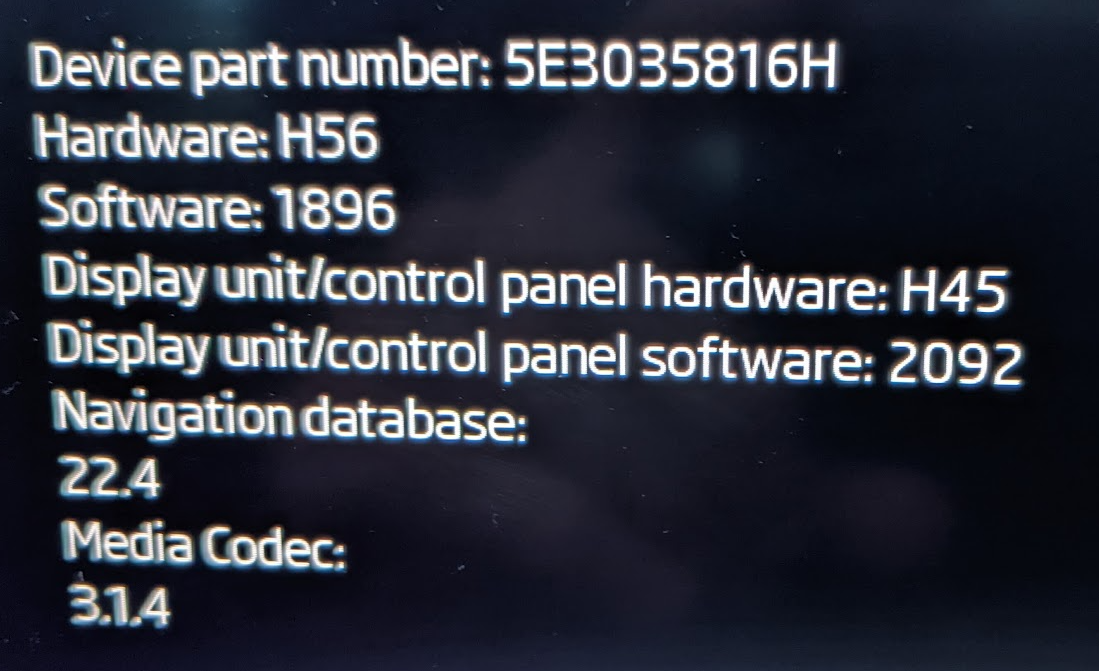
To anyone following this thread - I complained to Skoda UK and after a few e-mails (and an escalation) my car was booked in for a software update - that was yesterday and it has been fixed! I have used it a few times since picking it up and each time it has remembered addresses and settings. Tested and working: Addresses/favourites saved. Last Journey details saved. Addresses sync from online (although there is a bug in their online system so I wouldn't spend much time on that!) Settings (such as traffic signs) saved. (Note: I do not know about the ACC lane/undertaking issue as I'm not even sure if I had that problem anyway). (I should add that they failed to address the two recall/notices outstanding on the car but this seems to be a general issue with parts and training - that should happen in a few weeks).I e-mailed Skoda and they won't even acknowledge that there is an issue. I sent them a link to this forum and they replied "we do not comment on forums". They keep passing me back to the service centre, which seems a little unfair given that the software is the responsibility of Skoda, not the service centre. For what it's worth - I have tried adding destinations on the web Dashboard (skoda connect), the App (Android) and the car. Nothing seems to work - the App lets you save charging sites and the web version lets you save some addresses (but they do not actually save - it says they are saved and then they vanish). It suggests there is a fundamental issue with data being saved but impossible to tell whether data is meant to be saving in the cloud or always in the car itself.Thanks. I'm 'glad' I'm not the only one suffering with this. I sent another e-mail to my service partner today making a bit more of a forceful complaint about this (I don't imagine it will make much difference but at least I have it on record for warranty purposes).Hi all - has anyone managed to solve this problem? My service centre tell me they are waiting for a software update but nothing yet. Surprises me that more people aren't annoyed by this problem.


Important Information
Welcome to BRISKODA. Please note the following important links Terms of Use. We have a comprehensive Privacy Policy. We have placed cookies on your device to help make this website better. You can adjust your cookie settings, otherwise we'll assume you're okay to continue.