benjacontreras
Finding my way
-
Joined
-
Last visited
Everything posted by benjacontreras
-
What happens is that I bought a new radio for my car, when I install it, the rear speakers do not sound. But if I use the original stereo they work! I was thinking of making the connection between the original cable and the new radio manually, but I can not distinguish which is the cable of the rear speakers.
-
I have rear speakers…. That’s the weird part!
-
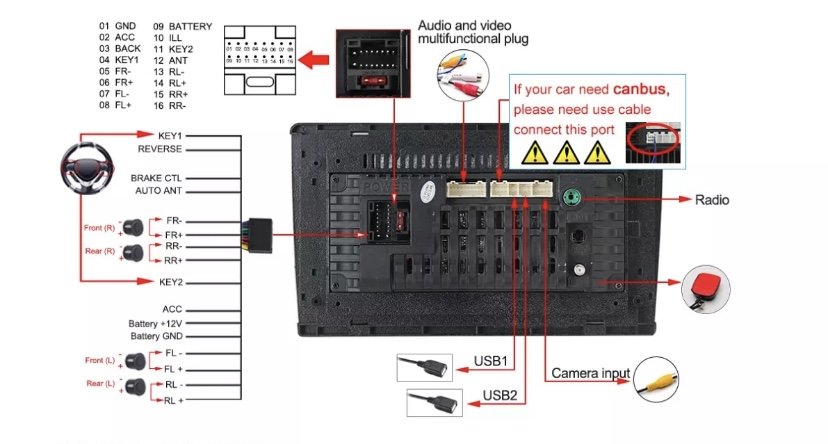
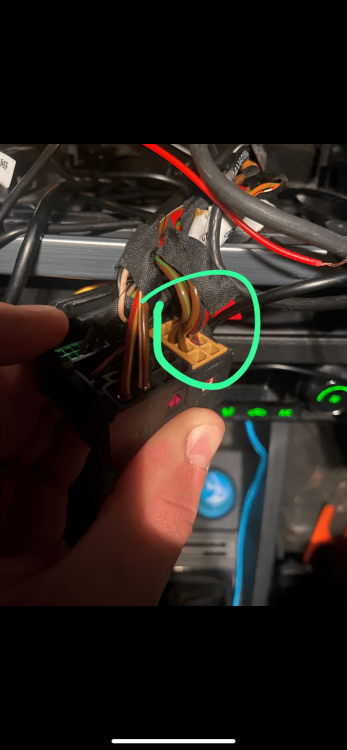
Can someone please tell me which are the rear speakers connection in the stereo harness cable of my Fabia? Because I found a diagram but my harness has only 4 cables for the speakers so I don’t know what cables are which. (I have a skoda fabia ambiente 2016)
-
Yes I have rear speakers and they worked really good with the last head unit and also the unit is capable of outputting the sound
-
So I recently bought a new head unit to my skoda fabia 2016 ambiente, but I just can’t get sound on my rear speakers…. Does someone knows what could be the problem?
-
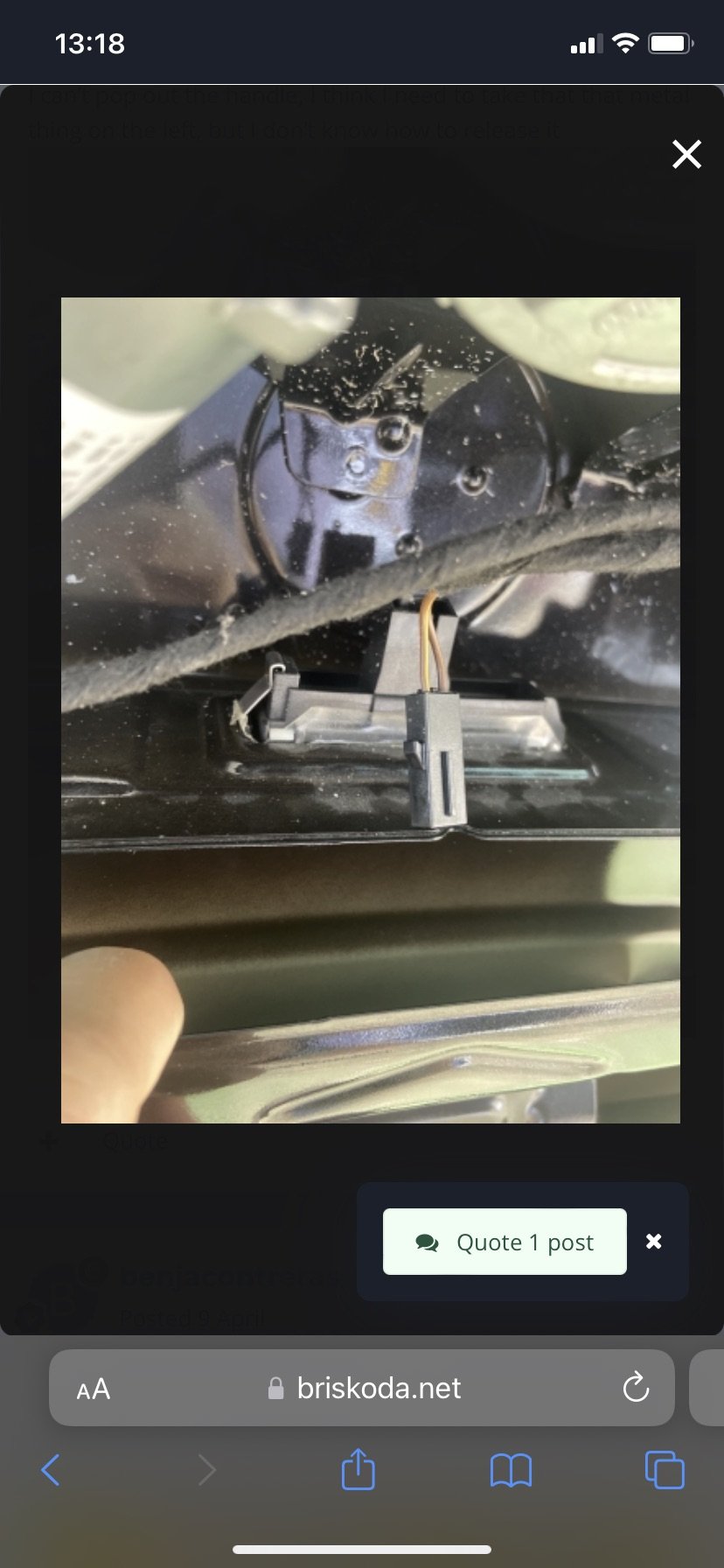
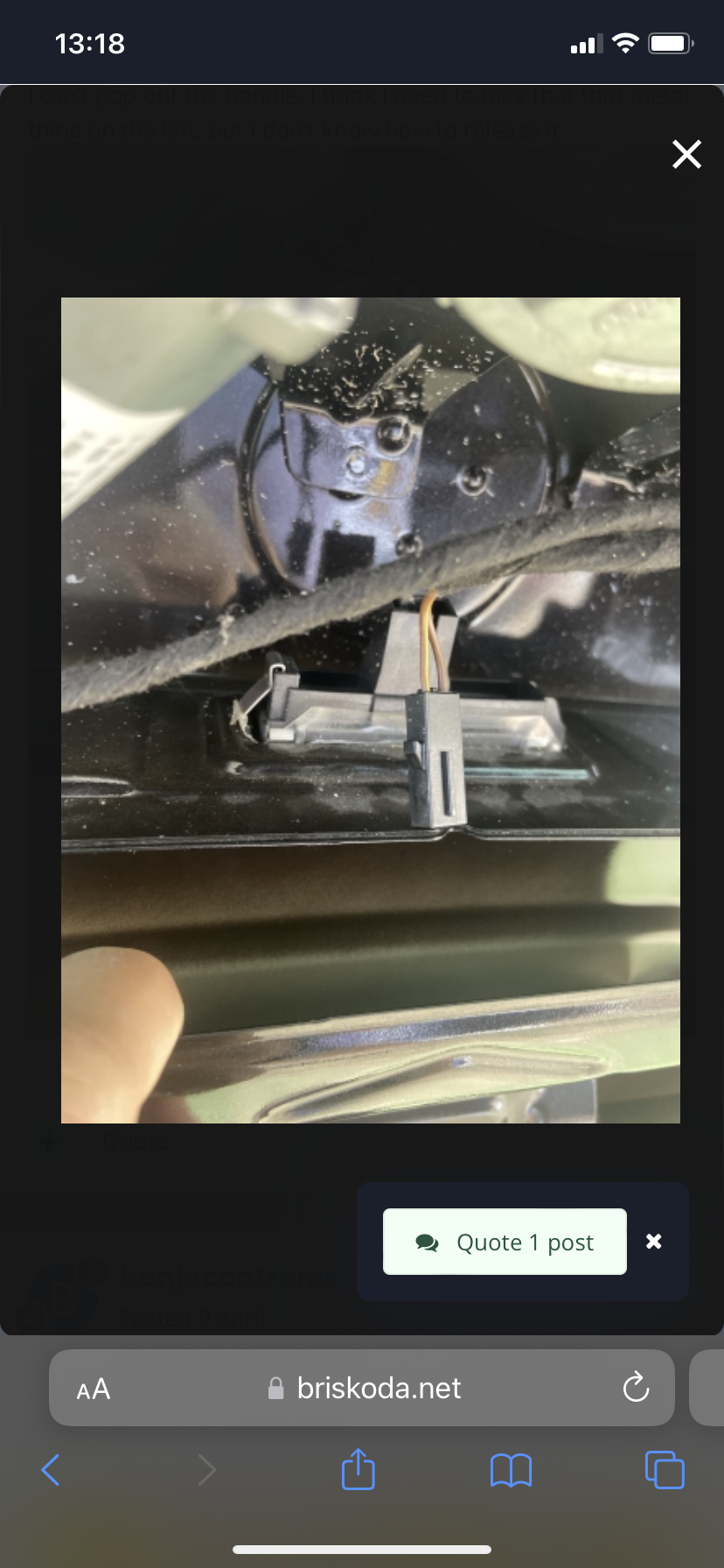
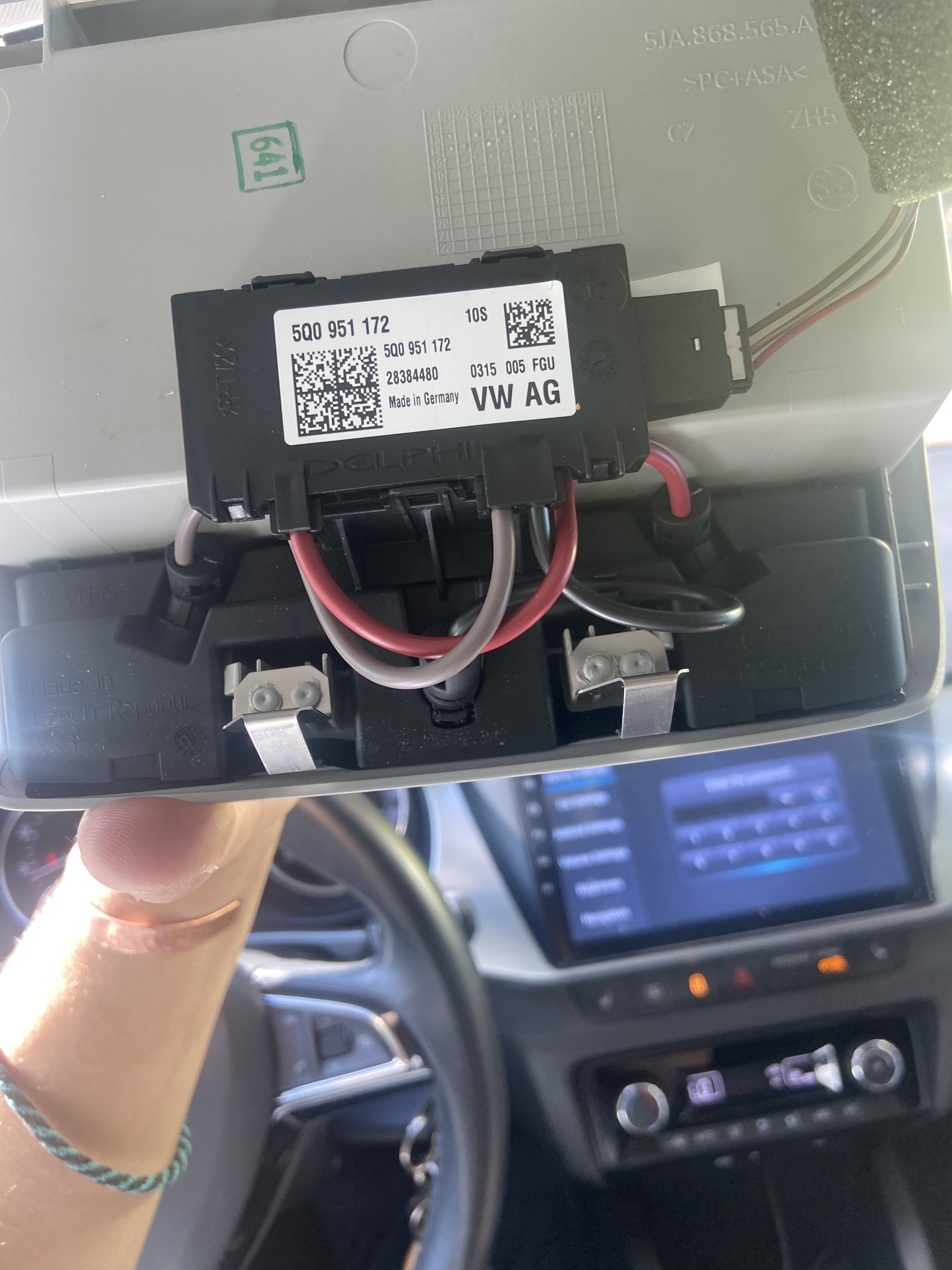
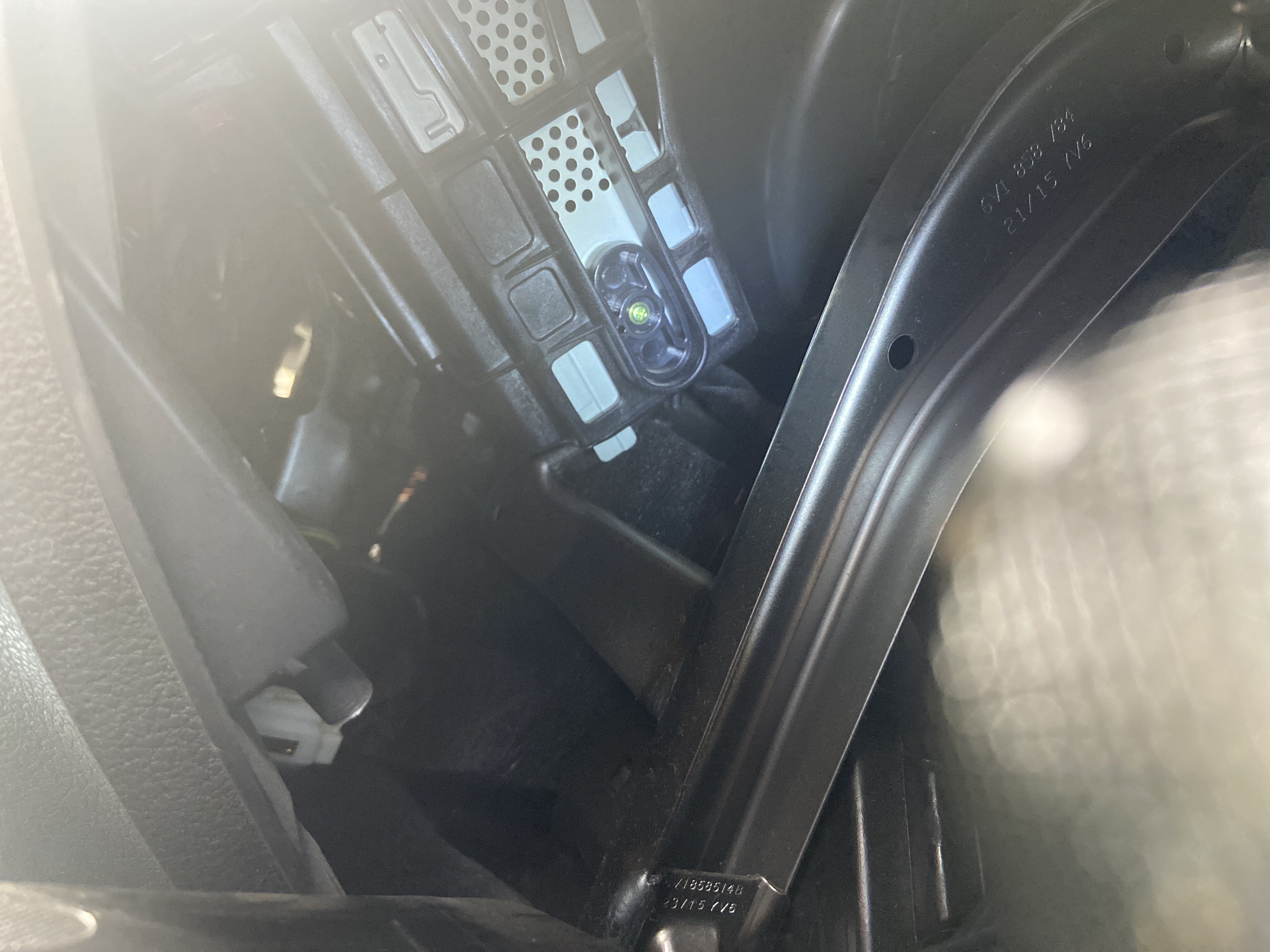
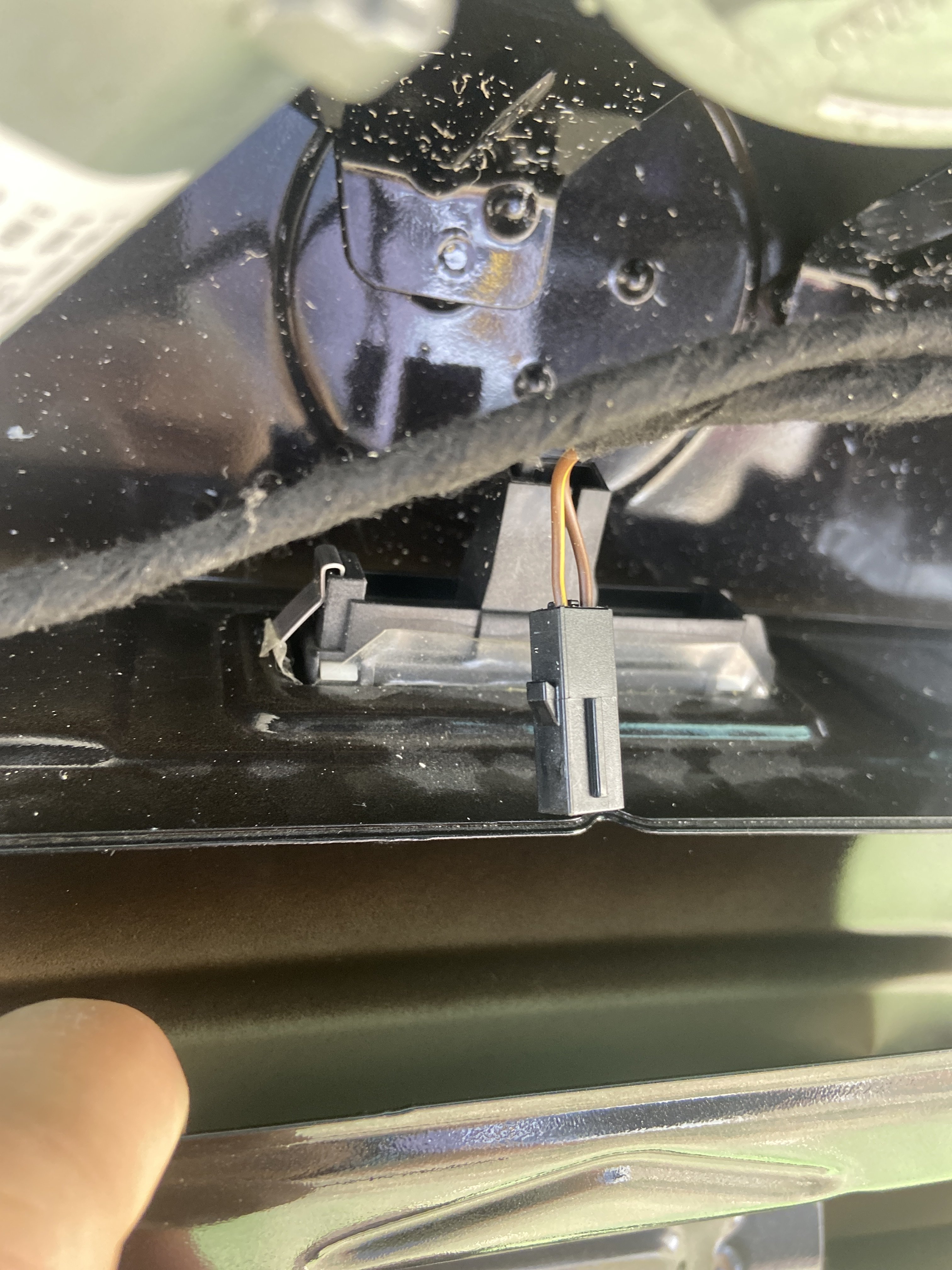
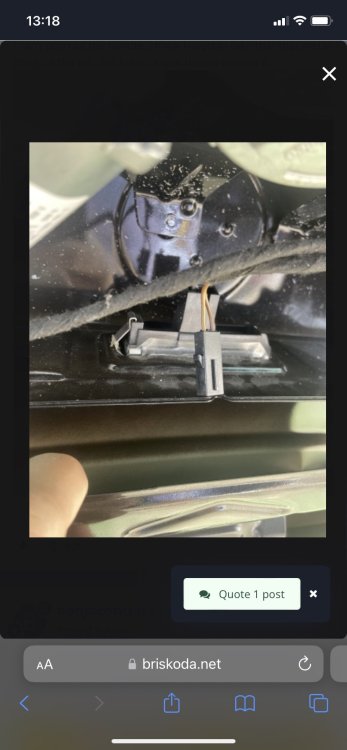
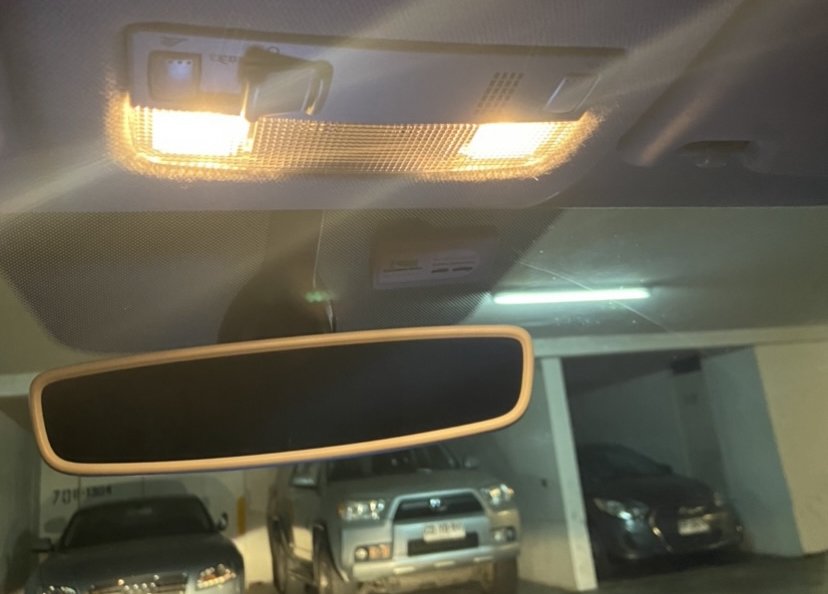
Hello! I am really struggling to find out how to replace the original microphone, how can I take all the headlight out to access in a more convenient way to the microphone? And also, does someone know how to replace the trunk handle and how to wire it back to the stereo? thanks! Benja
-
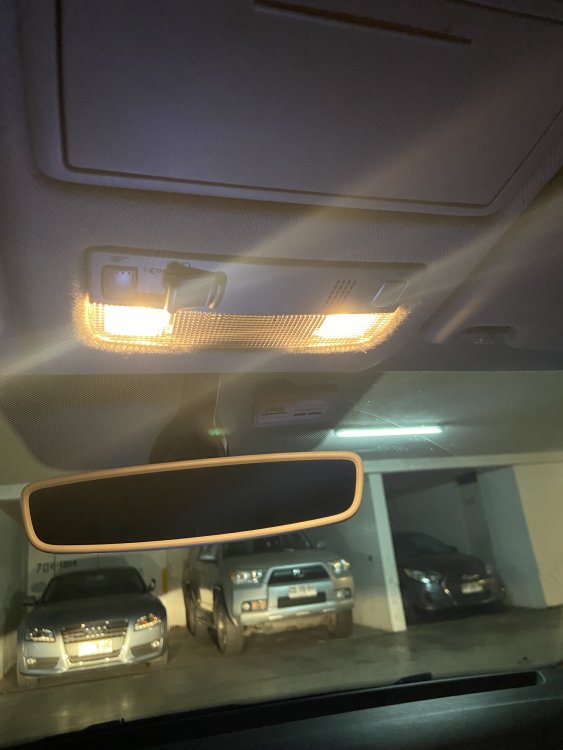
Hello!! How can I take out this part? I want to install a new microphone in the original location but I can’t take this out!
-
-
-
-
-
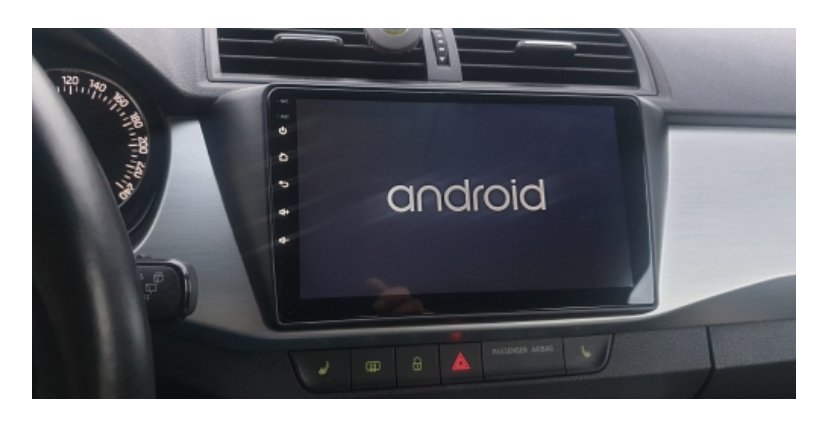
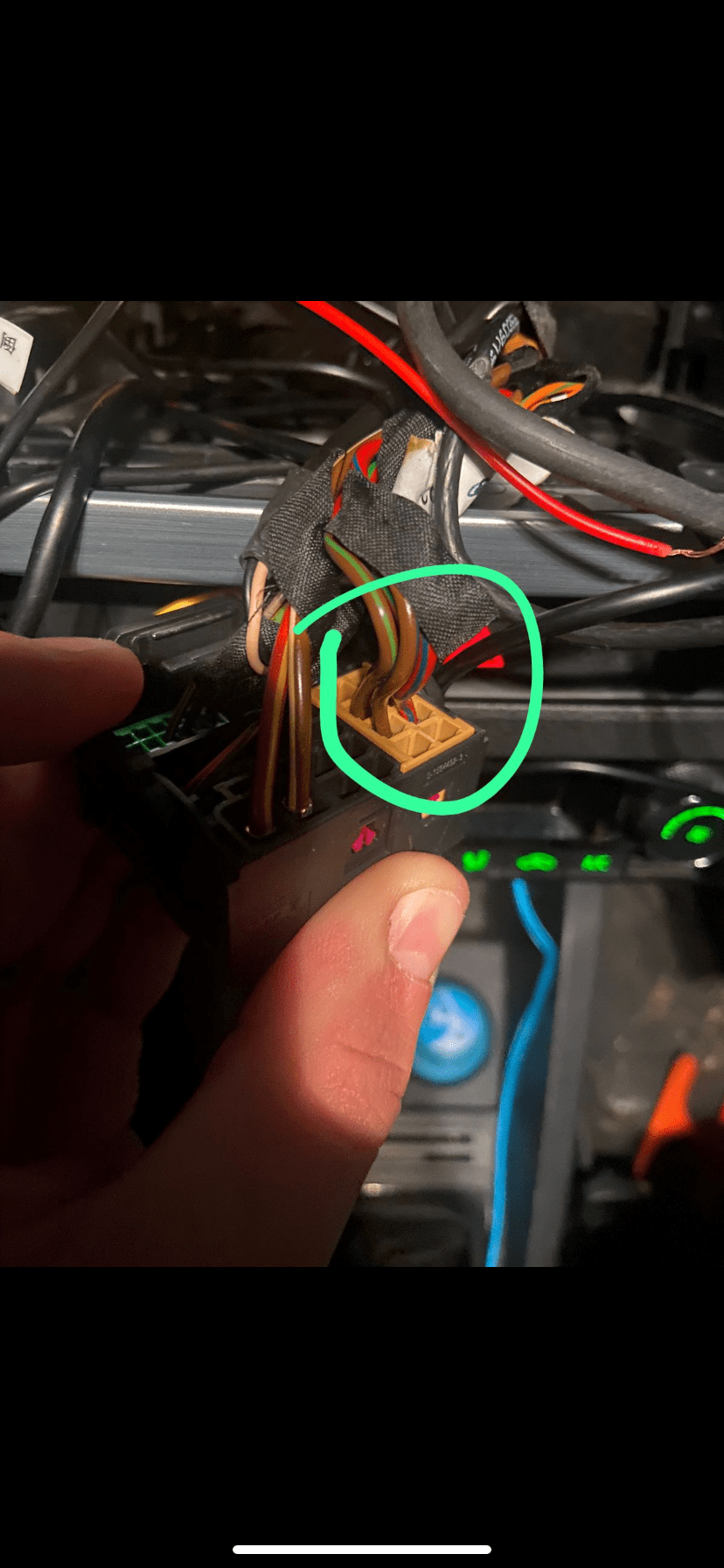
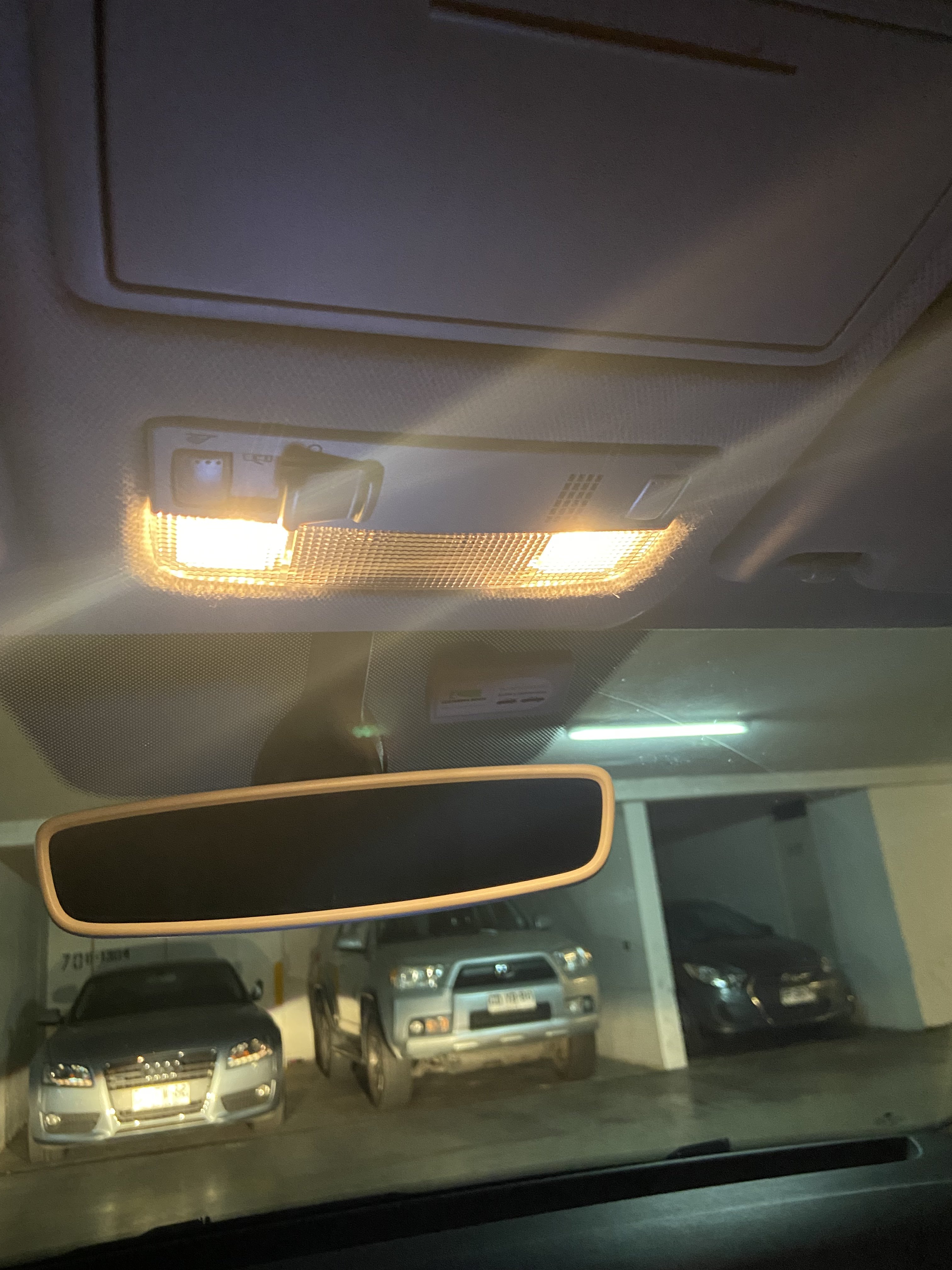
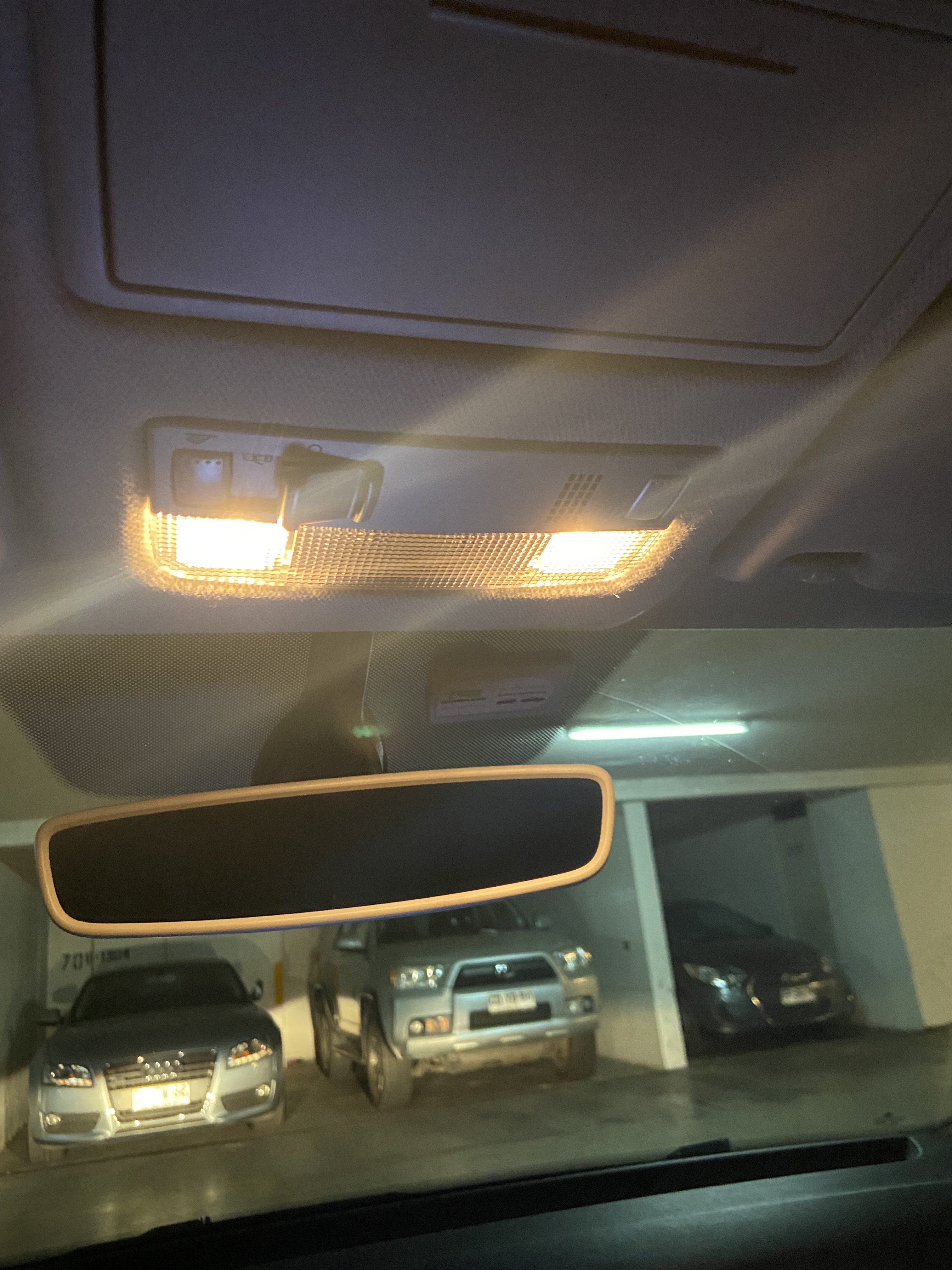
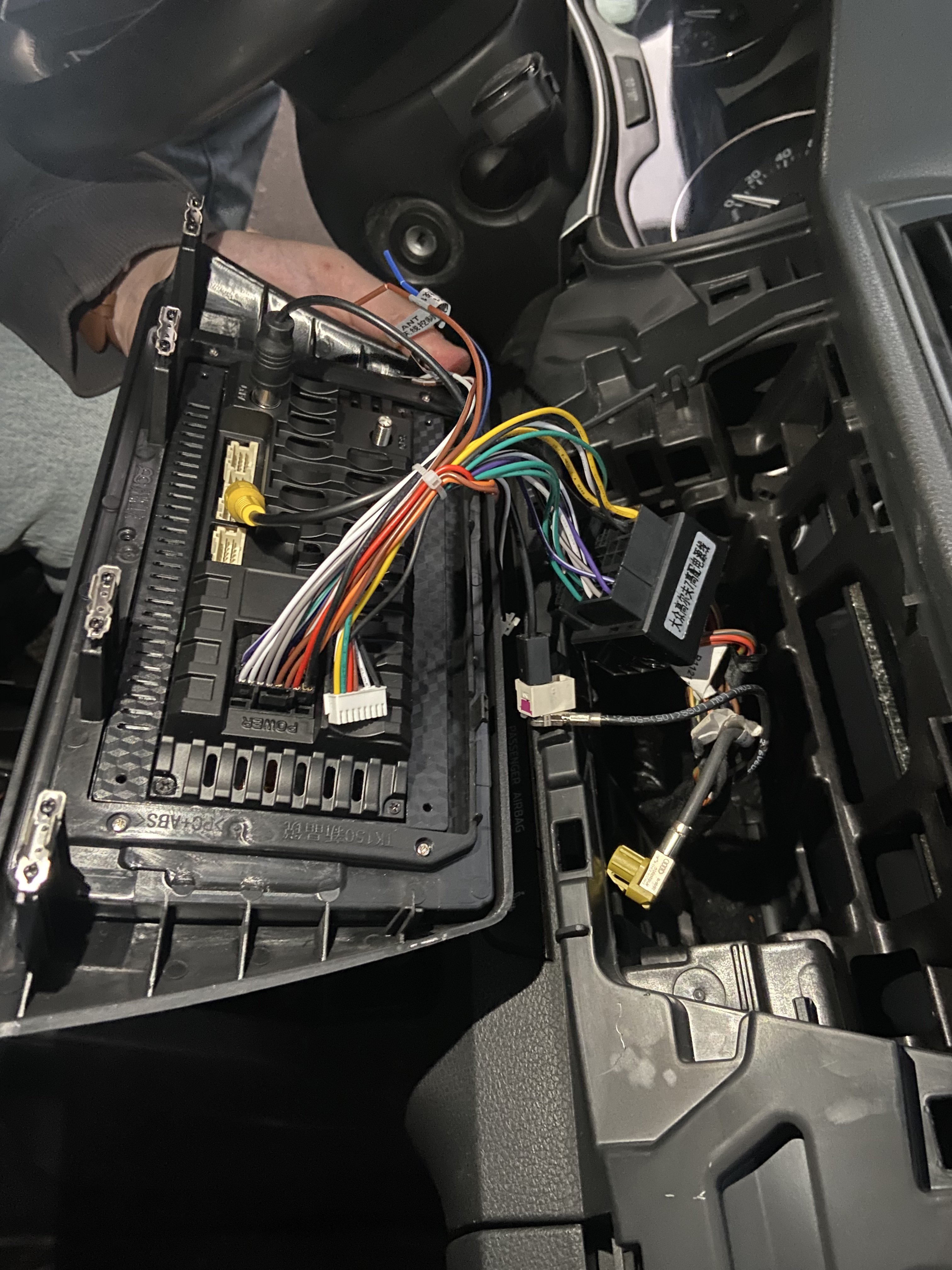
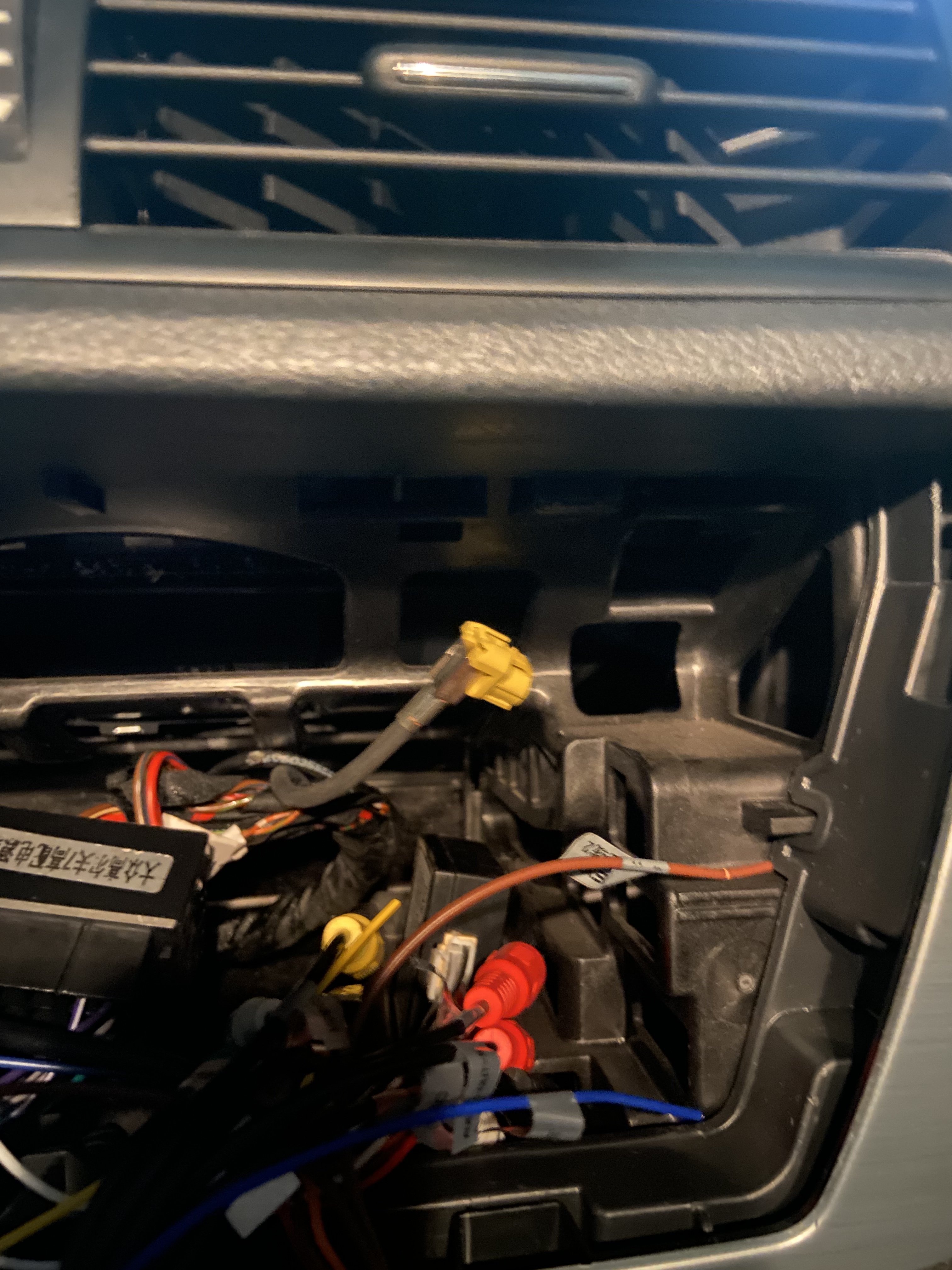
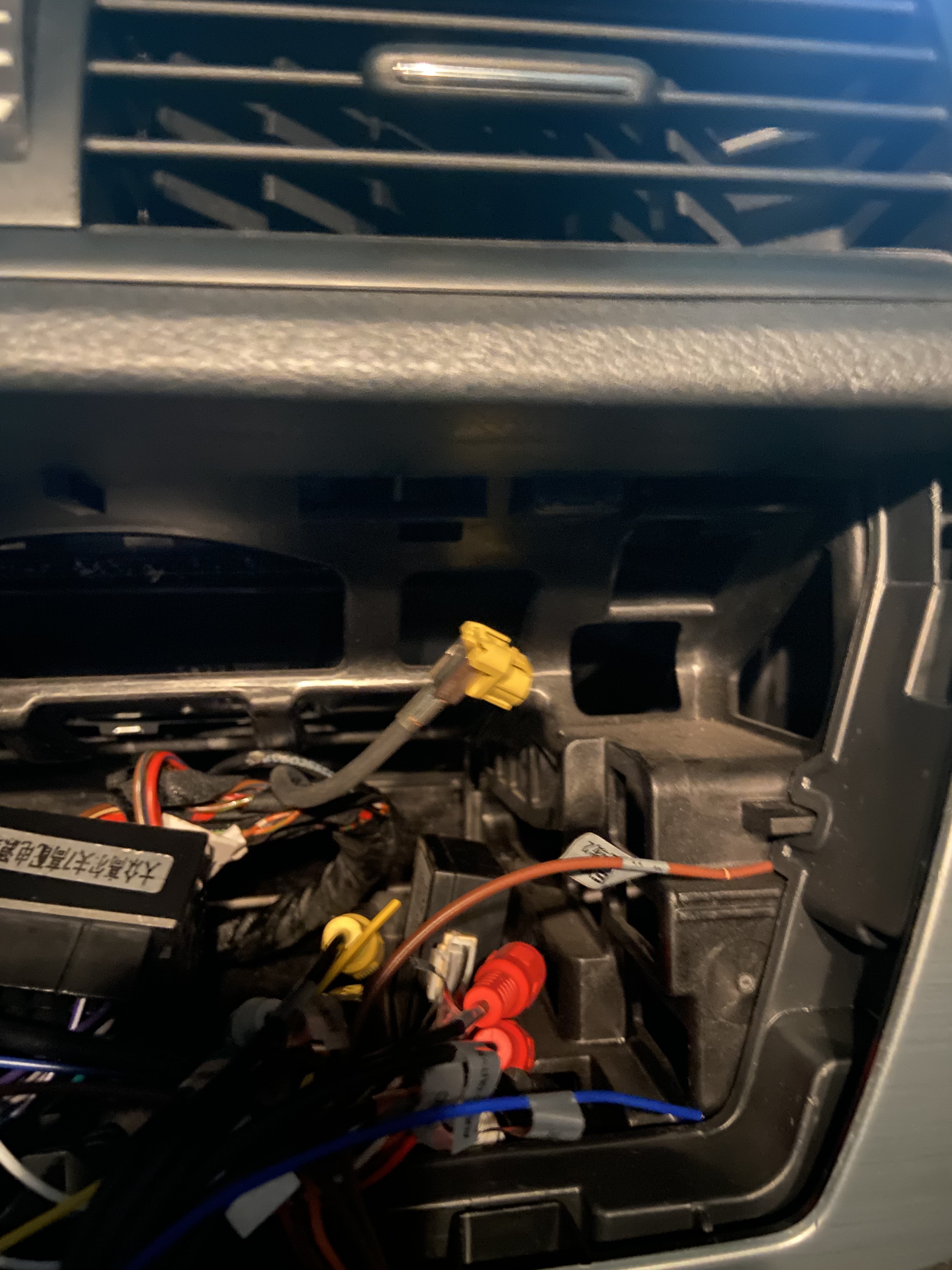
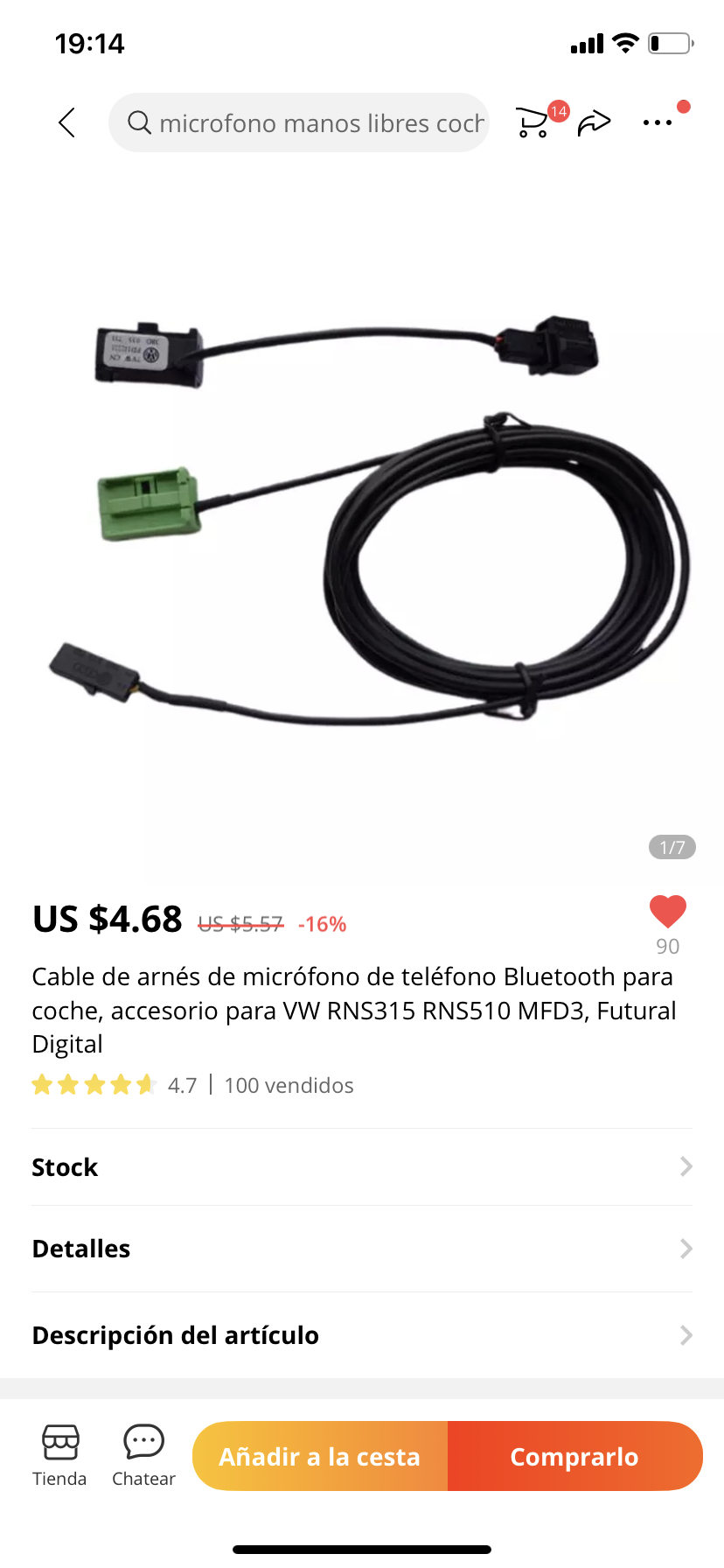
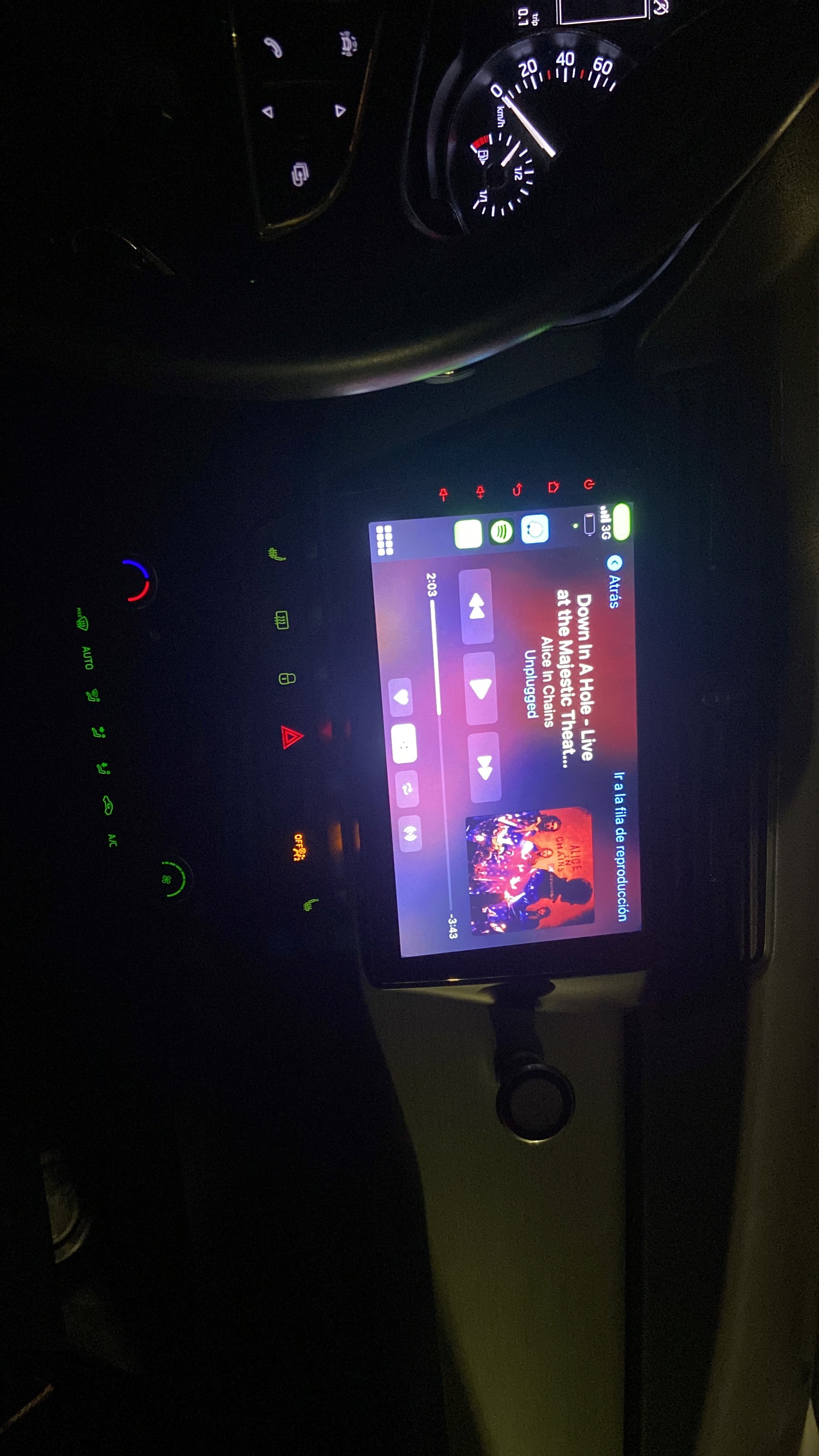
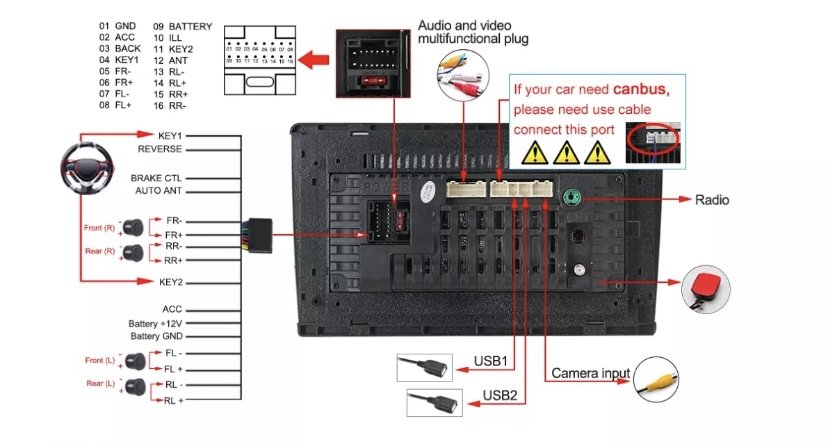
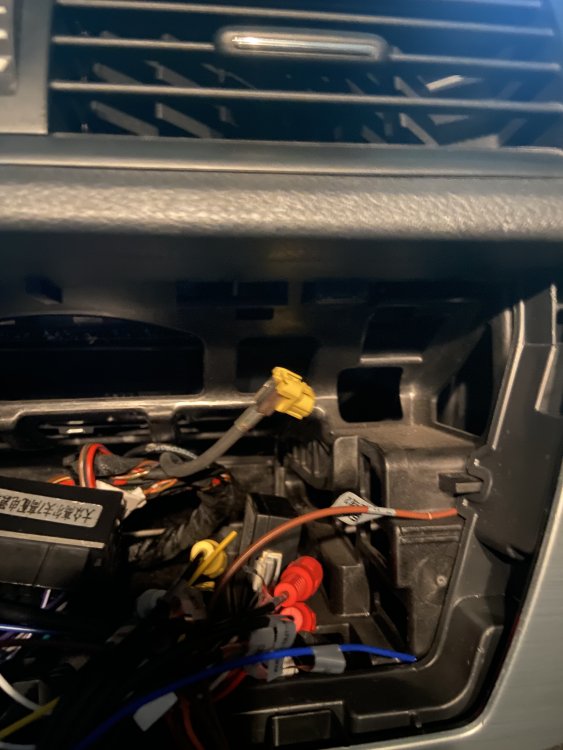
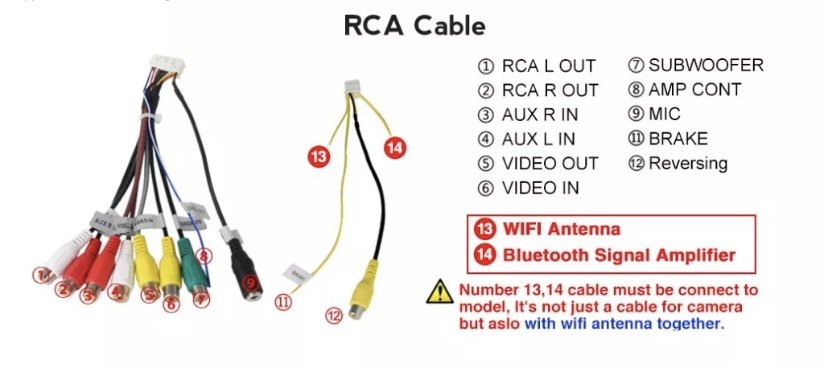
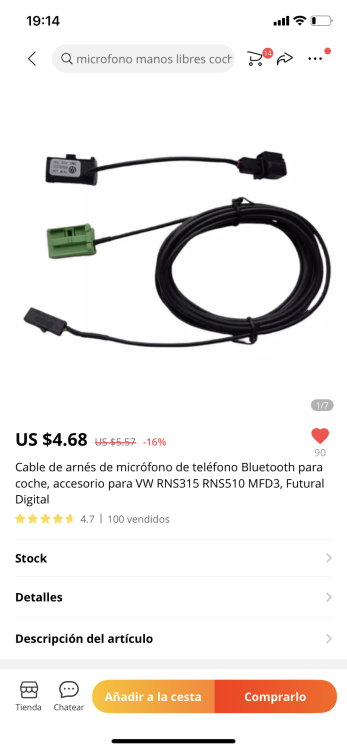
Guys! Good news I could install the stereo it looks amazing! But do you know if it is possible to use skoda original microphone? I know I can buy a microphone through amazon but I think my original skoda microphone was awesome, but I couldn’t get it to work these are the connectors in my stereo (see attached photo) and also I have one cable that I cant connect to my stereo is a yellow one, do you guys think I need any special cable to get the microphone work?
-
-
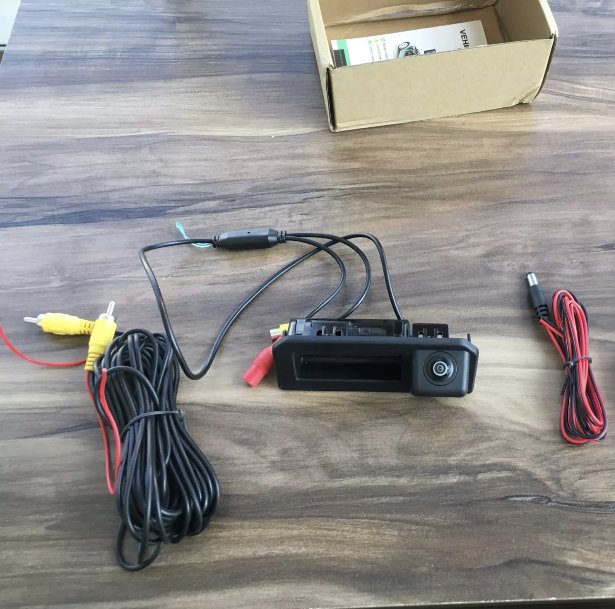
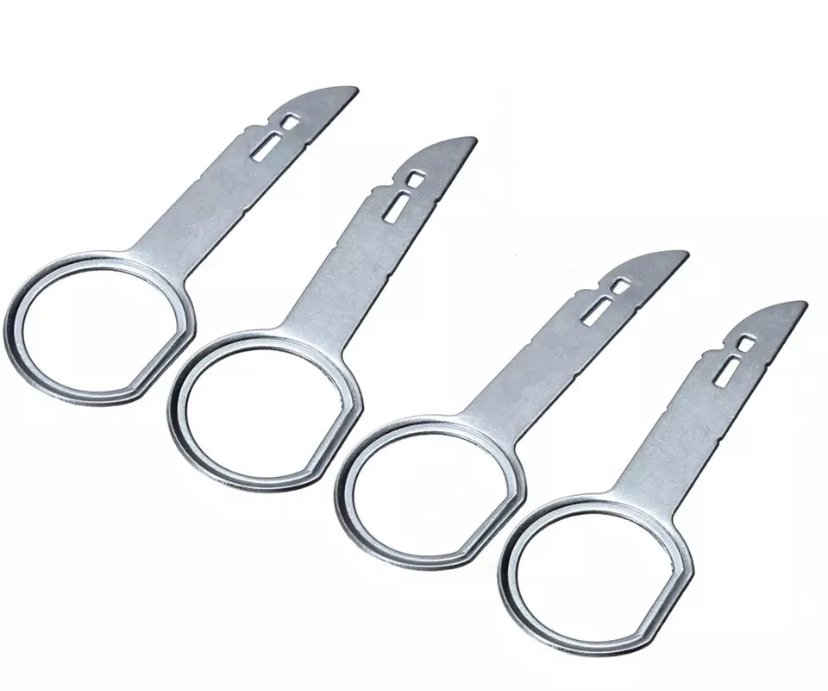
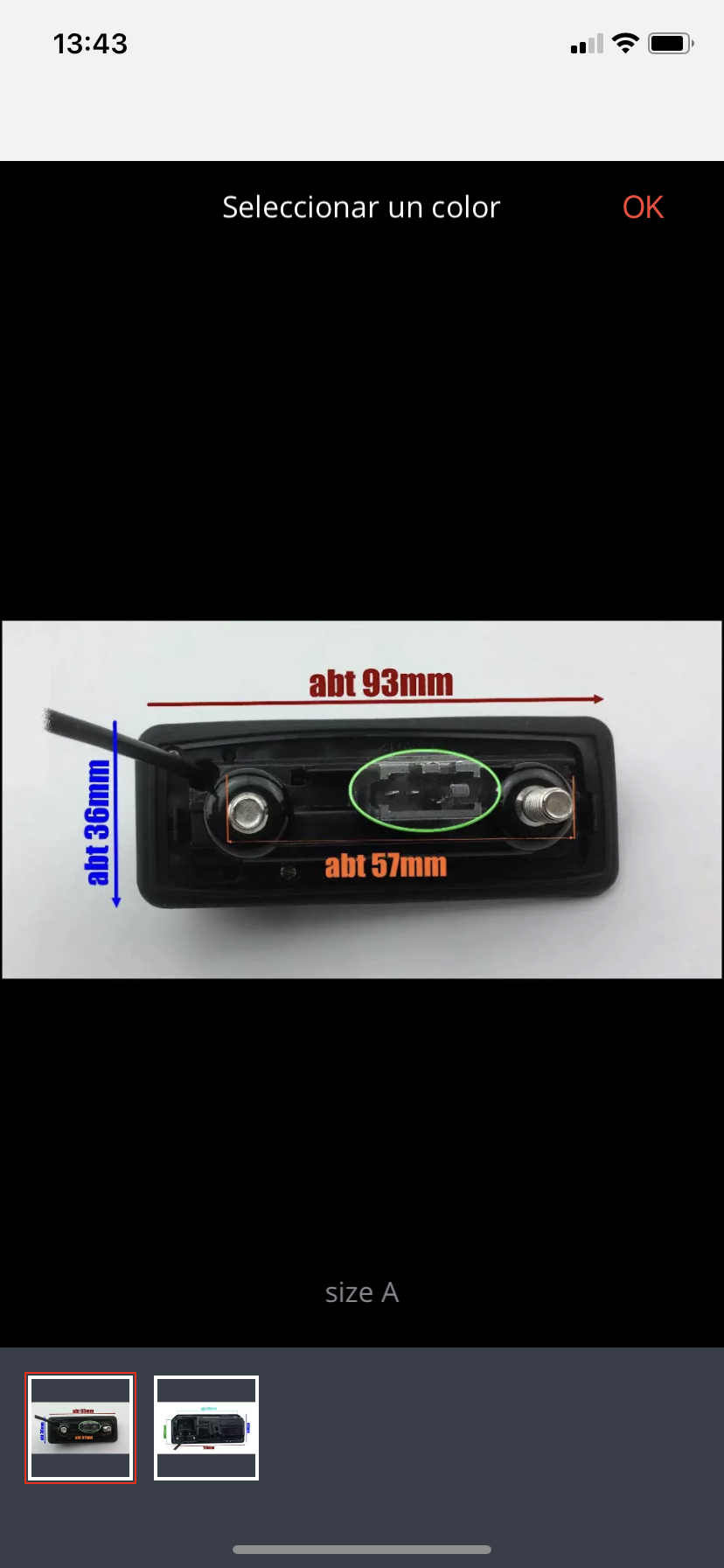
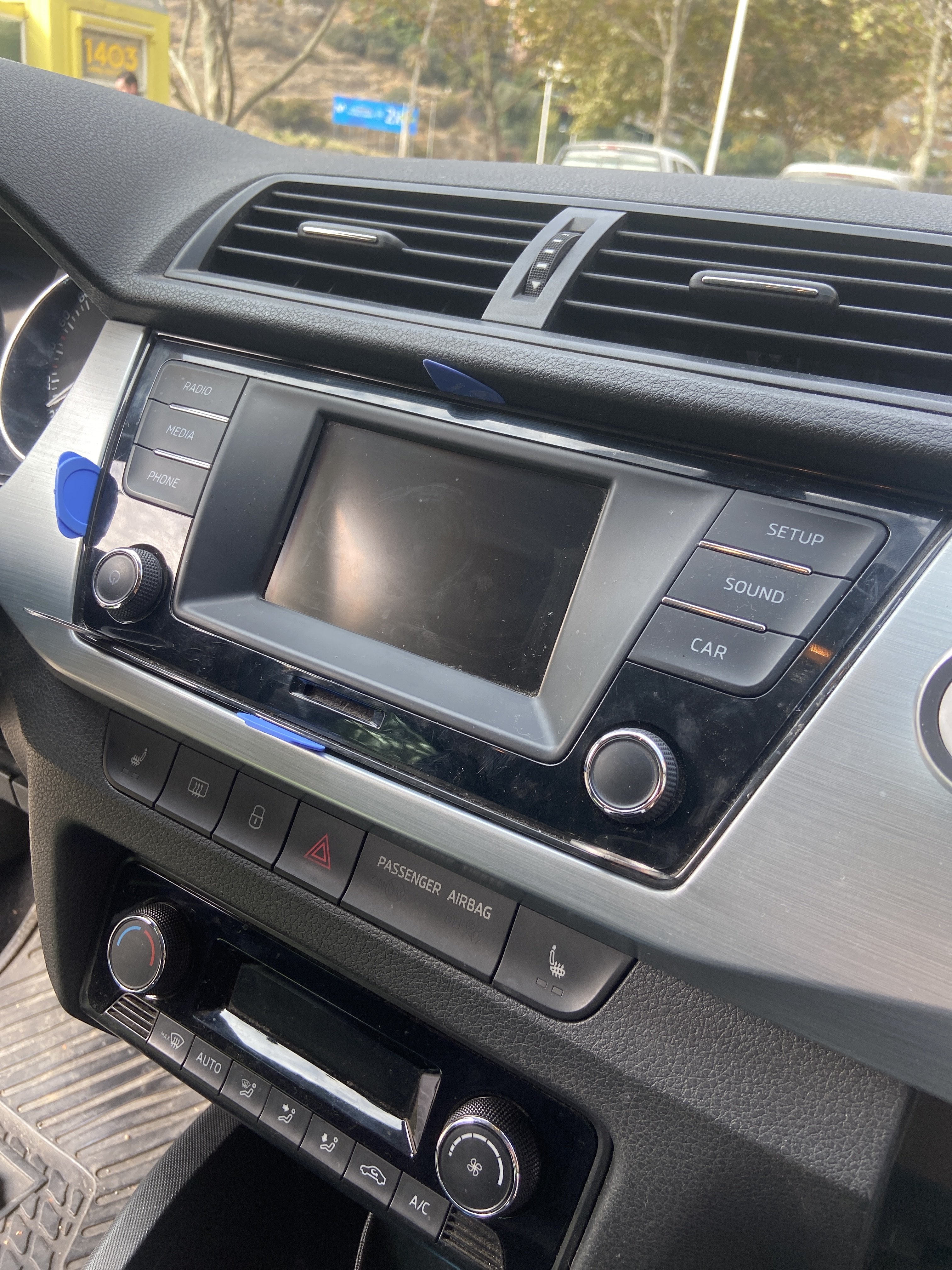
Thanks for the handle! Unfortunately the camera I bought does not fit my Fabia I will buy another one! For the stereo, I have the stereo that needs only two keys and I have tried in all the possibles ways and still can´t get it out, I bought another pair of keys to see if that can work! Thanks for the help!
-
-
-
-
-
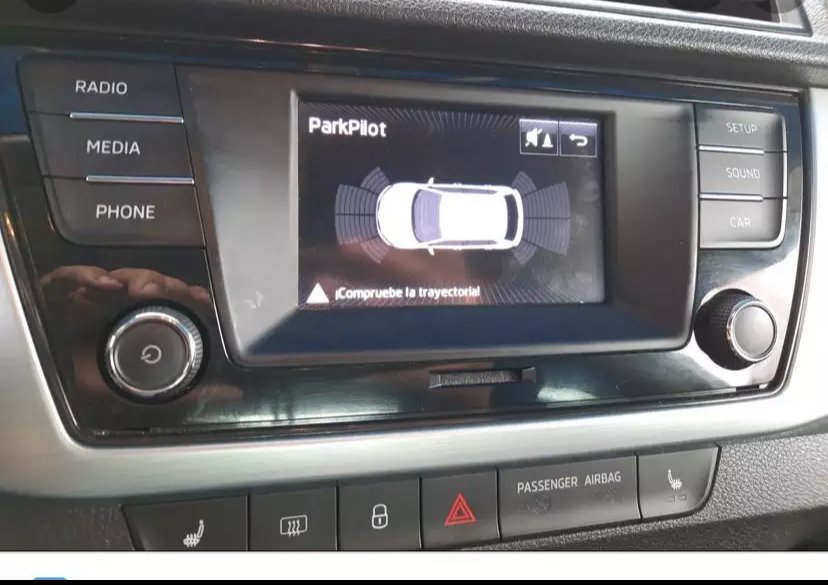
Hi! I have bought a new stereo for my skoda Fabia 2016 ambiente, to have carplay on my fabia. I bought a pair of keys to take out the existing stereo but I can’t get it out (photos attached). Also I bought a reverse camera but I don’t know how to replace it and wire to the reverse. Any help would be appreciate! Ben